
ZOTEK zt-5566se
Zoyi 5566SE Digital Multimeter User Manual
Model: zt-5566se | Brand: ZOTEK
Introduction
This manual provides detailed instructions for the safe and effective operation of your Zoyi 5566SE Digital Multimeter. This versatile instrument combines essential measurement functions with a unique integrated Bluetooth speaker and voice broadcast capabilities, making it suitable for both home and industrial electrical tasks.
Key Features
- Multifunctional Digital Multimeter: Measures AC/DC voltage, resistance, capacitance, temperature, frequency, and performs diode testing.
- Integrated Bluetooth Speaker: Allows audio playback for entertainment or alarms during work.
- Voice Broadcast Function: Announces measurements aloud, enabling focus on the circuit.
- Data Hold: Conveniently stores key measurement results for later review.
- Precise and Reliable Measurements: Features True RMS technology and auto-ranging for accurate readings across wide ranges.
- Durable and Portable Design: Compact, lightweight, and equipped with a backlit LCD for visibility in various lighting conditions.
- Rechargeable Battery: Built-in battery for portability and extended use.
What's in the Box
Upon opening the package, please verify that all components are present and in good condition:
- Zoyi 5566SE Digital Multimeter Unit
- Test Leads (Red and Black)
- USB Charging Cable
- User Manual (this document)

Image: Zoyi 5566SE Multimeter, test leads, USB cable, and user manual.
Setup
1. Initial Charging
Before first use, fully charge the multimeter using the provided USB charging cable. Connect the USB-C end to the multimeter's charging port (DC5V 2A) and the USB-A end to a compatible power source (e.g., computer USB port, wall adapter). The battery indicator on the display will show charging status.

Image: Close-up of the USB-C charging port on the back of the multimeter.
2. Connecting Test Leads
Insert the red test lead into the "V-Ω-Hz" or "mA/A" input jack, depending on the measurement function. Insert the black test lead into the "COM" (common) input jack. Ensure a secure connection.
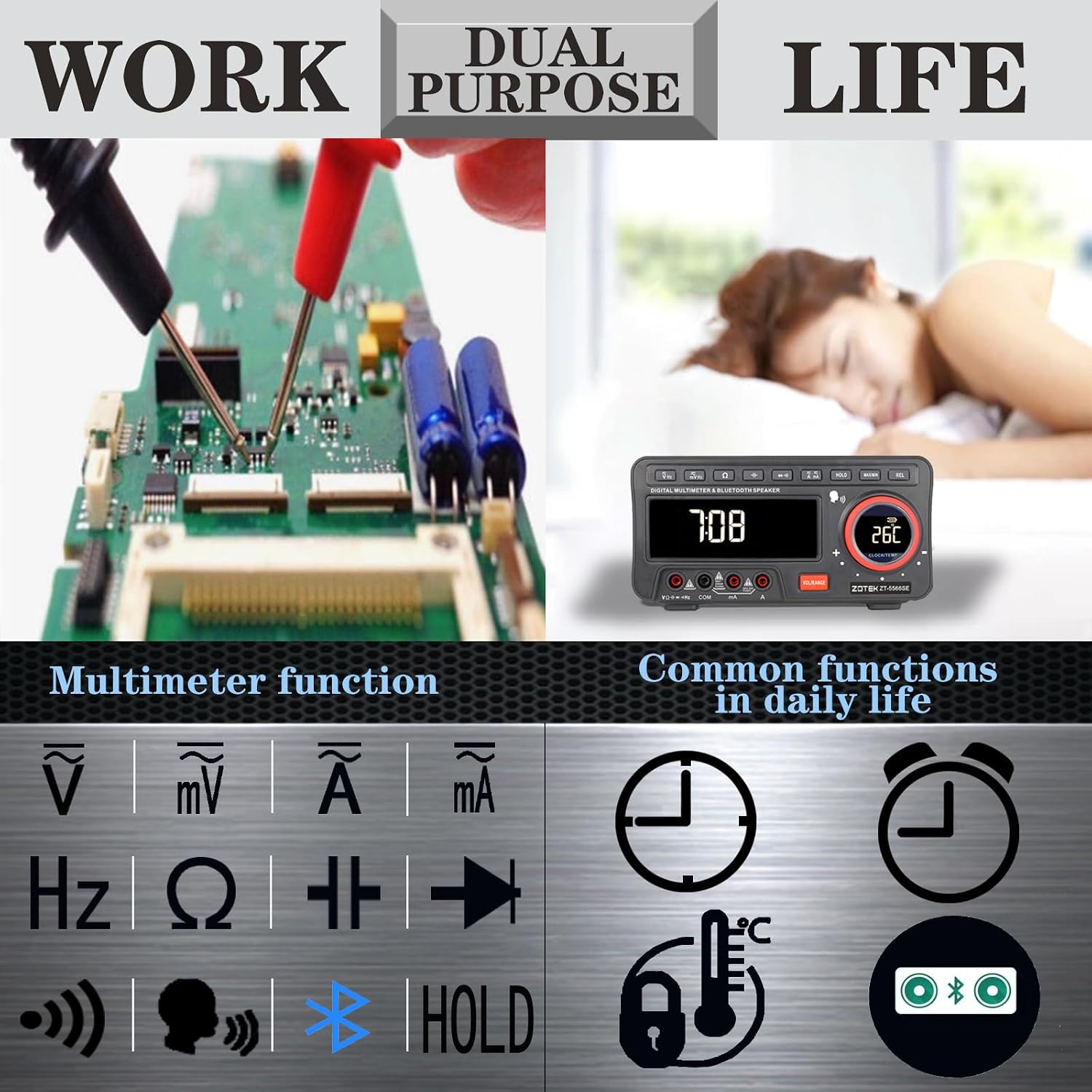
Image: Diagram showing proper connection of red and black test leads to the multimeter's input jacks.
Operating Instructions
Power On/Off
Press the power button to turn the multimeter on or off. The device features an auto-power-off function to conserve battery life if inactive for a period.
Function Selection
Use the function buttons on the top panel to select the desired measurement mode (e.g., AC/DC Voltage, Resistance, Capacitance, Frequency). The large LCD will display the selected mode and measurement results.

Image: Front view of the Zoyi 5566SE Multimeter, highlighting the large digital display and control buttons.
Voice Broadcast Function
To activate voice broadcast, press the dedicated voice broadcast button (often integrated into the test lead or on the unit itself). The multimeter will audibly announce the current measurement value. Release the button to stop the broadcast. This feature is particularly useful when visual access to the display is limited.

Image: Illustration demonstrating the voice broadcast function, showing a user pressing a button on the test lead to hear the measurement.
Bluetooth Speaker Operation
The Zoyi 5566SE features a built-in Bluetooth speaker. To connect, ensure the multimeter is powered on. On your mobile device, search for "DMM music" in your Bluetooth settings and pair. Once connected, you can play audio through the multimeter's speaker. The speaker is located on the side of the unit.

Image: Close-up of the side of the multimeter, showing the integrated Bluetooth speaker grille.
Measurement Examples
- Voltage Measurement: Select AC V or DC V mode. Connect test leads in parallel to the circuit.
- Resistance Measurement: Select Ω mode. Ensure circuit is de-energized. Connect test leads across the component.
- Capacitance Measurement: Select F mode. Ensure capacitor is discharged. Connect test leads across the capacitor.
- Frequency Measurement: Select Hz mode. Connect test leads to the signal source.
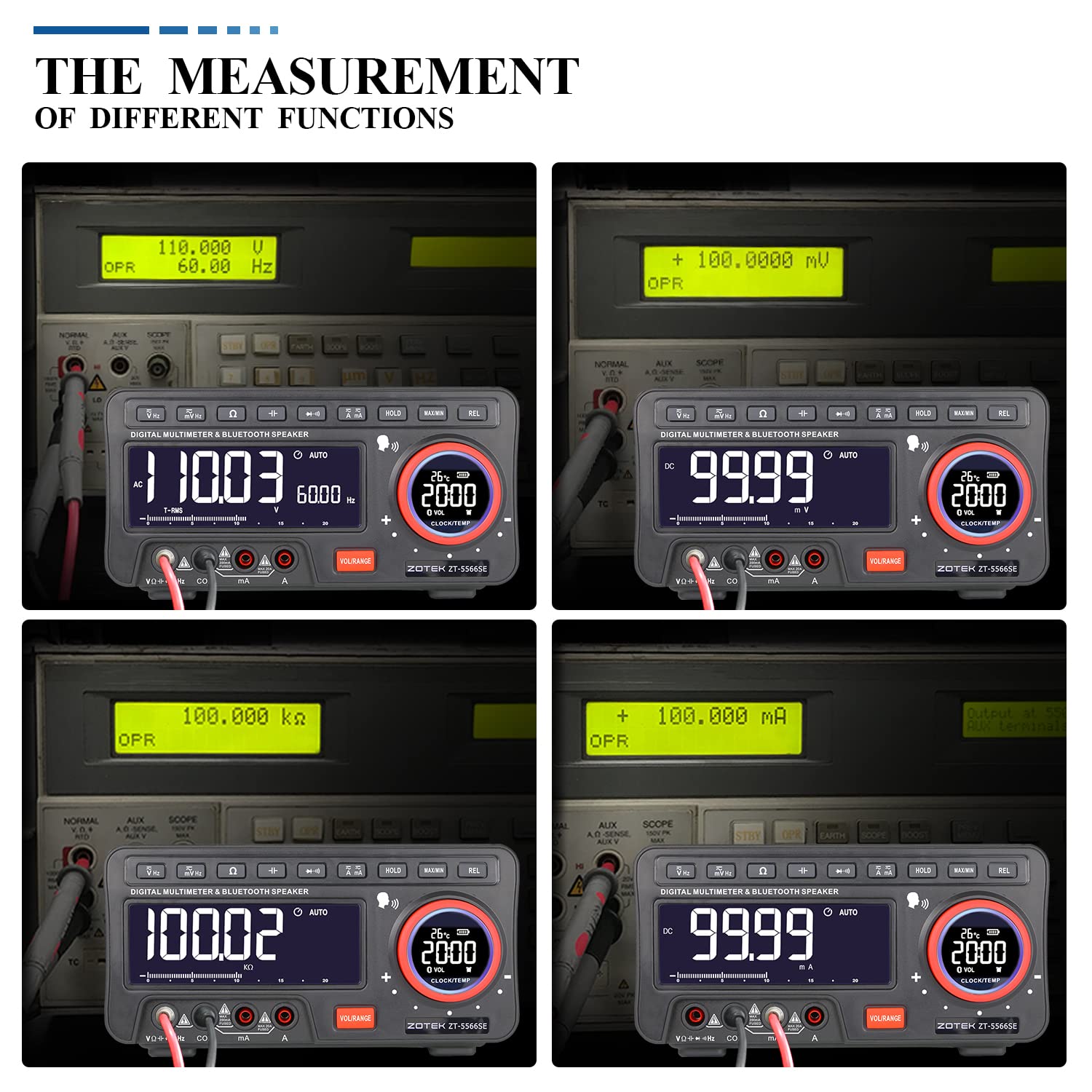
Image: Four panels showing the multimeter displaying different measurement types: AC Voltage, DC Voltage, Resistance, and Current.
Maintenance
- Cleaning: Use a soft, damp cloth to clean the exterior of the multimeter. Do not use abrasive cleaners or solvents.
- Battery Care: Recharge the battery regularly to maintain its lifespan. Avoid fully discharging the battery for extended periods.
- Storage: Store the multimeter in a cool, dry place away from direct sunlight and extreme temperatures.
- Test Lead Inspection: Periodically inspect test leads for any signs of damage, such as cracks or frayed insulation. Replace damaged leads immediately.

Image: Rear view of the multimeter, showing the battery compartment cover and a warning about removing test leads before opening the case.
Troubleshooting
| Problem | Possible Cause | Solution |
|---|---|---|
| Multimeter does not power on. | Low or depleted battery. | Charge the multimeter fully using the provided USB cable. |
| Inaccurate readings. | Incorrect function selected; damaged test leads; environmental interference. | Verify the correct function is selected. Inspect and replace test leads if damaged. Move away from strong electromagnetic fields. |
| Bluetooth speaker not connecting. | Multimeter not in pairing mode; incorrect device selected. | Ensure multimeter is on. On your device, search for "DMM music" and pair. Restart both devices if necessary. |
| Voice broadcast not working. | Voice broadcast function not activated; low volume. | Press the voice broadcast button. Adjust the volume using the volume controls on the multimeter. |
Specifications
| Parameter | Value |
|---|---|
| Product Dimensions | 9 x 5.9 x 6.1 inches |
| Item Weight | 1.93 Pounds |
| Model Number | zt-5566se |
| Brand | ZOTEK |
| Power Source | Battery Powered |
| Style | Digital |
| Manufacturer | ZOYI |

Image: A table showing detailed technical specifications including measurement ranges and accuracy for the multimeter.
Warranty and Support
For detailed warranty information and customer support, please refer to the official ZOTEK website or contact their customer service. A comprehensive PDF user manual is also available for download:
Download Full User Manual (PDF)
For additional product information and support, visit the ZOTEK Store on Amazon.
Related documentszt-5566se


Ask a question about this manual
Ask about setup, troubleshooting, compatibility, parts, safety, or missing instructions. Manuals+ will review the question and use this page’s manual context to help answer it.