
KLIM Boombox B4
KLIM Boombox B4 Portable CD Player User Manual
Model: Boombox B4
Introduction
Thank you for choosing the KLIM Boombox B4. This portable audio system offers versatile playback options including CD, MP3, AM/FM Radio, Bluetooth, AUX, and USB. It features a built-in rechargeable battery and comes with a remote control for convenient operation. This manual provides detailed instructions for setup, operation, and maintenance to ensure optimal performance and longevity of your device.
Product Overview
The KLIM Boombox B4 is designed for ease of use and portability, allowing you to enjoy your audio content anywhere.
Key Features
- CD Player: Supports standard audio CDs and MP3 CDs.
- AM/FM Radio: Digital tuner with automatic station scanning and preset storage.
- Bluetooth Connectivity: Wirelessly connect to compatible devices.
- USB Playback: Play MP3 files from a USB flash drive.
- AUX Input: Connect external audio devices via a 3.5mm audio cable.
- Rechargeable Battery: Built-in battery for portable use.
- Remote Control: Full-function remote for convenient operation.
- Digital Equalizer: Adjust sound profiles.
- Autosleep Function: Timer to automatically power off the device.
Controls and Ports
Familiarize yourself with the main components and controls of your KLIM Boombox B4.

Image 1: Front view of the KLIM Boombox B4, highlighting the remote control, digital equalizer button, and the 3W high-quality speakers.

Image 2: Close-up view of the KLIM Boombox B4's side panel, showing the USB port and AUX input jack.

Image 3: The KLIM Boombox B4 shown in a home environment, illustrating its minimalistic and elegant design that fits various room decors.
Video 1: An overview of the KLIM Boombox B4, demonstrating its various features including CD, MP3, radio, USB, AUX, and Bluetooth connectivity.
Setup
- Unpacking: Carefully remove the boombox and all accessories from the packaging. Ensure all components are present: KLIM Boombox B4 unit, remote control, and power adapter.
- Power Connection:
- For AC power, connect the provided power adapter to the "AC IN" port on the back of the boombox and then plug it into a standard wall outlet.
- The internal rechargeable battery will begin charging automatically.
- Initial Charge: For optimal battery life, it is recommended to fully charge the boombox before its first portable use. The charging indicator light will show the charging status.
- Antenna Adjustment: Extend the telescopic antenna for better FM/AM radio reception.
- Remote Control: Insert the included batteries into the remote control, observing correct polarity.
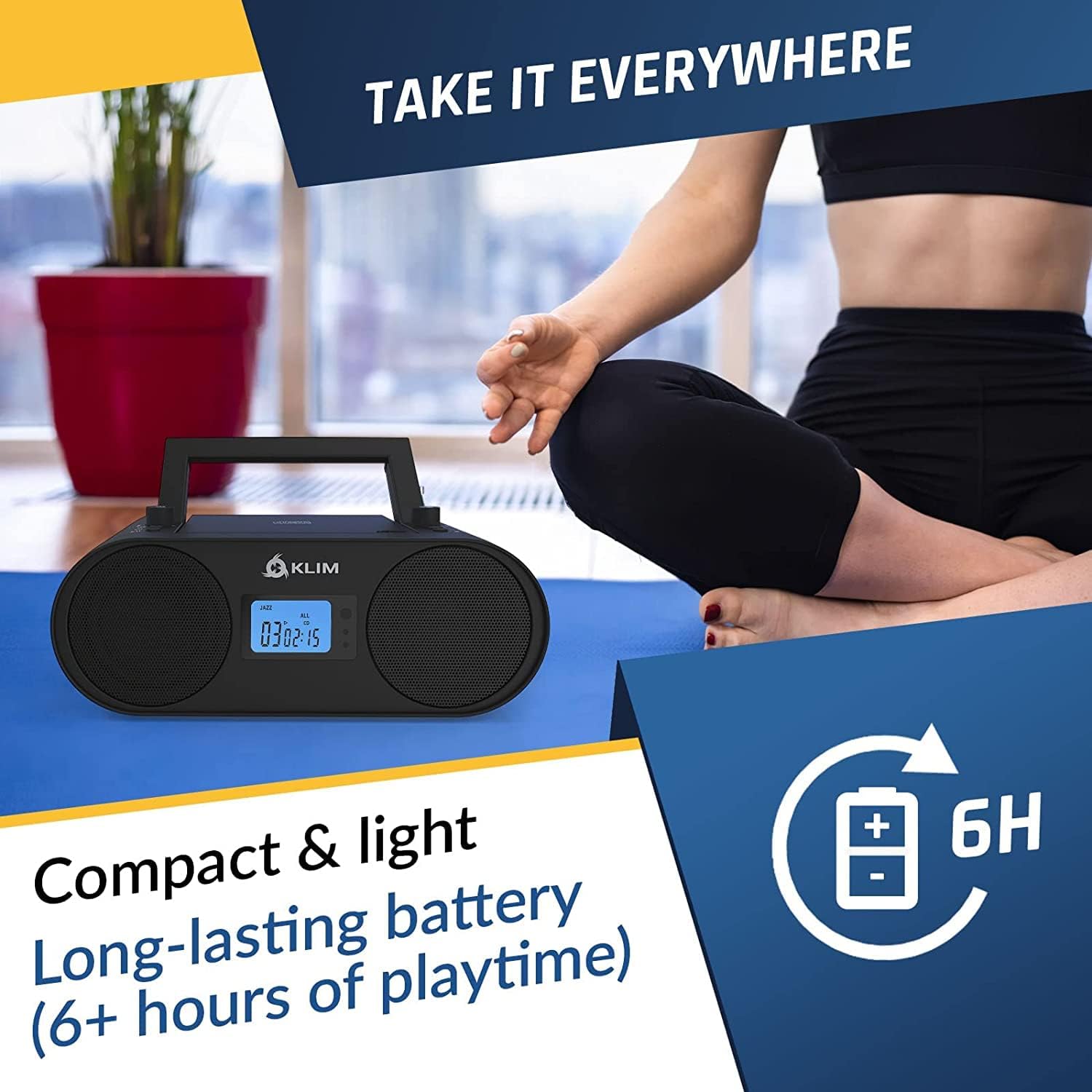
Image 4: The KLIM Boombox B4 shown in a portable setting, emphasizing its compact and light design with long-lasting battery life (6+ hours).
Operating Instructions
Power On/Off
- Press the POWER button on the unit or remote control to turn the boombox on or off.
Volume Control
- Adjust the volume using the VOLUME knob on the unit or the V+ / V- buttons on the remote control.
Mode Selection
- Press the MODE button on the unit or remote control to switch between CD, FM/AM Radio, Bluetooth, AUX, and USB modes.
CD Playback
- Open the CD compartment lid.
- Place a CD (audio CD or MP3 CD) onto the spindle with the label side facing up.
- Close the CD compartment lid securely.
- Select CD mode using the MODE button.
- The CD will begin playing automatically. Use the PLAY/PAUSE, SKIP, and STOP buttons for control.
- Press REP for repeat functions (repeat one, repeat all).
AM/FM Radio
- Extend the telescopic antenna for optimal reception.
- Select RADIO mode using the MODE button.
- Press the SCAN button (or similar on remote) to automatically scan and save available stations. The boombox can save up to 20 stations.
- Use the CH+ / CH- buttons to navigate through saved preset stations.
- For manual tuning, use the TUNING knob or corresponding buttons on the remote.
Bluetooth Connectivity
- Select BLUETOOTH mode using the MODE button. The display will show "BT" and an indicator will flash, signifying pairing mode.
- On your external device (smartphone, tablet, etc.), enable Bluetooth and search for available devices.
- Select "KLIM Boombox B4" from the list of devices.
- Once paired, the boombox will emit a confirmation sound, and the Bluetooth indicator will stop flashing.
- You can now play audio from your connected device through the boombox.
USB Playback
- Insert a USB flash drive containing MP3 audio files into the USB port.
- Select USB mode using the MODE button.
- The boombox will automatically detect and begin playing MP3 files from the USB drive.
- Use the PLAY/PAUSE, SKIP, and STOP buttons for control.
AUX Input
- Connect an external audio device (e.g., smartphone, MP3 player) to the AUX IN port using a 3.5mm audio cable (not included).
- Select AUX mode using the MODE button.
- Audio from your external device will now play through the boombox speakers. Control playback from your external device.
Digital Equalizer (EQ)
- Press the EQ button on the unit or remote control to cycle through different equalizer presets (e.g., Jazz, Pop, Rock, Classic, Flat) to adjust the sound profile.
Autosleep Function
- Press the SLEEP button (often represented by a clock icon) on the remote control to set a timer for the boombox to automatically power off. Repeated presses will cycle through available sleep times.
Maintenance
- Cleaning: Use a soft, dry cloth to clean the exterior of the boombox. Do not use abrasive cleaners or solvents.
- CD Lens Care: If CD playback issues occur, use a specialized CD lens cleaning disc to clean the laser lens. Do not touch the lens directly.
- Storage: When not in use for extended periods, store the boombox in a cool, dry place away from direct sunlight and extreme temperatures.
- Battery Care: To maintain the rechargeable battery's health, avoid fully discharging it frequently. Charge it regularly, even if not in constant use.
Troubleshooting
| Problem | Possible Cause | Solution |
|---|---|---|
| No power | Power adapter not connected; Battery discharged. | Ensure power adapter is securely connected to the unit and wall outlet. Charge the battery. |
| CD not playing / Skipping | CD inserted incorrectly; CD is dirty or scratched; Laser lens is dirty. | Reinsert CD correctly. Clean or replace CD. Use a CD lens cleaner. |
| Poor radio reception | Antenna not extended; Weak signal. | Fully extend the telescopic antenna. Reposition the unit for better reception. |
| Bluetooth not pairing | Boombox not in pairing mode; Device too far; Device already paired with another unit. | Ensure boombox is in Bluetooth mode and indicator is flashing. Move device closer. Disconnect from other Bluetooth devices. |
| USB not playing | USB drive not inserted correctly; Incompatible file format; USB drive corrupted. | Reinsert USB drive. Ensure files are in MP3 format. Try a different USB drive. |
| Low sound output | Volume too low; EQ setting. | Increase volume on both the boombox and the connected device (if using AUX/Bluetooth). Adjust EQ settings. |
Specifications
| Product Dimensions | 7.87 x 8.86 x 4.92 inches |
| Item Weight | 5.68 pounds |
| Model Number | Boombox B4 |
| Brand | KLIM |
| Connectivity Technology | Auxiliary, Bluetooth, USB |
| Speaker Type | Stereo |
| Color | Black |
| Power Source | AC Power Adapter, Rechargeable Internal Battery |
Warranty and Support
This KLIM Boombox B4 is a renewed product. Renewed products are professionally inspected and tested to work and look like new by Amazon-qualified suppliers.
If you are not satisfied with your purchase, renewed products are eligible for replacement or refund under the Amazon Renewed Guarantee. Please refer to the Amazon Renewed program details for specific terms and conditions.
For further assistance or technical support, please contact KLIM customer service or refer to the official KLIM website.
Related documentsBoombox B4


Ask a question about this manual
Ask about setup, troubleshooting, compatibility, parts, safety, or missing instructions. Manuals+ will review the question and use this page’s manual context to help answer it.