
LEXIN LX-GTX
LEXIN GTX Motorcycle Intercom User Manual
Model: LX-GTX | Brand: LEXIN
Introduction
The LEXIN GTX is a state-of-the-art Bluetooth V5.0 motorcycle intercom system designed to enhance your riding experience. It offers hands-free communication, HiFi stereo music, FM radio, and GPS voice instructions. With support for up to 10 riders in an intercom group, the GTX ensures clear and reliable communication over long distances. Its robust design, including IP67 waterproofing, makes it suitable for various weather conditions.

Image: The LEXIN GTX intercom units, showcasing their sleek design and the variety of interchangeable decorative covers available.
Package Contents
Please verify that all items listed below are included in your package:
- 2 x LX-GTX Communication Units
- 2 x Mounting Brackets with Connected Speakers
- 2 x 3M Adhesive Double-Sided Tape for Surface Mounting
- 2 x Type-C Cables for Charging
- 2 x Button Microphones
- 2 x Boom Microphones
- 1 x User Manual
- 4 x Additional Decorative Shells
Setup and Installation
Charging the Device
Before first use, fully charge your LEXIN GTX unit. Connect the provided Type-C charging cable to the unit and a compatible USB power source. A full charge takes approximately 2.5 hours. The battery provides 13 to 15 hours of talk/music time and 350 hours of standby time.
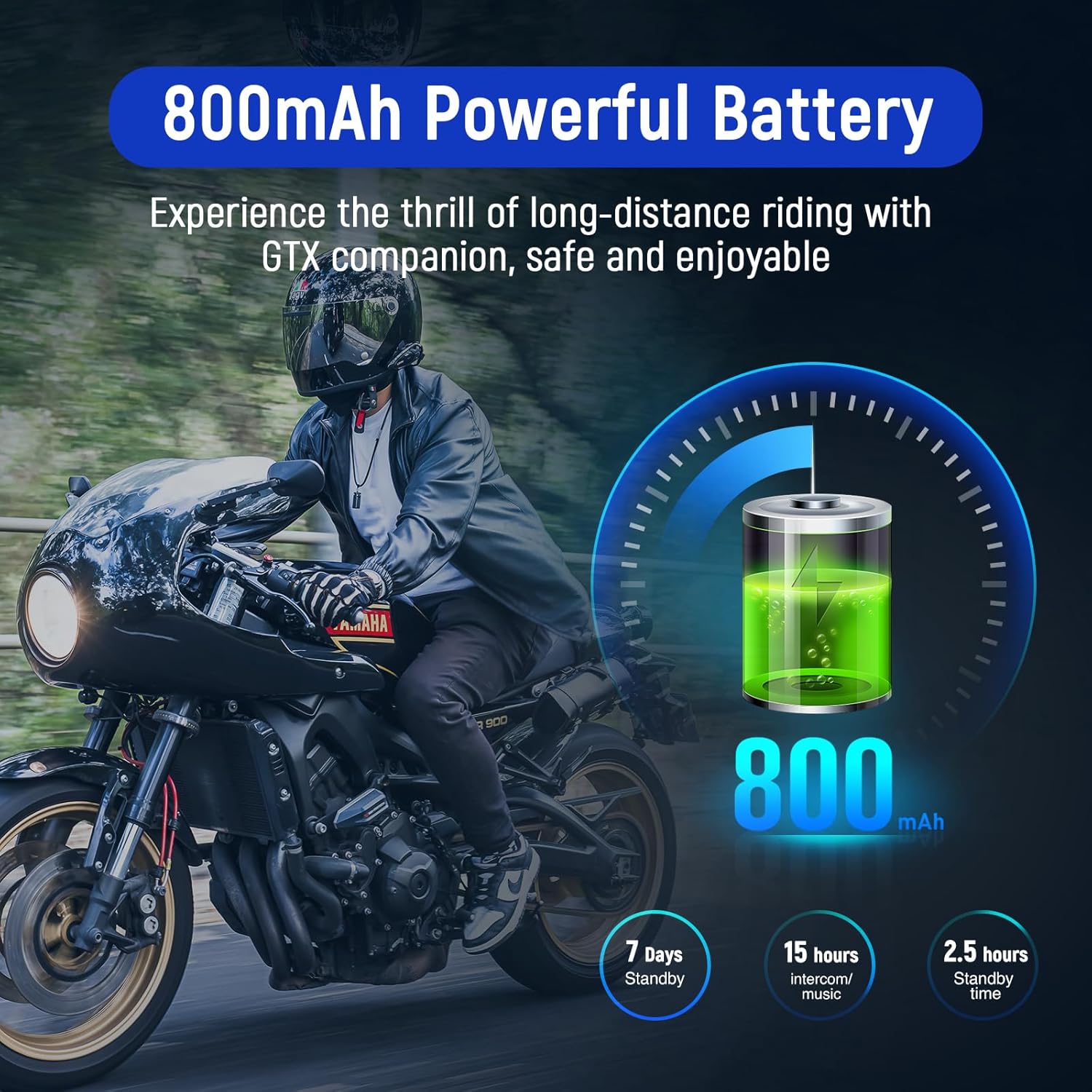
Image: Visual representation of the 800mAh battery capacity and its long-lasting performance, including standby and usage hours.
Mounting the Intercom
The LEXIN GTX is designed for easy installation on most motorcycle helmets, including full-face and open-face helmets. Choose between the clamp-style mounting bracket or the 3M adhesive pad for surface mounting, depending on your helmet type and preference.
- Speaker Placement: Position the 36mm HD speakers inside the helmet's ear pockets. Ensure they are as close to your ears as possible for optimal sound quality.
- Microphone Selection: Select either the boom microphone (for open-face helmets) or the button microphone (for full-face helmets) and attach it securely.
- Unit Mounting: Attach the LX-GTX unit to the side of your helmet using the chosen mounting method. Ensure it is firmly secured and does not obstruct your vision or helmet functionality.
Operation Guide
Power On/Off
Refer to the device's physical buttons for power control. Typically, a long press on the main power button will turn the unit on or off.
Bluetooth Pairing
The LEXIN GTX uses Bluetooth V5.0 for stable and efficient connections. It supports universal pairing, allowing it to connect with most Bluetooth headsets or intercoms on the market, as well as mobile phones and GPS devices.
- Pairing with Phone/GPS: Activate Bluetooth on your phone or GPS device. Put the LEXIN GTX into pairing mode (refer to the specific button combination in the included quick start guide). Select "LEXIN GTX" from the list of available devices.
- Universal Pairing: To pair with another brand's intercom, activate pairing mode on both devices and follow their respective instructions for universal pairing.

Image: The LEXIN GTX demonstrating its universal pairing feature, allowing connection with intercom systems from other brands.
Intercom Communication
The GTX supports group intercom for up to 10 riders simultaneously, with a total range of 2000 meters (the range between two individual devices is approximately 300-600 meters). This allows for seamless conversation among multiple riders.

Image: An illustration of the 10-rider group intercom feature, showing multiple motorcyclists communicating over a long distance.
Audio Multitasking
Equipped with audio multitasking, the LEXIN GTX allows you to listen to music or GPS navigation while simultaneously engaging in an intercom conversation. This feature ensures you stay connected and entertained without interruption.

Image: A visual explanation of audio multitasking, demonstrating how users can enjoy music or GPS directions while maintaining an active intercom conversation.
Voice Assistant
The LEXIN GTX supports voice commands, allowing hands-free access to Siri, Google Assistant, and other voice assistants. This enables you to make or receive calls, control music, and get directions without taking your hands off the handlebars.

Image: A rider interacting with the LEXIN GTX, highlighting its compatibility with popular voice assistants for convenient hands-free control.
Audio Quality
The 36mm HD speakers, combined with advanced DSP and CVC noise suppression technology, deliver clear, distortion-free sound with deep bass and crisp treble. The HFP profile ensures stable and high-quality audio for phone calls and voice commands.

Image: An exploded view illustrating the 36mm Mylar speaker, emphasizing its design for clear, distortion-free sound with strong bass and crisp treble.
Maintenance and Care
Water Resistance
The LEXIN GTX boasts an IP67 waterproof rating, meaning it is protected against dust ingress and can withstand immersion in water up to 1 meter for 30 minutes. This allows you to ride or ski in various weather conditions without concern for water damage.

Image: The LEXIN GTX unit shown partially submerged in water, visually confirming its IP67 waterproof capabilities.
Cleaning
To clean your LEXIN GTX unit, gently wipe it with a soft, damp cloth. Avoid using harsh chemicals or abrasive cleaners, as these can damage the device's finish or internal components.
Replacing Decorative Covers
The LEXIN GTX comes with three additional decorative covers in different colors, allowing you to customize your unit to match your helmet or personal style. To replace a cover, carefully detach the current cover and snap the new one into place, ensuring it is securely fitted.
Troubleshooting
If you encounter issues with your LEXIN GTX, please refer to the following common troubleshooting steps:
- No Power: Ensure the unit is fully charged. Connect it to a power source and check if the charging indicator lights up.
- Cannot Pair: Make sure both devices are in pairing mode. If pairing with a phone, ensure Bluetooth is enabled on the phone and the LEXIN GTX is discoverable. Try restarting both devices.
- No Audio/Poor Audio Quality: Check speaker connections. Ensure speakers are positioned correctly inside the helmet. Adjust volume levels on both the intercom and the connected device. Verify that the microphone is properly connected and positioned.
- Intercom Disconnects: Ensure devices are within the specified intercom range. Obstacles or strong electromagnetic interference can affect connection stability.
- Buttons Unresponsive: Try resetting the device (refer to the quick start guide for reset instructions). Ensure no debris is obstructing the buttons.
For persistent issues, please contact LEXIN customer support.
Technical Specifications
| Feature | Specification |
|---|---|
| Model Number | LX-GTX |
| Bluetooth Version | V5.0 |
| Intercom Group Size | Up to 10 riders |
| Intercom Range (Group) | Up to 2000 meters |
| Intercom Range (Two Devices) | 300-600 meters |
| Battery Capacity | 800mAh Lithium-polymer |
| Talk/Music Time | 13-15 hours |
| Standby Time | 350 hours |
| Charging Time | Approx. 2.5 hours |
| Charging Port | USB Type-C |
| Water Resistance | IP67 |
| Speaker Size | 36mm HD |
| Noise Reduction | DSP & CVC Technology |
| Weight | Approx. 500 Grams (for the package, unit weight is 0.10 lb from image) |
| Material | Plastic |
| Compatible Devices | Any Bluetooth device |
| Control Type | Voice Control |

Image: The physical dimensions and light weight of the LEXIN GTX unit, highlighting its compact and aerodynamic design.
Warranty and Support
LEXIN offers a 2-year warranty for the GTX intercom system. This warranty covers manufacturing defects and ensures that any issues arising during the warranty period will be resolved by LEXIN.
For technical support, warranty claims, or any other inquiries, please refer to the contact information provided in your product packaging or visit the official LEXIN website. Please have your product model number (LX-GTX) and purchase details ready when contacting support.
Related documentsLX-GTX


Ask a question about this manual
Ask about setup, troubleshooting, compatibility, parts, safety, or missing instructions. Manuals+ will review the question and use this page’s manual context to help answer it.