
1. Introduction
The ZHIYUN Weebill 3 is a 3-axis camera gimbal stabilizer designed for DSLR and mirrorless cameras, offering enhanced stability and integrated features for professional videography. This manual provides essential information for the proper setup, operation, and maintenance of your Weebill 3 gimbal.
2. What's in the Box
Carefully unpack your ZHIYUN Weebill 3 and verify that all components are present. The standard package includes:
- Weebill 3 Gimbal Stabilizer
- Tripod
- Quick Release Plate (Double-layer Quick Release)
- Fill Light Filter Set
- Lens Support
- EPP Storage Case
- USB Charging Cable
- Audio Cable 2.5mm Male to 3.5mm
- Audio Cable 2.5mm to 2.5mm
- Sony Control Cable LN-UCUS-A03
- Canon Control Cable LN-MBUC-A02
- Canon Control Cable LN-NBUC-A01
- Panasonic Control Cable LN-UCUC-A02

Image: ZHIYUN Weebill 3 Standard Packing List.
3. Setup
3.1 Attaching the Camera
The Weebill 3 features a dual quick-release plate system for efficient camera mounting. Attach your camera to the quick-release plate, ensuring it is securely fastened. The system allows for quick camera removal and battery changes without requiring re-balancing.

Image: Dual Quick Release Plates for easy camera mounting.
3.2 Balancing the Gimbal
Proper balancing is crucial for optimal performance. Follow the instructions in the quick start guide (not included in this manual) to balance your camera on all three axes (tilt, roll, pan). The Weebill 3 is designed to maintain balance once set, even after camera removal and re-attachment using the quick-release system.
3.3 Using the Embedded Magnetic Wrench
The gimbal includes an embedded magnetic wrench for convenient adjustments during setup and balancing. Locate the wrench on the gimbal body for quick access.
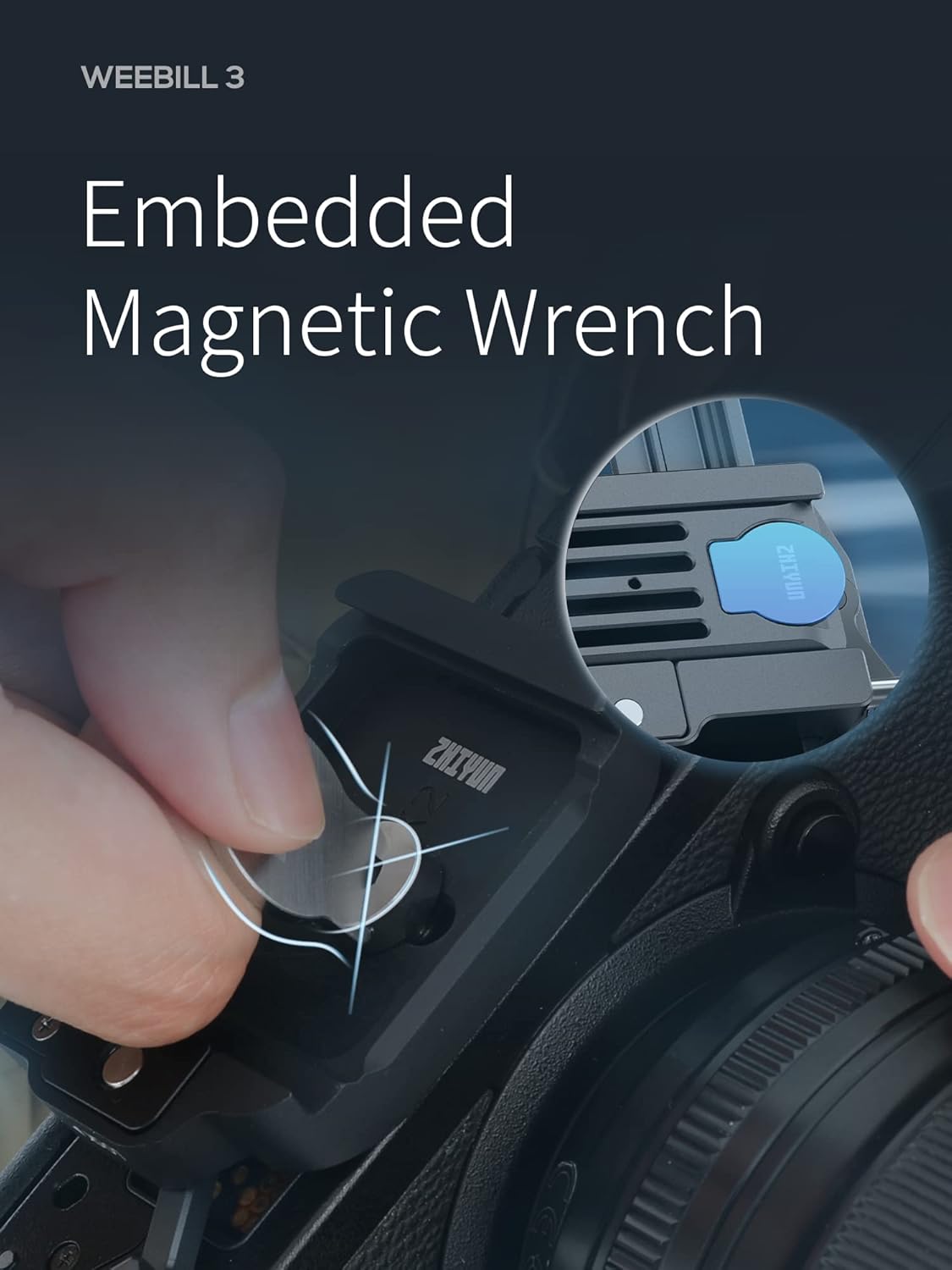
Image: Embedded Magnetic Wrench for convenient adjustments.
4. Operating the Gimbal
4.1 Powering On/Off and Basic Controls
Refer to the gimbal's physical buttons and joystick for power control and basic movement. The 0.96-inch display screen provides essential information about the gimbal's status and current mode.

Image: 0.96-inch Display Screen on the Weebill 3.
4.2 Customizable Settings
The Weebill 3 allows for customizable button functions. A single press can customize functions, a double press repositions the gimbal, a triple press enters selfie mode, and a long press enters GO mode. Consult the full user manual for detailed customization options.
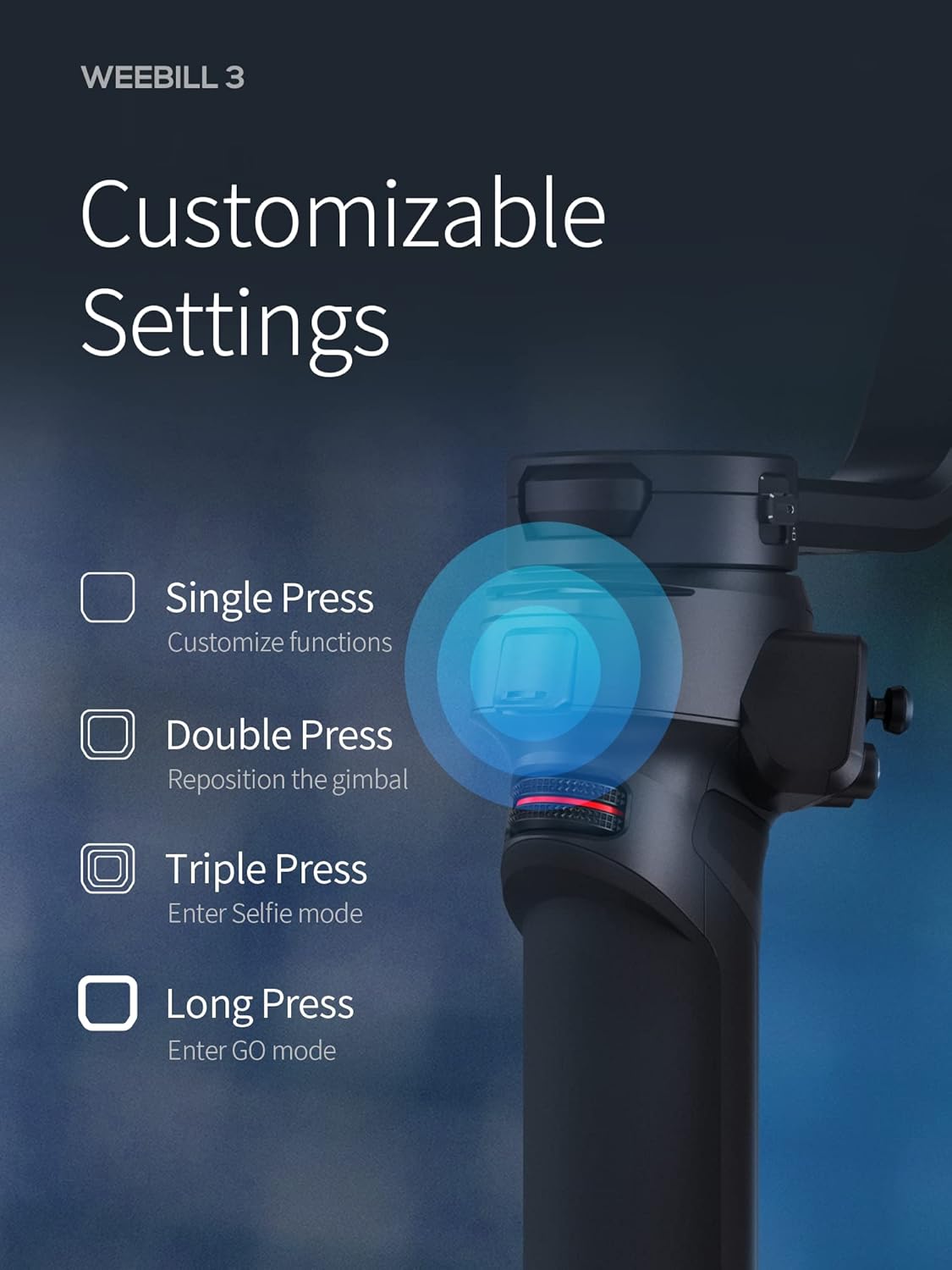
Image: Customizable Settings on the Weebill 3.
4.3 Built-in Noise-Canceling Microphone
The integrated high-fidelity microphone records clear audio with noise reduction, eliminating the need for external microphones and cables. Simply plug and play for enhanced audio capture.

Image: Built-in Noise-Canceling Microphone.
4.4 1000-Lumen Fill Light
Utilize the built-in fill light with Lumen Amplifier technology for professional lighting. It offers a double color temperature range and up to 1000 lumens of brightness, reducing the need for separate lighting equipment.

Image: 1000-Lumen Fill Light in operation.
4.5 Sling Mode 2.0
The ergonomic design, including the wrist rest and extendable sling grip, reduces effort by over 40% by providing additional wrist support and distributing weight more effectively from your arm.

Image: Weebill 3 in Sling Mode 2.0.
4.6 Stability Performance
The 10th generation algorithm precisely removes subtle shakes in footage by re-tuning the running curves based on practical data, delivering a stable performance.
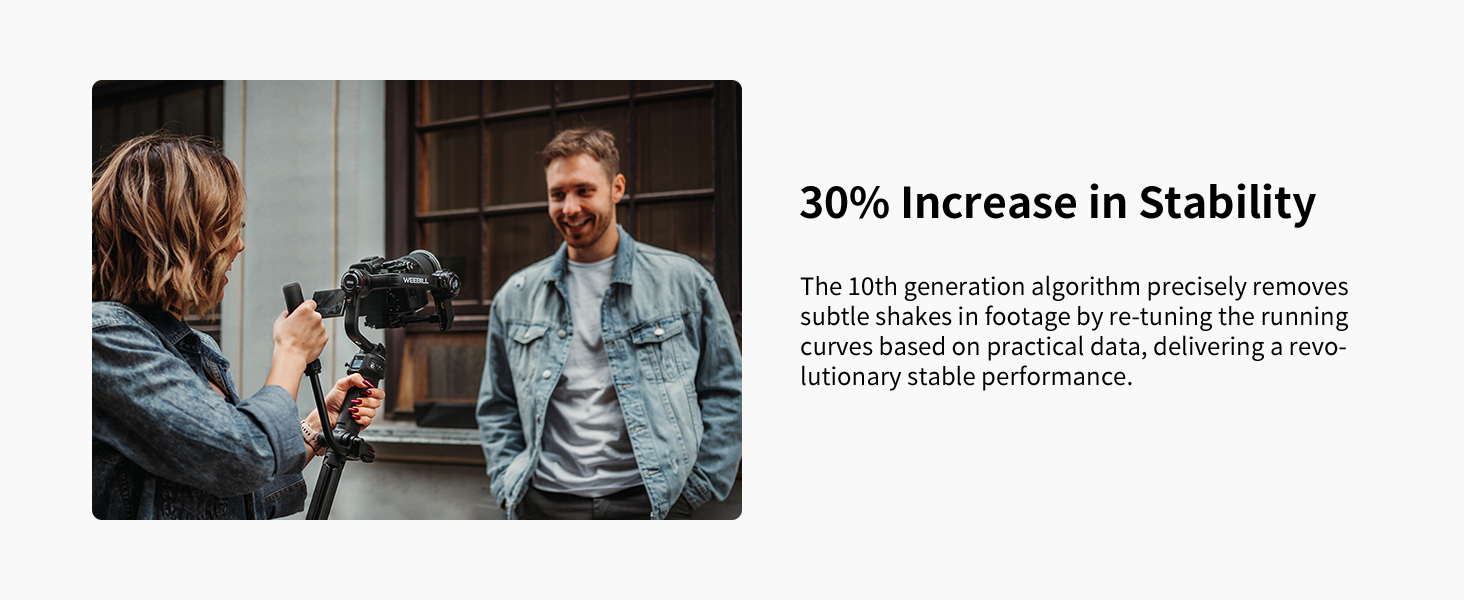
Image: Enhanced Stability of the Weebill 3.
4.7 PD Fast Charging
The Weebill 3 supports PD fast charging, providing up to 21 hours of maximum runtime with its 3*2600mAh battery capacity. This ensures extended shooting sessions.

Image: PD Fast Charging capabilities.
5. Maintenance
To ensure the longevity and optimal performance of your ZHIYUN Weebill 3 gimbal, follow these maintenance guidelines:
- Cleaning: Use a soft, dry cloth to wipe the gimbal body. Avoid using liquid cleaners or solvents that may damage the finish or internal components.
- Storage: When not in use, store the gimbal in its EPP storage case in a cool, dry place away from direct sunlight and extreme temperatures.
- Battery Care: For long-term storage, ensure the batteries are charged to approximately 50-60%. Recharge them every three months to prevent deep discharge.
- Firmware Updates: Periodically check the official ZHIYUN website for firmware updates. Keeping your gimbal's firmware up-to-date can improve performance and add new features.
6. Troubleshooting
If you encounter issues with your ZHIYUN Weebill 3, refer to the following common troubleshooting steps:
| Problem | Possible Cause | Solution |
|---|---|---|
| Gimbal not powering on | Low battery; Power button not pressed correctly | Charge the gimbal fully; Press and hold the power button for 3 seconds |
| Camera shaking or unstable footage | Improper balancing; Overloaded motors | Re-balance the camera carefully; Ensure camera weight is within gimbal's payload capacity |
| Motors vibrating or making unusual noise | Unbalanced camera; Motor lock engaged | Check camera balance; Ensure all motor locks are disengaged before powering on |
| Cannot connect to camera via control cable | Incorrect cable; Camera settings issue | Use the correct control cable for your camera model; Check camera's USB/control settings |
For more detailed troubleshooting or persistent issues, please refer to the comprehensive user manual available on the ZHIYUN official website or contact customer support.
7. Specifications
Key technical specifications for the ZHIYUN Weebill 3 Gimbal Stabilizer:
- Model Number: CR124
- Product Dimensions: 6.3 x 4.33 x 0.79 inches
- Item Weight: 2.42 pounds (1.1 Kilograms)
- Batteries: 3 Lithium Polymer batteries (included)
- Manufacturer: ZHIYUN
- Compatible Devices: DSLR and Mirrorless Cameras (Canon, Nikon, Sony, Panasonic, Fujifilm)
- Integrated Features: Built-in Noise-Canceling Mic, 1000-Lumen Fill Light
- Charging: PD Fast Charge
8. Warranty and Support
ZHIYUN products typically come with a limited warranty. Please retain your proof of purchase for warranty claims. For specific warranty terms, technical support, or service inquiries, please visit the official ZHIYUN website or contact their customer service department.
Official ZHIYUN Store: Visit the ZHIYUN Store on Amazon


