Introduction
The Moman H1 Motorcycle Intercom Headset is designed to provide clear and reliable communication for motorcyclists. This system allows two riders to communicate over long distances, stream music, and manage calls wirelessly. With advanced features like DSP noise reduction and IP65 waterproofing, the H1 ensures a superior audio experience in various riding conditions.

Image: Two Moman H1 intercom units, showcasing their design and button layout.
What's in the Box
Please check the package contents to ensure all items are present:
- Intercom Unit (x2)
- 3m Foam Pad for Microphone (x4)
- 3m Foam Pad for Speaker (x8)
- Pair of Speakers (x2)
- Coiled Microphone (x2)
- Hybrid Microphone (x2)
- Quick-release Clip (x2)
- Screwdriver (x2)
- Screw (x4)
- Charging Cable (x1)

Image: A visual representation of all accessories and components included with the Moman H1 intercom system.
Setup Guide
1. Charging the Device
Before first use, fully charge the intercom unit. Connect the provided USB Type-C charging cable to the charging port on the intercom and a suitable USB power source. The indicator light will show charging status and turn off when fully charged. A full charge provides approximately 30 hours of working time and 500 hours of standby time.
2. Helmet Installation
The Moman H1 is designed to fit most open, modular, and full-face helmets. You can choose between adhesive mounting or clip mounting.
- Mounting the Intercom Unit:
- Clip Mount: Slide the quick-release clip onto the edge of the helmet shell. Secure the intercom unit into the clip.
- Adhesive Mount: Clean the desired mounting area on the helmet. Attach the adhesive pad to the back of the intercom unit, then firmly press the unit onto the helmet surface.
- Installing Speakers:
- Attach the 3m foam pads for speakers to the back of the speakers.
- Place the speakers inside the helmet's ear pockets, ensuring they are aligned with your ears for optimal sound.
- Installing Microphone:
- Choose either the coiled microphone (for open-face helmets) or the hybrid microphone (for full-face helmets).
- Attach the 3m foam pad for the microphone.
- Position the microphone close to your mouth, ensuring it is not obstructed.
- Connecting Cables: Connect the speaker and microphone cables to the corresponding ports on the intercom unit.

Image: The Moman H1 system in use, demonstrating its long-range communication feature between riders.

Image: Compatibility of the Moman H1 with different helmet types, including full-face, open-face, and motocross helmets.
Operating Instructions
1. Power On/Off
- Power On: Press and hold the Power button (⏻) for 3 seconds until the indicator light flashes.
- Power Off: Press and hold the Power button (⏻) for 3 seconds until the indicator light turns off.
2. Bluetooth Pairing (with Mobile Phone)
- Ensure the H1 unit is powered off.
- Press and hold the Power button (⏻) for 5 seconds until the indicator light flashes red and blue alternately, indicating pairing mode.
- On your mobile phone, enable Bluetooth and search for "Moman H1".
- Select "Moman H1" to connect. Once connected, the indicator light will flash blue slowly.
3. Intercom Pairing (between two H1 units)
- Ensure both H1 units are powered off.
- On both units, press and hold the Intercom button (Moman logo button) for 5 seconds until the indicator lights flash red and blue alternately.
- Once paired, the indicator lights on both units will flash blue slowly.
4. Call Management
- Answer Call: Press the Phone button (📞) once.
- Reject Call: Press and hold the Phone button (📞) for 2 seconds.
- End Call: Press the Phone button (📞) once during a call.
5. Music Control
- Play/Pause: Press the Power button (⏻) once.
- Next Song: Press the Volume Up button (+) once.
- Previous Song: Press the Volume Down button (-) once.
- Volume Up: Press and hold the Volume Up button (+).
- Volume Down: Press and hold the Volume Down button (-).

Image: The Moman H1's intuitive controls for wireless connection, call management, and music streaming.
Key Features
1. 1500M Long-Range Intercom
The Moman H1 allows two riders to maintain real-time communication over an impressive range of up to 1500 meters (approximately 0.93 miles). This feature is ideal for sharing experiences during motorcycle travel, skiing, or other outdoor activities.
2. HD Speakers & DSP Noise Suppression
Equipped with 40mm HD stereo speakers, the H1 delivers excellent sound quality for both music and calls. The integrated DSP (Digital Signal Processing) noise reduction technology effectively minimizes engine, wind, and traffic noise, ensuring clear communication even at speeds up to 150 km/h (93 mph) without affecting call clarity.
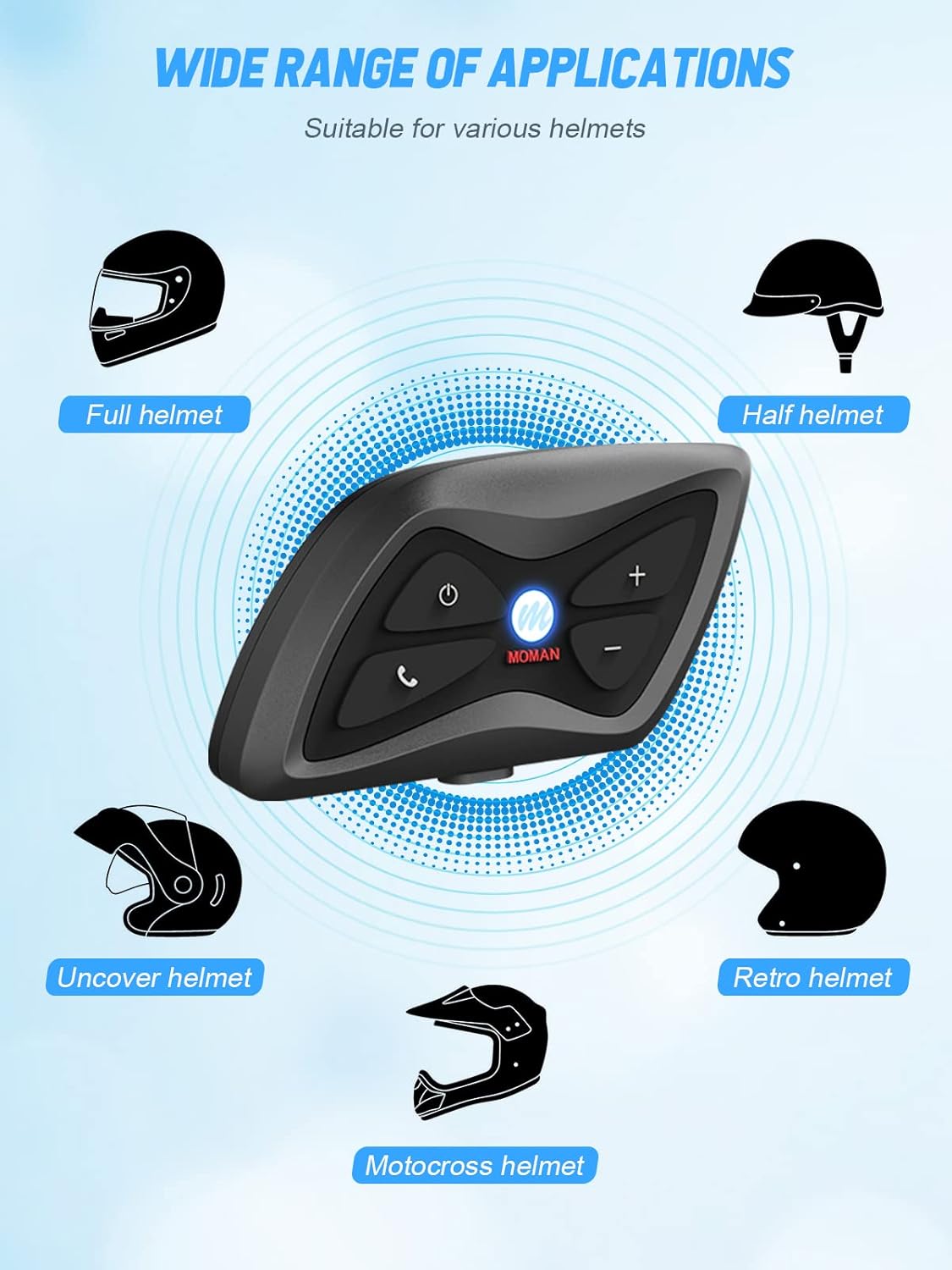
Image: Visual representation of the H1's HD speakers and DSP noise suppression capabilities for superior audio.
3. IP65 Waterproof Rating
The H1 intercom system boasts an IP65 waterproof rating, making it resilient against various harsh weather conditions such as dust, rain, storms, snow, and low temperatures down to -15°F (-26°C). This ensures reliable performance regardless of the environment.
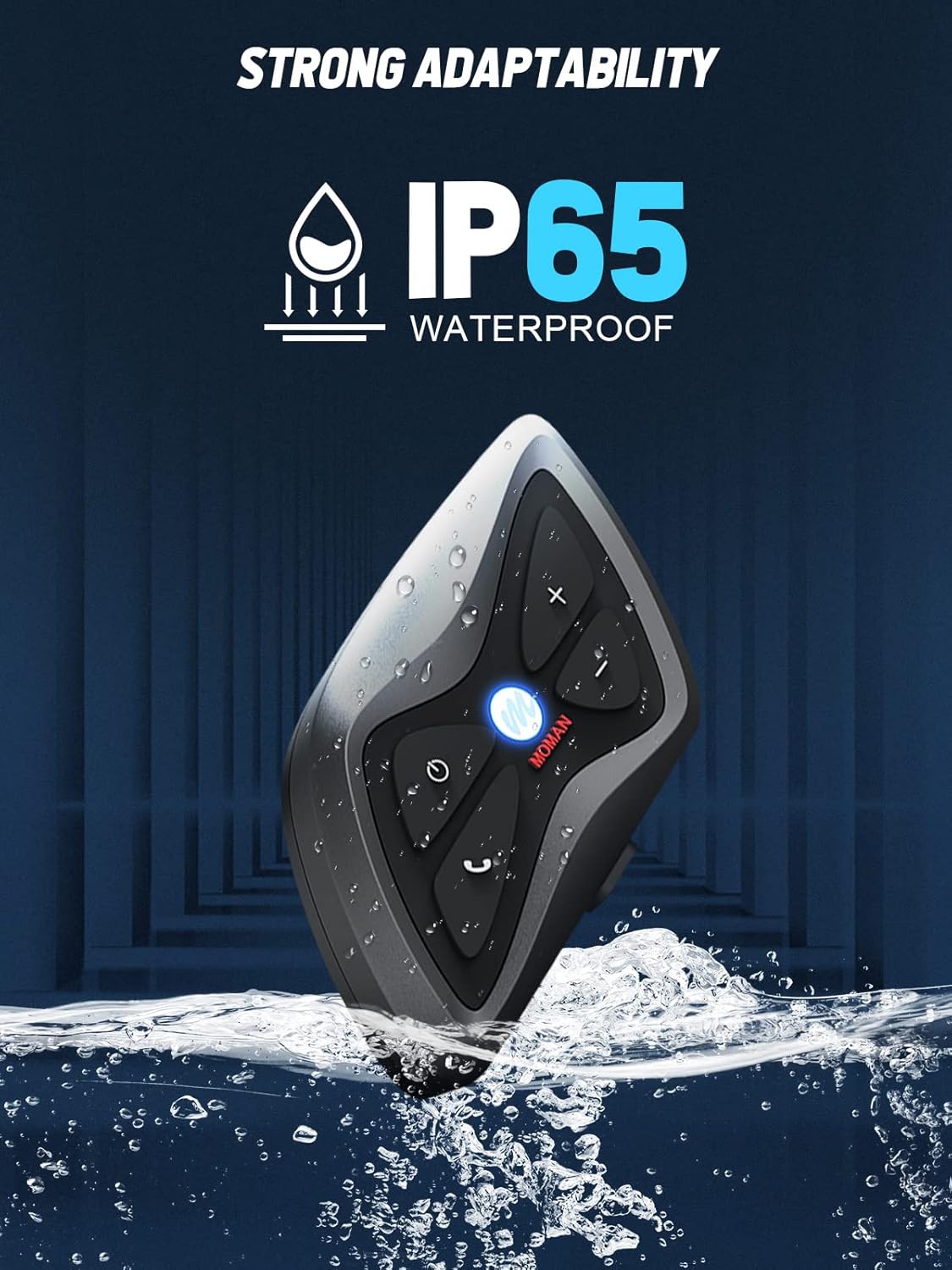
Image: The Moman H1 unit submerged in water, highlighting its IP65 waterproof design.
4. Long Battery Life
Equipped with an 850mAh battery, the H1 supports up to 30 hours of continuous working time and an impressive 500 hours of standby time on a single charge. The Type-C port allows for convenient charging and data transfer.
Maintenance
- Cleaning: Use a soft, damp cloth to wipe the exterior of the intercom unit. Do not use harsh chemicals or abrasive cleaners.
- Storage: Store the device in a cool, dry place away from direct sunlight and extreme temperatures when not in use for extended periods.
- Battery Care: To prolong battery life, avoid fully discharging the battery frequently. Charge the device regularly, even if not in use, to maintain battery health.
Troubleshooting
| Problem | Possible Cause | Solution |
|---|---|---|
| Device does not power on. | Low battery. | Charge the device fully. |
| Cannot pair with phone/intercom. | Device not in pairing mode; too far apart; interference. | Ensure device is in pairing mode (flashing red/blue). Move closer. Turn off other Bluetooth devices. |
| No sound from speakers. | Speakers not connected; volume too low; faulty connection. | Check speaker connection. Increase volume. Re-plug speaker cable. |
| Intercom range is short. | Obstructions; environmental interference. | Ensure clear line of sight between units. Avoid areas with strong radio interference. |
| Poor audio quality / excessive noise. | Microphone not positioned correctly; high wind noise. | Adjust microphone position closer to mouth. Ensure microphone foam cover is properly installed. |
Specifications
| Model Number | MOEMO-H1-VC |
| Bluetooth Version | 5.1 |
| Intercom Range | Up to 1500 meters (for 2 riders) |
| Battery Capacity | 850mAh Lithium-Polymer |
| Working Time | Approx. 30 hours |
| Standby Time | Approx. 500 hours |
| Charging Port | Type-C |
| Waterproof Rating | IP65 |
| Speaker Size | 40mm HD Stereo |
| Noise Control | DSP Noise Reduction |
| Operating Temperature | -15°F to 122°F (-26°C to 50°C) |
Warranty and Support
The Moman H1 Motorcycle Intercom Headset comes with a 365-day warranty from the date of purchase, covering manufacturing defects. Please retain your proof of purchase for warranty claims.
For technical support, troubleshooting assistance, or warranty inquiries, please contact Moman customer service. Our professional customer service team aims to reply within 24 hours on working days and provide solutions until you are satisfied.
Image: Moman's commitment to professional customer service and a 365-day warranty.


