
1. Introduction
Thank you for purchasing the Awei Y669 Portable Bluetooth Speaker. This manual provides essential information for the proper setup, operation, and maintenance of your device. Please read this manual thoroughly before use to ensure optimal performance and longevity of your speaker.
2. Key Features
- Bluetooth V5.0+EDR: For stable and efficient wireless connectivity.
- Multiple Play Modes: Supports Bluetooth and AUX input.
- Powerful Audio Output: 31W total output (RMS8Wx2 + 15Wx1) for rich sound.
- TWS Interconnection: Connect two Y669 speakers for a true stereo surround sound experience.
- Long Battery Life: 2200mAh/7.4V battery provides up to 12 hours of music playback.
- IPX7 Waterproof Rating: Designed to withstand immersion in water up to 1 meter for 30 minutes.
- 2.1 Speaker System: Features two 8W mid-high frequency speakers and one 15W low frequency speaker.
- Built-in Microphone: For hands-free calling.
- Portable Design: Ideal for outdoor activities and travel.
3. Package Contents
Please check the package for the following items:
- 1 x Awei Y669 Portable Speaker
- 1 x User Manual
- 1 x USB Charging Cable
If any items are missing or damaged, please contact your retailer.
4. Product Overview

Figure 4.1: Front view of the Awei Y669 Portable Bluetooth Speaker, showing the control panel with power, volume, play/pause, and Bluetooth buttons.

Figure 4.2: Exploded view illustrating the internal speaker drivers and passive radiators, highlighting the 2.1 channel audio architecture.
Control Panel Layout:
- Power Button: Press and hold to turn on/off. Short press to check battery status.
- Bluetooth Button: Short press to enter Bluetooth pairing mode.
- Volume Down (-): Short press to decrease volume. Press and hold for previous track.
- Play/Pause Button: Short press to play/pause music. Short press to answer/end calls. Press and hold to reject calls.
- Volume Up (+): Short press to increase volume. Press and hold for next track.
- Battery Indicator Lights: Four LED lights indicating battery level.
5. Setup
5.1 Charging the Speaker
- Connect the provided USB charging cable to the charging port on the speaker.
- Connect the other end of the USB cable to a USB power adapter (DC5V-500mA, not included) or a computer's USB port.
- The battery indicator lights will illuminate to show charging status. All four lights will be solid when fully charged.
- A full charge takes approximately 4 hours.
5.2 Bluetooth Pairing
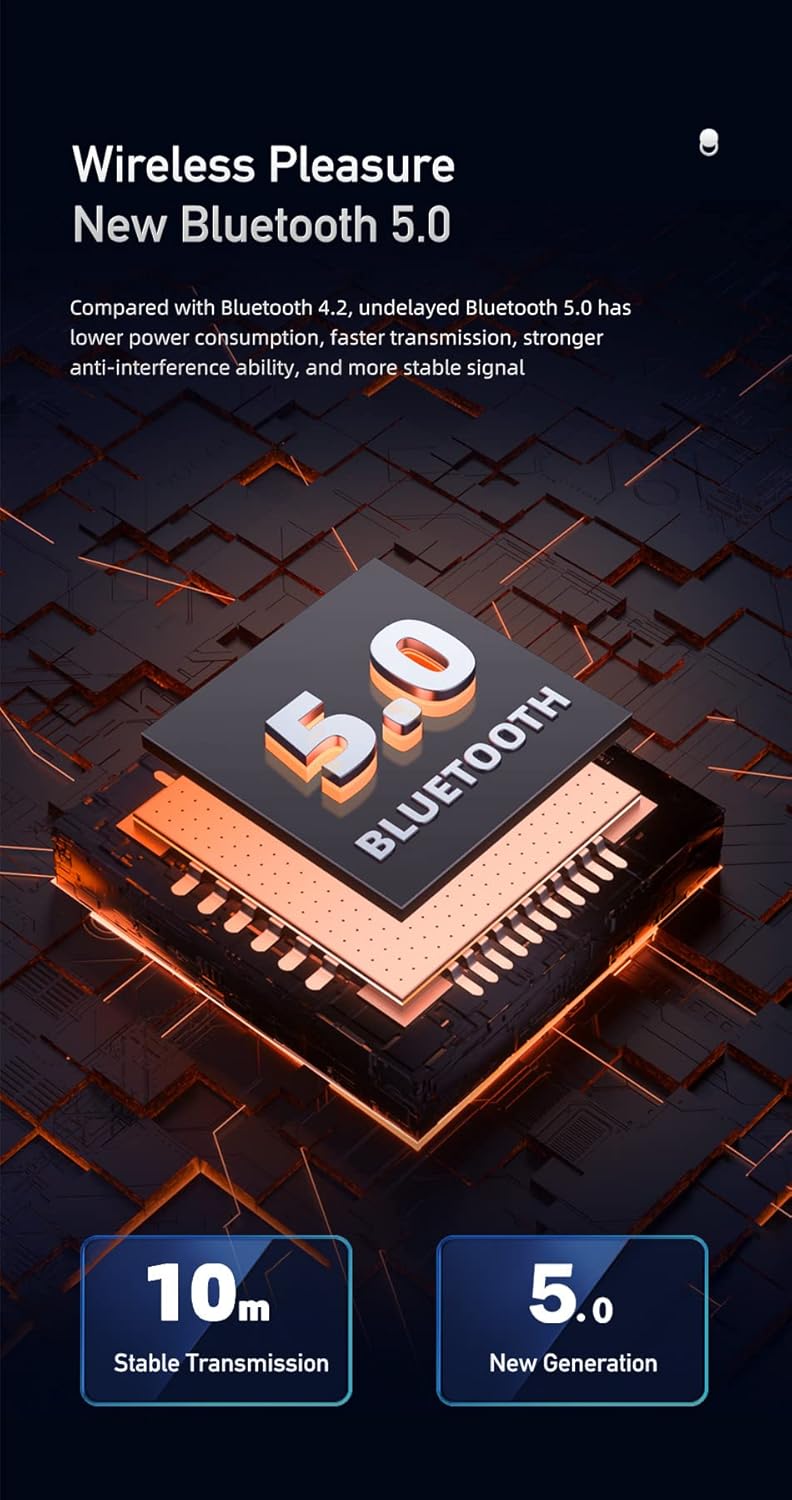
Figure 5.1: Illustration of Bluetooth 5.0 technology, emphasizing stable transmission up to 10 meters.
- Ensure the speaker is fully charged before first use.
- Press and hold the Power button to turn on the speaker. A voice prompt will indicate it's powered on.
- The speaker will automatically enter Bluetooth pairing mode, indicated by a flashing Bluetooth indicator light.
- On your mobile device (smartphone, tablet, etc.), enable Bluetooth and search for available devices.
- Select "Awei Y669" from the list of devices.
- Once paired, a voice prompt will confirm the connection, and the Bluetooth indicator light will become solid.
- The speaker supports multipoint connection, allowing it to be paired with multiple devices, though only one can play audio at a time.
5.3 AUX Input
- Connect one end of a 3.5mm audio cable (not included) to the AUX port on the speaker.
- Connect the other end of the audio cable to the audio output jack of your device.
- The speaker will automatically switch to AUX mode.
6. Operating Instructions
6.1 Music Playback

Figure 6.1: The Awei Y669 speaker delivering 360-degree surround stereo sound for an immersive audio experience.
- Play/Pause: Short press the Play/Pause button.
- Volume Up: Short press the '+' button.
- Volume Down: Short press the '-' button.
- Next Track: Press and hold the '+' button.
- Previous Track: Press and hold the '-' button.
6.2 Hands-Free Calling
- Answer Call: Short press the Play/Pause button when an incoming call rings.
- End Call: Short press the Play/Pause button during a call.
- Reject Call: Press and hold the Play/Pause button when an incoming call rings.
6.3 TWS (True Wireless Stereo) Interconnection
To connect two Awei Y669 speakers for a stereo sound experience:
- Ensure both Y669 speakers are powered on and not connected to any Bluetooth device.
- On one speaker (this will be the primary speaker), short press the Bluetooth button twice. It will enter TWS pairing mode.
- The primary speaker will automatically search for and connect to the second Y669 speaker.
- Once connected, a voice prompt will confirm the TWS connection. The primary speaker's Bluetooth indicator will flash, and the secondary speaker's indicator will be solid.
- Now, connect your mobile device to the primary speaker via Bluetooth as described in Section 5.2.
- Audio will now play in stereo through both speakers.
7. Maintenance

Figure 7.1: The Awei Y669 speaker demonstrating its portability and suitability for outdoor use, highlighting its durable design.
- Cleaning: Wipe the speaker with a soft, damp cloth. Do not use harsh chemicals or abrasive cleaners.
- Water Resistance: The speaker is IPX7 waterproof. Ensure the charging port cover is securely closed before exposing it to water. Do not intentionally submerge the speaker for extended periods or beyond specified depths.
- Storage: Store the speaker in a cool, dry place away from direct sunlight and extreme temperatures.
- Battery Care: To prolong battery life, charge the speaker regularly, even if not in use. Avoid fully discharging the battery frequently.
- Avoid Impacts: Do not drop or subject the speaker to strong impacts, as this may damage internal components.
8. Troubleshooting
| Problem | Possible Cause | Solution |
|---|---|---|
| Speaker does not turn on | Low battery | Charge the speaker for at least 30 minutes. |
| Cannot pair via Bluetooth | Speaker not in pairing mode; Device Bluetooth off; Too far from device | Ensure speaker is in pairing mode (flashing Bluetooth light). Turn on Bluetooth on your device. Move speaker closer to your device (within 10m). Forget previous pairings on your device and try again. |
| No sound | Volume too low; Paused music; Incorrect input mode | Increase volume on both speaker and connected device. Press Play/Pause. Ensure correct mode (Bluetooth/AUX) is selected. |
| Sound distortion | Volume too high; Low battery; Interference | Reduce volume. Charge the speaker. Move away from other electronic devices that may cause interference. |
| TWS pairing fails | Speakers already paired to other devices; Incorrect TWS pairing procedure | Ensure both speakers are disconnected from other devices. Follow TWS pairing steps carefully (Section 6.3). |
9. Specifications
| Feature | Detail |
|---|---|
| Model Name | Awei Y669 |
| Bluetooth Version | 5.0 + EDR |
| Bluetooth Protocols | A2DP / AVRCP / HFP / HSP |
| Transmission Distance | Up to 10 meters (barrier-free space) |
| Output Power | 31W (RMS8Wx2 + 15Wx1) |
| Speaker Configuration | 2.1 Channel (2*8W mid-high, 1*15W low frequency) |
| Frequency Range | 100Hz-20KHz |
| Battery Capacity | 2200mAh / 7.4V |
| Music Play Time | Up to 12 hours |
| Talk Time | Up to 12 hours |
| Charging Time | Approximately 4 hours |
| Input Voltage | DC5V-500mA |
| Waterproof Rating | IPX7 |
| Material | Aluminum (Cabinet) |
| Dimensions (L x W x H) | 8.3 x 21 x 8.3 cm |
| Weight | 1.2 kg |
| Connectivity | Bluetooth, AUX |
| Built-in Microphone | Yes |
| Voice Prompt | Yes |
| Multipoint Connection | Yes |
10. Warranty and Support
Information regarding product warranty and customer support was not available in the provided product data. Please refer to the packaging or contact your point of purchase for details on warranty coverage and support services.


