Introduction
Thank you for choosing Pantone Celly Line In-Ear Headphones. These headphones are designed to provide a comfortable audio experience with convenient remote control and a built-in microphone for calls and music management. Please read this manual carefully before using the product to ensure proper operation and longevity.
Safety Information
- Avoid prolonged listening at high volume levels to prevent hearing damage.
- Do not use headphones in situations where inability to hear ambient sounds may be dangerous (e.g., driving, cycling, walking in traffic).
- Keep out of reach of children. Small parts may pose a choking hazard.
- Do not expose to extreme temperatures, humidity, or liquids.
- Do not attempt to disassemble or modify the headphones. This will void the warranty.
Package Contents
Please check that all items listed below are present in your package:
- Pantone Celly Line In-Ear Headphones
- User Manual (this document)

Image: The Pantone Celly Line In-Ear Headphones shown in their original retail packaging. The packaging is red with white text, displaying the headphones and key features like the microphone and music/calls control.
Product Overview
Familiarize yourself with the components of your Pantone Celly Line In-Ear Headphones.
- Earbuds: Designed for comfortable in-ear fit.
- In-line Remote Control: Houses the microphone and control button.
- 3.5mm Jack Connector: For connecting to audio devices.
- Cable: 1 meter in length.
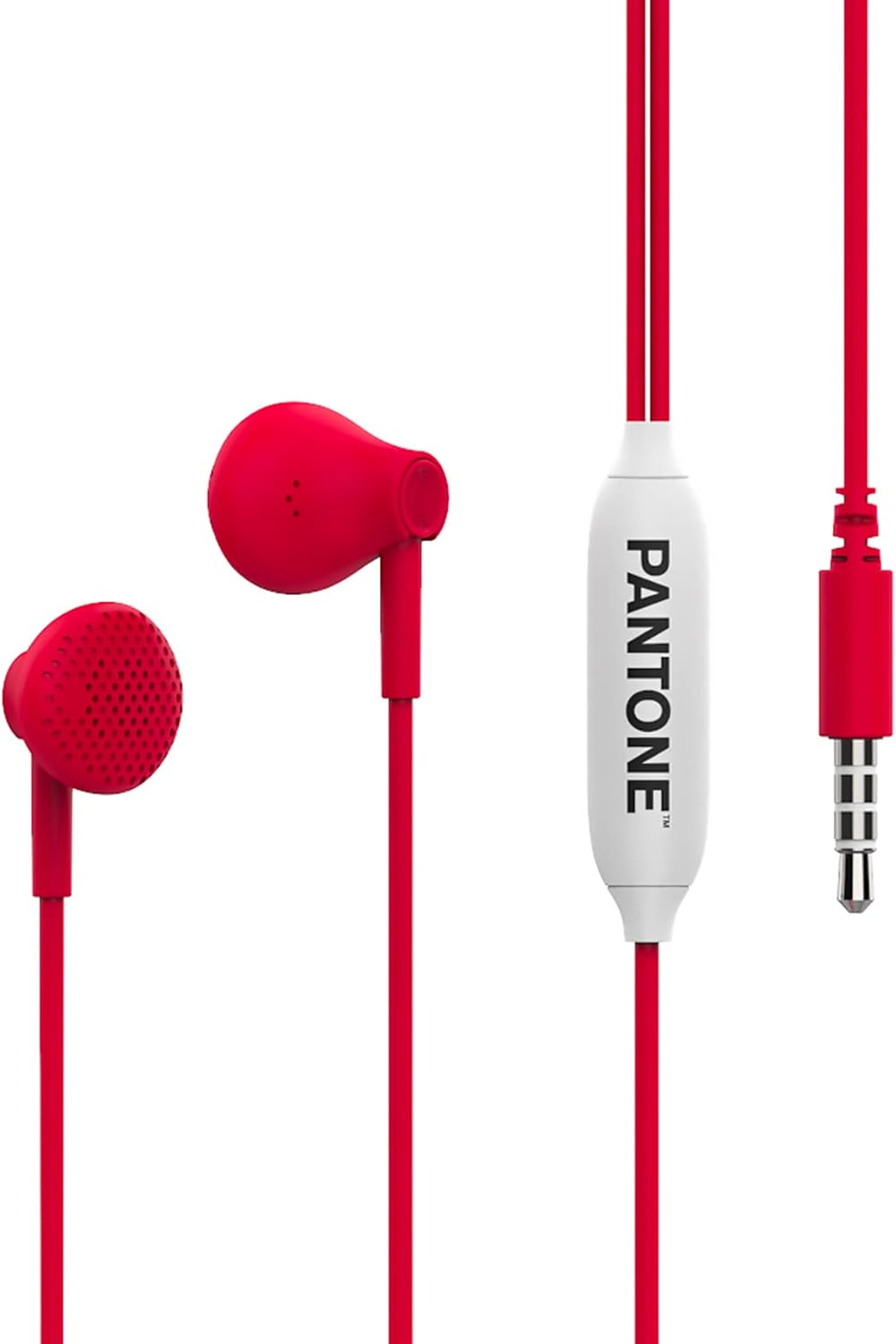
Image: A full view of the red Pantone Celly Line In-Ear Headphones. The image clearly shows both earbuds, the red cable, the white in-line remote control with "PANTONE" branding, and the 3.5mm audio jack.

Image: A close-up shot of one red earbud, highlighting the detailed speaker grille with multiple small perforations.
Setup
Connecting your headphones is simple:
- Locate the 3.5mm audio jack on your smartphone, tablet, computer, or other audio device.
- Insert the 3.5mm jack connector of your Pantone Celly headphones firmly into the audio jack of your device until it clicks into place.
- Ensure the connection is secure for optimal audio quality.
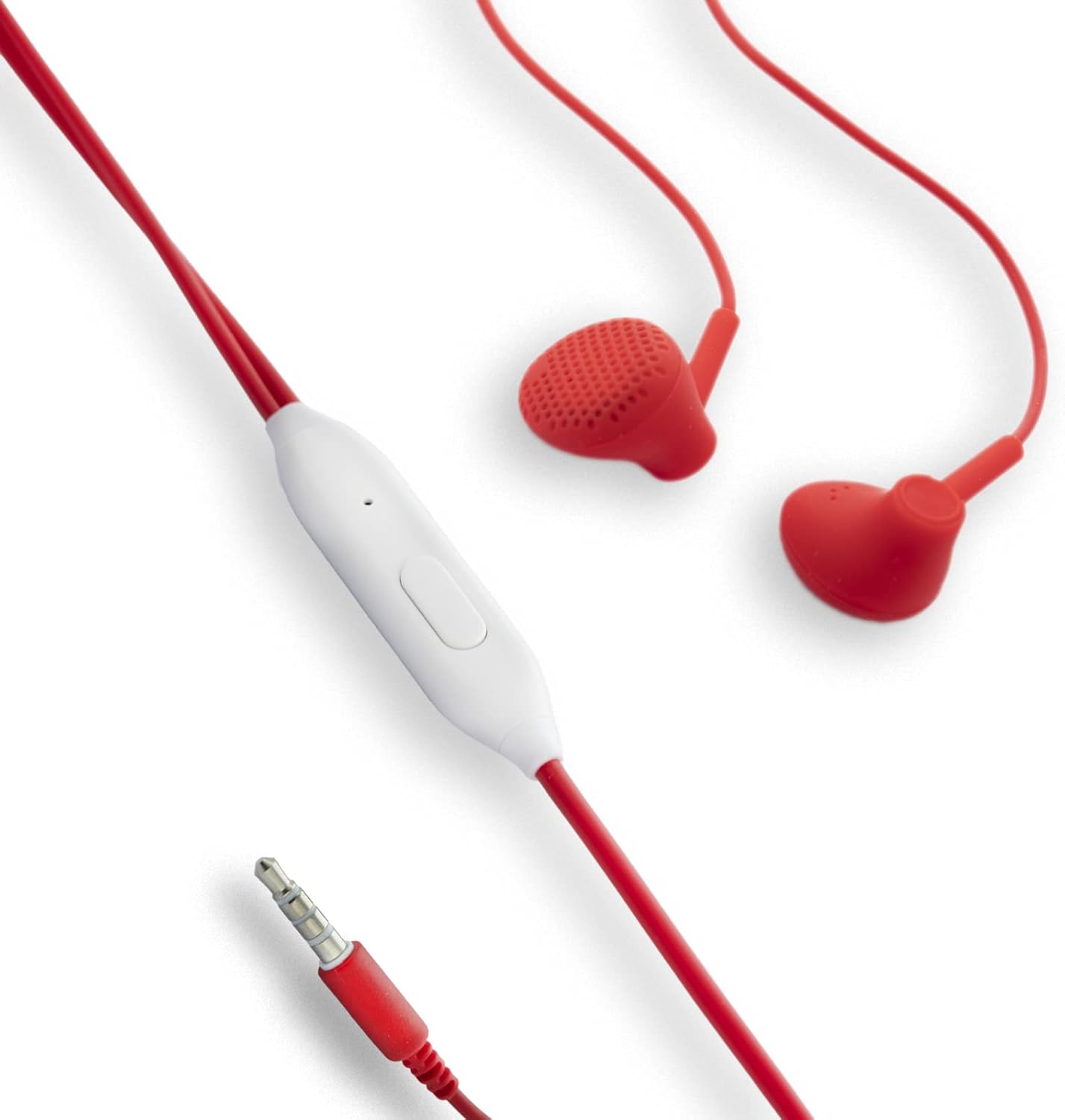
Image: The red Pantone Celly headphones, with a focus on the white in-line remote control and the 3.5mm audio jack, illustrating the connection points.
Operating Instructions
Music Playback Control
- Play/Pause: Press the button on the in-line remote once.
- Next Track: Press the button twice quickly.
- Previous Track: Press the button three times quickly.
Call Management
- Answer/End Call: Press the button on the in-line remote once during an incoming call or active call.
- Reject Call: Press and hold the button for approximately 2 seconds during an incoming call.
Note: Functionality may vary slightly depending on your device's operating system and specific application.
Maintenance
- Cleaning: Use a soft, dry cloth to wipe the earbuds and cable. Do not use abrasive cleaners or immerse in water.
- Storage: Store the headphones in a clean, dry place when not in use. Avoid tangling the cable.
- Handling: Always pull from the plug, not the cable, when disconnecting from a device.
Troubleshooting
| Problem | Possible Cause | Solution |
|---|---|---|
| No sound or low volume | Headphones not fully plugged in; Device volume too low; Incorrect audio output selected on device. | Ensure the 3.5mm jack is fully inserted. Increase device volume. Check device audio settings. |
| Microphone not working | Device microphone settings; Application permissions. | Check your device's microphone privacy settings. Ensure the application has microphone access. |
| Remote control not responding | Incompatibility with device; Loose connection. | Ensure the headphones are fully connected. Some older devices may have limited remote control compatibility. |
Specifications
- Brand: Pantone
- Model: Line In-Ear Headphones with Drop Capsules
- Color: Red
- Ear Placement: In Ear
- Form Factor: In Ear
- Noise Control: None
- Cable Length: 1 meter (approx. 3.3 feet)
- Connector Type: 3.5mm Jack
- Features: Built-in Microphone, In-line Remote Control
Warranty and Support
Pantone Celly products are designed for durability and performance. For warranty information and customer support, please refer to the warranty card included with your purchase or visit the official Pantone Celly website. Keep your proof of purchase for warranty claims.
For further assistance, you may contact the seller or manufacturer directly through their official support channels.


