
1. Introduction
Thank you for choosing the Nilox NXM24FHD01 24-inch Full HD Frameless PC Monitor. This monitor is designed to provide a high-quality visual experience with its minimalist design and exceptional performance. Featuring a frameless screen and Full HD resolution, it is ideal for various applications, from office work to entertainment. This manual will guide you through the setup, operation, and maintenance of your new monitor.
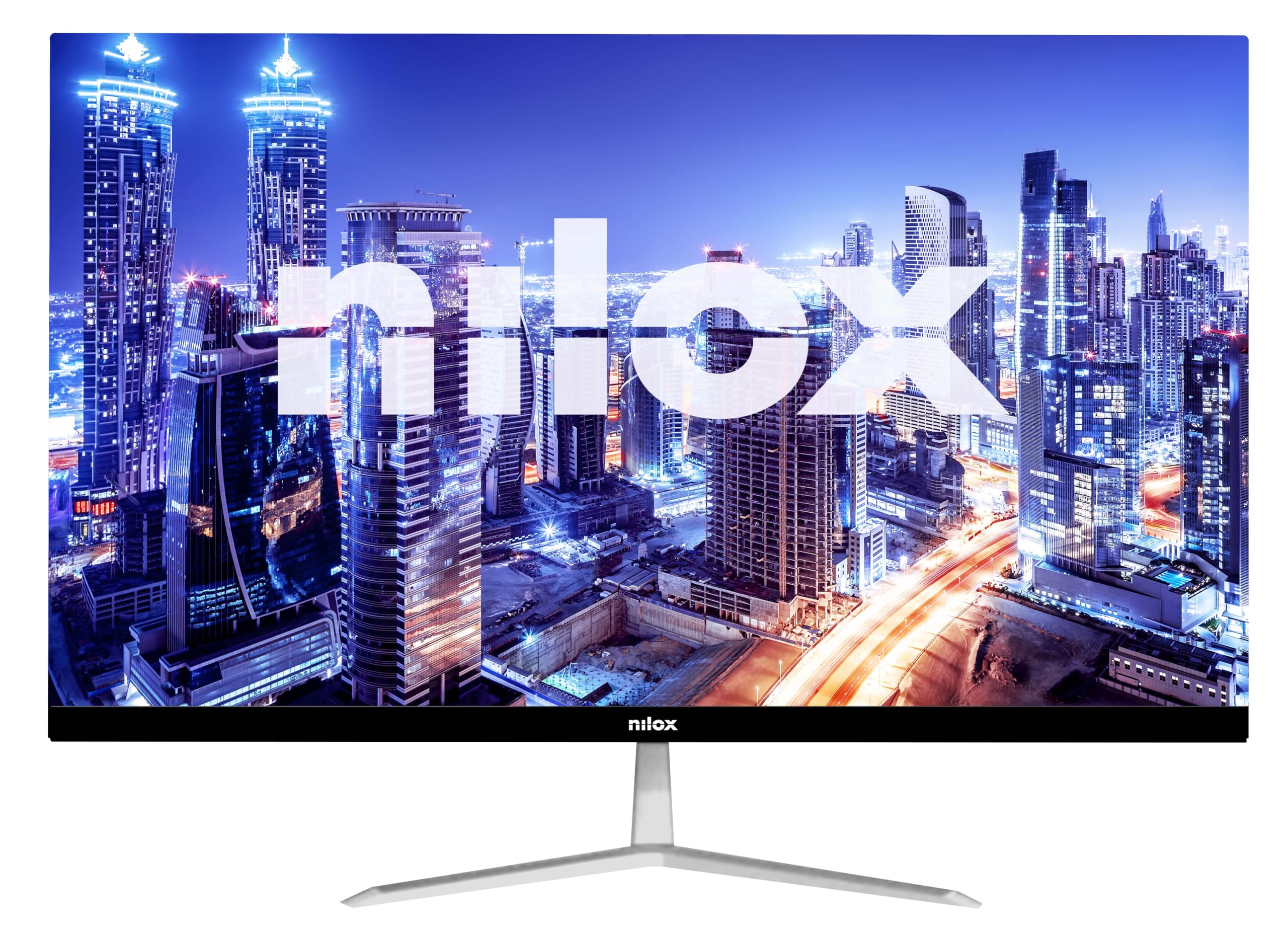
Figure 1: Nilox NXM24FHD01 Monitor - Front View
The image displays the Nilox NXM24FHD01 monitor from the front, showcasing its frameless design and sleek appearance. The Nilox logo is visible at the bottom center of the bezel.
2. Safety Information
Please read all instructions carefully before using the monitor. Keep this manual for future reference.
- Do not expose the monitor to rain or moisture to prevent fire or electric shock hazards.
- Do not open the monitor casing. There are no user-serviceable parts inside. Refer all servicing to qualified service personnel.
- Place the monitor on a stable, flat surface to prevent it from falling.
- Ensure proper ventilation around the monitor. Do not block ventilation openings.
- Use only the power adapter supplied with the monitor.
- Disconnect the power plug from the outlet if the monitor will not be used for a long period.
3. Package Contents
Verify that all items are present and in good condition upon unpacking. If any items are missing or damaged, contact your retailer.
- Nilox NXM24FHD01 Monitor
- Monitor Stand (Base and Neck)
- Power Adapter
- HDMI Cable
- User Manual
4. Setup
4.1. Assembling the Stand
- Carefully remove the monitor and stand components from the packaging.
- Attach the stand neck to the stand base. Secure it with the provided screw (if applicable).
- Align the assembled stand with the mounting slot on the back of the monitor.
- Gently push the stand into the slot until it clicks securely into place. Ensure it is firmly attached.

Figure 2: Monitor Rear View with Stand Assembly
This image shows the rear of the Nilox NXM24FHD01 monitor with its stand attached. The stand features a minimalist design with a sturdy base, providing stable support for the display.
4.2. Connecting the Monitor
The Nilox NXM24FHD01 monitor offers versatile connectivity options. Connect your devices using the available ports:
- HDMI Connection: Use the included HDMI cable to connect your computer or other HDMI-enabled device to the monitor's HDMI port.
- VGA Connection: For older devices, use a VGA cable (not included) to connect to the monitor's VGA port.
- Power Connection: Connect the power adapter to the monitor's DC IN port, then plug the adapter into a power outlet.

Figure 3: Monitor Connectivity Ports
A close-up view of the monitor's rear panel, highlighting the HDMI and VGA input ports, as well as the DC power input. These ports allow for flexible connection to various devices.
5. Operating Instructions
5.1. Powering On/Off
Press the power button, usually located on the bottom or back of the monitor, to turn the monitor on or off. The power indicator light will illuminate when the monitor is on.
5.2. Adjusting Display Settings
The monitor features an On-Screen Display (OSD) menu for adjusting various settings. Use the control buttons (typically located on the back or bottom right) to navigate the menu.
- Brightness/Contrast: Adjust these settings to suit your viewing environment.
- Color Settings: Modify color temperature, hue, and saturation for optimal color reproduction.
- Input Selection: Manually switch between HDMI and VGA inputs if needed.
- Blue Light Mode: This monitor includes a blue light mode to reduce eye strain during prolonged use. Activate this feature for enhanced visual comfort.
- Response Time: The 5ms response time ensures smooth and blur-free images, suitable for fast-paced content.
6. Maintenance
To ensure the longevity and optimal performance of your Nilox NXM24FHD01 monitor, follow these maintenance guidelines:
- Cleaning the Screen: Gently wipe the screen with a soft, lint-free cloth. For stubborn marks, dampen the cloth slightly with water or a specialized screen cleaner. Avoid using harsh chemicals or abrasive materials.
- Cleaning the Casing: Use a soft, dry cloth to clean the monitor casing.
- Ventilation: Ensure the ventilation openings on the back of the monitor are clear of dust and obstructions.
- Storage: When not in use for extended periods, store the monitor in a cool, dry place, preferably in its original packaging.
7. Troubleshooting
If you encounter issues with your monitor, refer to the following common problems and solutions:
- No Power:
- Ensure the power cable is securely connected to the monitor and a working power outlet.
- Check if the power adapter is functioning correctly. - No Signal:
- Verify that the video cable (HDMI or VGA) is securely connected to both the monitor and your computer.
- Ensure the correct input source is selected in the monitor's OSD menu.
- Check your computer's display settings. - Flickering Screen:
- Check the video cable for damage or loose connections.
- Adjust the refresh rate in your computer's display settings. - Poor Image Quality:
- Adjust brightness, contrast, and color settings in the OSD menu.
- Ensure the monitor is set to its native resolution (1920x1080).
If the problem persists after trying these solutions, contact Nilox customer support.
8. Specifications
Below are the technical specifications for the Nilox NXM24FHD01 monitor:
| Feature | Specification |
|---|---|
| Brand | Nilox |
| Model Number | NXM24FHD01 |
| Screen Size | 23.8 Inches |
| Resolution | 1920 x 1080 (Full HD) |
| Aspect Ratio | 16:9 |
| Refresh Rate | 75 Hz |
| Response Time | 5 Milliseconds |
| Image Contrast Ratio | 1000:1 |
| Brightness | 220 cd/m2 (from product description) |
| Number of HDMI Ports | 1 |
| VGA Ports | 1 |
| Color | Black |
| Product Dimensions | 10 x 48 x 50 cm |
| Item Weight | 2 Kilograms |
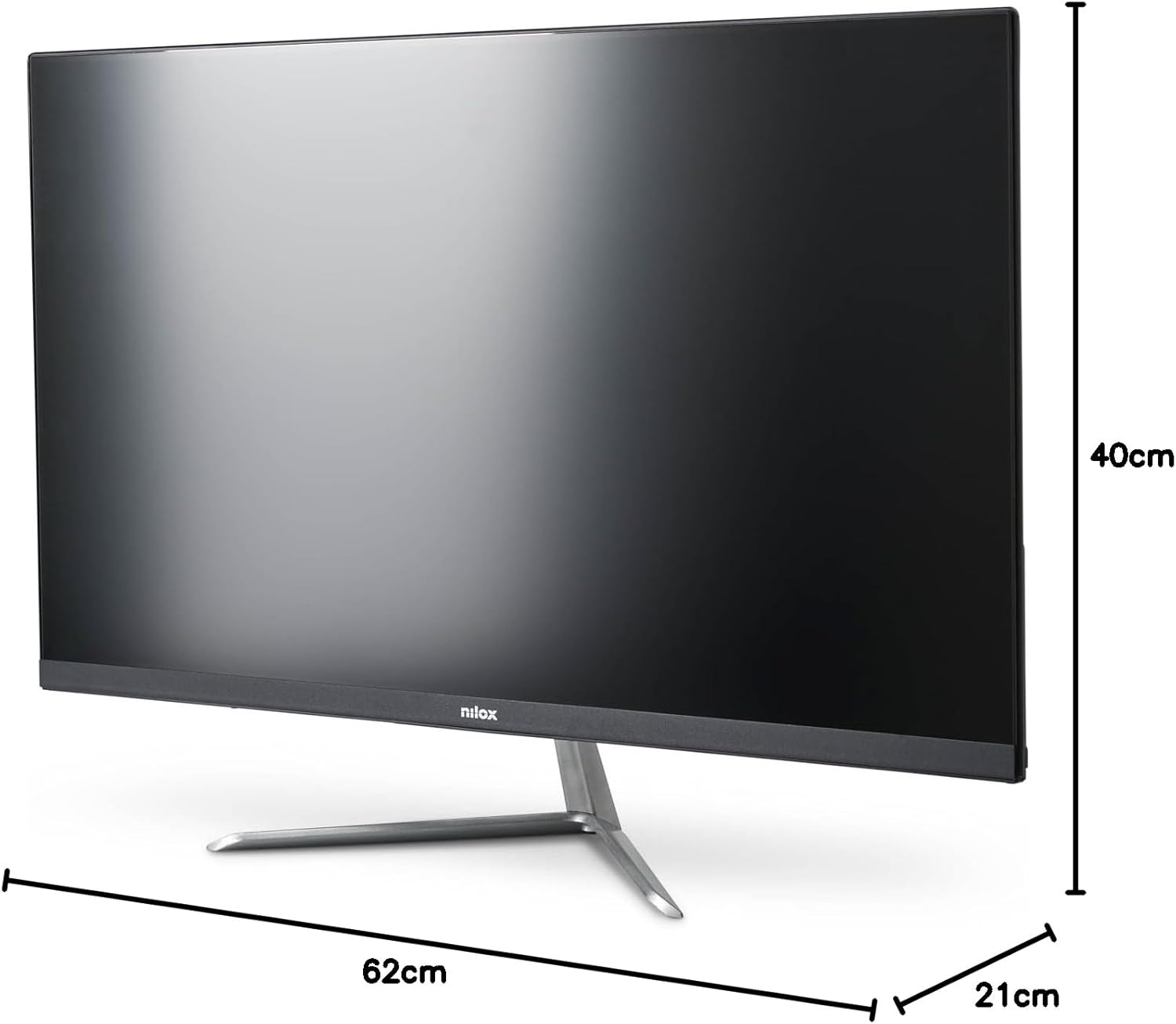
Figure 4: Monitor Dimensions
This image illustrates the physical dimensions of the Nilox NXM24FHD01 monitor, showing its width, height, and depth for reference.
9. Warranty and Support
Nilox monitors are covered by a manufacturer's warranty. Please refer to the warranty card included in your package or visit the official Nilox website for detailed warranty terms and conditions.
For technical support, troubleshooting assistance, or service inquiries, please contact Nilox customer support through their official channels. Keep your purchase receipt and monitor serial number handy when contacting support.
