
Introduction
The Razer Ornata V3 X is a low-profile membrane gaming keyboard designed for an ergonomic and comfortable typing experience. It features Razer Chroma RGB lighting, silent membrane switches, UV-coated keycaps for durability, and a spill-resistant design. This manual provides essential information for setting up, operating, maintaining, and troubleshooting your keyboard.
Setup
Package Contents
- Razer Ornata V3 X Keyboard
- USB Cable
- Ergonomic Wrist Rest
Connecting the Keyboard
- Connect the USB-A cable from the Razer Ornata V3 X keyboard to an available USB-A port on your computer.
- The keyboard will automatically install necessary drivers.
- For enhanced functionality and customization, download and install the Razer Synapse software from the official Razer website.
Attaching the Wrist Rest
Align the ergonomic wrist rest with the front edge of the keyboard. The wrist rest is designed to sit flush with the keyboard, providing comfortable support during extended use.

Image: The Razer Ornata V3 X keyboard shown with its ergonomic wrist rest providing support.
Cable Routing
The keyboard features integrated cable routing options on its underside. You can route the USB cable to the left, center, or right to maintain a tidy desk setup.
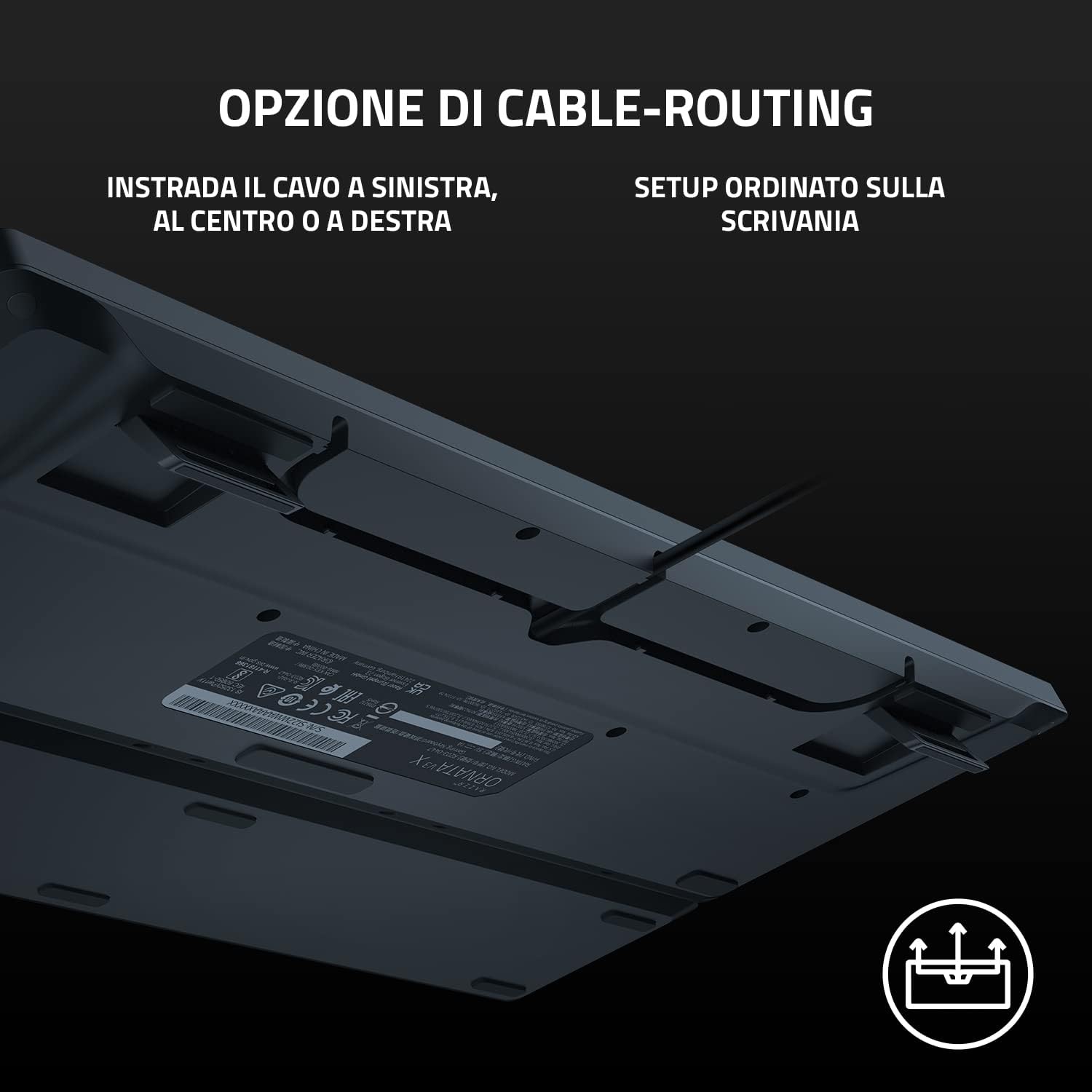
Image: View of the keyboard's underside, highlighting the channels for cable management.
Operating Instructions
Basic Keyboard Functions
The Razer Ornata V3 X functions as a standard QWERTY keyboard. All keys are responsive and designed for comfortable input.
Razer Chroma RGB Lighting
The keyboard features Razer Chroma RGB lighting, offering 16.8 million color options and various lighting effects. These can be customized through the Razer Synapse software. The lighting can also react dynamically with integrated games.
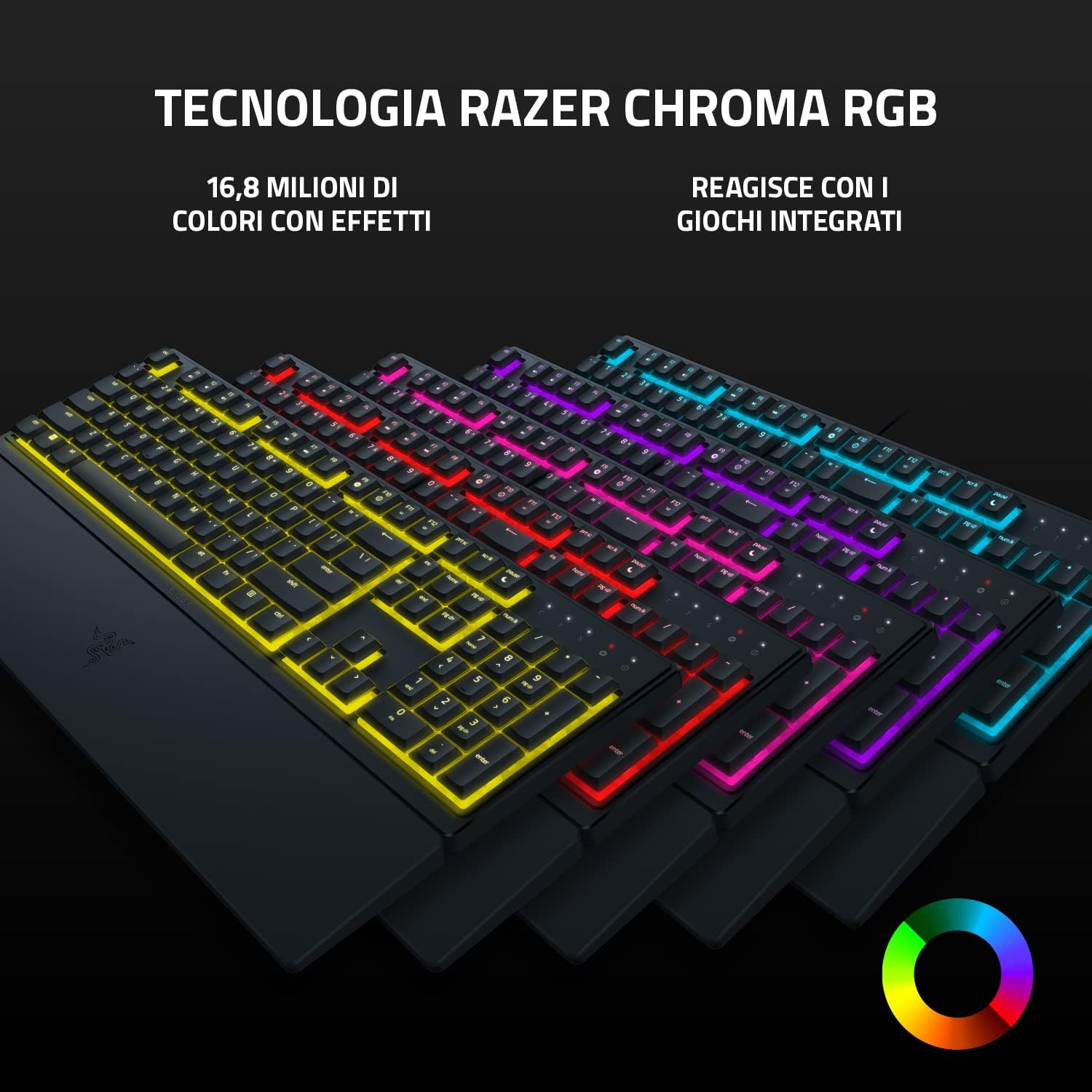
Image: Multiple Razer Ornata V3 X keyboards showcasing different RGB color schemes and effects.
Low-Profile Keys and Silent Membrane Switches
The keyboard is equipped with low-profile keys and silent membrane switches, providing a soft, cushioned keystroke. This design allows for a more natural hand position and reduced effort during prolonged use.
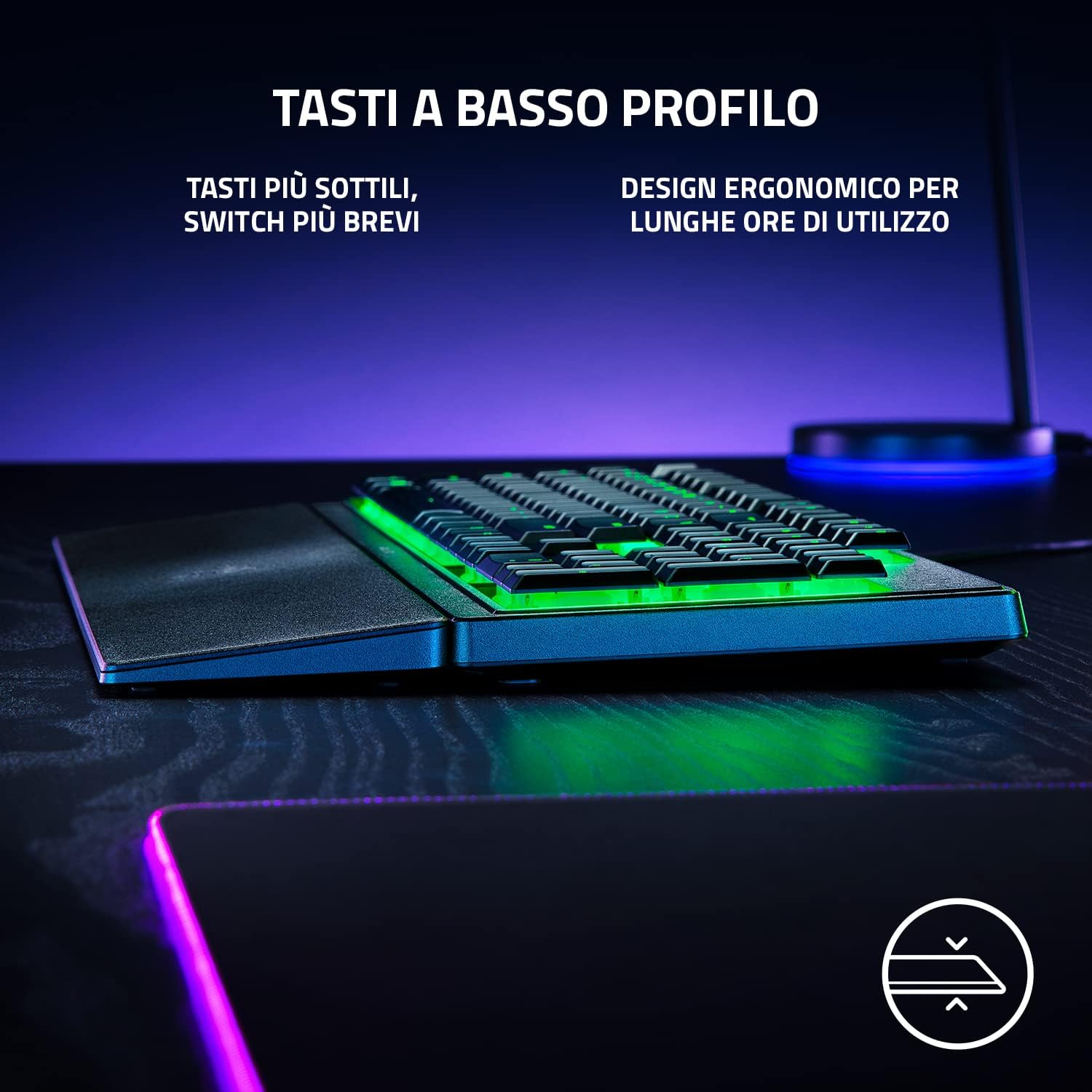
Image: A close-up view of the low-profile keys on the Razer Ornata V3 X keyboard.

Image: A detailed view of the silent membrane switch mechanism beneath a keycap.
Maintenance
Cleaning the Keyboard
To clean your keyboard, use a soft, damp cloth. Avoid using harsh chemicals or abrasive materials. For dust and debris between keys, use compressed air.
UV-Coated Keycaps
The keycaps are treated with a UV coating to enhance resistance against fading and wear from daily use. This helps maintain the legibility of the key legends over time.
Spill Resistance
The Razer Ornata V3 X features a robust, spill-resistant design, capable of withstanding minor liquid splashes. In case of a spill, immediately disconnect the keyboard from your computer and allow it to dry completely before reconnecting.

Image: Water droplets on the keyboard surface, illustrating its spill-resistant properties.
Troubleshooting
Keyboard Not Responding
- Ensure the USB cable is securely connected to both the keyboard and your computer.
- Try connecting the keyboard to a different USB port.
- Restart your computer.
- Check if the Razer Synapse software is running and updated.
RGB Lighting Issues
- Verify that Razer Synapse software is installed and configured correctly.
- Check lighting effects and brightness settings within Razer Synapse.
- Ensure no conflicting software is controlling RGB lighting.
Keys Not Registering
- Clean the affected keys to remove any debris that might be obstructing the switch.
- If the issue persists, contact Razer Support.
Specifications
| Feature | Detail |
|---|---|
| Brand | Razer |
| Model Name | Ornata V3 X |
| Connectivity Technology | USB-A |
| Keyboard Description | Membrane |
| Recommended Uses | Gaming |
| Special Features | Ergonomic, Backlit |
| Color | Black |
| Backlight Color Support | RGB (Razer Chroma) |
| Product Dimensions (LxWxH) | 44.3L x 14.4W x 3.1H cm |
| Switch Type | Membrane |
| Keyboard Layout | QWERTY |
| Number of Buttons | 104 |
| Water Resistance Level | Spill-resistant |
| Compatible Operating Systems | Windows |
| Material | Polycarbonate |
| Item Weight | 900 Grams |
| Manufacturer Part Number | RZ03-04470700-R3H1 |
Warranty Information
The Razer Ornata V3 X keyboard comes with a 2-year limited warranty from the date of purchase. This warranty covers manufacturing defects and workmanship under normal use. For full terms and conditions, please refer to the official Razer warranty policy available on their website. Keep your proof of purchase for warranty claims.
Support
For further assistance, technical support, driver downloads, or software updates, please visit the official Razer support website:
You can also find FAQs and community forums on the Razer website for common queries and solutions.


