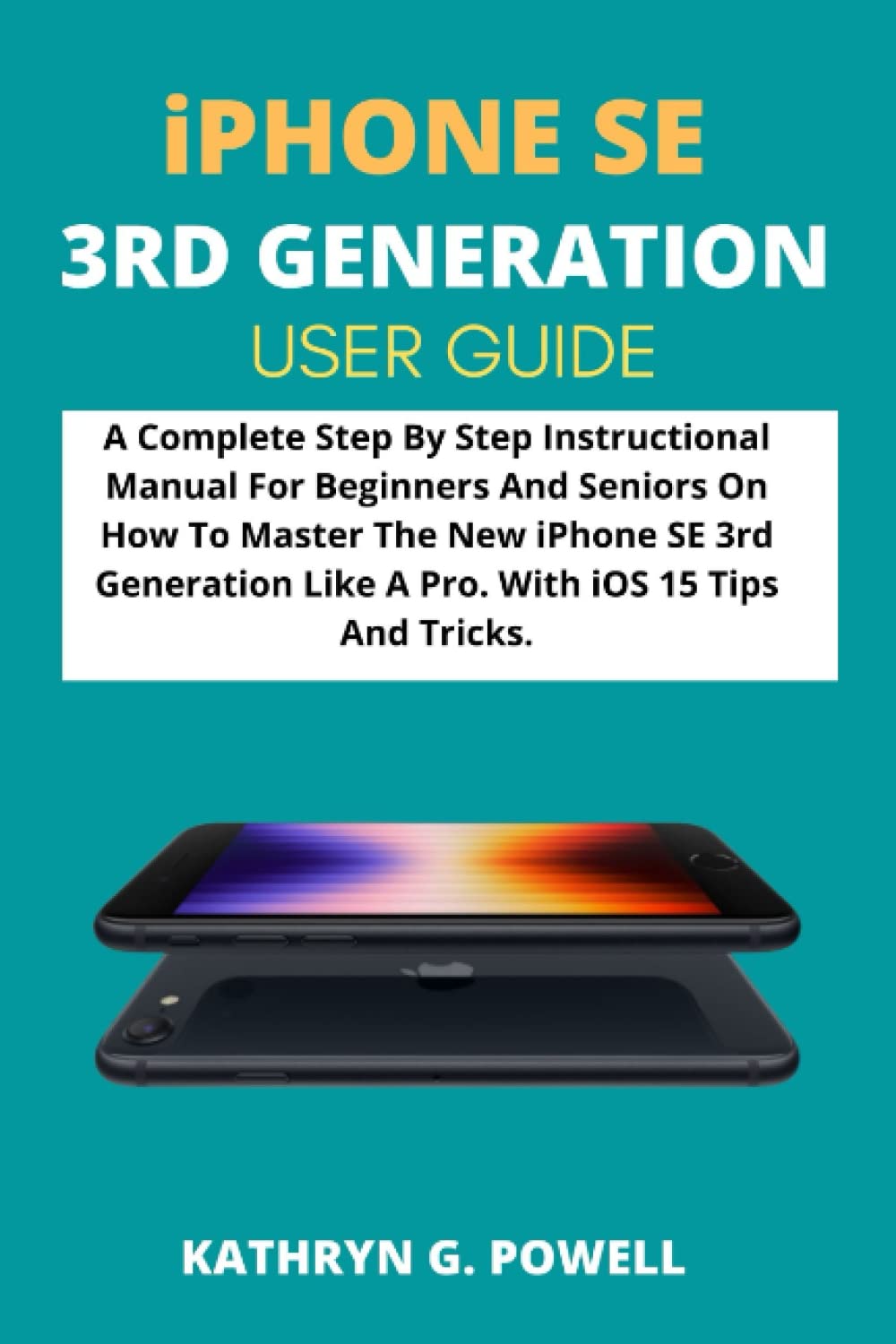
Introduction to Your iPhone SE 3rd Generation
This manual provides a detailed, step-by-step guide for users of the Apple iPhone SE 3rd Generation (2022). It is designed to help both beginners and experienced users understand and master the device's features, including the latest updates in iOS 15. The iPhone SE 3rd Generation incorporates significant software enhancements and improved battery life, making this guide an essential companion for maximizing your device's potential.
The content within this guide is structured to facilitate quick understanding and efficient use of your iPhone SE 2022.
1. Initial Setup and Configuration
This section covers the essential steps to get your new iPhone SE 3rd Generation ready for use, from initial power-on to personalizing your settings.
- Upgrading to a New iPhone: Guidance on transferring data from an old device to your new iPhone SE.
- Unlocking Your iPhone: Instructions for setting up and using Face ID or Touch ID, and passcode options.
- Setting Up Mobile Service: Steps to activate your cellular plan and connect to your network provider.
- Apple ID Settings: Creating or managing your Apple ID, which is crucial for accessing Apple services.
- Using iCloud: How to set up and utilize iCloud for data backup, synchronization, and storage.
- Setting Up Passcode: Detailed instructions for creating and managing your device passcode for security.
- Securing Your Apple ID: Best practices and steps for enhancing the security of your Apple ID.
2. Operating Your iPhone SE 3rd Generation
Learn how to navigate and utilize the core functionalities of your iPhone SE, including communication, media, and health features.
- Managing Basic Settings: Customizing your iPhone's general settings, notifications, and display.
- Using AirDrop: Instructions for wirelessly sharing files with other Apple devices.
- Tracking Health and Well-Being: Utilizing the Health app and related features to monitor personal health data.
- Using the Camera: A guide to taking photos and videos with your iPhone's camera, including various modes and settings.
- Setting Up FaceTime: How to make and receive video and audio calls using Apple's FaceTime service.
- Using CarPlay: Connecting your iPhone to your car's infotainment system for safe access to apps and features while driving.
- Transferring Files: Methods for moving files between your iPhone and a computer.
- What's New in iOS 15: An overview of the new features and improvements introduced with iOS 15.
3. Maintenance and Data Management
This section provides guidance on keeping your iPhone's software up-to-date and managing your personal data securely.
- Updating iOS: Steps to ensure your iPhone is running the latest version of iOS for optimal performance and security.
- Erasing Your iPhone: Instructions for securely wiping all data from your device, useful before selling or recycling.
4. Troubleshooting Common Issues
While this guide aims to prevent issues through clear instructions, it also provides insights into resolving common problems you might encounter with your iPhone SE 3rd Generation. For specific troubleshooting steps, refer to the detailed chapters within the full manual.
- Addressing connectivity problems (Wi-Fi, Cellular, Bluetooth).
- Resolving app crashes or unresponsiveness.
- Managing battery life and performance issues.
- Troubleshooting notification and sound problems.
5. Product Specifications
This manual details the technical specifications of the iPhone SE 3rd Generation (2022), providing information on its hardware, dimensions, and capabilities. For a complete list of specifications, please consult the relevant section within the comprehensive guide.
- Processor and performance details.
- Camera specifications and features.
- Display technology and resolution.
- Battery life estimates and charging capabilities.
- Storage options and connectivity features.
6. Warranty and Support Information
This guide provides information on how to access Apple's official warranty details and customer support resources for your iPhone SE 3rd Generation. It directs users to the appropriate channels for service, repairs, and additional assistance.
- Understanding your device's warranty coverage.
- Contacting Apple Support for technical assistance.
- Finding authorized service providers.
Visual Aids and References