Introduction
Thank you for choosing the CROMA 2200 Watts Dry Vacuum Cleaner. This manual provides essential information for the safe and efficient operation, maintenance, and troubleshooting of your appliance. Please read it thoroughly before first use and keep it for future reference.

Image: The CROMA 2200 Watts Dry Vacuum Cleaner, showcasing its main unit, flexible hose, and telescopic wand with floor brush.
Important Safety Instructions
Always follow basic safety precautions when using electrical appliances to reduce the risk of fire, electric shock, or injury.
- Read all instructions before using the appliance.
- Do not leave the vacuum cleaner unattended when plugged in. Unplug from outlet when not in use and before servicing.
- Do not use outdoors or on wet surfaces. This is a dry vacuum cleaner.
- Do not allow to be used as a toy. Close attention is necessary when used by or near children.
- Use only as described in this manual. Use only manufacturer's recommended attachments.
- Do not use with damaged cord or plug. If appliance is not working as it should, has been dropped, damaged, left outdoors, or dropped into water, return it to a service center.
- Do not pull or carry by cord, use cord as a handle, close a door on cord, or pull cord around sharp edges or corners. Do not run appliance over cord. Keep cord away from heated surfaces.
- Do not unplug by pulling on cord. To unplug, grasp the plug, not the cord.
- Do not handle plug or vacuum cleaner with wet hands.
- Do not put any object into openings. Do not use with any opening blocked; keep free of dust, lint, hair, and anything that may reduce air flow.
- Keep hair, loose clothing, fingers, and all parts of body away from openings and moving parts.
- Do not pick up anything that is burning or smoking, such as cigarettes, matches, or hot ashes.
- Do not use to pick up flammable or combustible liquids, such as gasoline, or use in areas where they may be present.
- Do not pick up hard or sharp objects such as glass, nails, screws, coins, etc.
- Do not use without dust cup and/or filters in place.
Product Components and Accessories
Familiarize yourself with the parts of your CROMA Dry Vacuum Cleaner.
- Main Unit: Contains the motor, dust collection system, and controls.
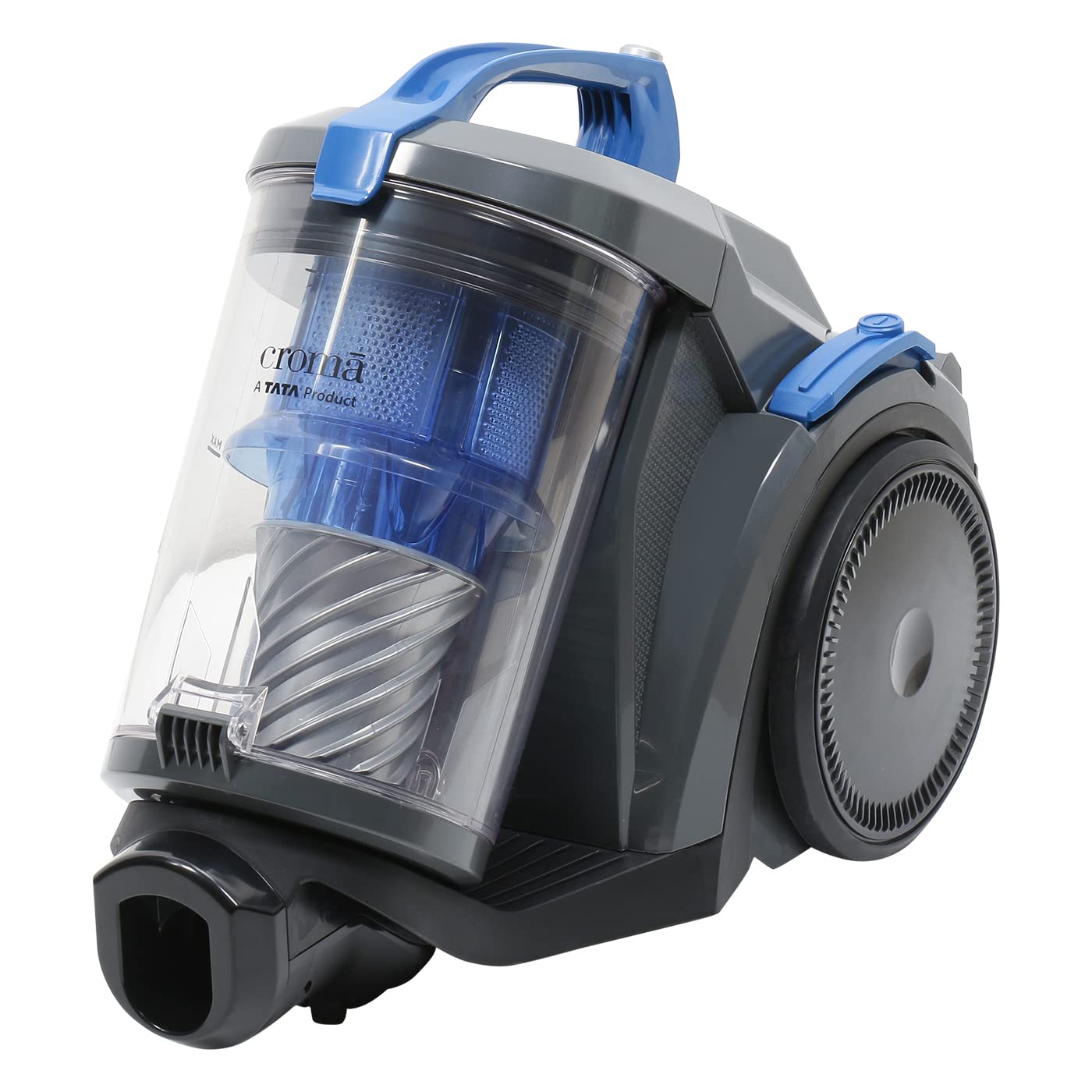
Image: Close-up view of the main vacuum cleaner unit, highlighting the transparent dustbin and internal cyclonic filter system.
- Flexible Hose: Connects the main unit to the extension wand or accessories.
- Telescopic Extension Wand: Provides extended reach for floor cleaning.
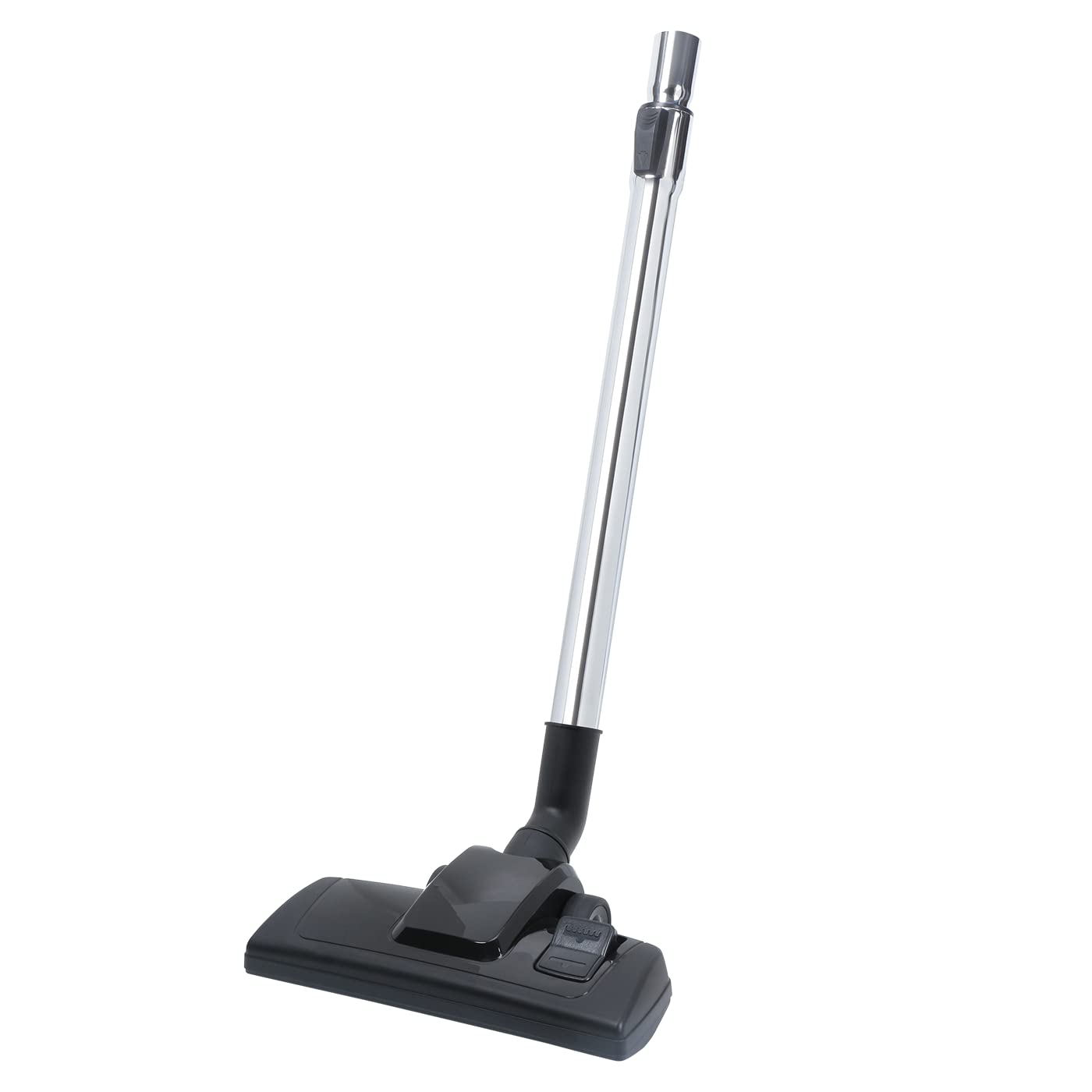
Image: The telescopic extension wand connected to the main floor brush attachment.
- Floor Brush: Standard attachment for cleaning various floor types.

Image: Underside view of the floor brush, showing the bristles and suction opening.
- Nozzle / Crevice Tool: Ideal for narrow spaces, corners, and upholstery.
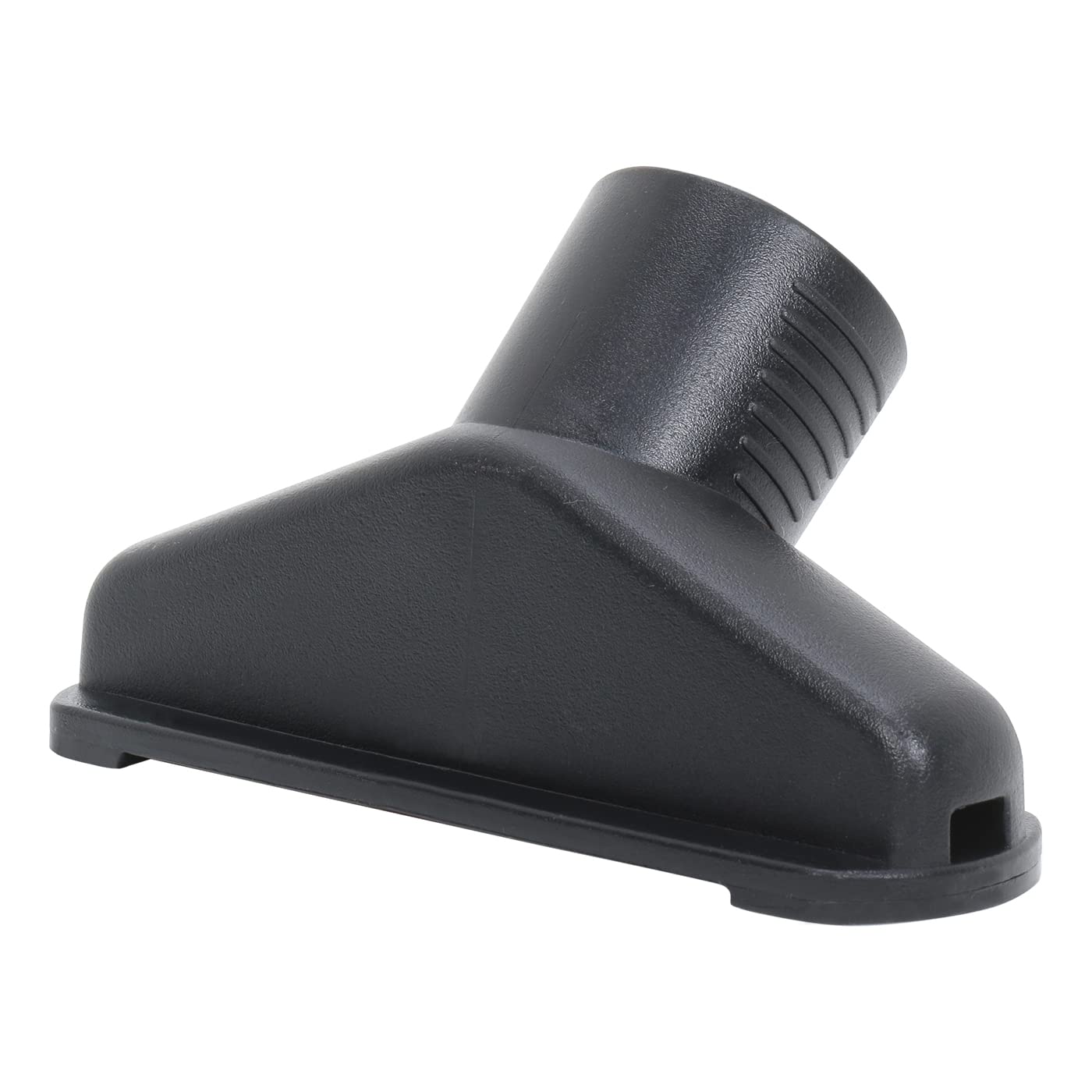
Image: The crevice tool attachment, designed for reaching tight spaces.
- Dustbin (3 Liter Capacity): Transparent, bagless dust collection container.
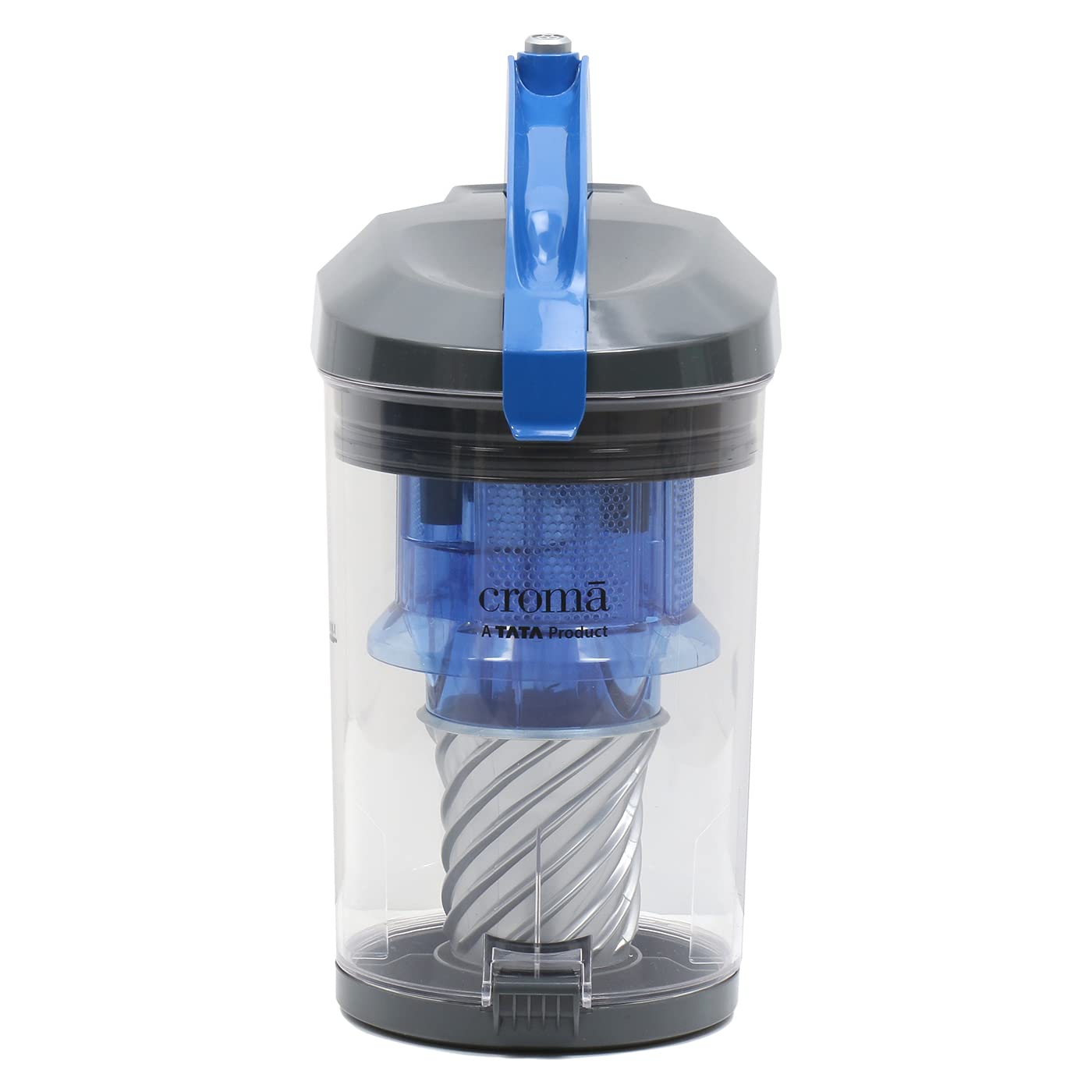
Image: The transparent dustbin detached from the main unit, showing the internal cyclonic filter assembly.
- Washable HEPA Filter: Located within the dustbin, captures fine dust and allergens.
Setup and Assembly
- Unpacking: Carefully remove all components from the packaging. Retain packaging for future storage or transport.
- Attach Flexible Hose: Insert the larger end of the flexible hose into the suction inlet on the main unit until it clicks securely into place.
- Connect Extension Wand: Attach the handle end of the flexible hose to the telescopic extension wand.
- Attach Floor Brush/Accessory: Connect the desired cleaning accessory (e.g., floor brush or nozzle) to the end of the telescopic extension wand.
- Check Dustbin and Filter: Ensure the dustbin is properly seated and the washable HEPA filter is correctly installed before operation.
Operating Instructions
Powering On and Off
- Plug In: Insert the power plug into a suitable electrical outlet.
- Power On: Press the power button (Push Button Controller) located on the main unit to start the vacuum cleaner.
- Power Off: Press the power button again to turn off the vacuum cleaner.
- Cord Rewind: Utilize the auto cord winding feature by pressing the dedicated button to retract the power cord for convenient storage.

Image: Close-up of the auto cord winding button on the vacuum cleaner's main unit.
Adjusting Suction Power
The vacuum cleaner features a speed control knob to adjust suction power based on the cleaning surface.
- Rotate the knob to increase or decrease suction.
- Higher suction is suitable for hard floors and heavily soiled areas.
- Lower suction is recommended for delicate surfaces or rugs.

Image: The vacuum cleaner's main unit, highlighting the speed control knob for adjusting suction power.
Cleaning Tips
- For optimal performance, ensure the dustbin is not overfilled.
- Use the appropriate attachment for the surface being cleaned.
- The multi-cyclone technology efficiently separates dust particles, ensuring consistent suction.
- The vacuum cleaner is designed for smooth mobility with rubber wheels, allowing easy movement around furniture and obstacles.

Image: Side view of the vacuum cleaner, emphasizing its large rubber wheels for smooth movement.
Maintenance and Care
Emptying the Dustbin
The bagless design allows for easy and hygienic dust disposal.
- Detach Dustbin: Press the release button and lift the dustbin from the main unit.

Image: A hand demonstrating the removal of the transparent dustbin from the vacuum cleaner's main body.
- Empty Contents: Hold the dustbin over a trash receptacle and open the bottom flap to empty accumulated dust and debris.
- Reattach Dustbin: Place the empty dustbin back onto the main unit until it clicks securely.
Cleaning the Washable HEPA Filter
Regular cleaning of the HEPA filter is crucial for maintaining suction power and air quality.
- Remove Filter: Twist or pull to remove the HEPA filter assembly from inside the dustbin.

Image: Rear view of the vacuum cleaner, indicating the location of the washable HEPA filter for maintenance.
- Wash Filter: Rinse the HEPA filter under cool running water until the water runs clear. Do not use detergents or hot water.
- Dry Thoroughly: Allow the filter to air dry completely for at least 24 hours before reinserting. Do not use a dryer or direct heat.
- Reinstall Filter: Once completely dry, place the HEPA filter back into the dustbin and reattach the dustbin to the main unit.
Note: The HEPA filter helps capture the minutest of allergens, contributing to cleaner air.
General Cleaning
- Wipe the exterior of the vacuum cleaner with a soft, damp cloth.
- Check the hose and attachments for blockages regularly.
- Ensure the power cord is not twisted or damaged.
Troubleshooting
| Problem | Possible Cause | Solution |
|---|---|---|
| Vacuum cleaner does not turn on. | Not plugged in; Power outlet faulty; Power button not pressed; Thermal cut-out activated. | Check power plug connection; Test outlet with another appliance; Press power button firmly; Unplug and allow to cool for 30 minutes before restarting. |
| Loss of suction. | Dustbin full; Filter clogged; Hose or attachment blocked; Dustbin not properly installed. | Empty dustbin; Clean or replace filter; Check hose and attachments for obstructions; Reinstall dustbin correctly. |
| Unusual noise. | Blockage in hose/attachments; Motor issue; Foreign object in fan. | Check for and remove blockages; If noise persists, contact customer support. |
| Dust escaping from unit. | Dustbin not properly sealed; Filter missing or damaged. | Ensure dustbin is securely closed and installed; Check and properly install or replace filter. |
Product Specifications
| Feature | Detail |
|---|---|
| Brand | CROMA |
| Model | CRSHAF501sVC22 |
| Type | Dry Vacuum Cleaner |
| Power Consumption | 2200 Watts |
| Suction Power | 300W |
| Air Flow | 108 m³/hr |
| Dustbin Capacity | 3 Liters (Bagless) |
| Filter Type | Washable HEPA Filter |
| Noise Level | 82 dB |
| Control Method | Push Button, Remote |
| Special Features | Multi Cyclonic Technology, Auto Cord Winding, Speed Control, Smooth Mobility, Compact Design |
| Included Accessories | Brush, Nozzle |
| Item Weight | 6 kg |
Warranty and Support
Your CROMA 2200 Watts Dry Vacuum Cleaner comes with a 2 Years Warranty from the date of purchase.
For warranty claims, technical support, or service inquiries, please contact CROMA customer care. Keep your purchase receipt as proof of purchase.
For more information, you may visit the official CROMA store online: CROMA Store


