
Introduction
Thank you for choosing the ODK L-Shaped Corner Gaming Desk. This manual provides essential information for the proper assembly, operation, and maintenance of your new desk. Designed to maximize space and enhance your workspace, this desk features a robust L-shaped design, a convenient monitor shelf, and additional storage solutions.

Image: The ODK L-shaped corner desk set up in a modern room, featuring two monitors on the main surface and a laptop on the monitor shelf. The desk includes a side storage bag and a headphone hook.
Product Dimensions
The ODK L-Shaped Corner Gaming Desk offers a generous workspace with the following dimensions:
- Overall Dimensions (L x W x H): 146 cm x 120 cm x 76 cm
- Weight: 17.15 Kilograms

Image: A technical diagram illustrating the precise measurements of the ODK L-shaped corner desk, including lengths (146cm, 120cm), width (48cm), height (76cm), and dimensions of the monitor shelf and storage bag.
Setup and Assembly
The ODK L-Shaped Corner Gaming Desk is designed for straightforward assembly. It is recommended that two people assemble the desk for ease and safety.
Assembly Steps:
- Unpack Components: Carefully unbox all parts and verify against the included parts list. Ensure all numbered parts and classified tools are present.
- Assemble Frame: Follow the detailed instructions provided in the packaging to connect the metal frame components.
- Attach Desktop Panels: Securely fasten the two MDF P2 desktop panels to the assembled frame.
- Install Monitor Shelf: Position and attach the movable monitor shelf as desired.
- Attach Accessories: Install the iron hook and fabric storage bag to the designated areas on the desk.
- Adjust Feet: Ensure the adjustable foot pads are properly installed and adjust them to stabilize the desk on uneven floors.
Refer to the visual guide for a clear understanding of each step.

Image: A visual guide showing the sequential steps for assembling the ODK L-shaped corner desk, illustrating how the frame components and desktop panels connect.
Operating Instructions
The ODK L-Shaped Corner Gaming Desk is designed for versatile use, offering ample space and convenient features for various setups, including gaming, office work, and study.
Key Features:
- L-Shaped Design: Maximizes corner space, providing a large surface area for multiple monitors (2-3 screens), keyboards, and other peripherals.
- Movable Monitor Shelf: The included monitor shelf can be positioned to elevate your screen, improving ergonomics and providing additional storage underneath for small items.
- Headphone Hook: An integrated iron hook allows for convenient storage of headphones or bags, keeping your desk clutter-free.
- Side Storage Bag: A fabric storage bag attaches to the side of the desk, offering easy access to books, documents, and other essentials.

Image: A detailed view of the movable monitor shelf, providing additional storage space for small items like a clock, a lamp, or decorative objects, helping to organize the desktop.
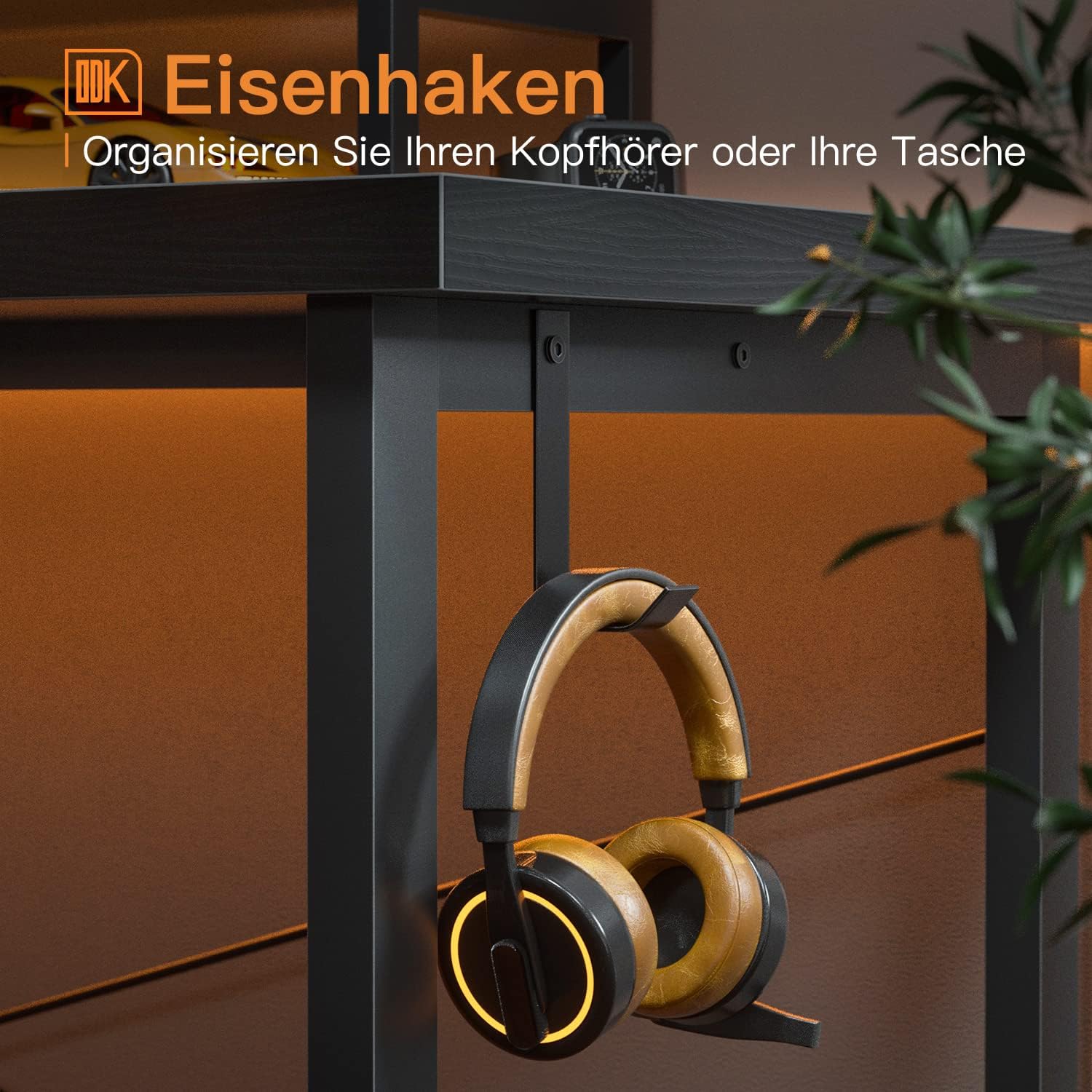
Image: This image highlights the convenient iron hook attached to the desk frame, designed for hanging headphones or bags, keeping the workspace tidy.
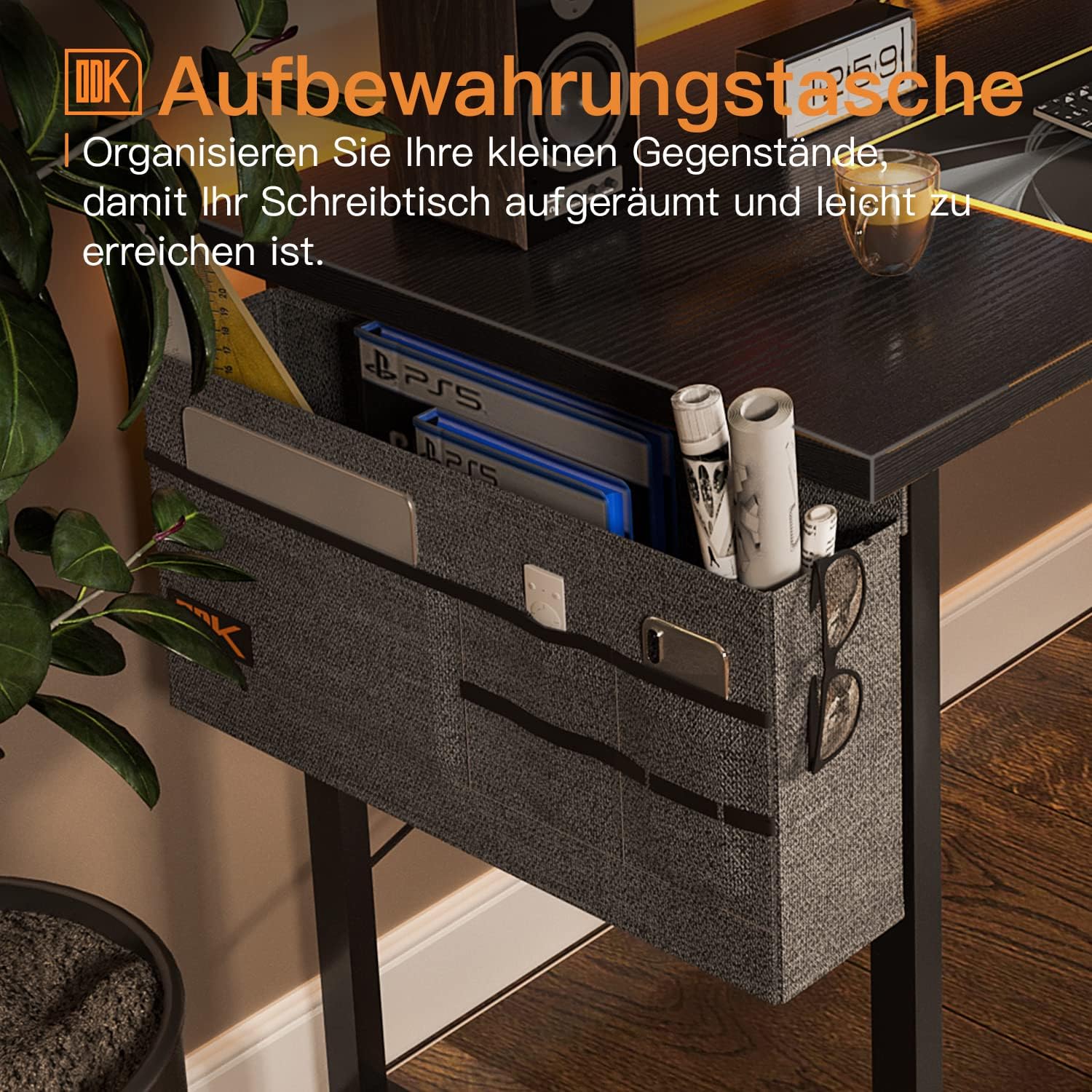
Image: This image displays the fabric storage bag attached to the side of the desk, offering practical storage for books, documents, glasses, and other small accessories, keeping them within easy reach.
Maintenance
To ensure the longevity and appearance of your ODK L-Shaped Corner Gaming Desk, follow these simple maintenance guidelines:
- Cleaning: The desk surface is laminated, anti-slip, and scratch-resistant. It is easy to clean with a dry or damp cloth. Avoid using harsh chemicals or abrasive cleaners, which can damage the finish.
- Spills: Wipe up spills immediately to prevent staining or damage to the wood material.
- Stability Check: Periodically check all screws and connections to ensure they are tight. Re-tighten if necessary to maintain stability.
- Avoid Extreme Conditions: Do not expose the desk to extreme temperatures, humidity, or direct sunlight for prolonged periods, as this may cause warping or discoloration.
Troubleshooting
If you encounter any issues with your ODK L-Shaped Corner Gaming Desk, please refer to the following common solutions:
- Wobbly Desk: Ensure all assembly screws are tightened. Adjust the foot pads on the bottom of the desk legs to compensate for uneven flooring.
- Missing Parts: If any parts are missing upon unboxing, please contact customer service immediately with your purchase details.
- Difficulty Assembling: Double-check the instruction manual and ensure all parts are oriented correctly. If issues persist, contact customer support for assistance.
- Surface Damage: While the surface is scratch-resistant, avoid dragging sharp or heavy objects across it. For minor blemishes, touch-up pens matching the desk color may be used.
For problems not addressed here, please contact ODK customer service.
Specifications
| Feature | Detail |
|---|---|
| Brand | ODK |
| Model Number | ZJZ-1842-B |
| Dimensions (L x W x H) | 146 x 120 x 76 cm |
| Weight | 17.15 Kilograms |
| Color | Black |
| Material | Engineered Wood (MDF P2) and Metal Frame |
| Finish Type | Laminated |
| Special Features | Lightweight, Scratch Resistant, Adjustable Foot Pads, Monitor Shelf, Headphone Hook, Storage Bag |
| Assembly Required | Yes (Recommended 2 people) |
| Care Instructions | Easy to clean with a dry or damp cloth |
Warranty and Support
ODK is committed to providing quality products and customer satisfaction. We offer a reliable warranty for our products.
Customer Service:
Should you have any questions, concerns, or require assistance with your ODK L-Shaped Corner Gaming Desk, please do not hesitate to contact our customer service team. We aim to respond to all inquiries within 24 hours.
For contact information, please refer to the documentation included with your purchase or visit the official ODK website.


