
1. Introduction
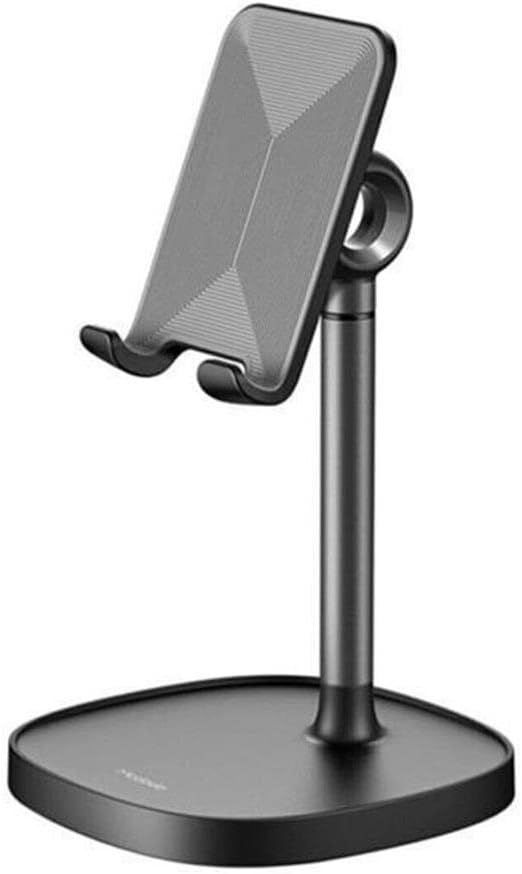
Thank you for choosing the Mcdodo TB-7821 Telescopic Desktop Holder. This high-quality aluminum stand is designed to provide a stable and adjustable platform for your smartphone or tablet, enhancing your viewing and interaction experience. This manual provides essential information for the proper setup, operation, and maintenance of your device.
2. Product Features
- High-Quality Construction: Crafted from durable aluminum for stability and longevity.
- Adjustable Viewing Angle: The device holding platform can rotate 360 degrees horizontally and tilt 180 degrees vertically, allowing for optimal viewing angles.
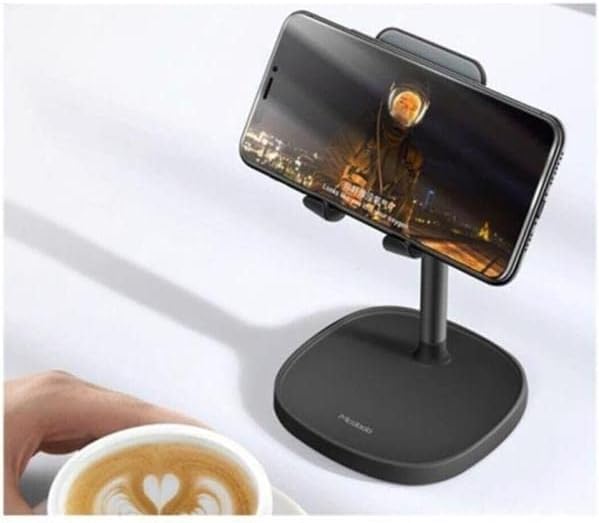
- Adjustable Height: The telescopic pole allows you to adjust the stand's height to your preferred ergonomic position.
- Charging Cable Compatibility: Designed with a cutout to easily connect a charging cable to your device while it's on the stand.
- Integrated Cable Management: A discreet opening at the back of the stand helps keep your charging cable tidy.
- Small Storage Tray: The base includes a small tray for storing earbuds, keys, or other small accessories.
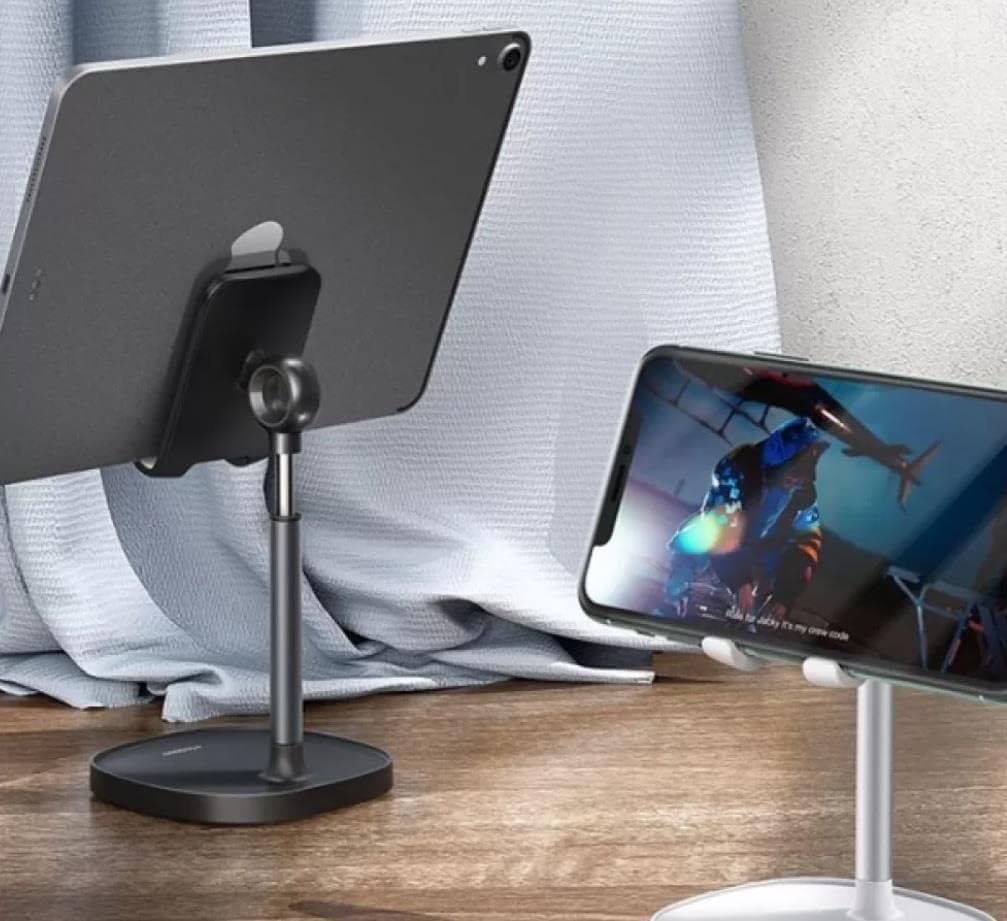
- Wide Compatibility: Suitable for various smartphones and tablets.
3. Setup Instructions
- Unpack: Carefully remove all components from the packaging.
- Placement: Place the Mcdodo TB-7821 holder on a flat, stable, and non-slip surface. Ensure there is enough space around the stand for adjustments.
- Initial Adjustment: The stand is pre-assembled. You can immediately proceed to adjust the height and angle as described in the Operating Instructions.
4. Operating Instructions
4.1 Placing Your Device
- Gently place your smartphone or tablet onto the holder's cradle. Ensure it is securely seated within the two lower hooks.
4.2 Adjusting Height
- To adjust the height, hold the base firmly with one hand.
- With the other hand, gently pull the telescopic pole upwards or push it downwards to achieve your desired height. The pole will hold its position once released.
4.3 Adjusting Viewing Angle
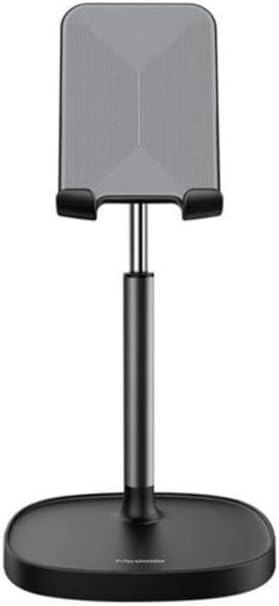
- Tilt Adjustment: The device holding platform can be tilted up or down by 180 degrees. Gently push or pull the platform to adjust the vertical angle.
- Rotation Adjustment: The entire upper section (including the device platform and telescopic pole) can rotate 360 degrees horizontally on its base. Simply turn the upper section to change the horizontal viewing direction.

4.4 Charging and Cable Management
- To charge your device while on the stand, thread your charging cable through the cutout at the bottom of the device cradle.
- For neat cable management, guide the cable through the opening at the back of the stand's pole.
5. Maintenance
To ensure the longevity and appearance of your Mcdodo TB-7821 holder, follow these simple maintenance guidelines:
- Cleaning: Wipe the stand with a soft, dry, or slightly damp cloth. Avoid using abrasive cleaners, solvents, or harsh chemicals, as these can damage the finish.
- Storage: When not in use, store the holder in a clean, dry place away from direct sunlight and extreme temperatures.
- Handling: Avoid dropping the holder or subjecting it to strong impacts, which could cause damage.
6. Troubleshooting
If you encounter any issues with your Mcdodo TB-7821 holder, please refer to the following common solutions:
- Stand is unstable: Ensure the holder is placed on a completely flat and stable surface. Verify that your device is centered and securely placed in the cradle.
- Difficulty adjusting height/angle: Apply gentle, firm pressure when adjusting. Do not force the mechanisms. If the stand feels stiff, ensure no debris is obstructing the moving parts.
- Device slipping: Ensure the device's surface is clean and dry. The silicone pads on the cradle are designed to provide grip. If they are dirty, clean them with a damp cloth.
If the problem persists, please contact Mcdodo customer support for further assistance.
7. Specifications
| Feature | Specification |
|---|---|
| Brand | Mcdodo |
| Model | TB-7821 |
| Material | Aluminum |
| Mounting Type | Desktop |
| Form Factor | Tower |
| Compatible Devices | Tablets, Universal Phones |
| Product Dimensions | 19 x 11.8 x 6.8 cm |
| Product Weight | 300 grams |
8. Warranty and Support
For warranty information and customer support, please refer to the documentation provided with your purchase or visit the official Mcdodo website. Keep your proof of purchase for any warranty claims.