
1. Product Overview
The Hoco CA76 Magnetic One-Touch Car Phone Holder is designed to securely hold your smartphone in your vehicle. It features a one-touch clamping mechanism for easy phone placement and removal, and a strong suction cup for stable mounting on various surfaces.
Key Features:
- One-Hand Access: Designed for easy phone insertion and removal with a single hand.
- Stable Clamp: Ensures your phone remains secure and does not shake, even on bumpy roads.
- Multi-Purpose Mounting: Can be installed on the car dashboard or windshield.
- 360° Rotation: Allows for optimal viewing angles.
- Washable Suction Cup: Provides strong adhesion and can be cleaned for renewed stickiness.
2. Package Contents
Please verify that all components are present in the package:
- Hoco CA76 Car Phone Holder unit
Note: No additional components are listed in the product specifications.
3. Setup and Installation
Follow these steps to properly install your Hoco CA76 Car Phone Holder.
3.1 Choose a Mounting Location
The holder can be mounted on your car's dashboard or windshield. Select a flat, clean surface that does not obstruct your view or interfere with vehicle controls.
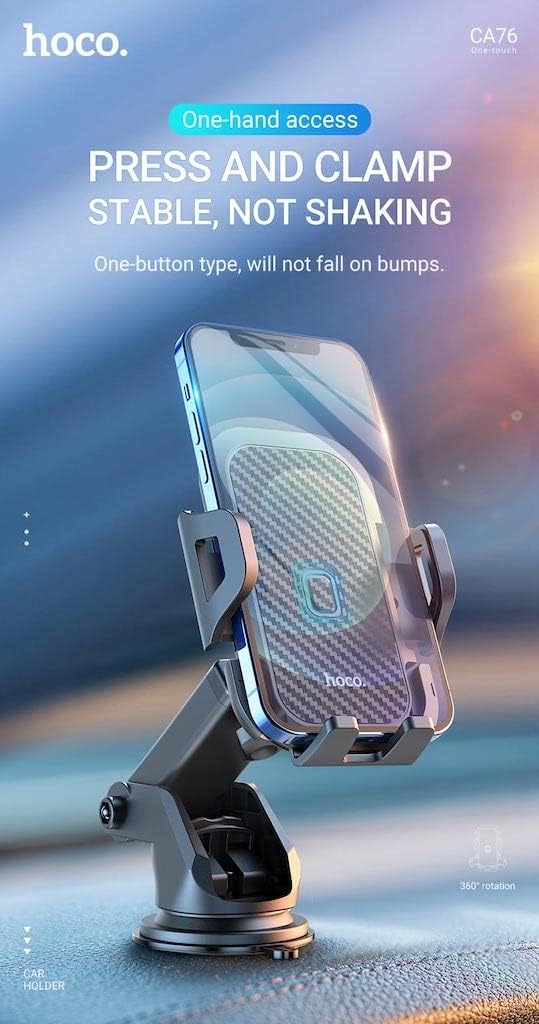
Image: The Hoco CA76 holder is versatile, allowing installation on both the center console/dashboard and the windshield without blocking your line of sight. This image illustrates the holder's adaptability for different car interior placements.
3.2 Prepare the Surface
Clean the chosen mounting surface thoroughly with a damp cloth and allow it to dry completely. Ensure there is no dust, grease, or residue that could compromise the suction cup's adhesion.
3.3 Attach the Holder
- Place the suction cup firmly against the clean, dry surface.
- Press down on the locking lever (if present) or twist the base to create a vacuum seal, securing the holder in place.

Image: A side view of the Hoco CA76 car phone holder, highlighting its adjustable arm and the robust suction cup base designed for secure attachment to a flat surface.
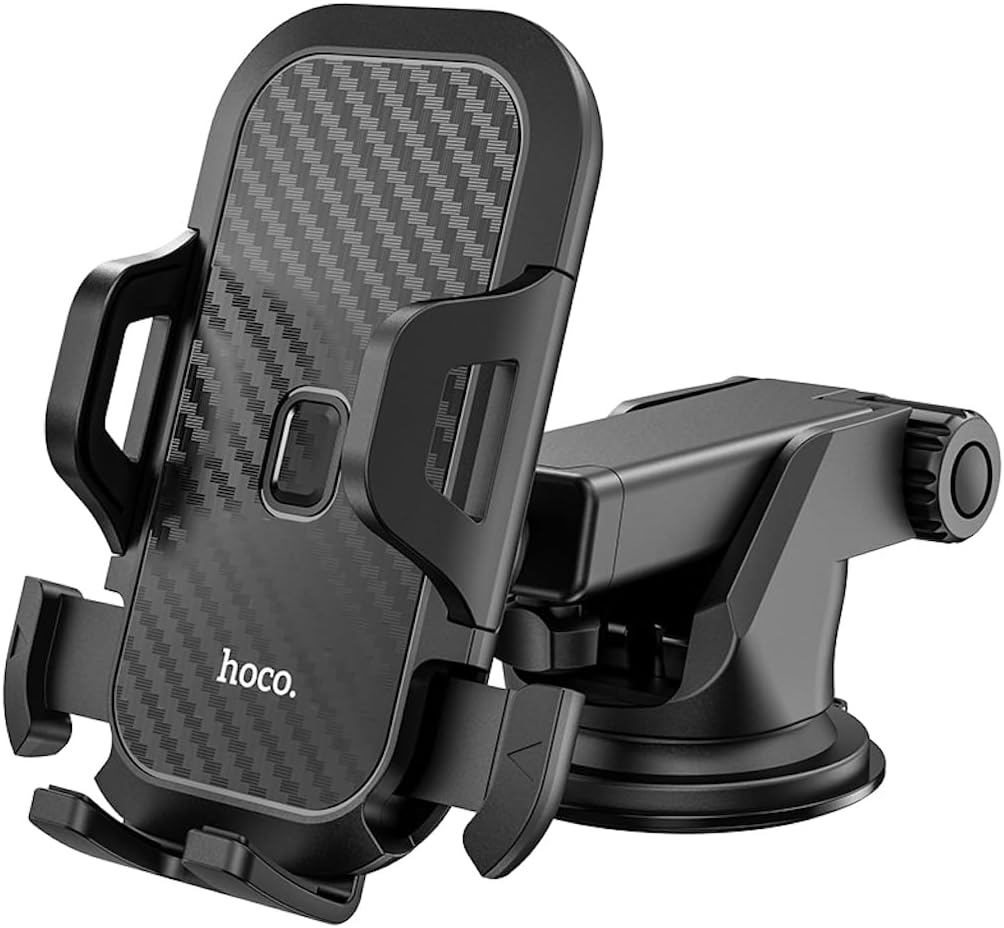
Image: A front-facing view of the Hoco CA76 car phone holder, showcasing the phone clamping mechanism and the suction cup base. This perspective emphasizes the holder's compact design and readiness for use.
4. Operating Instructions
Learn how to use your Hoco CA76 Car Phone Holder effectively.
4.1 Inserting Your Phone
- Gently press the side arms of the holder to open the clamp.
- Place your smartphone into the holder. The holder is compatible with phones between 4.5 and 6.5 inches, with a clamp range of 55-85mm.
- The holder will automatically clamp onto your phone, securing it in place.
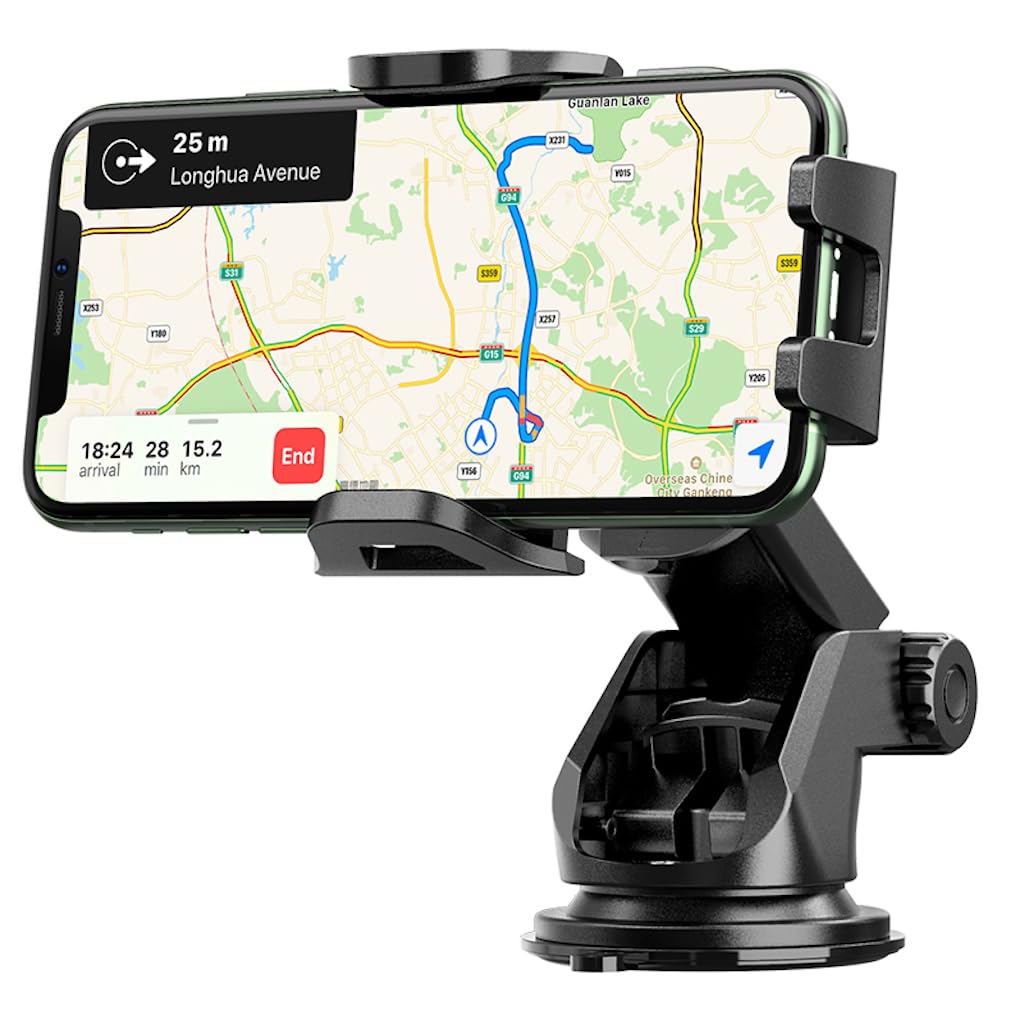
Image: A smartphone is shown securely held in the Hoco CA76 car phone holder, demonstrating its one-hand access feature. The text on the image highlights its stable, non-shaking grip, even on bumps.
4.2 Adjusting the Viewing Angle
The holder features a 360° rotatable joint, allowing you to adjust your phone to the perfect viewing angle for navigation or hands-free calls.
- Loosen the adjustment knob(s) on the arm or base.
- Rotate or tilt your phone to the desired position.
- Tighten the knob(s) to lock the angle in place.

Image: A smartphone mounted in the Hoco CA76 holder, displaying a navigation map. This illustrates the holder's utility for GPS guidance while driving.
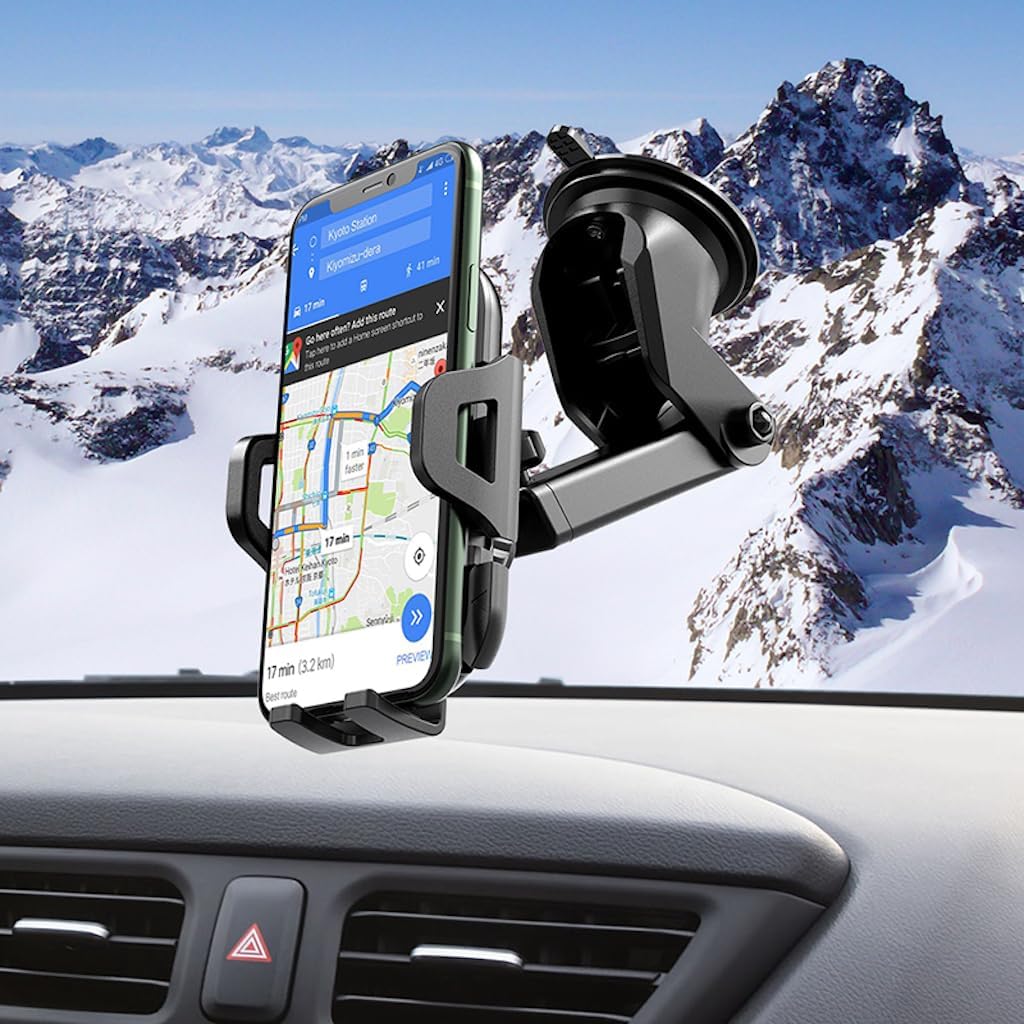
Image: The Hoco CA76 car phone holder is shown mounted on a car dashboard, holding a smartphone. This demonstrates a common installation scenario, providing easy access to the phone.

Image: The Hoco CA76 car phone holder is mounted on a car windshield, holding a smartphone. This setup provides an elevated view, often preferred for navigation, without obstructing the driver's forward vision.
4.3 Removing Your Phone
To remove your phone, simply press the release button or gently pull the side arms apart, then lift your phone out.
5. Maintenance
Proper maintenance ensures the longevity and optimal performance of your car phone holder.
5.1 Cleaning the Suction Cup
If the suction cup loses its stickiness, it can be washed to restore its adhesive properties.
- Remove the holder from its mounting surface.
- Rinse the suction cup under warm water.
- Allow it to air dry completely before re-attaching. Do not wipe with a cloth, as this can leave lint.
5.2 Cleaning the Holder Body
Wipe the body of the holder with a soft, damp cloth to remove dust and grime. Avoid using harsh chemicals or abrasive cleaners.
6. Troubleshooting
If you encounter issues with your Hoco CA76 Car Phone Holder, refer to the following common problems and solutions.
Problem: The holder does not stick to the dashboard/windshield or falls off frequently.
- Solution 1: Ensure the mounting surface is clean, dry, and free of dust or oil.
- Solution 2: Re-wash the suction cup as described in the Maintenance section (5.1) and allow it to air dry.
- Solution 3: Apply firm pressure to the suction cup while engaging the locking mechanism to ensure a strong vacuum seal.
- Solution 4: If mounting on a textured dashboard, consider using a smooth adhesive disc (not included) as a base for the suction cup.
Problem: The phone is not held securely or shakes.
- Solution 1: Ensure your phone is within the compatible size range (4.5-6.5 inches) and the clamp range (55-85mm).
- Solution 2: Verify that the side arms have fully clamped onto your phone.
- Solution 3: Tighten all adjustment knobs on the holder to prevent movement.
7. Specifications
| Brand | Hoco |
| Model Name | CA76 |
| Material | ABS + Polycarbonate |
| Color | Black |
| Compatible Devices | Smartphones |
| Compatible Phone Size | 4.5 - 6.5 inches |
| Clamp Range | 55 - 85 mm |
| Mounting Type | Dashboard, Windshield |
| Special Features | Rotatable |
| Dimensions (L x W x H) | 15.5 x 10.3 x 12.5 cm |
| Item Weight | 168 grams |
| Water Resistance Level | Not water resistant |
| Country of Origin | China |
| UPC | 06931474742568 |
8. Warranty and Support
Information regarding product warranty and customer support is not available in the provided product details. Please refer to the retailer or manufacturer's official website for warranty terms and contact information.