1. Product Overview
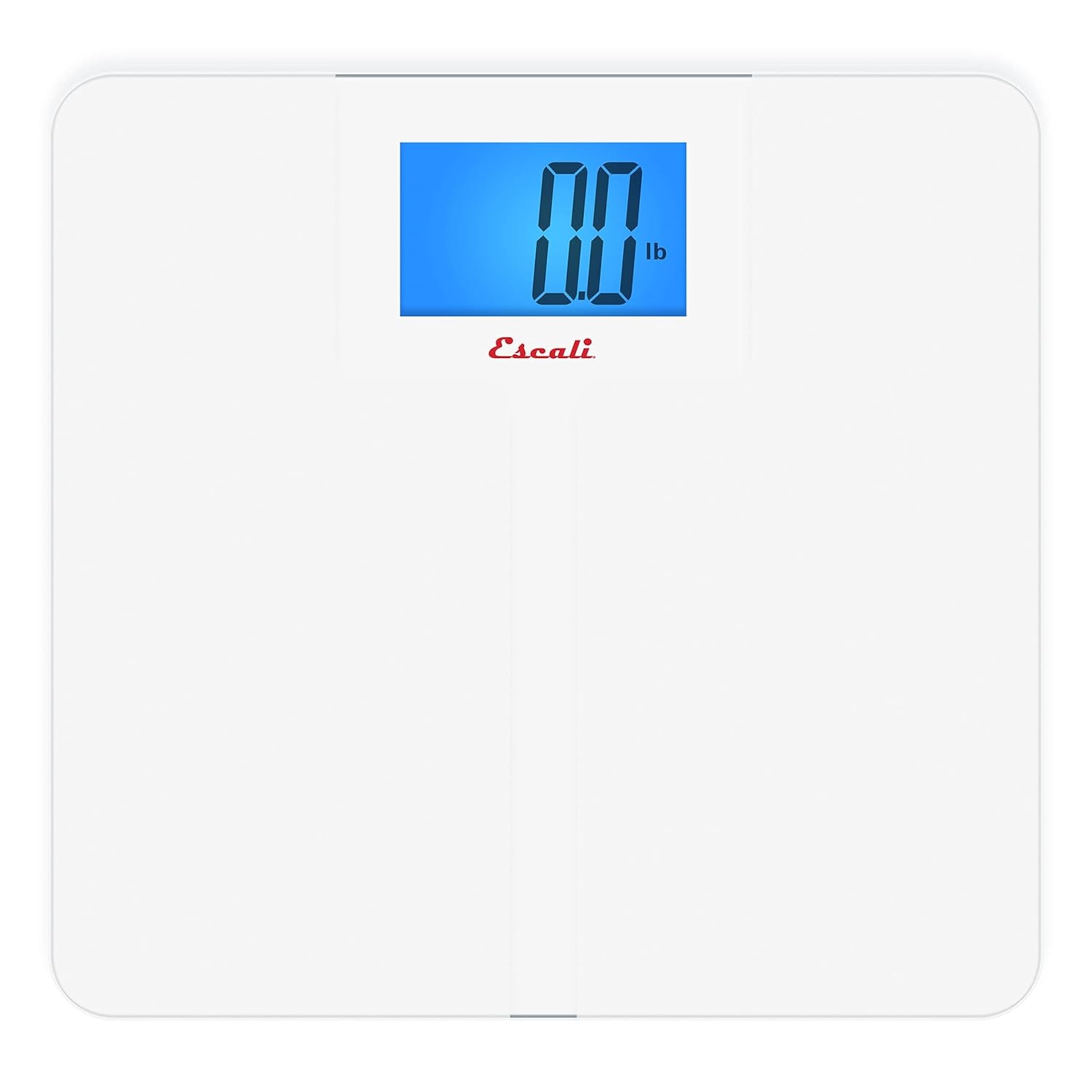
The Escali High Capacity Digital Bathroom Scale (Model: XLSCALE) provides reliable and accurate body weight measurement. It features an extra-high capacity of 562 pounds, a slip-resistant glass surface, and a large, backlit display for clear reading. The scale incorporates instant-on technology and an audible alert to confirm weight readings.
Key Features:
- High Capacity: Supports up to 562 lb (255 kg).
- Anti-Slip Surface: Etched glass platform provides secure footing.
- Extra-Large Backlit Display: Ensures clear readability in various lighting conditions.
- Instant-On Technology: Activates automatically upon stepping on the scale.
- Audible Measurement Alert: Beeps to confirm a stable weight reading.
- Automatic Shut-Off: Conserves battery life by turning off after inactivity.
2. Setup
2.1 Unpacking and Initial Preparation
- Carefully remove the scale from its packaging.
- Remove Protective Wedges: Locate and remove any small cardboard or plastic wedges inserted between the scale's components for shipping protection. Failure to remove these may prevent the scale from functioning correctly.
- Ensure the scale is placed on a hard, flat surface. Avoid carpets or uneven flooring, as this can affect accuracy.
2.2 Battery Installation
The scale requires 4 AAA batteries, which are included. The battery compartment is located on the underside of the scale.
- Open the battery compartment cover on the bottom of the scale.
- Insert the 4 AAA batteries, ensuring correct polarity (+/-).
- Close the battery compartment cover securely.
2.3 Unit Selection
Most scales have a switch on the underside to select between pounds (lb), kilograms (kg), or stones (st). Adjust this switch to your preferred unit of measurement.
3. Operating Instructions
3.1 First Use and Recalibration
Before the first use, or if the scale has been moved, it is recommended to recalibrate it for accurate readings.
- Gently step onto the scale until the display activates and shows a reading.
- Step off the scale. The display should return to "0.0" or turn off. This completes the recalibration process.
3.2 Taking a Weight Measurement
- Place the scale on a hard, flat surface.
- Step onto the center of the scale platform with bare feet. Stand still and distribute your weight evenly.
- The display will show your weight. Once the reading stabilizes, it may blink three times and/or emit an audible beep to confirm the measurement.
- You can then step off the scale. The weight will remain displayed for approximately 10 seconds before the scale automatically shuts off.
Note: For consistent readings, always weigh yourself at the same time of day, under similar conditions.
4. Maintenance
4.1 Cleaning
- Wipe the scale surface with a soft, damp cloth.
- Do not use abrasive cleaners or immerse the scale in water.
4.2 Battery Replacement
- If the display shows a "Lo" indicator or becomes dim, replace all 4 AAA batteries.
- Ensure proper disposal of old batteries according to local regulations.
4.3 Storage
- Store the scale in a cool, dry place.
- Avoid extreme temperatures and direct sunlight.
5. Troubleshooting
| Problem | Possible Cause | Solution |
|---|---|---|
| Scale does not turn on. | Batteries are dead or incorrectly installed. Protective shipping wedges not removed. | Check battery orientation and replace if necessary. Ensure all shipping wedges are removed. |
| Inaccurate or inconsistent readings. | Scale is on an uneven or soft surface (e.g., carpet). Scale needs recalibration. | Place the scale on a hard, flat surface. Step on and off the scale to recalibrate. |
| "Lo" or "Err" displayed. | Low battery or overload. | Replace batteries. Ensure weight does not exceed 562 lbs (255 kg). |
6. Specifications
| Feature | Detail |
|---|---|
| Brand | Escali |
| Model Number | XLSCALE |
| Weight Limit | 562 Pounds (255 kg) |
| Readout Accuracy | +/- 0.1 lb or +/- 0.1 kg |
| Display Type | LCD with Backlight |
| Material | Tempered Glass |
| Product Dimensions | 13 x 1.5 x 13 inches |
| Power Source | 4 AAA batteries (included) |
| Special Features | Auto Shut Off, Instant-On, Audible Alert |
7. Warranty & Support
This Escali product typically comes with a manufacturer's warranty. For specific warranty details, including duration and coverage, please refer to the documentation included with your purchase or visit the official Escali website. For customer support, product inquiries, or troubleshooting assistance, please contact Escali customer service directly.
Note: Some retailers may offer extended protection plans. Check your purchase details for additional coverage options.
8. Product Media
8.1 Product Images