
HENDI 201640
HENDI Pager System Instruction Manual - Model 201640
Set of 10 Pagers with Charging Station and USB-C Cable
1. Introduction and Overview
This manual provides essential instructions for the proper setup, operation, and maintenance of your HENDI Pager System, Model 201640. This system is designed to enhance communication and service efficiency in restaurant environments by notifying guests or staff.
Important Disclaimer: The HENDI Pager System (Model 201640) operates exclusively in conjunction with the HENDI Paging System Controller (Model 201633), which is sold separately. This pager set cannot function independently.
2. Package Contents
Please verify that all items listed below are present in your package:
- 10 x HENDI Pagers (Model 201640)
- 1 x Charging Station
- 1 x USB-C to USB-C Cable

Image 2.1: The HENDI Pager System, showing ten pagers stacked on the charging station and one individual pager.

Image 2.2: The charging station for the HENDI Pager System, highlighting the power input ports.
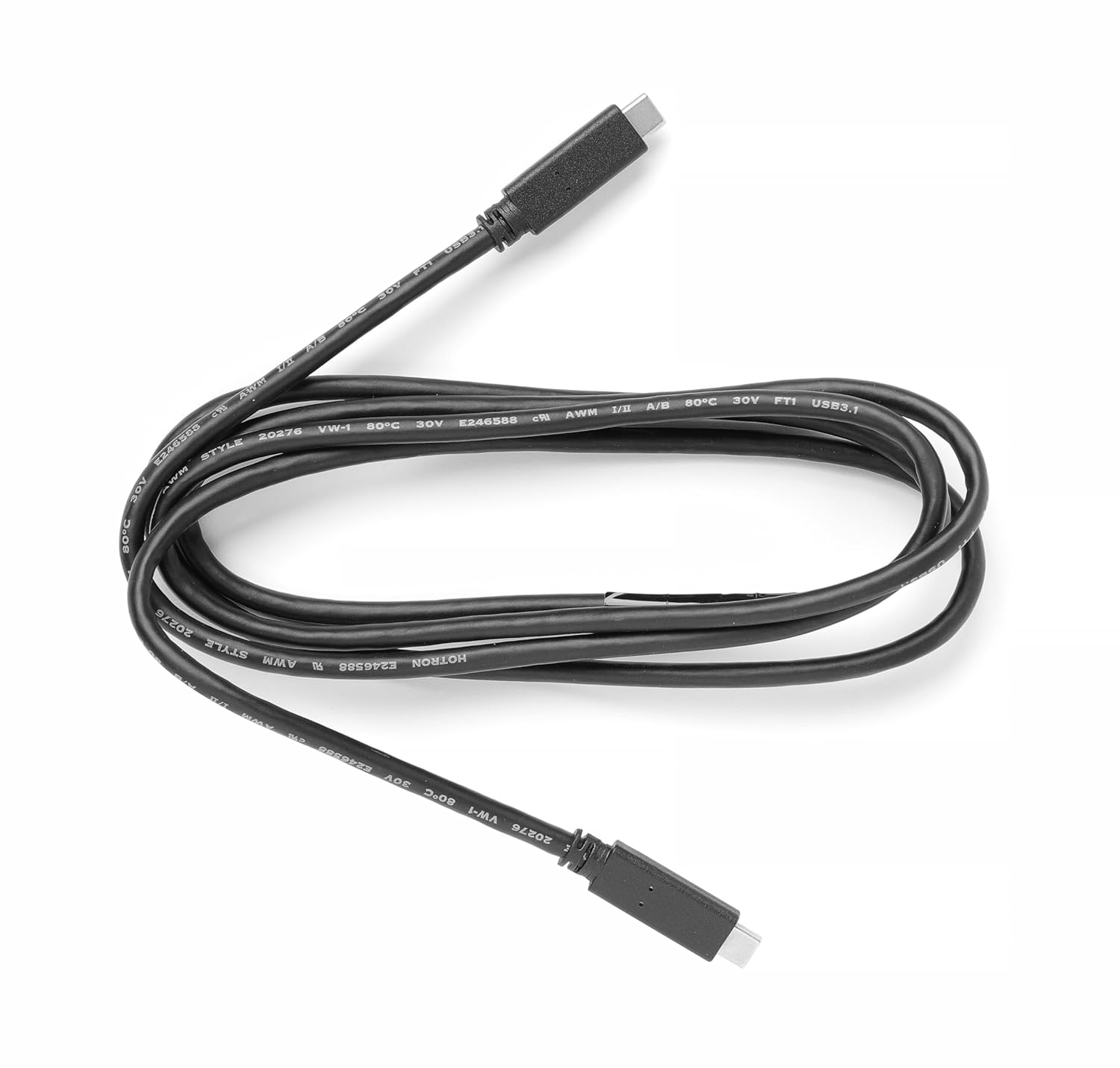
Image 2.3: The included USB-C to USB-C cable for connecting the charging station.
3. Setup Instructions
- Connect the Charging Station: Plug the provided USB-C to USB-C cable into the charging station's input port. Connect the other end of the cable to a compatible power adapter (not included) or the HENDI Paging System Controller (Model 201633). Ensure the power source meets the DC 5V or DC 12V input requirements as indicated on the charging station.
- Place Pagers on Charging Station: Carefully stack the 10 pagers onto the charging station. Ensure each pager makes proper contact with the charging pins. The digital display on each pager will illuminate, indicating it is charging.
- System Integration: The pagers are designed to work with the HENDI Paging System Controller (Model 201633). Refer to the controller's instruction manual for details on pairing and system configuration.
4. Operating Instructions
The HENDI Pagers feature digital displays and multiple notification modes to alert users. All operations, including programming and sending alerts, are managed via the HENDI Paging System Controller (Model 201633).

Image 4.1: A single HENDI pager, displaying its digital number and speaker icon.
4.1. Pager Numbering
- Each pager features a digital display capable of showing numbers from 001 to 998.
- These numbers are programmable via the HENDI Paging System Controller (Model 201633) to correspond to table numbers, order numbers, or staff IDs.
4.2. Notification Modes
The pagers offer three distinct notification modes:
- Vibration: The pager vibrates to provide a silent alert.
- Sound: The pager emits an audible tone.
- LED Lighting: The pager's LED lights flash to provide a visual alert.
These notification modes can be combined or individually disabled through the HENDI Paging System Controller (Model 201633). Refer to the controller's manual for detailed instructions on configuring these settings.
4.3. Sending Alerts
To send an alert to a specific pager, use the HENDI Paging System Controller (Model 201633). Input the desired pager number and select the notification mode(s) as per the controller's operating instructions.
5. Maintenance
5.1. Cleaning
- Wipe the pagers and charging station with a soft, damp cloth.
- Do not use abrasive cleaners, solvents, or harsh chemicals, as these can damage the surfaces.
- Ensure the devices are completely dry before charging or operating.
5.2. Charging
- Always use the provided USB-C cable and a compatible power source.
- For optimal battery life, fully charge the pagers before first use and when not in use for extended periods.
- Avoid overcharging by removing pagers from the charging station once fully charged, if possible, or ensure the charging station has overcharge protection.
6. Troubleshooting
If you encounter issues with your HENDI Pager System, please refer to the following common solutions:
| Problem | Possible Cause | Solution |
|---|---|---|
| Pager not charging | Loose cable connection, faulty power adapter, dirty charging contacts. | Ensure USB-C cable is securely connected. Try a different power adapter. Clean charging contacts on both pager and station with a dry cloth. |
| Pager not receiving alerts | Out of range, low pager battery, incorrect programming, interference. | Move pager closer to the HENDI Paging System Controller (201633). Ensure pager is fully charged. Verify pager number and notification settings on the controller. Check for potential signal interference. |
| Notification mode not working | Mode disabled, pager malfunction. | Check the notification mode settings on the HENDI Paging System Controller (201633). If issue persists, contact HENDI support. |
| Digital display not working | Pager malfunction. | Ensure pager is charged. If the issue persists, contact HENDI support. |
For issues related to the HENDI Paging System Controller (Model 201633) or system-wide communication, please consult the controller's dedicated instruction manual.
7. Specifications
- Model Number: 201640
- Product Type: Restaurant Pager Set (10 Pagers)
- Digital Display: Programmable numbers 001 to 998
- Notification Modes: Vibration, Sound, LED Lighting (combinable and individually disableable)
- Operating Range: Up to 500 meters (in open areas, actual range may vary based on environment)
- Pager Dimensions (each): 65 x 65 x 15 mm
- Charging: Space-saving stacked charging on included station via USB-C
- Compatibility: Requires HENDI Paging System Controller (Model 201633) for operation.
- Overall Product Dimensions (packaged): Approximately 17.5 x 8.2 x 18 cm
- Overall Product Weight (packaged): Approximately 600 g
8. Warranty and Support
For warranty information, please refer to the documentation provided at the time of purchase or contact your HENDI supplier. HENDI is committed to providing high-quality catering and hospitality products.
For technical support, spare parts, or further assistance, please contact HENDI customer service through their official website or the contact details provided with your product.
Related documents201640

Ask a question about this manual
Ask about setup, troubleshooting, compatibility, parts, safety, or missing instructions. Manuals+ will review the question and use this page’s manual context to help answer it.