
1. Introduction
This manual provides essential instructions for the safe and effective use, maintenance, and troubleshooting of your Trixie TR1150 Cordless Pet Clipper Set. Please read this manual thoroughly before first use and keep it for future reference. This clipper is designed for precise and quiet grooming of pets, particularly suitable for sensitive animals and detailed work on areas like the head and paws.
2. Safety Instructions
- Always ensure the clipper is switched off before cleaning, attaching/removing combs, or performing maintenance.
- Do not immerse the clipper in water or other liquids.
- Keep the clipper away from children and pets when not in use.
- Use only the charger supplied with the device.
- Do not use the clipper if the blades are damaged or bent, as this may cause injury to the pet.
- Avoid using the clipper on wet fur. Ensure the pet's fur is clean and dry before grooming.
- If the clipper makes unusual noises or becomes excessively hot, switch it off immediately and discontinue use.
3. Package Contents
Verify that all items are present in your Trixie TR1150 Cordless Pet Clipper Set:
- Trixie TR1150 Cordless Pet Clipper
- 2 Double Attachment Combs
- Cleaning Brush
- Blade Oil
- Charging Cable/Adapter
4. Product Overview
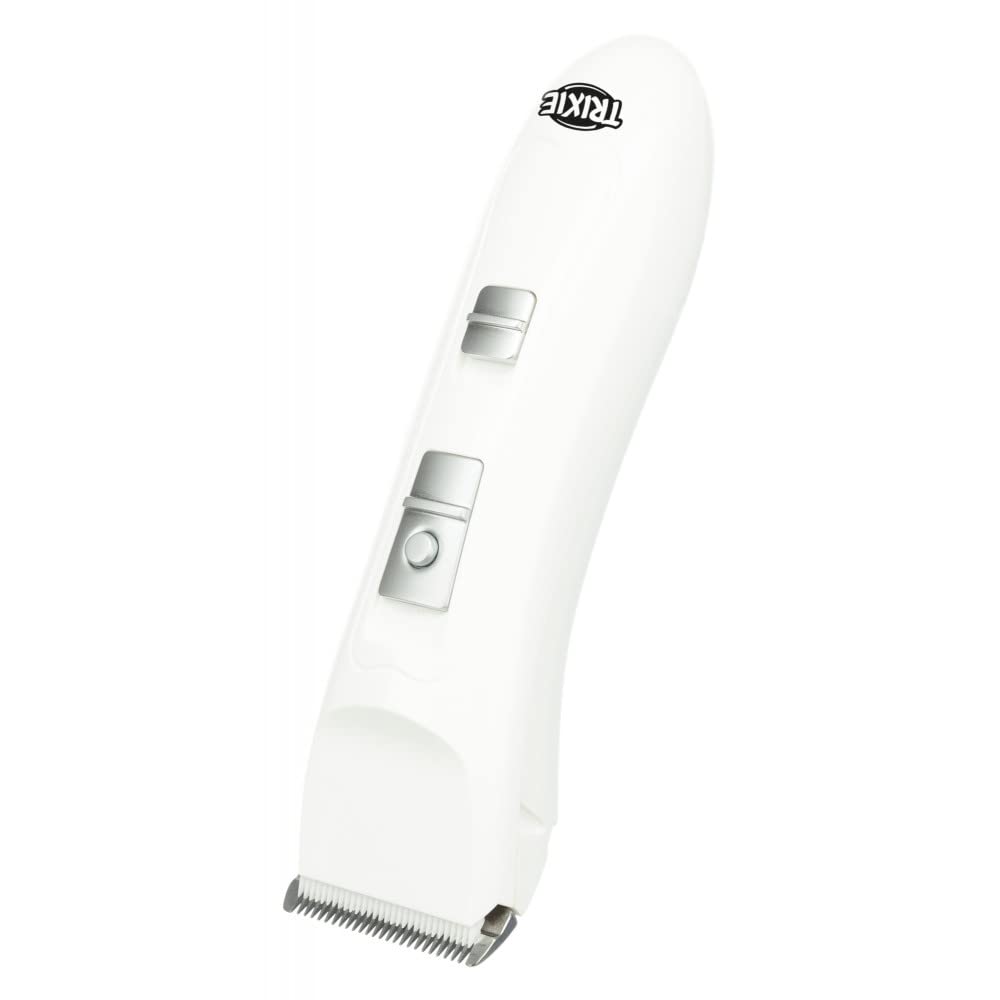
Figure 1: Front view of the Trixie TR1150 Cordless Pet Clipper.

Figure 2: The clipper shown with a double attachment comb installed.
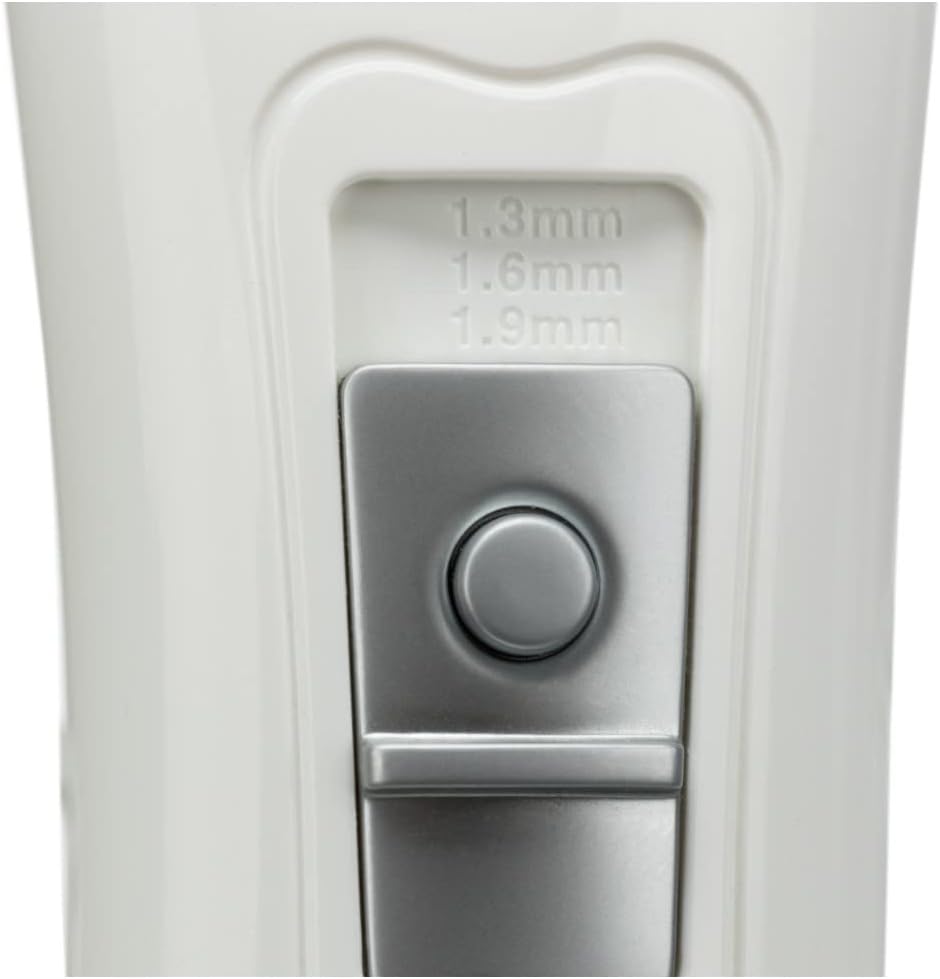
Figure 3: Detail of the cutting length adjustment switch, showing settings for 1.3mm, 1.6mm, and 1.9mm.
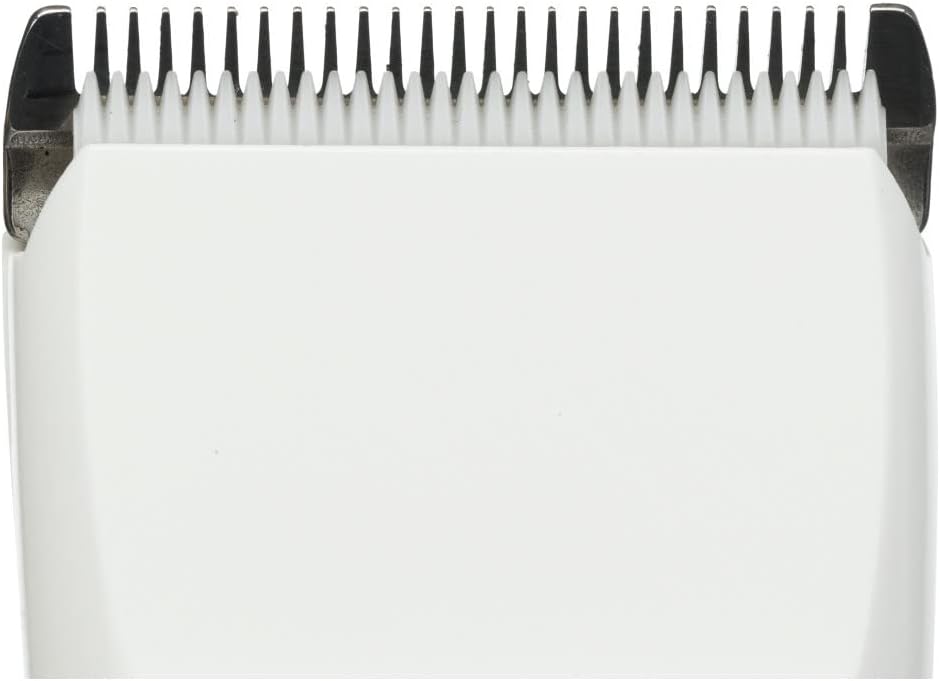
Figure 4: Close-up view of the stainless steel clipper blade.

Figure 5: One of the double attachment combs included with the set.

Figure 6: Bottom view of the clipper, indicating the charging port.
5. Setup
5.1 Charging the Clipper
- Ensure the clipper is switched off.
- Connect the charging cable to the charging port at the bottom of the clipper (refer to Figure 6).
- Plug the adapter into a suitable power outlet.
- Allow the clipper to charge fully before its first use. The charging indicator light (if present) will typically change color or turn off when charging is complete.
5.2 Attaching and Removing Combs
- Ensure the clipper is switched off.
- Align the desired double attachment comb (refer to Figure 5) with the clipper blade.
- Slide the comb firmly onto the blade until it clicks into place.
- To remove, gently push the comb upwards and away from the blade.
6. Operating the Clipper
6.1 Powering On/Off
Locate the power switch on the clipper body. Slide the switch to the 'ON' position to start the clipper and to the 'OFF' position to turn it off.
6.2 Adjusting Cutting Length
The clipper features an adjustable cutting length mechanism. Use the switch (refer to Figure 3) to select a cutting length between 1.0 mm and 1.9 mm. The double attachment combs provide additional length options.
6.3 Grooming Tips
- Always groom a clean, dry pet. Matted or dirty fur can damage the blades and pull on the pet's skin.
- Start with a longer comb length if you are unsure, and gradually reduce it if needed.
- Hold the clipper firmly and move it smoothly against the direction of hair growth for an even cut.
- Be extra careful around sensitive areas such as ears, paws, and tail.
- Take breaks if your pet becomes stressed or if the clipper blades start to heat up.
7. Maintenance
7.1 Cleaning the Blades
- Switch off and unplug the clipper.
- Remove any attachment combs.
- Use the provided cleaning brush to remove loose hair from the blades and the clipper head.
- For thorough cleaning, the blade set can be carefully detached (refer to product-specific instructions if available for blade removal).
7.2 Oiling the Blades
Regular oiling ensures optimal performance and extends blade life.
- After each use and cleaning, apply a few drops of the supplied blade oil to the teeth and friction surfaces of the blades.
- Switch the clipper on for a few seconds to distribute the oil evenly.
- Wipe off any excess oil with a soft cloth.
7.3 Storage
Store the clipper in a dry, cool place, away from direct sunlight and out of reach of children and pets. Ensure the blades are clean and oiled before storage.
8. Troubleshooting
| Problem | Possible Cause | Solution |
|---|---|---|
| Clipper does not turn on. | Battery is discharged. | Charge the clipper fully. |
| Clipper pulls hair or cuts poorly. | Blades are dull, dirty, or not oiled. | Clean and oil the blades. If dull, consider replacing the blade set (Article 23882-10). |
| Clipper becomes hot during use. | Extended use or dirty/unoiled blades. | Take breaks during grooming. Clean and oil blades. |
| Unusual noise during operation. | Foreign object in blades or internal issue. | Switch off immediately. Inspect blades for obstructions. If problem persists, contact support. |
9. Specifications
- Model: TR1150
- Item Number: 23882
- Power: 6 W
- Battery Type: NI-CD
- Adjustable Cutting Length: 1.0 - 1.9 mm
- Blade Material: Stainless Steel with plastic components
- Product Dimensions: 19 x 5.5 x 20 cm
- Weight: 510 g
10. Warranty and Support
The Trixie TR1150 Cordless Pet Clipper Set comes with a 2-year warranty from the date of purchase. This warranty covers manufacturing defects. Please retain your proof of purchase for warranty claims.
For technical support, spare parts (e.g., replacement blade set Article 23882-10), or warranty inquiries, please contact your retailer or the manufacturer directly. Refer to the packaging or manufacturer's website for contact information.


