Introduction
This manual provides detailed instructions for the setup, operation, maintenance, and troubleshooting of your eufy Security Video Doorbell S330. This advanced doorbell features dual camera technology, dual motion detection, and 2K HD video with HDR for enhanced security and clear visuals at your doorstep.

Image: The eufy Security Video Doorbell S330, a sleek black device with a main camera lens and a lower secondary lens, designed for comprehensive doorstep monitoring.
Setup
What's in the Box
Verify that all components are present in the packaging:
- Video Doorbell Dual (Battery)
- Screw pack
- Mounting bracket
- Micro-USB charging cable
- Screw hole positioning card
- 15° mounting wedge
- Detaching pin
- Quick start guide and brand card
- Warning sticker
Charging the Doorbell
Before initial use, fully charge the doorbell using the provided Micro-USB charging cable. The doorbell is battery-powered and requires periodic recharging.
Installation
The eufy Security Video Doorbell S330 is designed for outdoor wall mounting. Ensure the installation location provides a clear view of your doorstep and is within range of your 2.4GHz Wi-Fi network.
- Select an appropriate mounting location.
- Use the screw hole positioning card to mark drilling points.
- Secure the mounting bracket to the wall using the provided screws. An optional 15° mounting wedge is included to adjust the viewing angle if needed.
- Align the doorbell with the mounting bracket and slide it into place until it clicks securely.
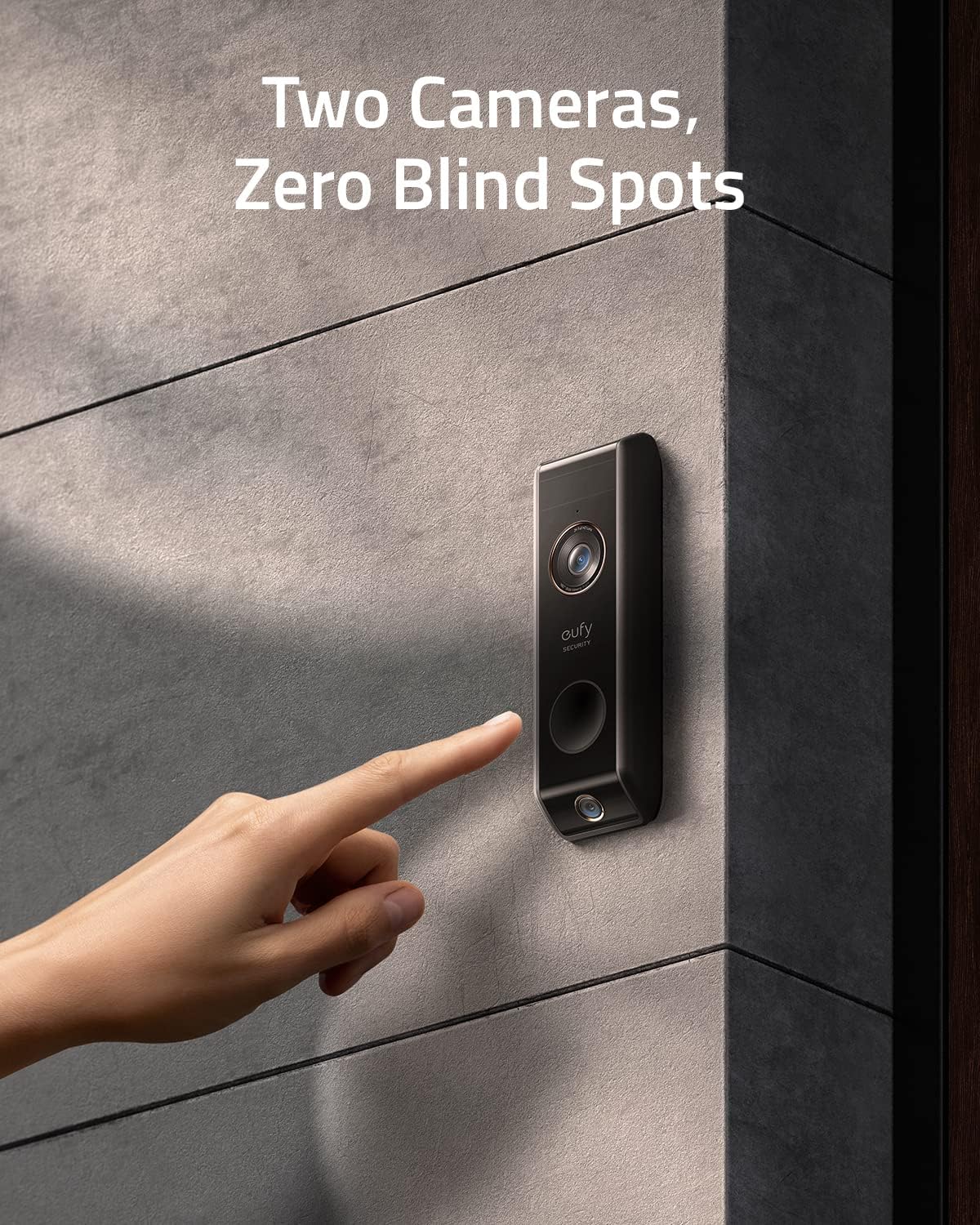
Image: A hand interacting with the eufy Security Video Doorbell S330 mounted on a textured wall, illustrating its sleek design and placement.
Operating Instructions
Dual Cam Technology
The S330 features two cameras to eliminate blind spots. The main camera provides a wide view, while a low-angle camera ensures your entire doorstep, including packages, is visible.
Dual Motion Detection
Equipped with advanced PIR and radar motion sensors, the doorbell accurately distinguishes between subjects near and far, significantly reducing false alarms by up to 95%.

Image: An X-ray view of the eufy Security Video Doorbell S330, highlighting the internal placement of the PIR motion detection sensor and the radar motion detection sensor.
Delivery Guard
Receive instant notifications when a package arrives. The Delivery Guard feature also provides pick-up reminders and alerts if someone approaches your package.
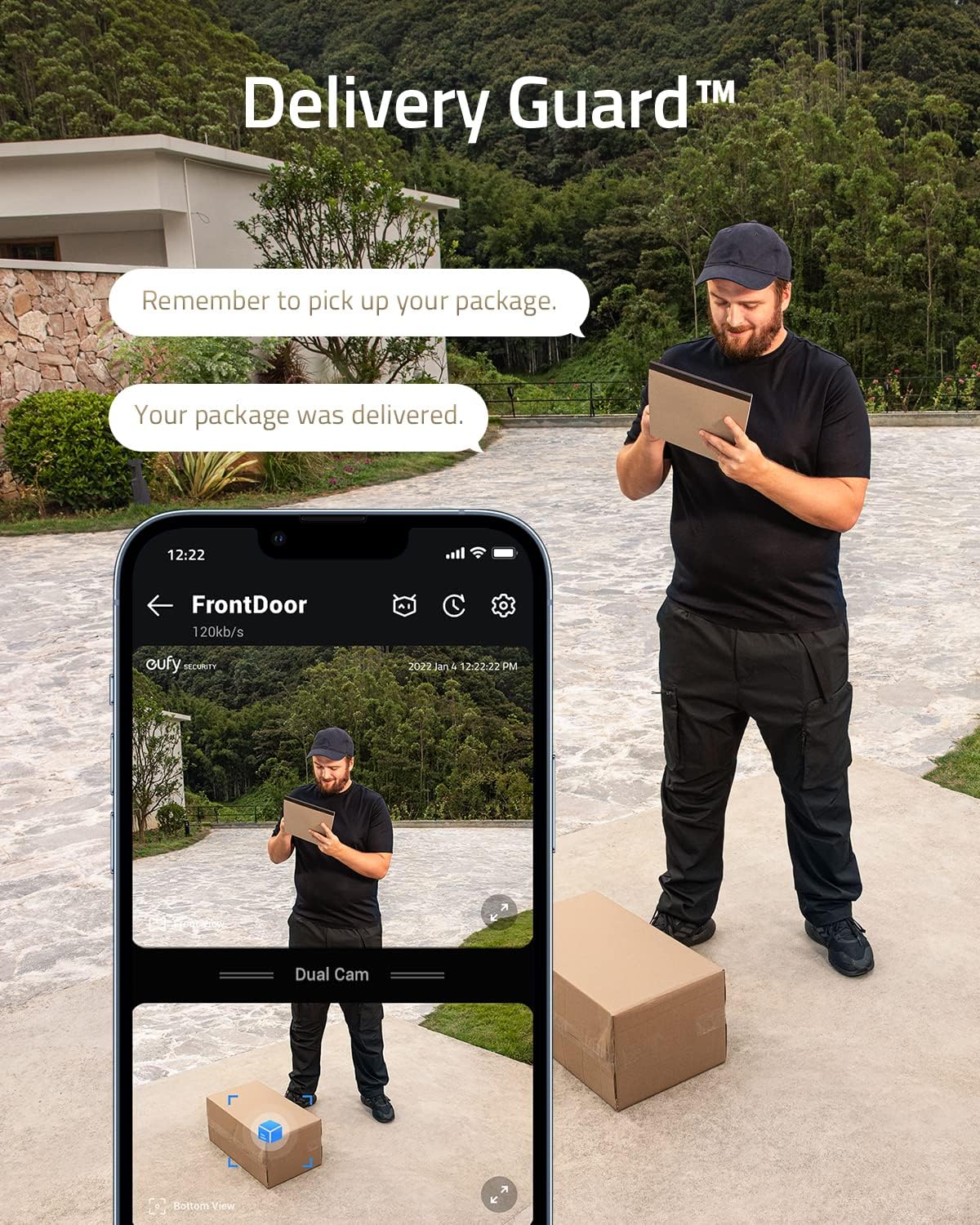
Image: A delivery person placing a package, with a smartphone displaying the eufy app's Delivery Guard feature, showing notifications for package arrival and pick-up reminders.
2K HD Video with HDR
The 2K HD resolution ensures clear identification of visitors. High Dynamic Range (HDR) technology improves visibility in challenging lighting conditions, such as strong backlighting, providing perfect color and clarity.

Image: A young child and an adult walking past a house, illustrating the clear 2K Ultra-HD video details captured by the eufy Security Video Doorbell S330.
App Control
Manage all doorbell settings, view live feeds, review recorded events, and communicate with visitors via the eufy Security app on your smartphone.
Maintenance
Battery Recharging
The integrated battery typically requires recharging every 30 to 90 days, depending on usage frequency and settings. Monitor the battery level through the eufy Security app to plan recharges.
Cleaning
To maintain optimal performance, periodically clean the camera lenses and the doorbell's exterior with a soft, damp cloth. Avoid abrasive cleaners or solvents.
Firmware Updates
Ensure your doorbell's firmware is always up to date. Updates are delivered via the eufy Security app and often include performance improvements, new features, and security enhancements.
Troubleshooting
| Issue | Possible Cause | Solution |
|---|---|---|
| Doorbell frequently goes offline | Weak Wi-Fi signal; network interference; HomeBase connectivity issues. | Ensure doorbell is within strong Wi-Fi range (2.4GHz only). Check HomeBase connection and placement. Restart doorbell and HomeBase. |
| Excessive false motion alerts | High sensitivity settings; environmental factors (e.g., strong winds, moving branches, pets). | Adjust motion detection sensitivity in the eufy Security app. Define activity zones to exclude high-traffic areas or moving objects. |
| Short battery life | Frequent motion events; extensive Live View usage; cold weather. | Reduce motion detection sensitivity or frequency. Limit Live View sessions. Ensure full charge before deployment. Consider wired installation if available. |
| Poor video quality (blurry, dark) | Dirty lens; poor lighting; network bandwidth issues. | Clean the camera lens. Ensure adequate lighting. Check Wi-Fi signal strength. Verify HDR is enabled in settings. |
For further assistance, refer to the eufy Security app's help section or contact customer support.
Specifications
| Feature | Detail |
|---|---|
| Model Number | T8213 |
| Indoor/Outdoor Usage | Outdoor |
| Power Source | Battery Powered |
| Connectivity Protocol | Wi-Fi (2.4GHz only) |
| Controller Type | Amazon Alexa |
| Mounting Type | Wall Mount |
| Video Capture Resolution | 2K |
| Number of Channels | 2 (Dual Cam) |
| Item Dimensions (L x W x H) | 6.5 x 2.17 x 1.18 inches |
| Item Weight | 0.77 Pounds (12.3 ounces) |
| Field Of View | 160 Degrees |
| Low Light Technology | Night Color |
| Alert Type | Motion Only |
| International Protection Rating | IP65 |
| UPC | 194644096113 |
| Requires HomeBase | Yes (HomeBase 2/HomeBase 3) |
Warranty Information
eufy Security products typically come with a limited warranty. For specific warranty terms and conditions, please refer to the warranty card included with your product or visit the official eufy Security website. Keep your proof of purchase for warranty claims.
Customer Support
For technical support, product inquiries, or service requests, please utilize the following resources:
- eufy Security App: Access FAQs, troubleshooting guides, and direct support options within the application.
- Official Website: Visit the eufy Security support page for comprehensive resources, manuals, and contact information.
- Email/Phone Support: Contact details for direct support are available on the eufy Security website.
When contacting support, please have your product model number (T8213) and purchase information readily available.


