
Ring Ring Video Doorbell Wired
Ring Video Doorbell Wired with Ring Chime User Manual
Model: Ring Video Doorbell Wired
Product Overview
The Ring Video Doorbell Wired with Ring Chime bundle provides comprehensive home security and convenience. This system allows you to see, hear, and speak to visitors from anywhere using your smartphone or compatible Alexa device. It features high-definition video, advanced motion detection, and night vision for clear visibility day and night.

Image: The Ring Video Doorbell Wired (left) and the Ring Chime (right) are shown side-by-side, illustrating the two main components of this bundle.
Setup and Installation
This section guides you through the process of installing your Ring Video Doorbell Wired and setting up the Ring Chime.
What's Included
- Ring Video Doorbell Wired
- Ring Chime
- Installation tools and screws
- User manual
- Quick start guide
- Security stickers
Installation Requirements
- Average Install Time: Approximately 15 minutes.
- Power: Requires hardwiring to an existing doorbell system, Ring plug-in adapter, or transformer for power supply (10-24 VAC, 40VA max, 50/60Hz, or 24VDC, 0.5A, 12W). Do not use halogen or garden-lighting transformers.
- Internet Requirements: High-speed internet connection.
- Connectivity: 802.11 b/g/n Wi-Fi connection at 2.4 GHz.

Image: A person is shown using a screwdriver to install the Ring Video Doorbell Wired onto a doorframe, demonstrating the DIY wired installation process.
For detailed step-by-step instructions, refer to the included quick start guide and user manual.
Operating Your Ring Devices
Learn how to utilize the features of your Ring Video Doorbell and Chime for enhanced security and communication.
Key Features
- 1080p HD Video: Provides clear, high-definition video of your doorstep. Includes Live View for real-time monitoring and Night vision for visibility in low-light conditions.
- Two-Way Audio: Speak to visitors and hear their responses with built-in noise cancellation.
- Advanced Motion Detection: Customize motion zones to receive alerts when movement is detected in specific areas.
- Real-time Notifications: Get instant alerts on your phone, Alexa device, or Ring Chime when someone stops by or motion is detected.
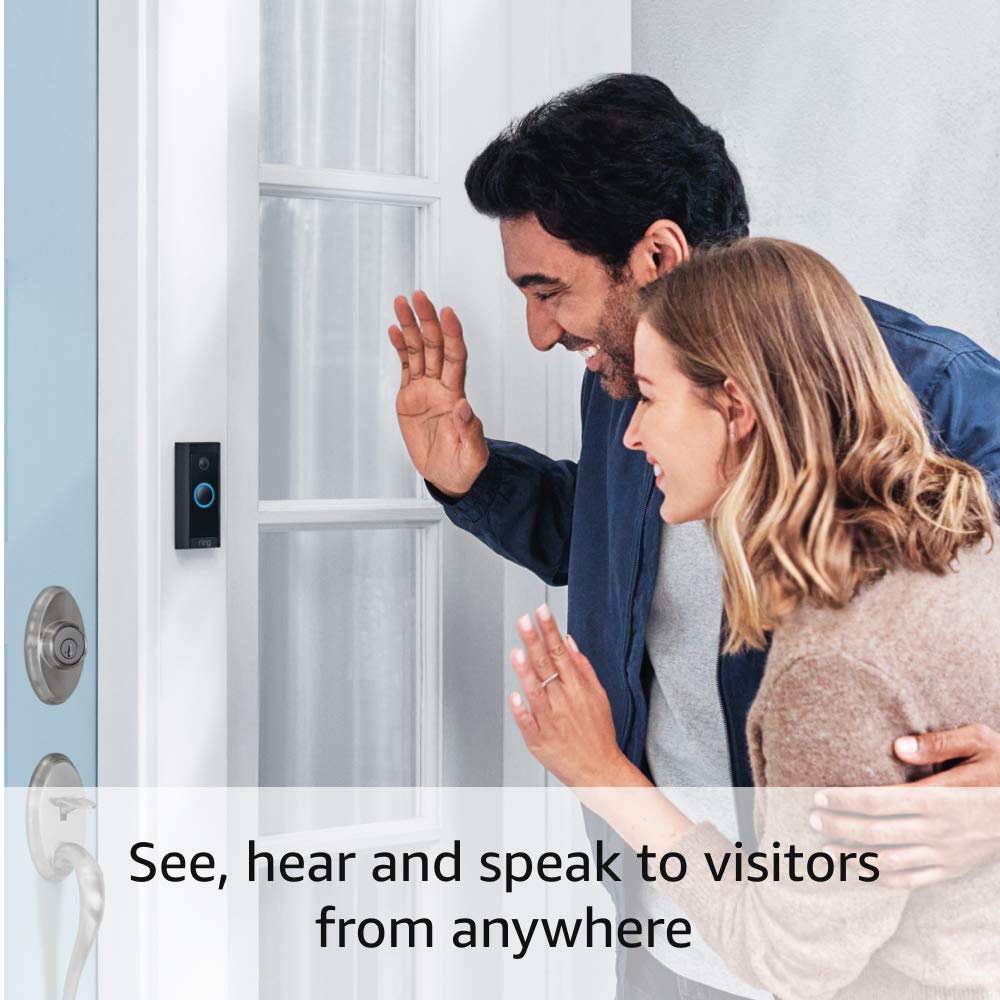
Image: A couple waves at the Ring Video Doorbell, illustrating the ability to see, hear, and speak to visitors remotely.
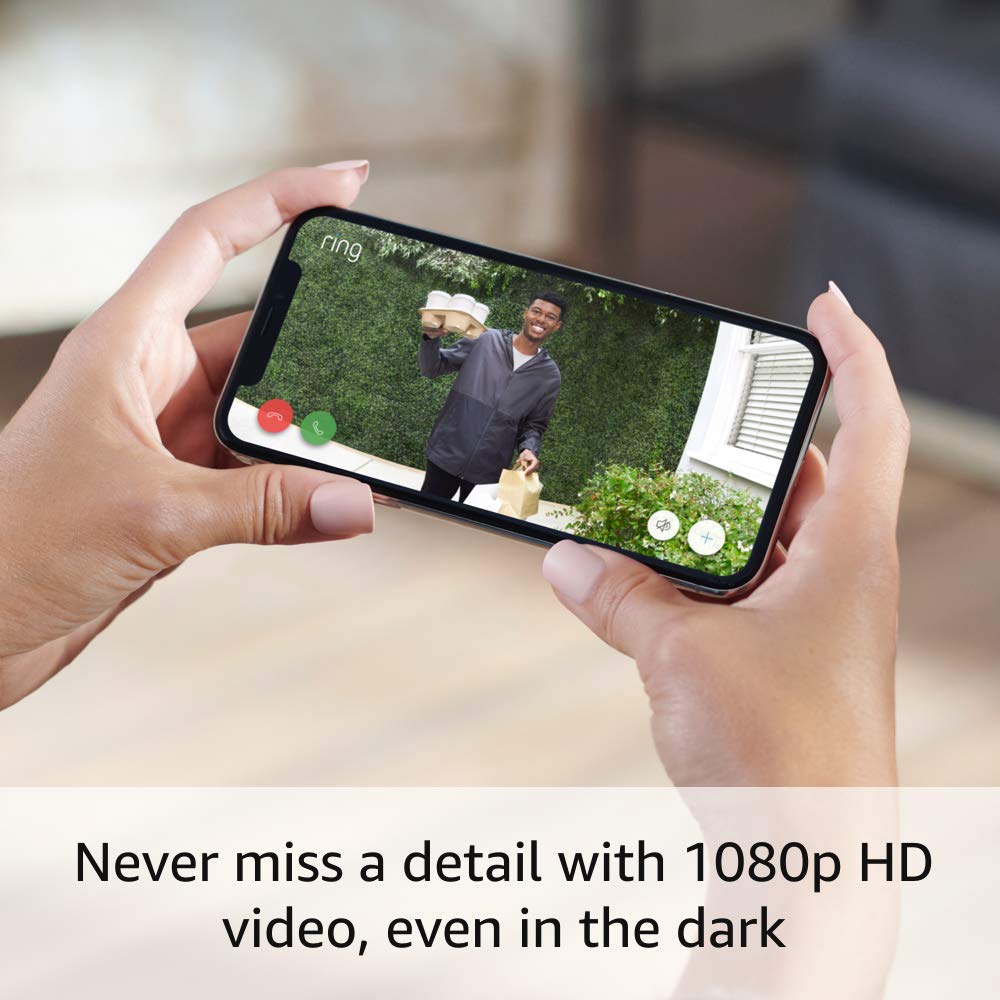
Image: A smartphone screen displays a clear 1080p HD video feed from the Ring Doorbell, showing a person holding packages, emphasizing the high-quality video capture.

Image: A smartphone displays the Ring App interface, showing options to arm and disarm the system, access live view, and review history, highlighting app functionality.

Image: An Amazon Echo Show device displays a live video feed from the Ring Doorbell, with a speech bubble stating "Alexa, talk to the front door," demonstrating Alexa integration.
Ring Protect Subscription (Sold Separately)
A Ring Protect subscription offers additional benefits:
- Save recorded videos for up to 180 days to rewatch anytime.
- Receive alerts for people and packages.
- Access advanced features like Ring Smart Video Search (availability may vary by region).
For more information on subscription plans, visit the official Ring website.
Maintenance
To ensure optimal performance and longevity of your Ring Video Doorbell Wired, consider the following:
- Operating Conditions: The device is weather resistant and designed to operate in temperatures ranging from -4°F to 104°F (-20°C to 40°C). Avoid exposing the device to conditions outside this range.
- Cleaning: Periodically wipe the camera lens and the device's exterior with a soft, damp cloth to remove dust and debris. Do not use harsh chemicals or abrasive cleaners.
- Firmware Updates: Ensure your device's firmware is up to date. Updates are typically managed automatically through the Ring App, but you can check for them manually if needed.
Troubleshooting
If you encounter issues with your Ring Video Doorbell Wired or Ring Chime, try the following common troubleshooting steps:
- No Power/Offline:
- Verify that the doorbell is correctly hardwired and receiving adequate power (10-24 VAC, 40VA max, 50/60Hz, or 24VDC, 0.5A, 12W).
- Check your home's circuit breaker to ensure power is supplied to the doorbell wiring.
- Wi-Fi Connectivity Issues:
- Ensure your Wi-Fi network is operating on 2.4 GHz and is stable.
- Restart your Wi-Fi router.
- Move your Wi-Fi router closer to the doorbell, or consider a Wi-Fi extender if the signal is weak.
- Re-establish the Wi-Fi connection through the Ring App.
- Motion Detection Not Working:
- Adjust motion sensitivity and customize motion zones within the Ring App.
- Ensure there are no obstructions blocking the camera's view.
- Poor Video/Audio Quality:
- Check your internet speed; a high-speed connection is required for optimal performance.
- Clean the camera lens.
For more in-depth troubleshooting and support, please visit the official Ring support page.
Specifications
| Feature | Detail |
|---|---|
| Video | 1080p HD Video, Live View, Night vision |
| Field of View | 155° horizontal, 90° vertical |
| Motion Detection | Advanced Motion Detection with customizable motion zones |
| Audio | Two-way audio with noise cancellation |
| Power | Hardwired (10-24 VAC, 40VA max, 50/60Hz, or 24VDC, 0.5A, 12W) |
| Internet Requirements | High-speed internet |
| Connectivity | 802.11 b/g/n wifi connection @ 2.4 GHz |
| Operating Conditions | -4°F to 104°F (-20°C to 40°C), weather resistant |
| Available Colors | Black |
| Dimensions | 3.98 in x 1.81 in x 0.88 in (101mm x 45.7mm x 22.4mm) |
| Generation | Ring Video Doorbell Wired 1st Generation – 2021 Release |
Warranty and Support
Your Ring Video Doorbell Wired comes with a 1-year limited warranty. Use of the device is subject to the terms found on the official Ring website.
Software Security Updates: This device receives guaranteed software security updates until at least four years after it is last available for purchase as a new unit on Ring's websites. For information specific to your device, visit Software Security Updates in the Ring Control Center.
For additional information, support, and frequently asked questions, please visit the Ring Video Doorbell Wired support page.
Important Disclaimers
- Limited to 10 devices at one location. Not compatible with select features.
- Recordings are temporarily stored in the cloud, up to 14 days. This feature is dependent upon network connectivity and other factors.
- Your Ring videos in the cloud are stored temporarily, up to 180 days of Video Event History. Changing your video storage time will only affect videos that are recorded after you adjust your storage time setting. Check Ring Subscription Plans for more information.
- Ring Home Premium subscription required for certain features (sold separately). For customers in Illinois & Texas: Ring Smart Video Search is not available on Ring devices due to specific state legislation. Feature only available in English.
Related documentsRing Video Doorbell Wired


Ask a question about this manual
Ask about setup, troubleshooting, compatibility, parts, safety, or missing instructions. Manuals+ will review the question and use this page’s manual context to help answer it.