
Introduction
Welcome to the GOVO GOBUDS 600 True Wireless Earbuds. This manual provides essential information for setting up, operating, and maintaining your new earbuds. Please read it carefully to ensure optimal performance and longevity of your device.
Product Overview
The GOVO GOBUDS 600 offers a premium audio experience with advanced features. Watch this video for a quick overview of the product's design and key functionalities.
Video Description: A dynamic product overview showcasing the GOVO GOBUDS 600 earbuds, highlighting features like 3D stereo sound, fast pairing, passive noise cancellation, super touch control, voice assistant, super bass, mono mode, Type-C charging, 33 hours playback, and IPX5 water resistance.
What's in the Box
Your GOVO GOBUDS 600 package includes the following items:
- GOBUDS 600 True Wireless Earbuds
- Additional ear muffs (2 pairs)
- Warranty Card
- User Manual
- USB Type C charging cable (1)
- Charging Case (1)

Image Description: The GOVO GOBUDS 600 charging case is shown open, revealing the two earbuds nestled inside. The case is black with a matte finish, and the earbuds are also black, featuring the 'GOVO' logo on their stems. This image illustrates the main components of the product as found in the box.
Setup and Pairing
Follow these steps to set up and pair your GOVO GOBUDS 600 with your device:
- Initial Charge: Before first use, place both earbuds into the charging case and connect the case to a power source using the provided USB Type-C cable. Ensure the earbuds and case are fully charged.
- Power On: Open the charging case. The earbuds will automatically power on and enter pairing mode.
- Activate Bluetooth: On your smartphone or other device, go to the Bluetooth settings and turn on Bluetooth.
- Select Device: In the list of available devices, select 'GOBUDS 600'.
- Confirm Pairing: Once selected, your device should confirm successful pairing. You are now ready to use your earbuds.
Operating Instructions
The GOVO GOBUDS 600 features intuitive touch controls and voice assistant integration for easy management of your audio and calls.
Touch Controls
The earbuds are equipped with responsive touch controls. Refer to the detailed user manual included in the box for specific tap functions (e.g., play/pause, skip track, answer/end call, activate voice assistant).
Voice Assistant
Access your device's voice assistant (Google Assistant, Siri) with a simple touch command on the earbuds. This allows for hands-free control of music, calls, and other smart functions.
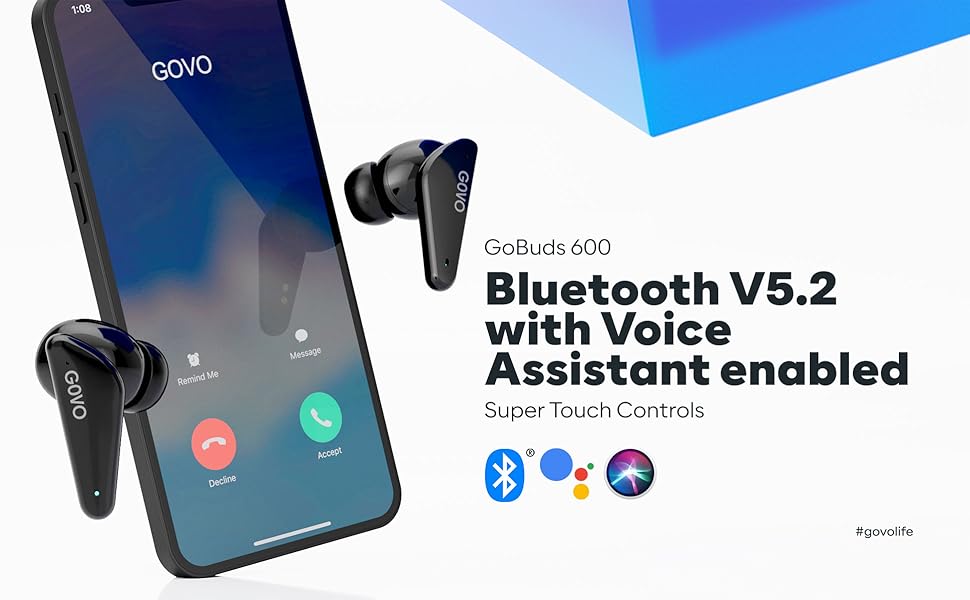
Image Description: A smartphone screen is shown with call and voice assistant icons (Bluetooth, Google Assistant, Siri) alongside the GOVO GOBUDS 600 earbuds. This illustrates the seamless integration of Bluetooth V5.2 and voice assistant features for convenient control.
Gaming Mode
Activate the low latency Gaming Mode to eliminate audio lags and enhance your gaming experience. This feature provides a response time of approximately 60-80 ms.

Image Description: Two GOVO GOBUDS 600 earbuds are positioned on either side of a smartphone, which displays a first-person shooter game. This image highlights the dedicated Gaming Mode feature, designed for low-latency audio during gameplay.
Key Features and Specifications
The GOVO GOBUDS 600 is engineered with several features to enhance your listening experience:
- Superior Audio Quality: Equipped with a reinforced L driver for powerful bass and an optimized frequency range (20Hz to 20,000 Hz) for a deep 3D stereo surround sound experience.
- Environmental Noise Cancellation (ENC): Suppresses background noise for crystal clear calls.
- Extended Playtime: Up to 7 hours of earbud battery life, with an additional 33 hours from the charging case, totaling 40 hours of playtime.
- Fast Charging: A quick 10-minute charge provides 180 minutes of playtime.
- Bluetooth V5.2: Ensures greater range and stable signal connectivity.
- IPX5 Water Resistance: Protects against sweat and light rain, making them suitable for workouts and outdoor activities.
- Ergonomic Design: Slim and lightweight (50 grams) for comfortable, long-term wear.
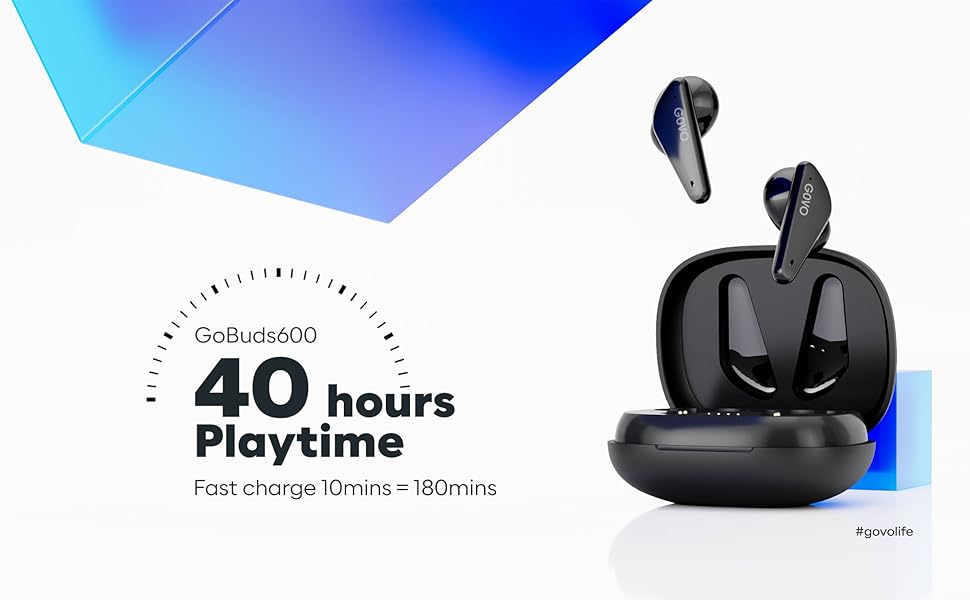
Image Description: The GOVO GOBUDS 600 earbuds are shown alongside their charging case, with text highlighting '40 hours Playtime' and 'Fast charge 10mins = 180mins'. This image emphasizes the extended battery life and rapid charging capabilities of the earbuds.
Detailed Specifications
| Feature | Specification |
|---|---|
| Frequency Response | 20Hz - 20,000 Hz |
| Sensitivity | 105 dB |
| Connectivity Technology | Wireless (Bluetooth V5.2) |
| Charging Time | 1.5 Hours |
| Standby Time | 150 Hours |
| Earbud Battery Life | 7 Hours |
| Total Playtime (with case) | 40 Hours |
| Water Resistance Level | IPX5 |
| Control Method | Touch, Voice |
| Item Weight | 50 Grams |
| Product Dimensions | 6.3 x 5.1 x 3.1 cm |
Maintenance
To ensure the longevity and optimal performance of your GOVO GOBUDS 600, follow these maintenance guidelines:
- Cleaning: Regularly clean the earbuds and charging case with a soft, dry cloth. Avoid using harsh chemicals or abrasive materials.
- Water Resistance: The earbuds are IPX5 water resistant, meaning they can withstand splashes and sweat. Do not submerge them in water or expose them to heavy rain. Ensure the charging port is dry before charging.
- Storage: Store the earbuds in their charging case when not in use to protect them from dust and damage. Keep them in a cool, dry place away from extreme temperatures.
- Charging: Use only the provided USB Type-C cable for charging. Avoid overcharging by disconnecting once fully charged.

Image Description: Two GOVO GOBUDS 600 earbuds are shown with water droplets on their surface, illustrating their IPX5 water-resistant rating. This feature ensures durability against sweat and splashes during active use.
Troubleshooting
If you encounter any issues with your GOVO GOBUDS 600, please refer to the following common solutions:
- No Sound/Connection Issues: Ensure the earbuds are charged and within Bluetooth range of your device. Try unpairing and re-pairing the earbuds.
- One Earbud Not Working: Place both earbuds back into the charging case, close the lid, and then open it again. This often resets the connection.
- Charging Problems: Check if the charging cable is securely connected to both the case and the power source. Ensure the charging contacts on the earbuds and inside the case are clean.
- Voice Assistant Not Responding: Confirm that your device's voice assistant is enabled and that the earbuds are properly paired.
- Low Volume: Adjust the volume on both your connected device and via the earbud touch controls.
If the issue persists, consult the full user manual or contact customer support.
Warranty and Support
The GOVO GOBUDS 600 comes with a 1-year warranty. For any warranty claims, technical support, or customer service inquiries, please refer to the contact information provided on the warranty card included in your product packaging. You may also find relevant information on the official GOVO website or the Amazon product page.
Please retain your proof of purchase for warranty validation.


