Introduction
Welcome to the user manual for your new boAt Airdopes 161 True Wireless Stereo (TWS) Earbuds. These earbuds are designed to provide an immersive audio experience with convenient features like ASAP Charge, Instant Wake N' Pair (IWP), and intuitive touch controls. Please read this manual carefully to ensure proper use and maintenance of your device.

Image: boAt Airdopes 161 TWS Earbuds, Pearl White.
What's in the Box
- 1 x boAt Airdopes 161 TWS Earbuds
- 1 x Charging Cable (Type-C)
- 1 x User Manual
- 2 x Additional Earbuds (pairs of ear tips)
Setup
Charging Your Airdopes 161
Before first use, fully charge the earbuds and the charging case. Connect the provided Type-C charging cable to the charging port on the case and to a power source. The LED indicator on the case will show charging status.
ASAP Charge: With just 10 minutes of charging, you can get up to 180 minutes (3 hours) of playback time.
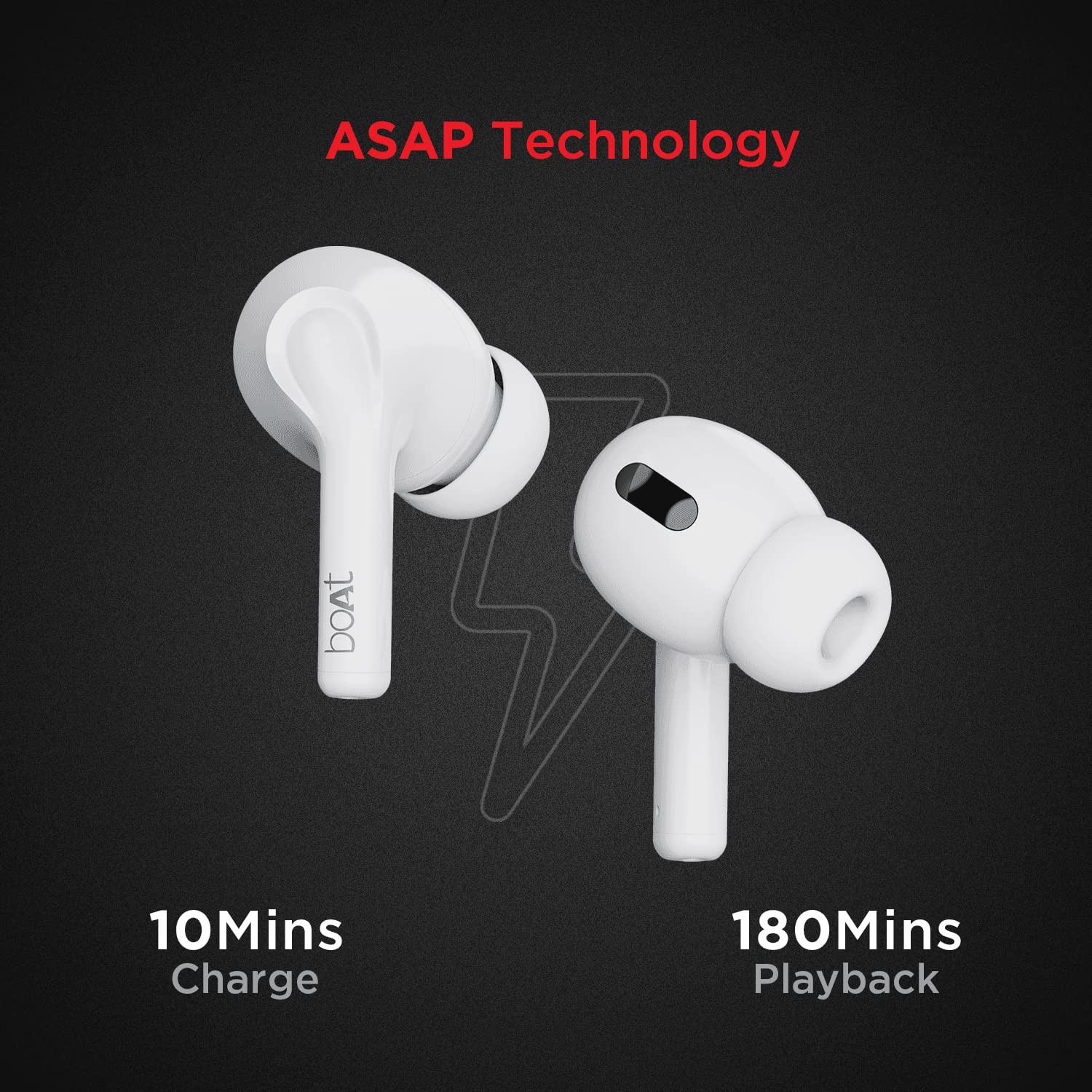
Image: ASAP Charge technology for quick power-ups.
Pairing Your Earbuds
Instant Wake N' Pair (IWP): The boAt Airdopes 161 feature IWP technology for seamless connection. Simply open the lid of the charging case with the earbuds inside, and they will automatically power on and enter pairing mode.
- Open the charging case lid. The earbuds will automatically power on.
- On your device (smartphone, tablet, etc.), enable Bluetooth.
- Search for "Airdopes 161" in the list of available Bluetooth devices and select it to connect.
- Once connected, you will hear an audio prompt, and the earbuds will be ready for use.
Note: The earbuds will automatically connect to the last paired device if it is within range and Bluetooth is enabled.

Image: IWP Technology, Type-C charging port, and touch controls.
Operating Your Airdopes 161
Touch Controls
The boAt Airdopes 161 are equipped with intuitive touch controls on each earbud. Refer to the table below for common functions:
| Function | Action |
|---|---|
| Play/Pause Music | Single tap on either earbud |
| Next Track | Double tap on the right earbud |
| Previous Track | Double tap on the left earbud |
| Answer/End Call | Single tap on either earbud |
| Reject Call | Long press (2 seconds) on either earbud |
| Activate Voice Assistant | Triple tap on either earbud |
Music Playback
Enjoy up to 5.5 hours of continuous playback on a single charge, with a total playtime of up to 17 hours including the charging case.
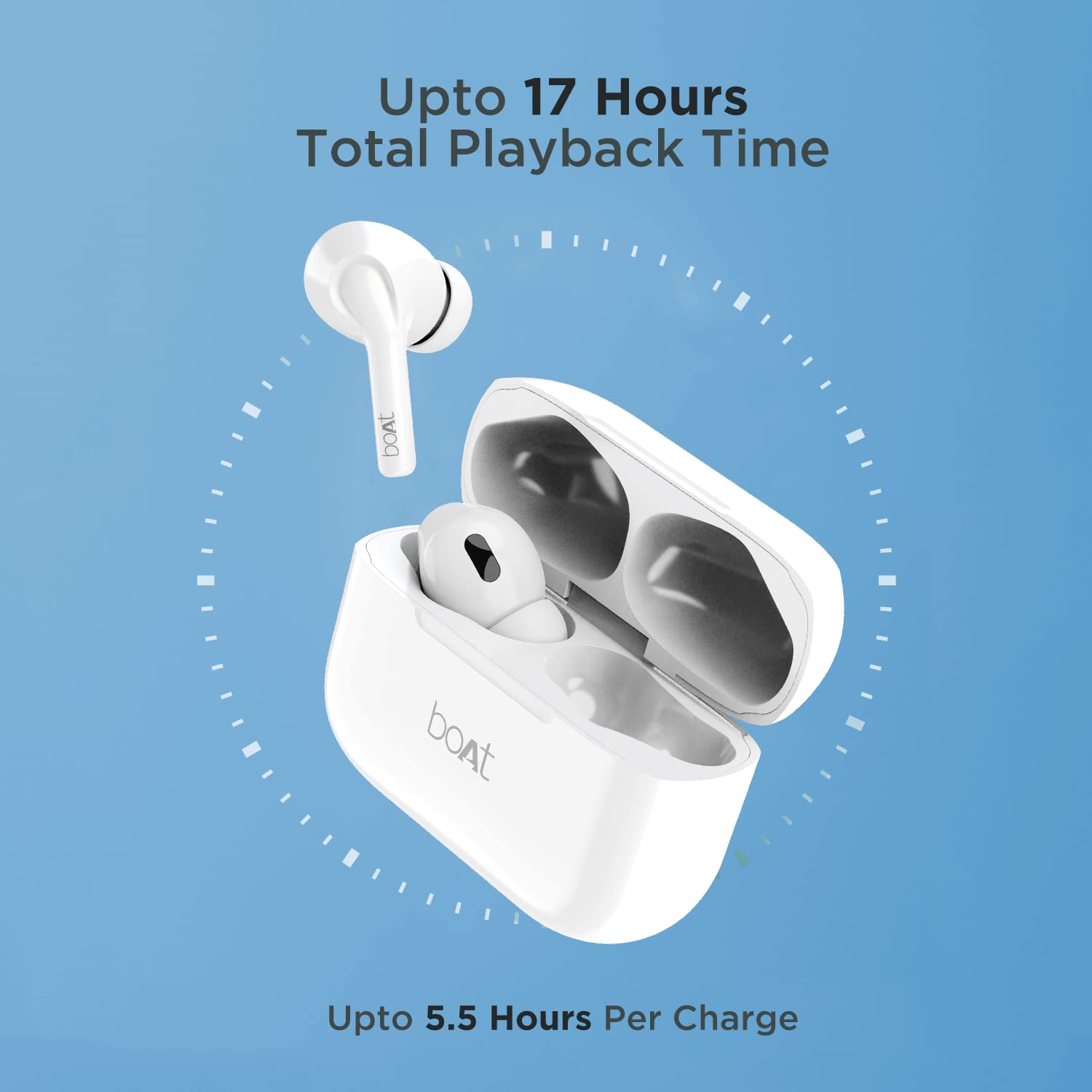
Image: Extended playback time of Airdopes 161.
Maintenance and Care
To ensure the longevity and optimal performance of your boAt Airdopes 161, follow these care instructions:
- Water Resistance: The earbuds are rated IPX5 for water and sweat resistance. This means they can withstand light splashes and sweat, making them suitable for workouts. However, they are not designed for submersion in water. Do not expose them to strong jets of water or wear them while swimming.
- Cleaning: Regularly clean the earbuds and charging case with a soft, dry, lint-free cloth. Avoid using abrasive materials, solvents, or chemical cleaners.
- Storage: When not in use, store the earbuds in their charging case to protect them and keep them charged. Store in a cool, dry place away from extreme temperatures.
- Avoid Drops: Protect the earbuds and case from drops and impacts, which can cause internal damage.

Image: IPX5 water and sweat resistance for durability.
Troubleshooting
If you encounter any issues with your Airdopes 161, please refer to the following common solutions:
| Problem | Possible Solution |
|---|---|
| Earbuds not pairing | Ensure earbuds are charged. Place them back in the case, close the lid, then open again to re-enter pairing mode. Turn off and on Bluetooth on your device. Forget "Airdopes 161" from your device's Bluetooth list and re-pair. |
| Only one earbud working | Ensure both earbuds are charged. Place both earbuds back in the case, close the lid, and then open it again. Check if both earbuds are connected in your device's Bluetooth settings. |
| No sound | Check device volume. Ensure earbuds are properly connected. Try playing different audio. |
| Charging issue | Ensure the charging cable is securely connected. Try a different charging cable or power adapter. Clean the charging contacts on the earbuds and case. |
| Touch controls not responding | Ensure your fingers are clean and dry. Restart the earbuds by placing them in the case and taking them out. |
Specifications
| Feature | Detail |
|---|---|
| Model Name | Airdopes 161 |
| Connectivity | Bluetooth v5.1 |
| Audio Drivers | 10mm Dynamic Drivers |
| Playback Time (Earbuds) | Up to 5.5 hours |
| Total Playback Time (with case) | Up to 17 hours |
| ASAP Charge | 10 mins charge = 180 mins playback |
| Water Resistance | IPX5 |
| Charging Interface | Type-C |
| Control Method | Touch |
| Microphone Format | In Ear |
| Item Weight | 50 Grams |
| Product Dimensions | 3.2 x 2.6 x 1.6 cm |
Warranty and Support
Your boAt Airdopes 161 comes with a 1-year manufacturer's warranty. For warranty claims, technical support, or any other inquiries, please contact boAt customer service. Keep your purchase receipt as proof of purchase.
Manufacturer: Imagine Marketing Ltd
Address: Unit no. 204 & 205, 2nd floor, D-wing & E-wing, Corporate Avenue, Andheri Ghatkopar Link Road, Mumbai, Maharashtra-400093, India
For more information, visit the official boAt website or refer to the contact details provided in your product packaging.


