
Introduction
Thank you for choosing the HelloBaby HB6588 Video Baby Monitor. This manual provides essential information for setting up, operating, and maintaining your new baby monitor. Designed with advanced features, this monitor offers a secure and clear way to keep an eye on your little one.
Package Contents
Please ensure all items are present in your package:
- Parent Unit (Monitor)
- Baby Unit (Camera)
- Power Adapters (x2)
- Wall Mounting Kit
- User Manual (this document)

Figure 1: HelloBaby HB6588 Video Baby Monitor components.
Product Features
Crisp & Clear HD Viewing
The HelloBaby HB6588 features a 5-inch LCD screen with a 720P resolution camera, providing a detailed and clear view of your baby. This enhanced resolution offers significantly more clarity compared to standard video monitors.

Figure 2: Visual comparison of 720P HD clarity.
Remote Pan, Tilt & Zoom
Control the camera's view remotely from the parent unit. The camera can pan 355 degrees horizontally and tilt 120 degrees vertically, allowing for a comprehensive view of the nursery. Digital zoom options (up to 3X) enable closer inspection of your baby.

Figure 3: Remote pan and tilt functionality.
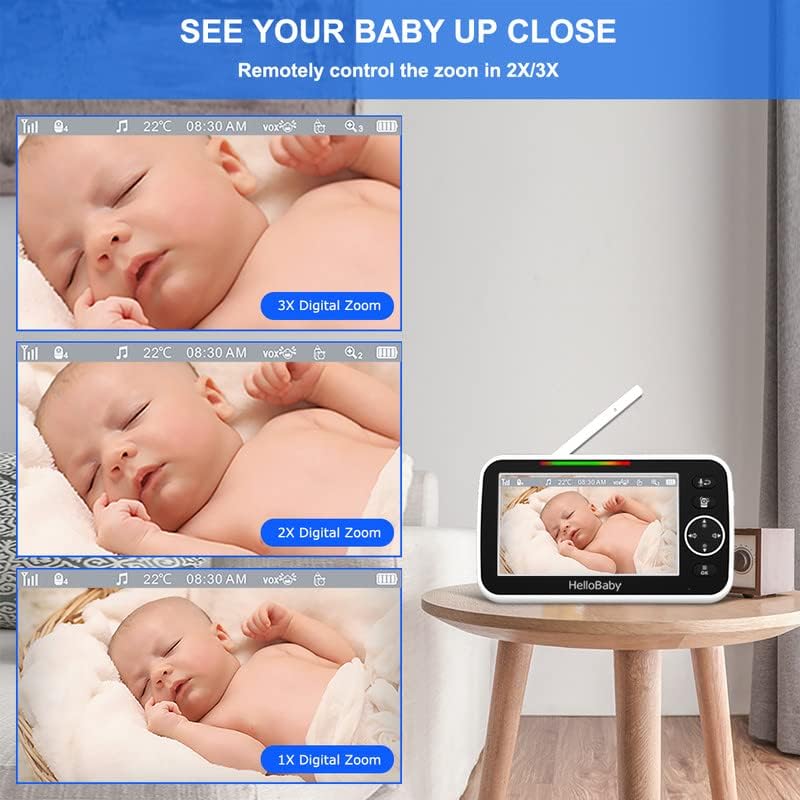
Figure 4: Digital zoom options on the parent unit.
Two-Way Audio & Lullabies
Engage in clear two-way conversations with your baby using the built-in microphone and speaker. You can also soothe your baby to sleep with pre-programmed lullabies directly from the parent unit.
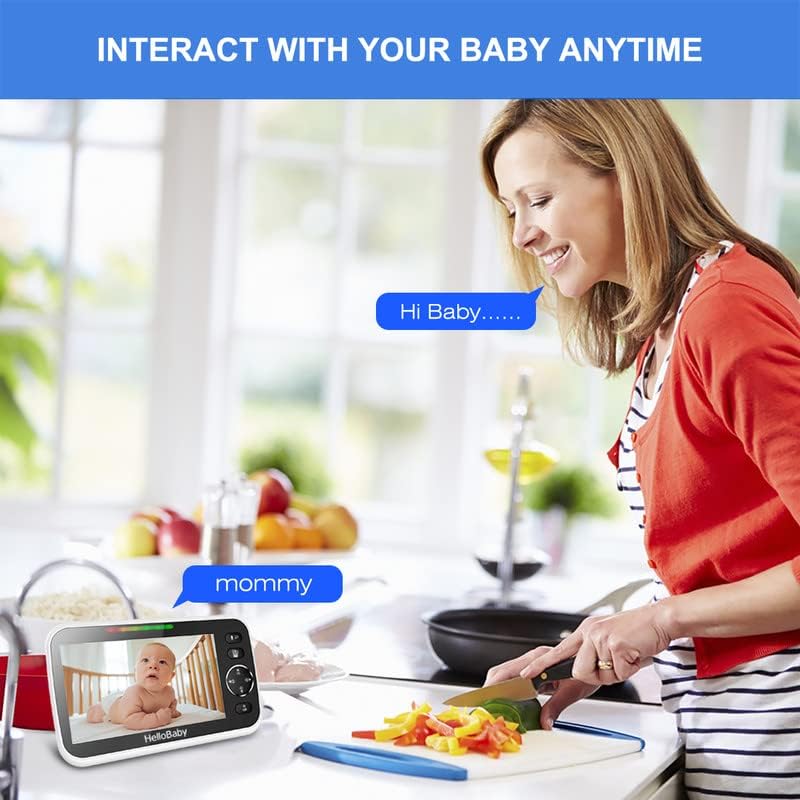
Figure 5: Two-way audio communication.

Figure 6: Lullaby playback and temperature monitoring.
Night Vision
Equipped with auto infrared light and night vision technology, the camera provides clear images of your baby even in low-light or dark conditions, ensuring continuous monitoring.
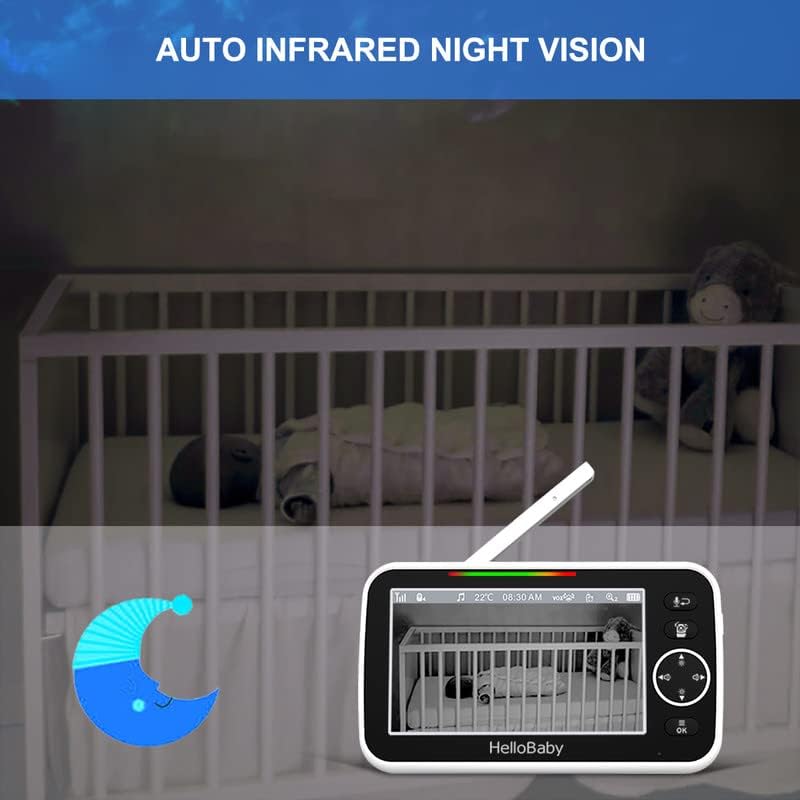
Figure 7: Automatic infrared night vision in action.
Smart Features
The HB6588 includes several smart features for enhanced monitoring:
- Room Temperature Monitor: Displays the room temperature on the parent unit and can alert you if it goes outside a set range.
- Sound Detection (VOX Mode): The monitor can be set to activate the screen and sound when noise is detected in the baby's room, conserving battery life.
- Feeding Timer Alarm: Set reminders for feeding times.
- Sleep Mode: Conserves battery by turning off the screen while audio monitoring continues.
- Expandable System: Connect up to 4 cameras to a single parent unit, allowing you to monitor multiple rooms or children simultaneously.
Secure & Stable Connection
This video baby monitor operates on a secure 2.4GHz wireless transmission, providing a stable and seamless video feed without requiring a Wi-Fi internet connection. This design eliminates potential hacking risks associated with internet-connected devices, ensuring your privacy and peace of mind. The long range allows for monitoring from various locations within your home, up to 960 feet.
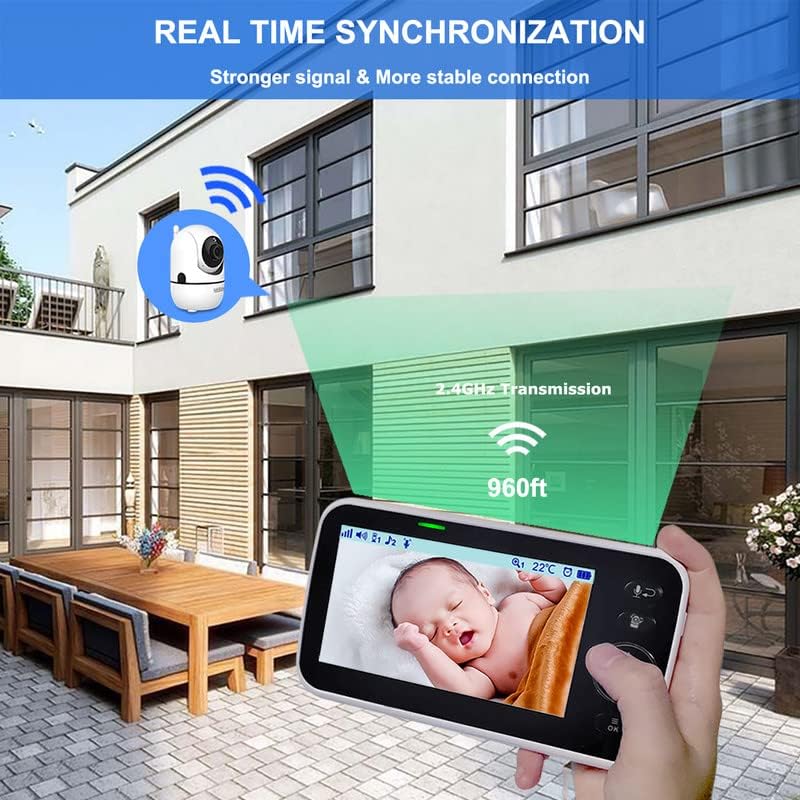
Figure 8: Secure 2.4GHz wireless transmission range.
Long-Lasting Battery
The parent unit is equipped with a long-lasting battery, offering up to 30 hours of monitoring in audio-only mode and 24 hours in live screen mode on a single charge.
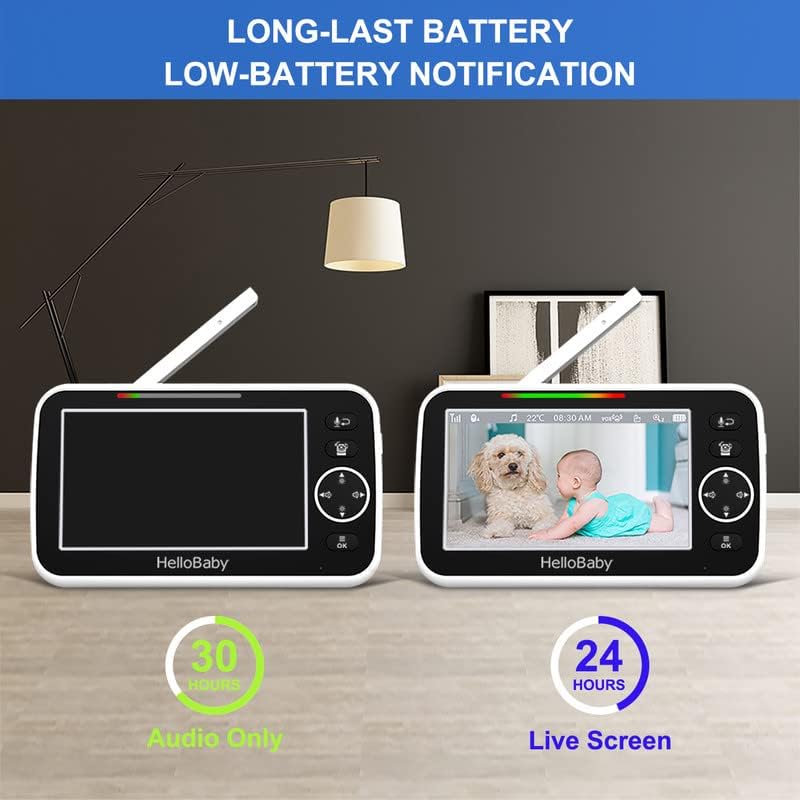
Figure 9: Battery life performance.
Setup Guide
1. Charging the Parent Unit
Before first use, fully charge the parent unit for approximately 7-8 hours. Connect one power adapter to the parent unit's DC jack and plug it into a power outlet. The battery indicator on the screen will show charging status.
2. Powering On the Baby Unit (Camera)
Connect the second power adapter to the baby unit's DC jack and plug it into a power outlet. The baby unit will automatically power on.
3. Initial Pairing (Units are pre-paired)
The parent unit and baby unit are pre-paired at the factory. Simply power on both units, and they should automatically connect. If connection is lost or you are adding a new camera, refer to the "Adding/Pairing Cameras" section in Operating Instructions.
4. Placement
Place the baby unit (camera) in a location that provides a clear view of your baby's crib or play area. Ensure it is at least 3 feet (1 meter) away from the baby to avoid potential hazards. The camera can be placed on a flat surface or wall-mounted using the included kit.
Operating Instructions
Parent Unit Controls
Familiarize yourself with the buttons on the parent unit:
- Power Button: Press and hold to turn the unit ON/OFF.
- Talk/Exit Button: Press and hold to speak to your baby (two-way talk). Press briefly to exit a menu or setting.
- Pan/Tilt/Zoom (PTZ) & Navigation Buttons: Use the directional arrows to pan (left/right) and tilt (up/down) the camera. In menu, use to navigate.
- Volume/Brightness Buttons: Use the up/down arrows to adjust volume. Use left/right arrows to adjust screen brightness.
- Menu/OK Button: Press to access the main menu. Press OK to confirm a selection.
Pan, Tilt, and Zoom
While viewing live video, press the Pan/Tilt/Zoom button to activate the camera control mode. Use the directional arrows to adjust the camera's view. Press OK to exit control mode.
Two-Way Talk
Press and hold the Talk button on the parent unit to speak to your baby. Release the button to hear your baby.
Lullabies
From the main menu, navigate to the Lullaby icon. Select a lullaby and adjust the volume as desired. You can choose to play a single lullaby or loop them.
Feeding Timer
Access the Feeding Timer setting from the main menu. Set desired intervals for feeding reminders. The alarm will sound on the parent unit when the time is up.
Temperature Monitoring
The current room temperature is displayed on the parent unit screen. You can set temperature alerts and switch between Celsius and Fahrenheit in the menu settings.
VOX (Voice Operated Exchange) Mode
VOX mode allows the monitor to enter a low-power state when no sound is detected, conserving battery. When sound is detected above a set sensitivity level, the screen will activate. Adjust VOX sensitivity in the menu.
Adding/Pairing Cameras
- Ensure both the parent unit and the new baby unit are powered on.
- On the parent unit, go to the Camera Management section in the menu.
- Select an empty camera channel (e.g., Camera 2, Camera 3, Camera 4).
- Press the "Pair" option on the parent unit.
- Within 10 seconds, press the "Pair" button on the back of the baby unit.
- The units will automatically connect once pairing is successful.
Maintenance
- Clean the monitor and camera surfaces with a soft, dry cloth. Do not use abrasive cleaners or solvents.
- Keep the camera lens clean for optimal image quality.
- Ensure ventilation openings on both units are clear of dust and debris.
- Avoid placing units in direct sunlight or near heat sources.
- If storing for a long period, fully charge the parent unit and power it off. Store in a cool, dry place.
Troubleshooting
No Picture/Sound
- Ensure both units are powered on and connected to power outlets.
- Check if the parent unit's battery is charged.
- Move the parent unit closer to the baby unit.
- Ensure no large obstructions (e.g., thick walls, metal objects) are between the units.
- Try re-pairing the units (refer to "Adding/Pairing Cameras" section).
Picture is Blurry/Grainy
- Clean the camera lens.
- Ensure adequate lighting in the room for daytime viewing.
- Check for strong interference from other 2.4GHz devices (e.g., Wi-Fi routers, microwaves).
No Two-Way Talk
- Ensure the Talk button is pressed and held correctly.
- Check the volume settings on the parent unit.
Temperature Reading Appears Incorrect
- Ensure the baby unit's temperature sensor is not covered or exposed to direct heat/cold sources.
- Allow time for the sensor to adjust to the room temperature.
Specifications
| Feature | Description |
|---|---|
| Model Number | HB6588 |
| Display Size | 5 inches LCD |
| Video Resolution | 720P HD |
| Pan Angle | 355 degrees |
| Tilt Angle | 120 degrees |
| Zoom | Digital (up to 3X) |
| Connectivity Technology | 2.4GHz Wireless (FHSS) |
| Range | Up to 960 feet (line of sight) |
| Battery Life (Audio Only) | Up to 30 hours |
| Battery Life (Live Screen) | Up to 24 hours |
| Power Source | AC/DC Adapters |
| Special Features | Night Vision, Two-Way Talk, Lullabies, Temperature Sensor, VOX Mode, Feeding Timer |
| Dimensions (Package) | 6.85 x 4.92 x 4.17 inches |
| Item Weight | 1.57 pounds |
Warranty & Support
HelloBaby products come with a standard manufacturer's warranty. For detailed warranty information, product support, or technical assistance, please visit the official HelloBaby website or contact their customer service. Keep your purchase receipt for warranty claims.
Note: Specific warranty terms and contact information may vary. Please refer to the packaging or the official HelloBaby website for the most up-to-date details.


