
1. Introduction
The Apple 67W USB-C Power Adapter is designed to provide fast and efficient charging for compatible USB-C devices, including MacBook Pro, MacBook Air, iPhone, and iPad models. This manual provides important information regarding the proper setup, operation, maintenance, and safety of your power adapter.
2. Package Contents
Verify that your package contains the following item:
- Apple 67W USB-C Power Adapter
Note: A USB-C charging cable is sold separately and is required for use with this power adapter.
3. Features
- Fast, Efficient Charging: Delivers 67 watts of power for rapid charging.
- Universal USB-C Compatibility: Works with a wide range of USB-C enabled devices.
- Recommended Pairing: Ideal for 13-inch MacBook Pro (2016 and later) and 14-inch MacBook Pro with Apple M1 Pro chip (8-core CPU).
- Fast-Charging for MacBook Air: Enables 0 to 50 percent charge in approximately 30 minutes with MacBook Air M2 chip models.
- Compact Design: Lightweight and portable for use at home, office, or while traveling.
4. Safety Information
Read all safety information below before using the power adapter to avoid injury or damage to your device.
- Electrical Safety:
- Use only with compatible power outlets (120 Volts AC).
- Do not use the adapter if it is damaged, frayed, or has exposed wires.
- Avoid using in wet environments or near liquids.
- Do not attempt to disassemble or modify the adapter.
- Heat: The power adapter may become warm during normal operation. Ensure adequate ventilation and do not cover it.
- Children: Keep the power adapter and cables out of reach of children.
- Proper Connection: Ensure the adapter is fully inserted into the power outlet and the USB-C cable is securely connected to both the adapter and your device.
5. Setup
- Unpack the Adapter: Carefully remove the Apple 67W USB-C Power Adapter from its packaging.
- Connect USB-C Cable: Obtain a compatible USB-C charging cable (sold separately). Connect one end of the USB-C cable to the USB-C port on the power adapter.
- Plug into Power Outlet: Extend the prongs on the power adapter and plug it firmly into a standard electrical wall outlet (120V).
- Connect to Device: Connect the other end of the USB-C cable to the charging port on your compatible device (e.g., MacBook, iPhone, iPad).
The device should indicate that it is charging. If not, ensure all connections are secure and the power outlet is active.

Image: Apple 67W USB-C Power Adapter with its foldable prongs extended.
6. Operating Instructions
Once connected, the Apple 67W USB-C Power Adapter will automatically begin charging your device. The charging speed will depend on your device's battery level and its power management system.
- Fast Charging: For devices that support fast charging, such as the MacBook Air with M2 chip, the adapter can charge the battery from 0% to 50% in approximately 30 minutes.
- Optimal Performance: For best results, use the adapter with Apple-recommended USB-C charging cables.
- Disconnecting: To disconnect, first unplug the USB-C cable from your device, then unplug the adapter from the wall outlet.
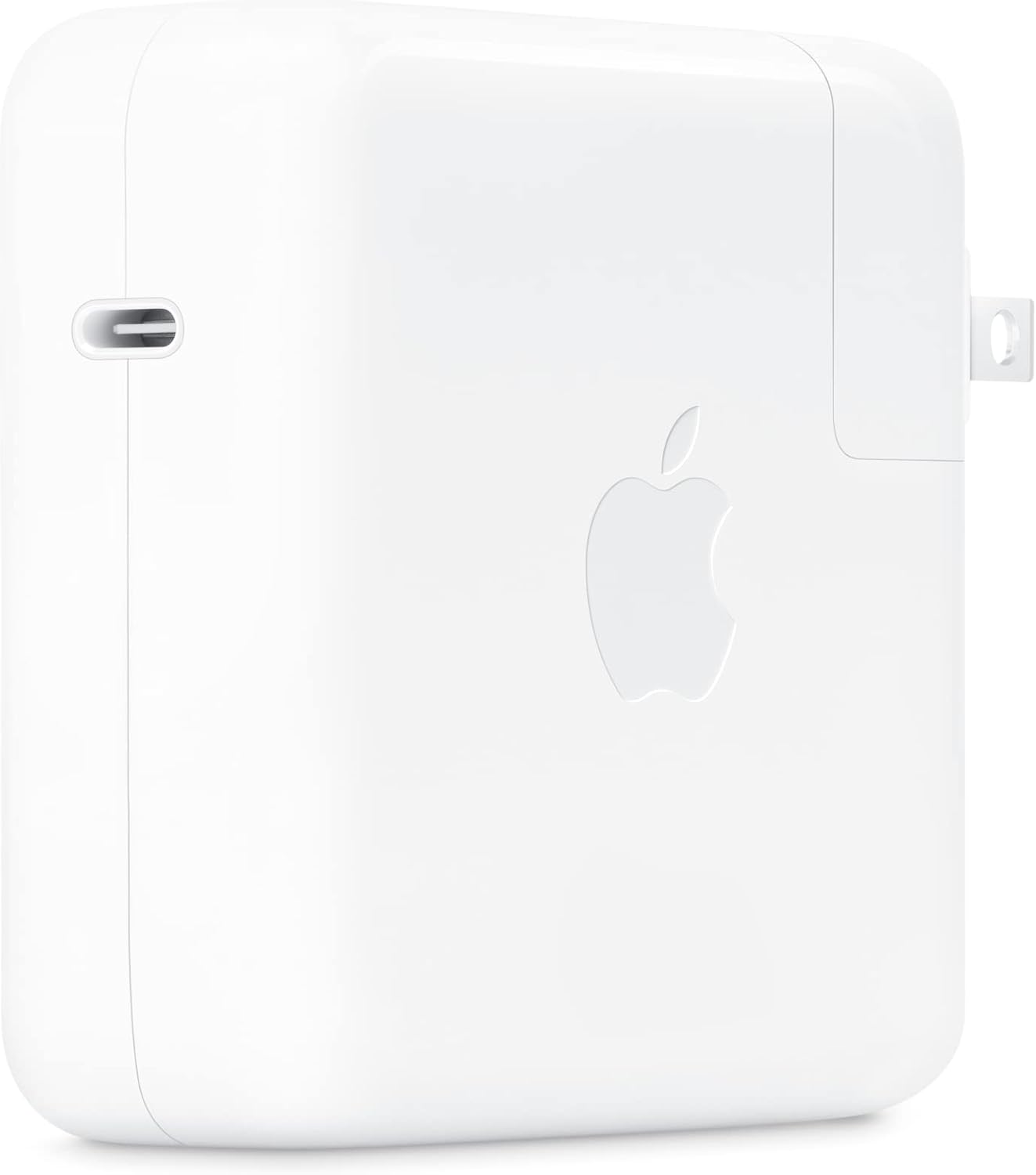
Image: Side view of the Apple 67W USB-C Power Adapter, highlighting the USB-C port.
7. Maintenance
- Cleaning: Disconnect the adapter from power before cleaning. Use a soft, dry, lint-free cloth. Do not use liquid cleaners or aerosols.
- Storage: Store the adapter in a cool, dry place when not in use. Avoid extreme temperatures.
- Cable Care: Avoid bending or crimping the charging cable excessively, as this can damage the internal wires.
8. Troubleshooting
| Problem | Solution |
|---|---|
| Device not charging. |
|
| Slow charging. |
|
| Adapter feels hot. |
|
9. Specifications
| Model Number | MKU63AM/A |
| Wattage | 67W |
| Input Voltage | 120 Volts |
| Connector Type | USB Type-C |
| Total USB Ports | 1 |
| Product Dimensions | 4.21 x 4.21 x 1.28 inches |
| Item Weight | 8.8 ounces |
| Compatible Devices | Phone, tablet, computer (e.g., iPhone 15/16 series, MacBook Pro, MacBook Air, iPad) |
| Special Features | Fast Charging, Lightweight Design, Retractable Plug, Travel-friendly |
10. Warranty and Support
The Apple 67W USB-C Power Adapter typically comes with a one-year limited warranty from the date of purchase. This warranty covers manufacturing defects under normal use.
For detailed warranty terms, technical support, or service, please visit the official Apple Support website or contact Apple customer service directly. Keep your proof of purchase for warranty claims.
Apple Support Website: support.apple.com


