
1. Introduction
Thank you for choosing Kinganda Q71 Bluetooth Earbuds. This manual provides detailed instructions for setting up, operating, and maintaining your new wireless earbuds. Please read this manual carefully before use to ensure proper functionality and to maximize your listening experience.
2. Safety Information
- Do not expose the earbuds or charging case to extreme temperatures, humidity, or corrosive environments.
- Avoid listening at high volume levels for extended periods to prevent hearing damage.
- Keep the device away from children and pets.
- Do not attempt to disassemble or modify the product. This will void the warranty.
- Clean the earbuds and charging case with a soft, dry cloth only.
3. Package Contents
Please check that all items are present in your package:
- Kinganda Q71 Bluetooth Earbuds (Left and Right)
- Charging Case
- USB Charging Cable
- Multiple Sizes of Ear Tips
- User Manual
4. Product Overview
Familiarize yourself with the components of your Kinganda Q71 Bluetooth Earbuds.
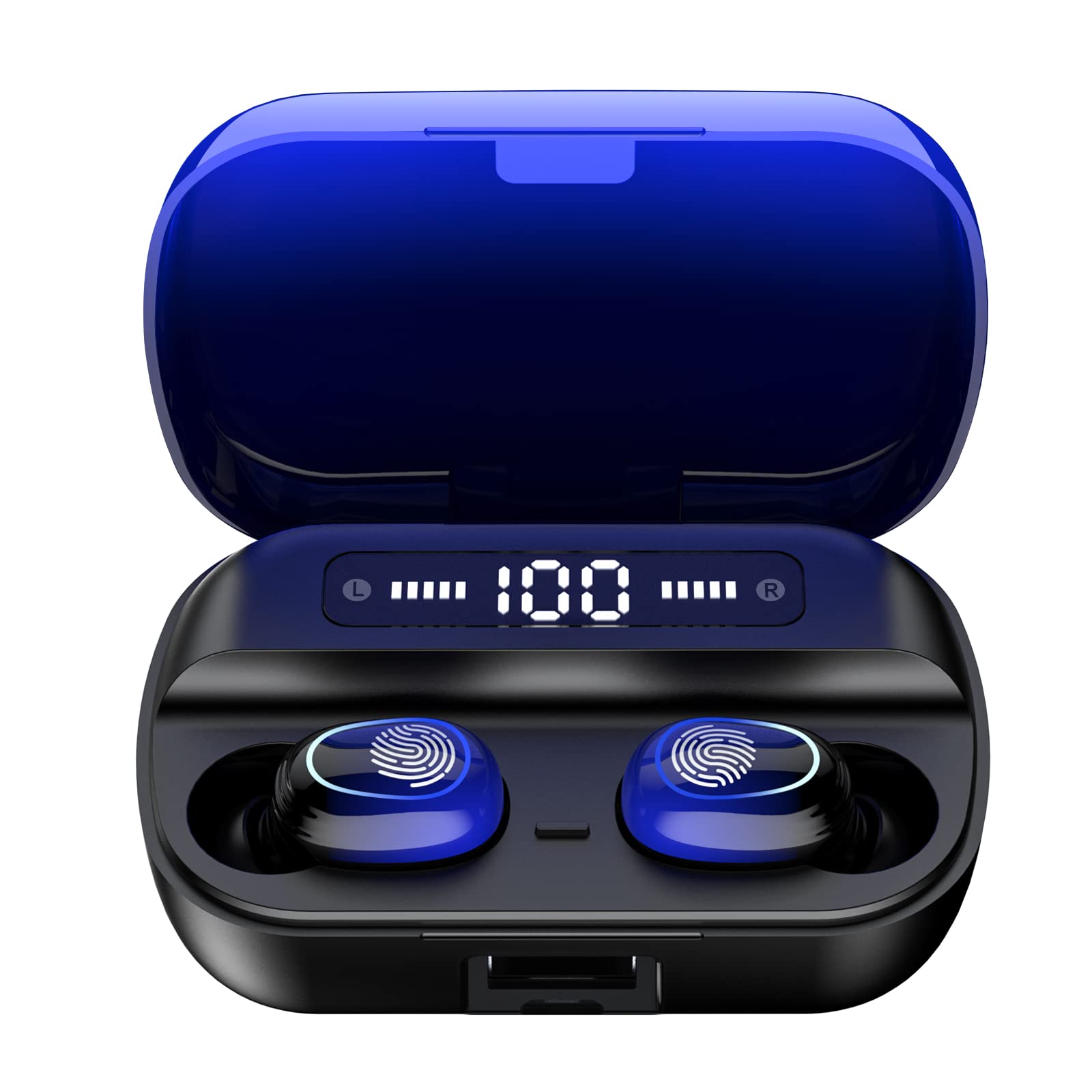
Image 4.1: Overview of Kinganda Q71 Bluetooth Earbuds and key features including Bluetooth 5.1, low latency, low power consumption, touch control, clear calls, 10mm speakers, compatibility with iOS and Android, and a 33-foot signal range.
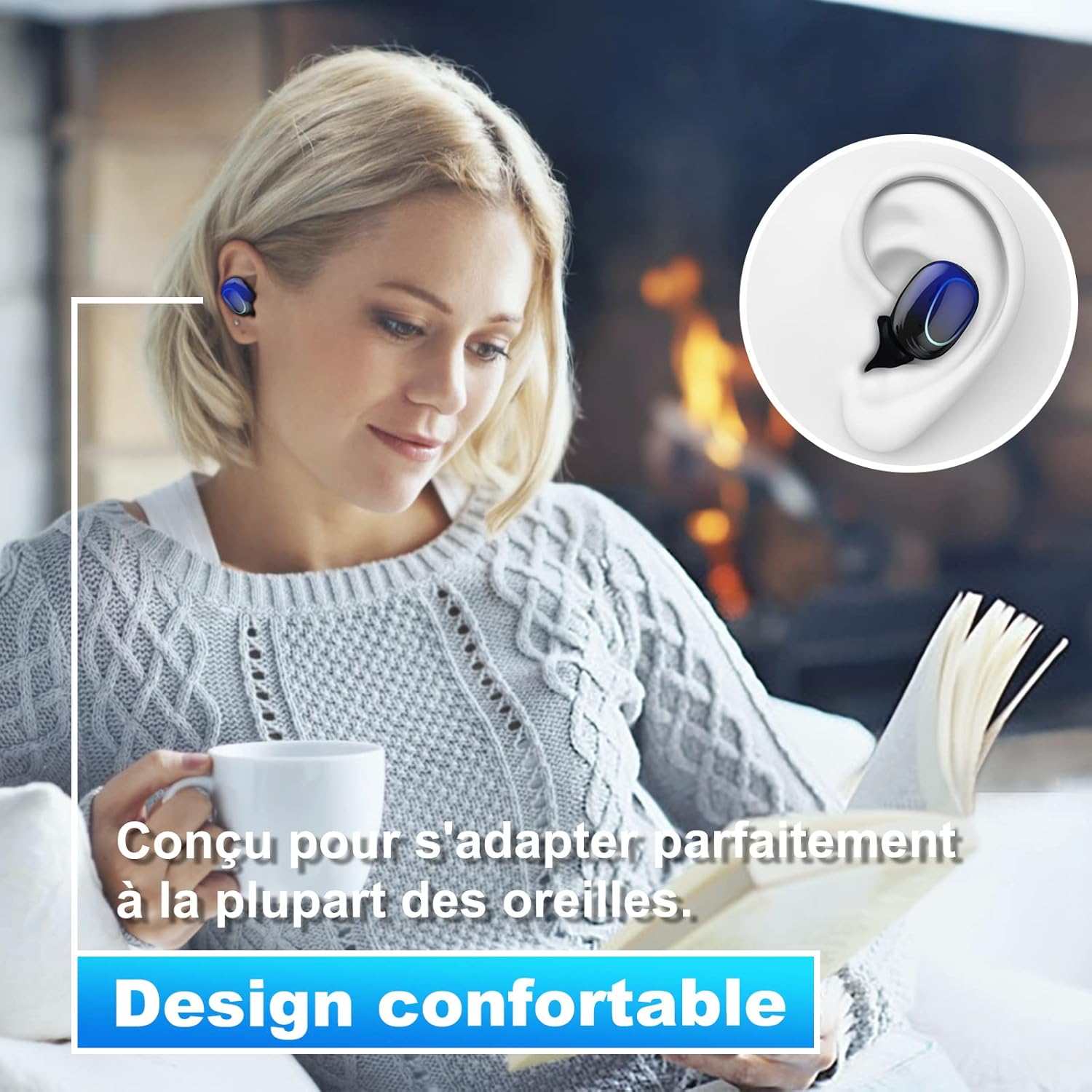
Image 4.2: The Kinganda Q71 earbuds are designed for a comfortable and secure fit in most ears.
5. Setup
5.1 Charging the Earbuds and Case
Before first use, fully charge the charging case and earbuds.
- Place the earbuds into the charging case. Ensure they are correctly seated.
- Connect the USB charging cable to the charging port on the case and to a power source (e.g., USB wall adapter, computer USB port).
- The indicator lights on the case will show the charging status. Once fully charged, the lights will indicate completion or turn off.

Image 5.1: The charging case has a 3500mAh battery. Earbuds provide approximately 5 hours of playback, and the case extends total usage to about 150 hours. A full recharge takes approximately 1.5 hours.
5.2 Pairing with a Bluetooth Device
The earbuds use Bluetooth 5.1 for a stable connection.
- Open the charging case. The earbuds will automatically power on and enter pairing mode.
- On your device (smartphone, tablet, etc.), enable Bluetooth.
- Search for available Bluetooth devices and select "Kinganda Q71" (or similar name) from the list.
- Once connected, you will hear a confirmation tone, and the indicator lights on the earbuds will change.
5.3 Wearing the Earbuds
For optimal sound quality and comfort, choose the correct ear tip size and ensure a snug fit.
- Select the ear tips that best fit your ear canals.
- Gently insert each earbud into your ear, twisting slightly until it feels secure and comfortable.
6. Operating Instructions
The Kinganda Q71 earbuds feature touch controls for easy operation.

Image 6.1: Touch controls for various functions including power, music playback, call management, and voice assistant activation.
6.1 Basic Functions
- Power On/Off: Earbuds power on automatically when removed from the case and power off when placed back in the case. Alternatively, long-press the touch area for manual power on/off.
- Play/Pause: Single tap on either earbud.
- Next Track: Double tap the right earbud.
- Previous Track: Double tap the left earbud.
- Answer/End Call: Single tap on either earbud during an incoming call.
- Reject Call: Long-press on either earbud during an incoming call.
- Activate Voice Assistant (Siri): Triple tap on either earbud.
6.2 Usage Modes
The Kinganda Q71 earbuds support various listening modes.

Image 6.2: The earbuds can be used in mono mode (single earbud) to stay aware of surroundings, TWS stereo mode for immersive sound, or twin mode to share music with another person.
- Mono Mode: Use a single earbud (left or right) to listen to audio while keeping the other ear open to your surroundings. Simply remove one earbud from the case.
- TWS Stereo Mode: Use both earbuds for a full stereo audio experience. Both earbuds will automatically connect to each other and your device when removed from the case.
- Twin Mode: Share your music with a friend by giving them one earbud. Both earbuds will play the same audio.
7. Maintenance
7.1 Cleaning
Regular cleaning helps maintain sound quality and hygiene.
- Use a soft, dry, lint-free cloth to wipe the earbuds and charging case.
- Remove ear tips and clean them with mild soap and water if necessary, then dry thoroughly before reattaching.
- Do not use harsh chemicals or abrasive materials.
7.2 Storage
When not in use, store the earbuds in their charging case to protect them and keep them charged.
8. Troubleshooting
If you encounter issues, try the following solutions:
- Earbuds not pairing: Ensure both earbuds are charged. Place them back in the case, close it, then open it again to re-initiate pairing mode. Check your device's Bluetooth settings and try reconnecting.
- Only one earbud working: Place both earbuds back in the charging case, close the lid, wait a few seconds, then open the lid and remove them simultaneously. This should force them to re-sync.
- No sound: Check the volume level on your device and ensure the earbuds are properly connected.
- Charging issues: Ensure the charging cable is securely connected to both the case and the power source. Try a different charging cable or power adapter.
- Poor sound quality: Ensure the earbuds are clean and properly seated in your ears. Try different ear tip sizes for a better seal.
9. Specifications
| Model Name | Q71 |
| Brand | Kinganda |
| Connectivity Technology | Wireless (Bluetooth 5.1) |
| Wireless Range | Up to 33 feet (10 meters) |
| Audio Driver Type | Dynamic Driver (10mm) |
| Control Method | Touch Control |
| Material | Plastic, Silicone |
| Water Resistance Level | Waterproof (IPX7) |
| Earbud Battery Life | Approx. 5 hours |
| Charging Case Battery Life | Approx. 150 hours (with case) |
| Charging Case Capacity | 3500mAh |
| Recharge Time | Approx. 1.5 hours |
| Compatible Devices | Bluetooth-enabled devices (iOS, Android) |
| Special Feature | Lightweight |

Image 9.1: The 10mm immersive drivers deliver enhanced sound quality with deeper bass.

Image 9.2: With an IPX7 waterproof rating, the earbuds are protected against sweat and water splashes, making them suitable for sports.
10. Warranty and Support
Kinganda products are designed for reliability and performance. This product comes with a standard manufacturer's warranty. For specific warranty details, please refer to the warranty card included in your package or contact Kinganda customer support.
If you have any questions, require technical assistance, or need to claim warranty service, please contact our customer support team through the contact information provided on the Kinganda official website or your purchase platform.


