
Introduction
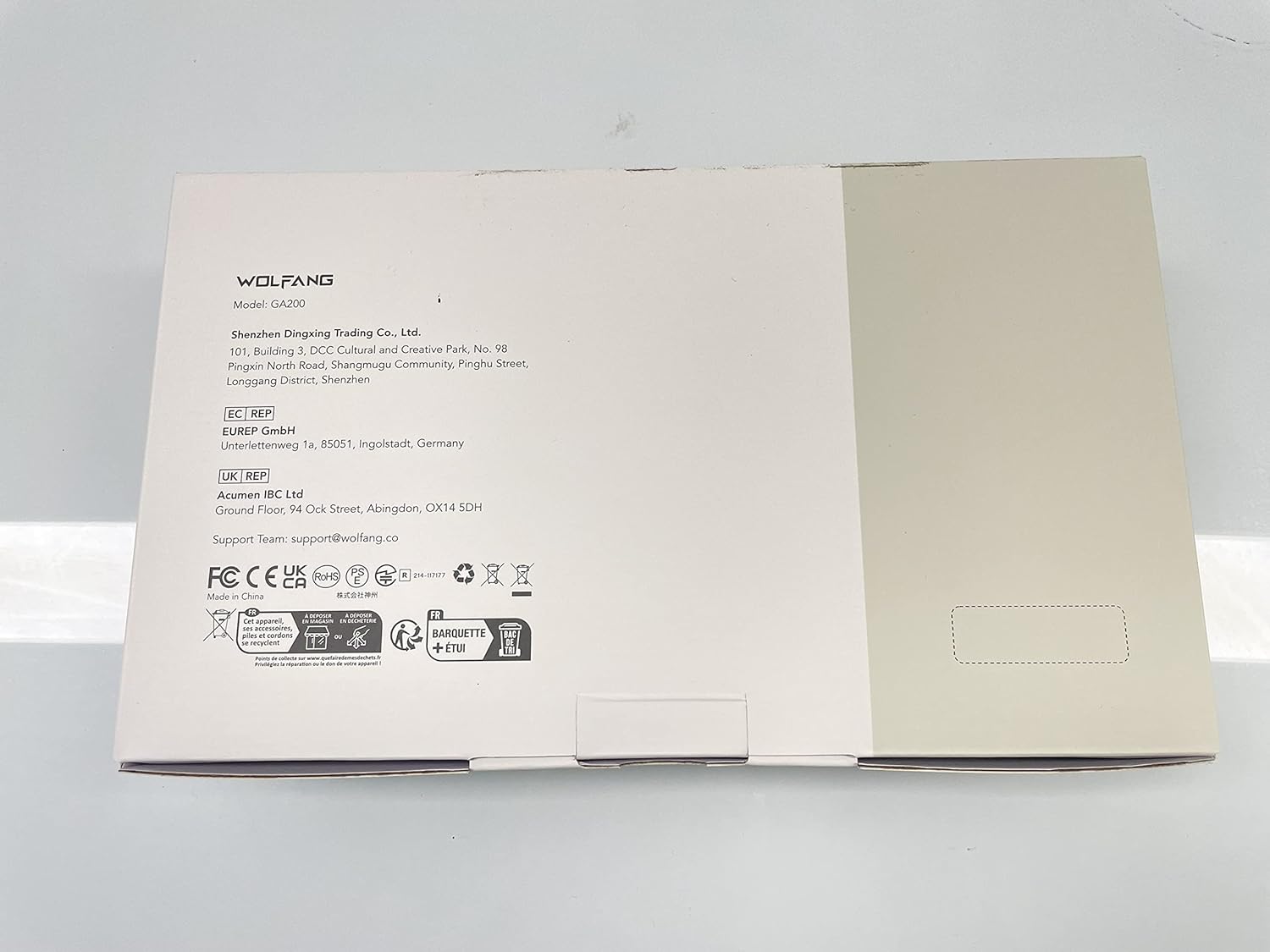
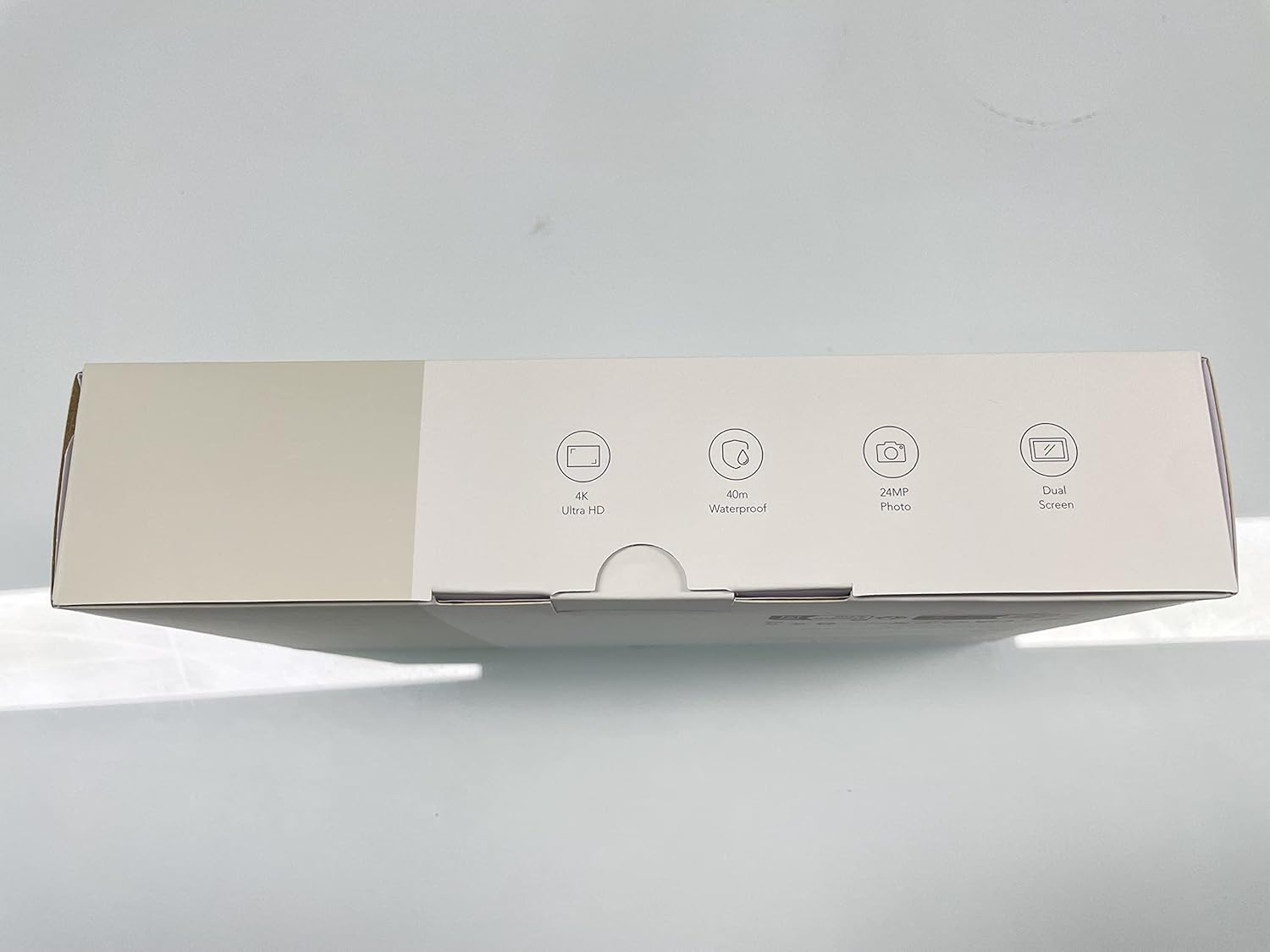
The WOLFANG GA200 is a versatile 24MP 4K Action Camera designed for capturing high-quality video and photos in various environments. It features a 40M waterproof capability, Electronic Image Stabilization (EIS), and dual screens for convenient operation, including a responsive touchscreen. With built-in WiFi, it allows for easy transfer and control via a mobile app. The camera comes with a comprehensive accessory kit, including a charger, remote control, and helmet accessories, making it suitable for vlogging, underwater activities, and more.
Package Contents
Your WOLFANG GA200 Action Camera package includes the following items:
- GA200 Action Camera x 1
- External Microphone x 1
- Waterproof Case x 1
- Remote Control x 1
- Battery (1050mAh) x 2
- External Charger x 1
- USB cable x 1
- Protective door x 1
- Black Frame x 1
- Flat adhesive Pads x 2
- Bicycle mount x 1
- J-hook Mount x 1
- Long thumbscrew x 1
- Short thumbscrew x 1
- Extension Mount x 1
- 360° rotating screw x 1

Features
- Double Screen & Touch Screen: The GA200 features an advanced dual-color screen design, allowing seamless switching between the front and rear displays. The vibrant front screen is ideal for selfies, while the 2-inch sensitive touchscreen on the back provides quick and responsive control.
- 4K Ultra HD Video & 24MP Photo: Capture professional-grade footage with 4K 30fps and 2.7K 60fps video recording, alongside crisp 24MP photos.
- 40M Waterproof Camera & Dive Mode: The included waterproof case enables the GA200 to operate at depths of up to 40 meters, making it perfect for water sports. Dive mode optimizes colors for vivid and natural underwater videos.
- EIS Stabilizer & Adjustable View Angle: Advanced Electronic Image Stabilization (EIS) ensures smooth and stable video even during strenuous activities. Choose from wide, medium, and narrow viewing angles.
- Plenty of Accessories & Battery Charger: Comes with 2 batteries and an external charger for extended recording. The comprehensive kit includes a remote control, waterproof case, and various mounting options for diverse usage scenarios.


Setup
- Battery Installation: Open the battery compartment cover. Insert one of the two provided 1050mAh Lithium Ion batteries, ensuring correct polarity. Close the cover securely.
- Micro SD Card Insertion: Locate the Micro SD card slot on the side of the camera. Insert a U3 class Micro SD card (up to 128GB, not included) until it clicks into place.
- Waterproof Case Usage: For underwater activities or protection from dust and impact, place the camera inside the waterproof case. Ensure the case is properly sealed before submersion. The case protects the camera up to 40 meters (131 feet) depth.
- Remote Control Pairing: To pair the remote control, ensure the camera is on. Follow the instructions in the Quick Start Guide for specific pairing steps.
- Mounting Accessories: Utilize the various mounts provided (e.g., bicycle mount, J-hook mount, helmet accessories) to attach the camera securely to desired surfaces or equipment.

Operating
- Power On/Off: Press and hold the Power button (usually on top or side) to turn the camera on or off.
- Mode Selection: Use the Mode button to cycle through different modes such as Video, Photo, Playback, and Settings.
- Dual Screen Operation: Tap the screen icon on the camera or use the remote control to switch between the front and rear screens.
- Video Recording: In Video mode, press the OK/Shutter button to start recording. Press again to stop. The camera supports 4K 30fps, 2.7K 60fps, 1080P 120fps, and other resolutions.
- Photo Capture: In Photo mode, press the OK/Shutter button to take a 24MP photo.
- Electronic Image Stabilization (EIS): EIS is automatically enabled in supported video modes to reduce shakiness and provide smoother footage.
- Dive Mode: Activate Dive Mode in settings for improved color correction when recording underwater.
- WiFi Connection: Enable WiFi in the camera settings. Download the iSmart DV2 APP on your smartphone or tablet. Connect to the camera's WiFi network to control the camera remotely, view live footage, and transfer files.
- Special Modes: Explore special modes like Time Lapse, Slow Motion, and Fast Motion through the camera's menu for creative video effects.
- Webcam Functionality: Connect the camera to your computer via USB to use it as a webcam.


Official Product Videos
Video 1: Official WOLFANG GA200 Action Camera overview. This video highlights the camera's main features and capabilities.
Video 2: Official video detailing the contents included in the WOLFANG GA200 Action Camera Kit.
Video 3: Official video showcasing the various accessories that come with the WOLFANG GA200 Action Camera.
Maintenance
- Cleaning: Use the provided cleaning cloth to gently wipe the camera lens and screens. For the waterproof case, rinse with fresh water after each use in saltwater and allow to air dry.
- Battery Care: Store batteries in a cool, dry place. Avoid extreme temperatures. Fully charge batteries before extended storage and periodically recharge them if not used for long periods.
- Waterproof Case Seal: Regularly inspect the rubber seal of the waterproof case for any debris, cracks, or damage. A clean and intact seal is crucial for maintaining waterproof integrity.
- Storage: Store the camera and accessories in a dry, dust-free environment away from direct sunlight and extreme temperatures.
Troubleshooting
- Camera Not Turning On: Ensure the battery is fully charged. Try inserting a different charged battery.
- Video/Photo Quality Issues: Check that the lens is clean. Ensure sufficient lighting conditions. Verify that the Micro SD card is a high-speed U3 card.
- Connectivity Problems (WiFi/Remote): Ensure the camera's WiFi is enabled. Restart both the camera and your smart device. Re-pair the remote control if necessary.
- Screen Frozen: If the screen freezes, remove and reinsert the battery to reset the camera.
- Audio Issues: Ensure the external microphone is properly connected if used. Check camera settings for voice record options.
Specifications
| Brand Name | WOLFANG |
| Item Model Number | GA200 |
| Item Weight | 1.76 ounces |
| Product Dimensions | 2.36 x 0.94 x 1.18 inches |
| Color Name | Black |
| Photo Sensor Technology | CMOS |
| Video Capture Resolution | 4K 30fps, 2.7K 60fps, 1080P 120fps, 1080P 30fps, 720P 240fps, 720P 120fps, 720P 60fps |
| Maximum Aperture | 2 f |
| Flash Memory Type | Micro SD |
| Video Capture Format | MOV |
| Supported Audio Format | AAC, MP3 |
| Screen Size | 2 Inches |
| Connectivity Technology | Bluetooth |
| Special Features | Wind Noise Reduction, Remote Control, Anti-Shake, Time Lapse, Slow Motion |
Warranty and Support
WOLFANG offers protection plans for your GA200 Action Camera:
- 2-Year Protection Plan: $8.99
- 3-Year Protection Plan: $11.99
- Complete Protect: $16.99/month (covers all eligible past and future purchases)
For customer support, please contact WOLFANG Official. You can also refer to the official User Manual (PDF) available online for detailed instructions and troubleshooting.
Official User Manual (PDF): https://manuals.plus/m/a36db92344c08ffa4895eefc85b9ddbcb9f55873df249c7835a72f38040e748c
Important Safety Information
Please read all safety warnings and instructions before using this product to avoid injury or damage. Keep this manual for future reference.
- Do not expose the camera to extreme temperatures or direct sunlight for prolonged periods.
- Ensure the waterproof case is properly sealed before any water exposure.
- Use only approved accessories and chargers.
- Keep out of reach of small children.


