
Introduction
This manual provides essential information for the safe and efficient use of your Lenovo IdeaPad 15.6" FHD Touchscreen Laptop. Please read this guide thoroughly before operating your device. The Lenovo IdeaPad 1i is designed for everyday use, offering a compact and lightweight form factor suitable for both productivity and entertainment. It features an intelligent cooling system for optimal performance and Dolby Audio enhanced speakers for an immersive sound experience. With up to 10 hours of battery life and rapid charging support, it is built for on-the-go usage.
What's in the Box
Verify that all items are present in the packaging:
- 15.6" IdeaPad 1 Laptop
- 65W Power Adapter with Power Cord
- User Manual (this document)
- 4 In 1 USB Hub by IST Computers®
Product Overview
The Lenovo IdeaPad features a 15.6-inch Full HD touchscreen display, an Intel Core i3-1215U processor, 16GB RAM, and a 512GB SSD. It runs on Windows 11 Home in S Mode.
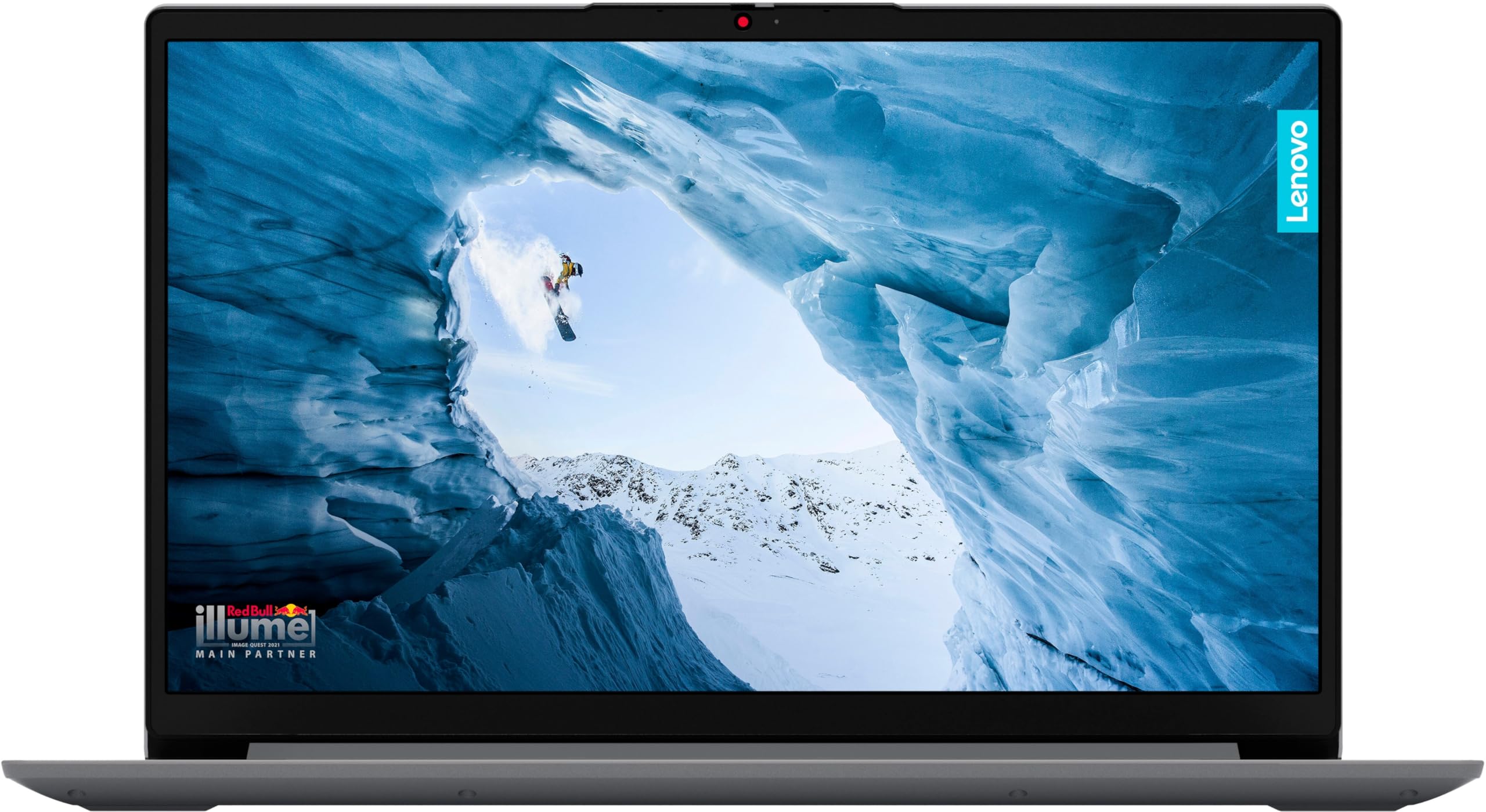
Figure 1: Front view of the Lenovo IdeaPad 15.6" FHD Touchscreen Laptop in Cloud Grey. This image displays the laptop with its lid open, showcasing the screen and keyboard.
Key Components:
- Display: 15.6-inch FHD (1920x1080) IPS Touchscreen with anti-glare finish.
- Keyboard: Chiclet-style keyboard with QWERTY layout.
- Touchpad: Integrated multi-touch touchpad.
- Webcam: Integrated webcam for video conferencing.
- Fingerprint Reader: For secure login.
- Ports: Includes USB, USB 2.0, USB Type-C (data only), HDMI, and a headphone/microphone combo jack.
- Speakers: Stereo speakers with Dolby Audio.
Setup
- Unpack the Laptop: Carefully remove the laptop and all accessories from the packaging.
- Connect Power: Plug the 65W power adapter into the laptop's power port and then into a wall outlet. Allow the battery to charge for at least 30 minutes before initial use.
- Power On: Open the laptop lid and press the power button, usually located on the top right of the keyboard or side.
- Initial Windows Setup: Follow the on-screen instructions to complete the Windows 11 Home in S Mode setup. This includes selecting your region, connecting to a Wi-Fi network, and creating a user account.
- Windows S Mode: Windows 11 Home in S Mode is a version of Windows that is streamlined for security and performance, exclusively running apps from the Microsoft Store. If you need to install apps from outside the Microsoft Store, you can switch out of S Mode. This is a one-way switch.
Operating Instructions
Power Management:
- Turning On/Off: Press the power button to turn on. To turn off, click the Start button, then Power > Shut down.
- Sleep Mode: Close the lid or press the power button briefly to enter sleep mode.
- Battery Life: The laptop offers up to 10 hours of battery life. For optimal battery health, avoid fully discharging the battery frequently.
Using the Touchscreen:
- Tap: Single tap to select an item or open an application.
- Double Tap: Double tap to open files or folders.
- Pinch-to-Zoom: Use two fingers to zoom in or out on images and web pages.
- Swipe: Swipe from the edges for system functions (e.g., opening Action Center, Task View).
Connectivity:
- Wi-Fi: Connect to wireless networks via the Wi-Fi 6 adapter. Access Wi-Fi settings through the Action Center or Windows Settings.
- Bluetooth: Pair Bluetooth devices (e.g., headphones, mice) through Windows Settings > Bluetooth & devices. The laptop supports Bluetooth 5.1.
- USB Ports: Use the available USB ports (including USB Type-C for data) to connect peripherals like external drives, mice, or keyboards.
- HDMI: Connect an external monitor or TV using the HDMI port. The laptop supports up to two external monitors.
Maintenance
- Cleaning: Use a soft, lint-free cloth slightly dampened with water or a screen cleaner to clean the display. For the keyboard and chassis, use a dry, soft cloth. Avoid harsh chemicals.
- Software Updates: Regularly check for and install Windows updates and driver updates from Lenovo's official support website to ensure optimal performance and security.
- Battery Care: To prolong battery life, avoid extreme temperatures. If storing the laptop for an extended period, ensure the battery is charged to about 50-60%.
- Storage: Keep the laptop in a clean, dry environment. Avoid placing heavy objects on top of it.
Troubleshooting
| Problem | Possible Solution |
|---|---|
| Laptop does not power on. | Ensure the power adapter is securely connected to both the laptop and a working power outlet. Check if the power outlet is functional. Try holding the power button for 10-15 seconds for a hard reset. |
| Screen is blank or black. | Connect an external monitor to check if the display output is working. Adjust screen brightness using function keys. Restart the laptop. |
| Wi-Fi connection issues. | Ensure Wi-Fi is enabled in Windows settings. Restart your router and modem. Update Wi-Fi drivers from the Lenovo support website. |
| Touchscreen is unresponsive. | Restart the laptop. Check for Windows updates that might include touchscreen driver fixes. Ensure the screen is clean and free of debris. |
| Laptop is running slow. | Close unnecessary applications. Check for background processes in Task Manager. Ensure Windows and drivers are up to date. Consider running a disk cleanup. |
Specifications
| Feature | Detail |
|---|---|
| Brand | Lenovo |
| Model Name | IdeaPad 1 |
| Model Number | ThinkBook 15 Gen 3 ARE |
| Screen Size | 15.6 Inches |
| Display Resolution | 1920 x 1080 Pixels (FHD) |
| Display Technology | IPS LCD |
| Touch Screen Type | Adaptive Touchscreen |
| Processor | Intel Core i3-1215U (12th Gen), 2.1 GHz (up to 4.4 GHz) |
| RAM Memory | 16 GB DDR4 (3200 MHz), Max 40 GB |
| Storage | 512 GB SSD |
| Graphics Coprocessor | Intel UHD Graphics (Integrated) |
| Operating System | Windows 11 Home in S Mode |
| Wireless Connectivity | Wi-Fi 6, Bluetooth 5.1 |
| Ports | HDMI, USB (Total 3, including USB Type-C for data) |
| Special Features | Fingerprint Reader, Webcam |
| Battery Life | Up to 10 Hours |
| Item Weight | 3.6 Pounds |
| Dimensions (L x W x Thickness) | 14.18" x 9.29" x 0.7" |
| UPC | 755379238775 |
Warranty Information
Your Lenovo IdeaPad laptop comes with a 1-year limited warranty. This warranty covers manufacturing defects and hardware malfunctions under normal use. For detailed terms and conditions, please refer to the warranty card included with your product or visit the official Lenovo support website. Keep your proof of purchase for warranty claims.
Support
For technical assistance, driver downloads, or further information, please visit the official Lenovo Support website. You can find FAQs, troubleshooting guides, and contact information for customer service.
Lenovo Support Website: support.lenovo.com


