Introduction
Thank you for choosing the Moulinex Optiss BN5003 Kitchen Scale. This elegant and efficient electronic kitchen scale is designed to provide precise measurements for all your cooking and baking needs. Featuring a durable tempered glass platform, a high capacity of up to 5 kg, and an easy-to-read LCD screen, it simplifies your kitchen tasks. Please read this manual carefully before first use to ensure proper operation and maintenance.
Safety Instructions
- Always place the scale on a firm, flat, and stable surface to ensure accurate readings.
- Do not immerse the scale in water or any other liquid. Clean with a damp cloth only.
- Avoid dropping the scale or subjecting it to strong impacts, as this may damage the tempered glass platform or internal components.
- Do not overload the scale beyond its maximum capacity of 5 kg.
- Keep the scale away from heat sources, direct sunlight, and extreme temperature changes.
- This appliance is for household use only. Do not use it for commercial or industrial purposes.
- Keep batteries out of reach of children. If swallowed, seek immediate medical attention.
- Dispose of used batteries responsibly according to local regulations.
Product Overview
The Moulinex Optiss BN5003 kitchen scale features a sleek design with essential components for easy and accurate weighing.
- Tempered Glass Platform: Durable and easy to clean weighing surface.
- LCD Screen: Clear digital display for weight readings.
- "Off" Button: To turn the scale off.
- "Tare" Button: To reset the scale to zero, allowing for successive ingredient additions.
- "Unit" Button: To switch between different units of measurement, including liquid measurements.
- Retractable Hook: For convenient storage.

Image: Top-down view of the Moulinex Optiss BN5003 kitchen scale, highlighting its main features.
Setup
- Battery Installation:
Your scale comes with 2 LR03 AAA batteries included. Locate the battery compartment on the underside of the scale. Open the compartment, insert the batteries according to the polarity indicators (+/-), and close the cover securely.
- Placement:
Place the scale on a hard, flat, and level surface. Uneven surfaces can affect measurement accuracy.
Operating Instructions
1. Power On/Off
- To turn on the scale, press the "Off" button. The display will show "0 g" when ready.
- To turn off the scale, press and hold the "Off" button for a few seconds. The scale will also automatically turn off after a period of inactivity to save battery life.
2. Weighing Solids
- Ensure the scale is on and displays "0 g".
- Place the item directly onto the tempered glass platform or in a container placed on the platform.
- Read the weight displayed on the LCD screen.
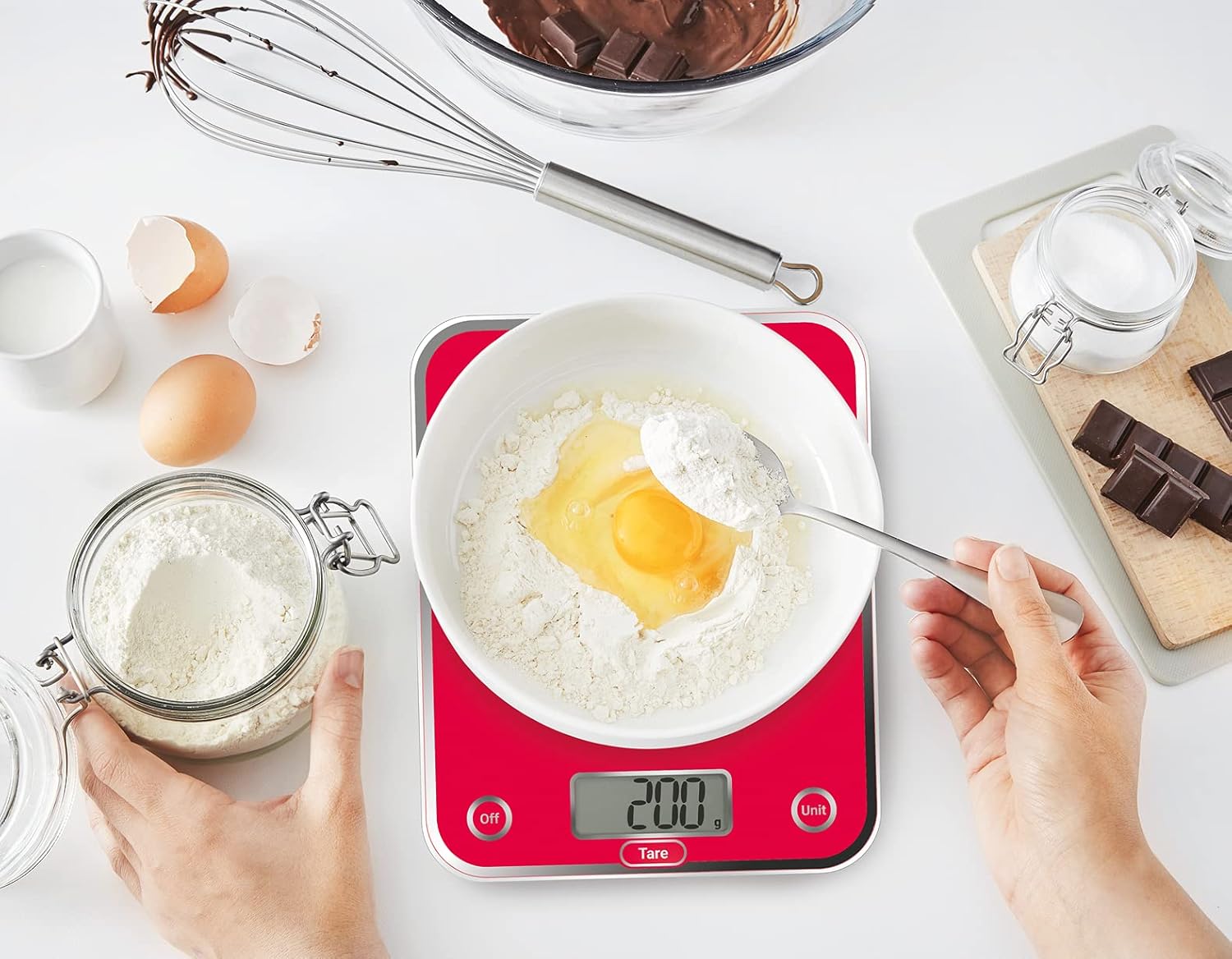
Image: Using the scale to weigh ingredients for baking, demonstrating the clear display.
3. Tare Function
The Tare function allows you to weigh multiple ingredients in the same container without emptying it.
- Place your empty container on the scale. The display will show its weight.
- Press the "Tare" button. The display will reset to "0 g".
- Add your first ingredient. Read its weight.
- To add another ingredient, press the "Tare" button again to reset the display to "0 g", then add the next ingredient. Repeat as needed.
4. Liquid Function (Unit Conversion)
The scale can measure liquids in centiliters (cl) or deciliters (dl), eliminating the need for a measuring cup.
- Ensure the scale is on and displays "0 g".
- Press the "Unit" button to cycle through available units (g, cl, dl). Select the desired liquid unit.
- Place your container on the scale (and use Tare if needed).
- Pour your liquid into the container and read the measurement on the LCD screen.
Maintenance and Cleaning
- Cleaning the Platform: The tempered glass platform is scratch-resistant and very easy to clean. Wipe it with a soft, damp cloth. For stubborn stains, use a mild detergent and then wipe dry.
- General Cleaning: Wipe the body of the scale with a soft, damp cloth. Do not use abrasive cleaners or immerse the scale in water.
- Storage: When not in use, store the scale in a dry place. The retractable hook allows for easy hanging storage.
- Battery Replacement: Replace batteries when the low battery indicator appears on the display.
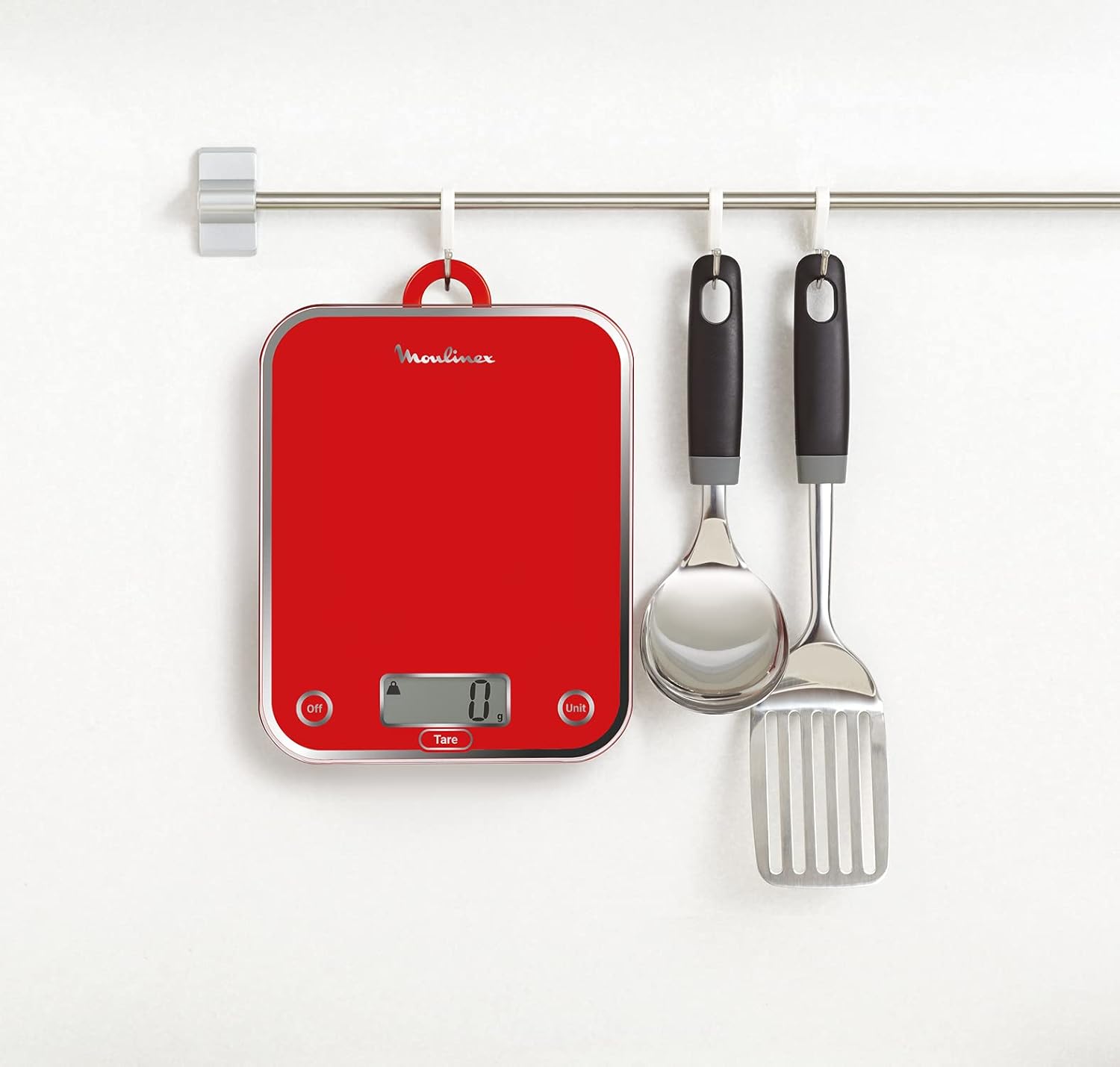
Image: The Moulinex Optiss BN5003 scale stored by hanging, showcasing its space-saving design.
Troubleshooting
| Problem | Possible Cause | Solution |
|---|---|---|
| Scale does not turn on. | Dead or incorrectly installed batteries. | Check battery polarity. Replace batteries if necessary. Ensure the "Off" button is pressed firmly. |
| Inaccurate readings. | Uneven surface; scale overloaded; external vibrations. | Place the scale on a flat, stable surface. Do not exceed 5 kg. Avoid vibrations during weighing. |
| Display shows "Err" or "O-Ld". | Scale is overloaded. | Remove items from the scale immediately. Do not exceed the maximum capacity of 5 kg. |
| Display is dim or flickering. | Low battery power. | Replace the batteries. |
Specifications
| Feature | Detail |
|---|---|
| Brand | Moulinex |
| Model Number | BN5003 |
| Color | Red |
| Product Dimensions (L x W x H) | 21.5 x 17.5 x 2.2 cm |
| Item Weight | 500 grams |
| Maximum Weight Capacity | 5 Kilograms |
| Material | Plastic (with tempered glass platform) |
| Special Features | Liquid function, Tare function |
| Display Type | LCD |
| Readout Precision | +/- 1 gram |
| Batteries | 2 LR03 AAA (included) |
Warranty and Support
Moulinex is committed to providing quality products. This product is designed for easy repairability for 15 years at a fair price, with 6200 authorized service centers worldwide.
For any questions, concerns, or to inquire about warranty service, please visit the official Moulinex website or contact their customer support. Keep your purchase receipt as proof of purchase.


