
1. Introduction
Thank you for choosing the Fachixy FC100 Gaming Headset. This headset is designed to provide an immersive audio experience for gamers across multiple platforms. Featuring high-fidelity stereo sound, an adjustable noise-canceling microphone, and comfortable ergonomic design, the FC100 enhances your gaming sessions. This manual provides detailed instructions for setup, operation, maintenance, and troubleshooting to ensure optimal performance.
2. Package Contents
- Fachixy FC100 Gaming Headset
- 1 to 2 3.5 mm Audio Jack Splitter Cable
- 2.2m Extension Cable
- User Manual
3. Product Features
- Stereo Surround Sound Quality: Equipped with 50mm high-density dual neodymium audio drivers for clear, realistic sound.
- Adjustable Noise-Canceling Microphone: Omnidirectional microphone with excellent noise control, sensitive sound pickup, and 120° rotation for optimal positioning.
- Multi-Platform Compatibility: Compatible with PS4, PS5, Xbox One, Switch, PC, Laptop, and most devices with a 3.5mm audio jack.
- Soft RGB Lighting: Cool RGB light strip design that changes dynamically when plugged into a USB port (USB for LED power only).
- One-Button Volume Control: In-line rotary volume control and microphone mute function for easy audio adjustments.
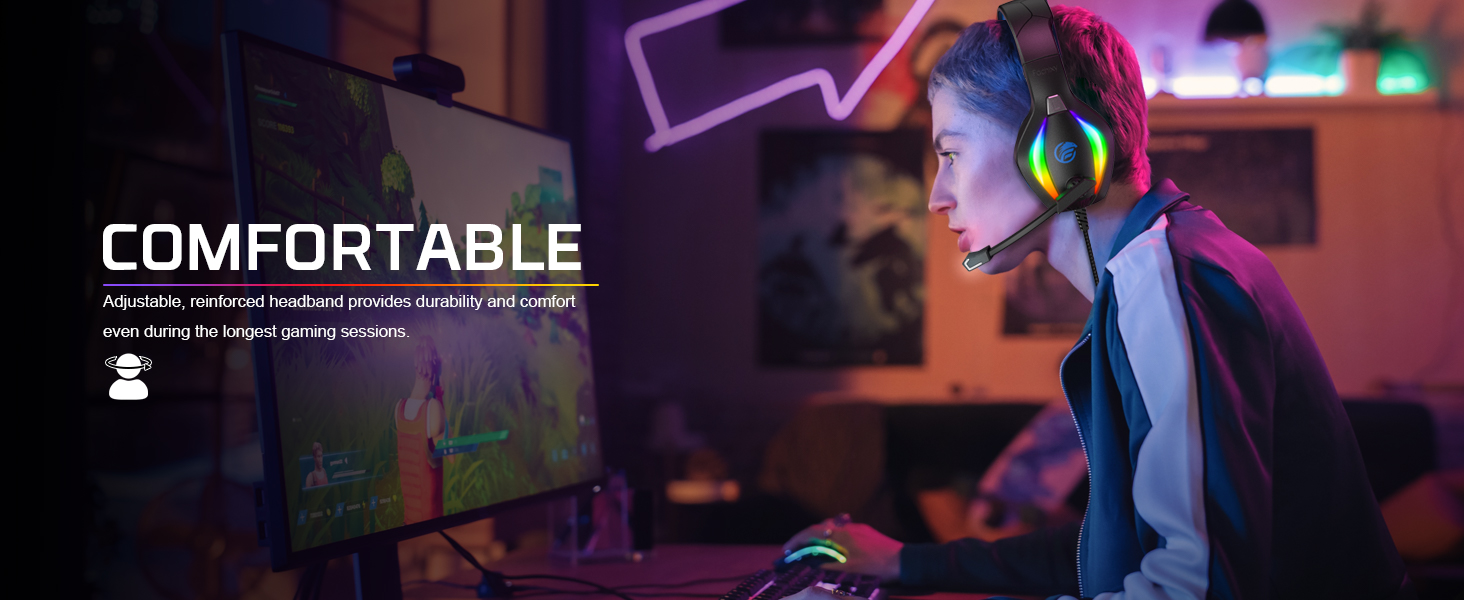
- Ergonomic Design: Comfortable and lightweight headband and skin-friendly, breathable sponge and leather earmuffs for extended wear, even with glasses.
- Durable Cable: High-strength, anti-tangle 89-inch braided anti-twist data cable.
Detailed Feature Overview



4. Setup
Connecting to Devices
The Fachixy FC100 Gaming Headset uses a 3.5mm audio jack for sound and a USB cable for LED lighting power. It is not a USB headset for audio.
- For PS4, PS5, Nintendo Switch, Mobile, Tablet: Plug the 3.5mm audio jack directly into your device's 3.5mm port.
- For PC, Laptop, Mac: Use the included 1 to 2 3.5mm Audio Jack Splitter Cable. Connect the headset's 3.5mm jack to the splitter, then plug the green jack of the splitter into your device's headphone port and the red jack into the microphone port.
- For Xbox One, Xbox Series X/S: An adapter (not included) may be required to connect the 3.5mm audio jack to your Xbox controller.
- LED Lighting: For the RGB lighting to function, plug the USB connector into any available USB port on your console, PC, or a USB power adapter.

5. Operating Instructions
- Adjusting the Headset: Extend or retract the headband to fit comfortably on your head. The earmuffs should fully cover your ears without excessive pressure.
- Microphone Usage: The microphone can be rotated 120° to position it optimally near your mouth for clear communication. When not in use, rotate it upwards and away from your face.
- Volume Control: Use the rotary scroll wheel on the in-line control unit to adjust the audio volume up or down.
- Microphone Mute: Press the dedicated button on the in-line control unit to mute or unmute the microphone.
6. Maintenance
- Cleaning: Use a soft, dry cloth to clean the headset. Avoid using harsh chemicals or abrasive materials.
- Storage: Store the headset in a cool, dry place away from direct sunlight and extreme temperatures.
- Cable Care: Avoid sharp bends or excessive pulling on the cable to prevent damage.
- Earmuffs: Periodically check the earmuffs for wear and tear. While durable, replacement may be necessary over time for hygiene and comfort.
7. Troubleshooting
| Problem | Possible Cause | Solution |
|---|---|---|
| No sound from headset | Volume too low; incorrect connection; device audio settings. | Increase volume on in-line control and device. Ensure 3.5mm jack is fully inserted. Check device audio output settings. |
| Microphone not working | Microphone muted; incorrect connection; device microphone settings. | Unmute microphone using in-line control. Ensure 3.5mm splitter (if used) is correctly connected. Check device microphone input settings. |
| RGB lights not working | USB cable not connected or faulty. | Ensure USB cable is securely plugged into a powered USB port. Try a different USB port. |
| Sound distortion | Volume too high; faulty connection. | Lower volume. Re-plug 3.5mm jack. Test with another device if possible. |
8. Specifications
- Model Name: FC-100
- Connectivity Technology: Wired
- Headphones Jack: 3.5 mm Jack
- Audio Driver Size: 50 Millimeters
- Audio Driver Type: Dynamic Driver
- Noise Control: Passive Noise Cancellation
- Microphone: Omnidirectional, Noise Canceling
- Control Type: Volume Control, Microphone Mute
- Cable Feature: Retractable, Braided (89-inch)
- Item Weight: 10.6 ounces (299.37 Grams)
- Product Dimensions: 7.5 x 3.1 x 8.3 inches
- Compatible Devices: Mac, PC, PS4, PS5, Xbox One X &S, Nintendo Switch, Laptop, Mobile, Tablet
- Special Features: Lightweight, Microphone Included, Noise Cancellation, Surround Sound, RGB Lighting
9. Warranty and Support
For warranty information and customer support, please refer to the documentation included in your product packaging or visit the official Fachixy website. Keep your purchase receipt for any warranty claims.


