
VGR V-290
VGR V-290 Professional Hair Trimmer User Manual
Model: V-290
Introduction
Thank you for choosing the VGR V-290 Professional Hair Trimmer. This manual provides essential information for the safe and effective use, maintenance, and care of your new trimmer. Please read it thoroughly before first use and keep it for future reference.

Image: The VGR V-290 Professional Hair Trimmer in gold, shown alongside its product packaging.
Safety Information
To ensure safe operation and prevent damage, please adhere to the following safety guidelines:
- Do not immerse the trimmer in water or any other liquids.
- Avoid using harsh cleaners or abrasive materials on the device.
- Keep the trimmer out of reach of children.
- Never attempt to self-repair the device. Refer to authorized service personnel for any repairs to prevent damage or injury.
What's in the Box
Your VGR V-290 Professional Hair Trimmer package includes:
- 1x Hair trimmer
- 1x Cleaning Brush
- 1x Oil bottle
- 1x USB Type-C Charging Cable
- 3x Guide combs (1mm, 2mm, 3mm)
- 1x User Manual
Setup
Initial Charging
Before the first use, fully charge the trimmer. Connect the provided USB Type-C charging cable to the trimmer and a compatible power source (power bank, adapter, or computer USB port). The LED display will indicate the charging status. A full charge takes approximately 1.5 hours and provides up to 120 minutes of runtime.

Image: Close-up of the VGR V-290 Trimmer's Type-C USB charging port with the cable inserted, showing the 120 minutes runtime and 1.5 hours charging time.
Attaching Guide Combs
Select the desired guide comb (1mm, 2mm, or 3mm) for your preferred trimming length. Align the comb with the trimmer blade and gently push until it clicks into place. Ensure it is securely attached before use.
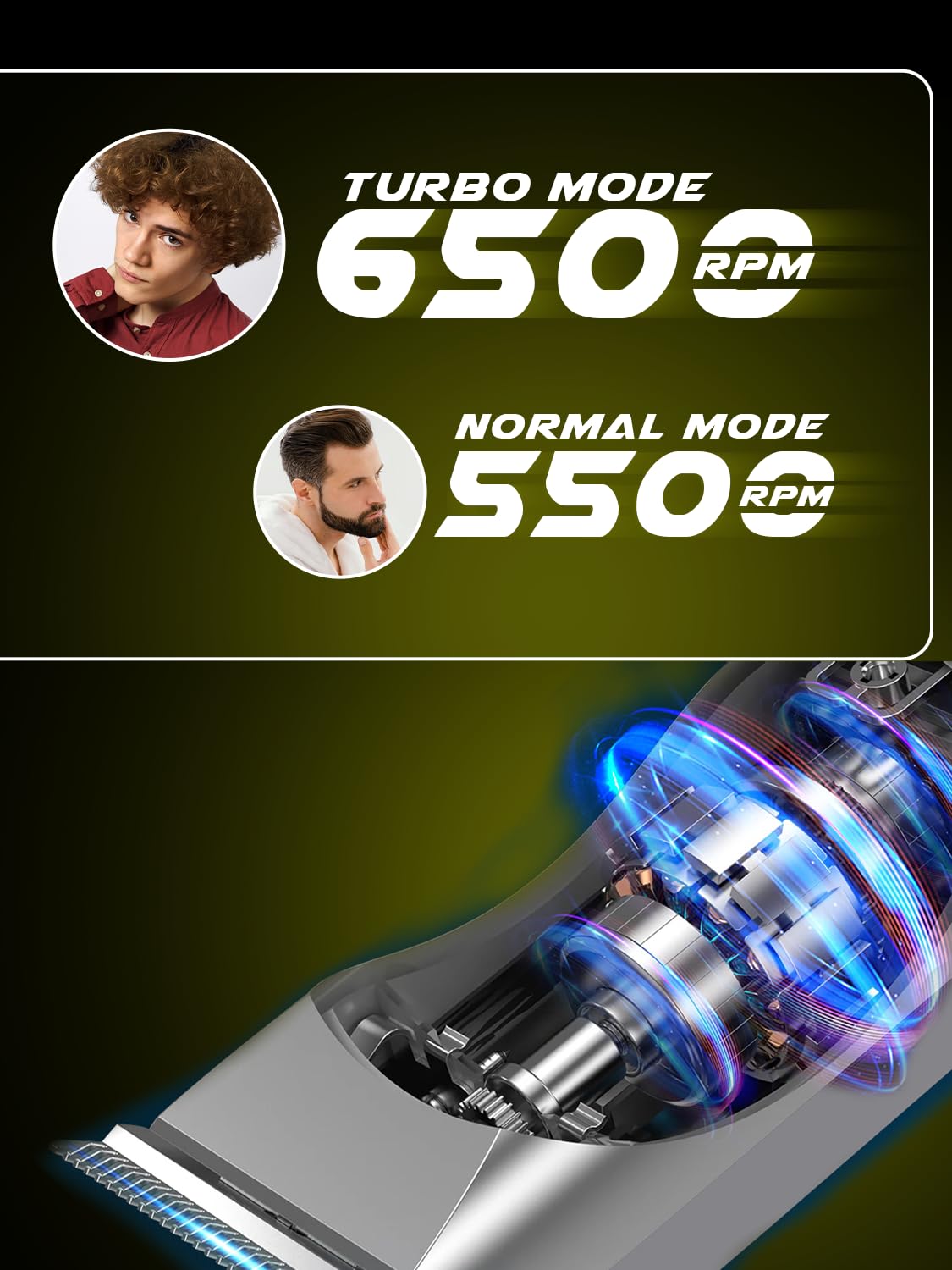
Image: The VGR V-290 Trimmer with illustrations of the 1mm, 2mm, and 3mm guide combs, demonstrating multiple length control.
Operating Instructions
Powering On/Off and Mode Selection
Press the power button once to turn on the trimmer in Normal Mode (5500 RPM). The LED display will show the battery status and indicate Normal Mode. Double-click the power button to activate Turbo Mode (6500 RPM) for enhanced cutting power, ideal for thicker hair. The LED display will change to indicate Turbo Mode. Press the power button again to turn off the trimmer.

Image: A diagram of the VGR V-290 Trimmer highlighting the LED display, one-click for Normal Mode, and double-click for Turbo Mode.
Trimming Techniques
For best results, trim against the direction of hair growth. Gently glide the trimmer along the skin. For longer hair, it is recommended to use a higher guard setting first, then switch to lower settings for detailing. The precision T-blade ensures smooth, accurate, and safe trimming without pulling or irritation.

Image: The VGR V-290 Trimmer with visual examples of short boxed beard, precise chick-line, and full long beard styles achievable with the included combs.

Image: A close-up of the VGR V-290 Trimmer blade, emphasizing its touch-friendly design for safe use on various curves.
Corded and Cordless Use
The VGR V-290 offers flexible operation, allowing use both corded and cordless. This provides ultimate convenience for grooming at home or on the go.

Image: The VGR V-290 Trimmer with icons indicating smooth trimming, use of transparent clipper for longer hair, unique see-through casing, and advanced internal components for confidence.
Maintenance
Cleaning and Oiling Blades
After each use, clean the blades using the provided cleaning brush to remove any hair residue. Apply a small amount of the included oil to the blades to maintain their sharpness and ensure smooth operation. The LED display will provide oil reminders for timely maintenance.
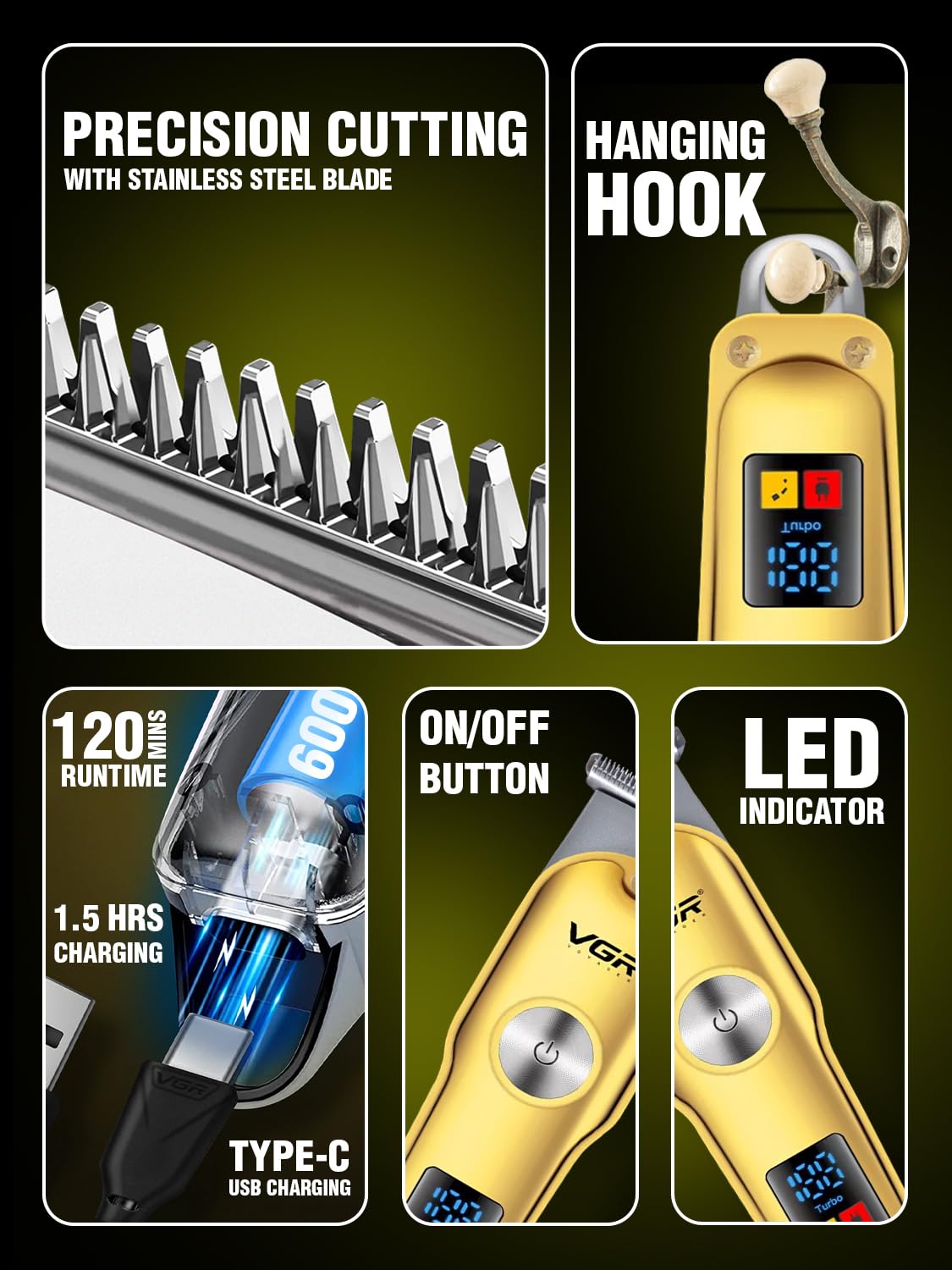
Image: A detailed view of the VGR V-290 Trimmer's stainless steel precision cutting blades and the convenient hanging hook for storage.
Storage
Store the trimmer in a dry place, ideally in its travel pouch, when not in use. The convenient hanging loop allows for easy storage and quick access.
Troubleshooting
If you encounter any issues with your VGR V-290 trimmer, please refer to the following common troubleshooting tips:
- Trimmer not turning on: Ensure the battery is fully charged. Connect the trimmer to the charger and wait for the LED display to indicate sufficient charge.
- Reduced cutting performance: Clean the blades thoroughly to remove any trapped hair. Apply a drop of lubricating oil to the blades. If the issue persists, ensure the guide comb is correctly attached.
- Unusual noise: Clean and oil the blades. If the noise continues, discontinue use and contact customer support.
- Charging issues: Ensure the USB Type-C cable is securely connected to both the trimmer and the power source. Try a different USB port or adapter. Note that the trimmer works best with the supplied cable.
Specifications
| Feature | Detail |
|---|---|
| Model Number | V-290 |
| Brand | VGR |
| Blade Material | Stainless Steel |
| Battery Type | Lithium Ion (600mAh) |
| Runtime | Up to 120 minutes |
| Charging Time | Approx. 1.5 hours |
| Charging Interface | USB Type-C |
| Operating Modes | Normal Mode (5500 RPM), Turbo Mode (6500 RPM) |
| Guide Combs Included | 1mm, 2mm, 3mm |
| Product Dimensions | 14 x 4 x 4.5 cm |
| Item Weight | 120 g |
| Country of Origin | China |
Warranty and Support
Warranty Information
This product may be eligible for extended warranty plans. Please refer to your purchase documentation or retailer for details on available 1-year or 2-year extended warranty options.
Customer Support
For any queries, assistance, or service requests, please contact the manufacturer:
- Manufacturer: Ningbo VGR Electric Appliances Co., Ltd.
- Email: customercare@le-pl.com
- Helpline: +91-9667796722
- Website: www.loomantha.com
Related documentsV-290


Ask a question about this manual
Ask about setup, troubleshooting, compatibility, parts, safety, or missing instructions. Manuals+ will review the question and use this page’s manual context to help answer it.