
1. Introduction
Thank you for choosing the TM-028 Bluetooth Over-Ear Headphones. This manual provides essential information for setting up, operating, and maintaining your headphones. Please read it carefully to ensure optimal performance and longevity of your device.
A pair of TM-028 Bluetooth over-ear headphones, featuring a vibrant yellow and gray color scheme. The earcups are padded for comfort, and the headband is adjustable.
2. Product Overview
The TM-028 headphones offer versatile audio playback and communication features. Key functionalities include:
- Bluetooth Connectivity: Seamless wireless connection to mobile phones and other compatible devices.
- Memory Card Reader: Play music directly from a MicroSD/TF card.
- FM Radio: Built-in FM radio for listening to your favorite stations.
- Call Function: Integrated microphone for hands-free calling.
- Wired/Wireless Operation: Use wirelessly via Bluetooth or wired via a 3.5mm audio cable.
- High-Quality Sound: Designed to deliver clear and rich audio.
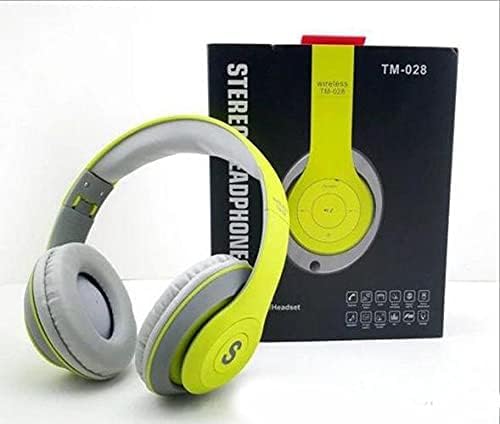
The TM-028 headphones are displayed alongside their product box, which features the model number 'TM-028' and 'Wireless Stereo Headphone' text. This image provides a view of the product and its packaging.
3. Setup
3.1 Initial Charging
Before first use, fully charge your headphones. Connect the included USB charging cable to the charging port on the headphones and the other end to a USB power source (e.g., computer, wall adapter). The charging indicator light will illuminate during charging and turn off or change color when fully charged. Charging time is approximately 3 hours.
3.2 Bluetooth Pairing
- Ensure the headphones are turned off.
- Press and hold the Power button until the indicator light flashes blue and red, indicating pairing mode.
- On your mobile device, enable Bluetooth and search for available devices.
- Select "TM-028" from the list of devices.
- Once paired, the indicator light will flash blue slowly, and you will hear a confirmation tone.
The headphones will automatically attempt to reconnect to the last paired device when powered on.
4. Operating Instructions
4.1 Power On/Off
- Power On: Press and hold the Power button for 3 seconds.
- Power Off: Press and hold the Power button for 3 seconds.
4.2 Volume Control
- Increase Volume: Short press the Volume Up (+) button.
- Decrease Volume: Short press the Volume Down (-) button.
4.3 Music Playback (Bluetooth/Memory Card)
- Play/Pause: Short press the Play/Pause button.
- Next Track: Long press the Volume Up (+) button.
- Previous Track: Long press the Volume Down (-) button.
- Memory Card Mode: Insert a MicroSD/TF card into the designated slot. The headphones will automatically switch to memory card playback.
4.4 FM Radio
- Press the Mode button to switch to FM Radio mode.
- Long press the Play/Pause button to automatically scan and save available FM stations.
- Short press the Volume Up (+) or Volume Down (-) buttons to switch between saved stations.
4.5 Call Functions
- Answer Call: Short press the Play/Pause button when an incoming call rings.
- End Call: Short press the Play/Pause button during a call.
- Reject Call: Long press the Play/Pause button when an incoming call rings.
- Redial Last Number: Double-press the Play/Pause button.
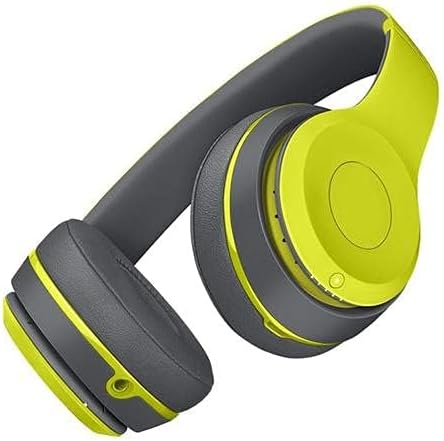
A side view of the TM-028 headphones, highlighting the earcups and the adjustable headband. This angle shows the overall design and fit.
5. Charging
To charge the headphones, connect the micro USB cable to the charging port on the headphones and the other end to a standard USB power source. The LED indicator will show charging status. A full charge takes approximately 3 hours. Once fully charged, the headphones provide:
- Talk time: 3 to 5 hours
- Music playback time: 5 to 8 hours
6. Maintenance
- Clean the headphones with a soft, dry cloth. Do not use abrasive cleaners or solvents.
- Avoid exposing the headphones to extreme temperatures, humidity, or direct sunlight.
- Do not immerse the headphones in water, as they are not water-resistant.
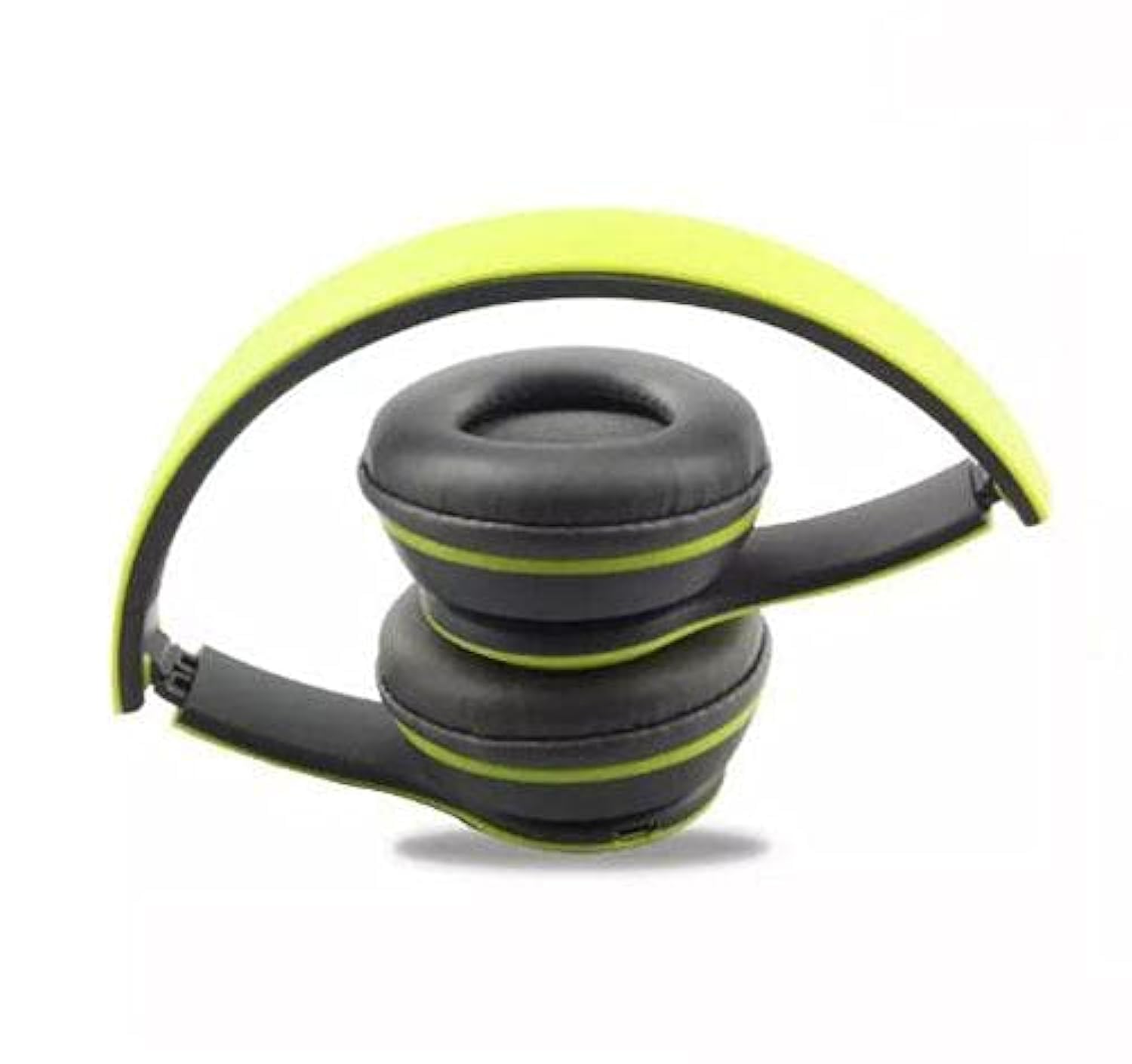
- Store the headphones in a cool, dry place when not in use. The foldable design allows for compact storage.

The TM-028 headphones are shown folded compactly inside their retail packaging, demonstrating their portability and ease of storage. A red cable is also visible.
7. Troubleshooting
| Problem | Possible Cause | Solution |
|---|---|---|
| Headphones do not power on | Low battery | Charge the headphones fully. |
| Cannot pair via Bluetooth | Headphones not in pairing mode; device Bluetooth off; too far apart | Ensure headphones are in pairing mode (flashing red/blue). Turn on Bluetooth on your device. Keep devices within 10 meters. |
| No sound | Volume too low; incorrect source; headphones not connected | Increase volume on headphones and device. Check if connected via Bluetooth or 3.5mm cable. Ensure correct mode (Bluetooth, FM, TF card). |
| FM radio not working | Poor signal; no stations scanned | Move to an area with better signal. Long press Play/Pause button to auto-scan stations. |
8. Specifications
| Feature | Detail |
|---|---|
| Model Name | TM-028 |
| Brand | Other |
| Connectivity Technology | Wireless (Bluetooth), Wired (3.5mm Jack) |
| Wireless Range | Up to 10 meters |
| Ear Placement | Over-Ear |
| Form Factor | Over-Ear |
| Special Features | Noise Cancellation, Built-in Microphone, FM Radio, Memory Card Reader |
| Control Type | Volume Control |
| Control Method | Touch/Buttons |
| Material | Plastic |
| Recommended Uses | Music, Travel |
| Compatible Devices | All devices (universal compatibility) |
| Water Resistance Level | Not Water Resistant |
| Charging Time | Approx. 3 hours |
| Talk Time | 3-5 hours |
| Music Playback Time | 5-8 hours |
| Included Components | Headband, Earpads |
9. Warranty and Support
This product comes with a standard manufacturer's warranty. Please refer to the packaging or retailer for specific warranty terms and conditions. For technical support or further assistance, please contact your point of purchase.


