
1. Introduction
Thank you for choosing the Energizer LED Ceiling Light Fixture, Model 58823-T1. This battery-operated light provides convenient illumination for various indoor spaces without the need for electrical wiring. It features a wireless wall switch for remote control and an automatic 60-minute shut-off timer to conserve battery life. This manual provides detailed instructions for safe installation, operation, and maintenance of your new light fixture.

Image 1.1: Energizer LED Ceiling Light Fixture, packaging, and wireless wall switch.
2. Safety Information
- Indoor Use Only: This product is designed for indoor use. It is not water resistant and should not be exposed to moisture or high humidity.
- Battery Safety: Use only the specified battery types (4 D batteries for the light, 1 A23 battery for the switch). Do not mix old and new batteries, or different types of batteries. Dispose of used batteries responsibly.
- Installation: Ensure the mounting surface is sturdy enough to support the light fixture. Do not overtighten screws during installation.
- Cleaning: Clean the fixture with a soft, dry cloth. Do not use liquid cleaners or abrasive materials.
- Disassembly: Do not attempt to disassemble or modify the light fixture or switch, as this will void the warranty and may cause damage or injury.
3. Package Contents
Verify that all components are present before beginning installation:
- 1 x Energizer LED Ceiling Light Fixture
- 1 x Wireless Wall Switch Remote
- Mounting Hardware (screws and anchors)
- 1 x A23 Battery (for wireless wall switch)
Note: 4 D batteries for the ceiling light fixture are not included and must be purchased separately.
4. Setup and Installation
Follow these steps to install your Energizer LED Ceiling Light Fixture and wireless wall switch.
4.1. Mounting the Light Fixture Base
- Gently twist the base of the light fixture counterclockwise to separate it from the main light unit.
- Position the base on your desired ceiling location. Use a pencil to mark the screw hole positions.
- Drill pilot holes if necessary, and insert the provided anchors if mounting into drywall.
- Secure the light fixture base to the ceiling using the provided screws. Ensure it is firmly attached.
4.2. Installing Batteries in the Light Fixture
- Insert 4 D batteries (not included) into the battery compartment of the main light unit, observing the correct polarity (+/-).
4.3. Attaching the Light Fixture
- Align the main light unit with the installed base on the ceiling.
- Twist the light unit clockwise until it locks securely into place.

Image 4.1: Installation diagram for the ceiling light fixture.
4.4. Mounting the Wireless Wall Switch
The wireless wall switch can be mounted to a wall using screws or adhesive (not included). Ensure the A23 battery is installed in the switch before mounting.
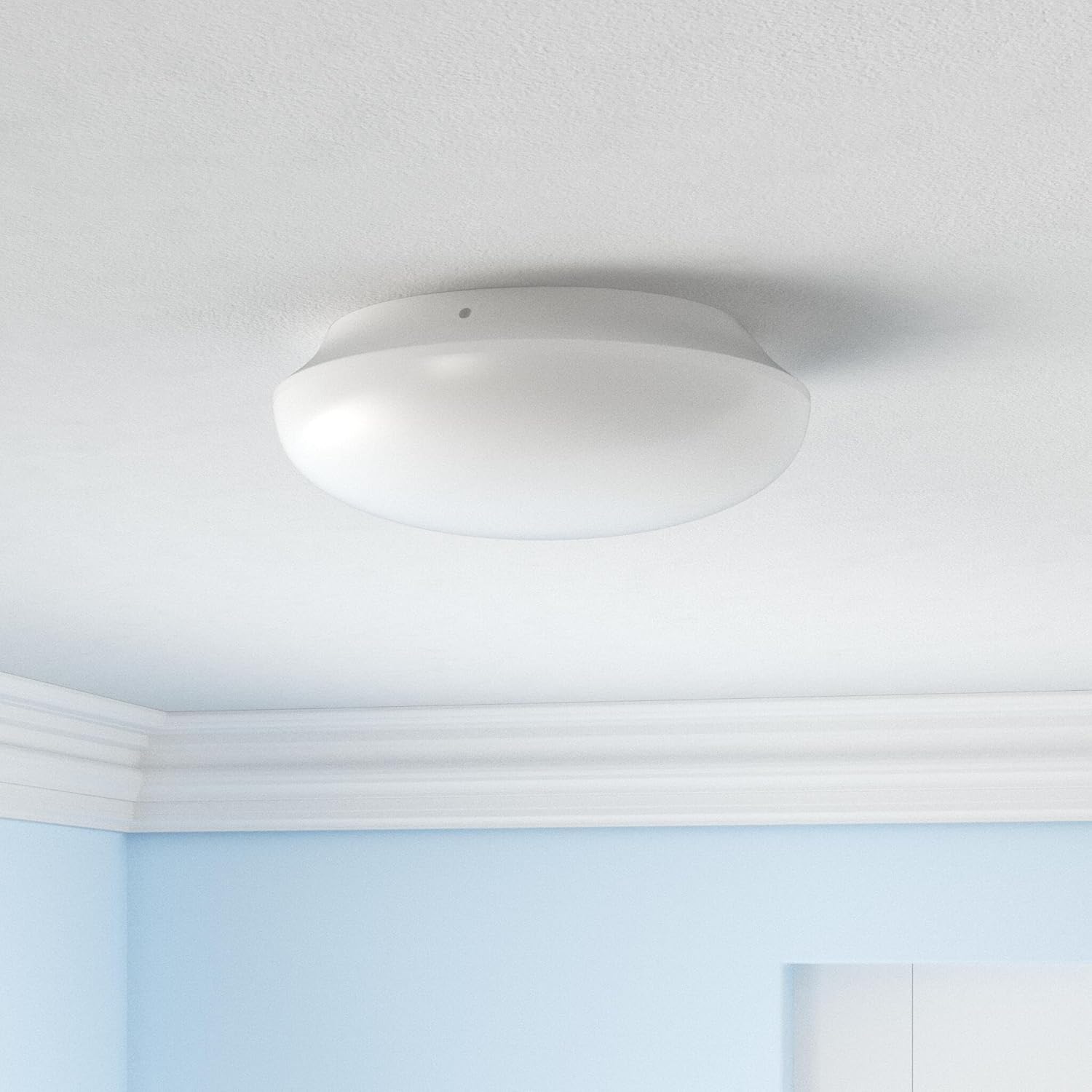
Image 4.2: The Energizer LED Ceiling Light Fixture installed on a ceiling.
5. Operating Instructions
5.1. Turning the Light On/Off
Press the rocker switch on the wireless wall switch remote to turn the ceiling light ON or OFF. The switch can control the light from up to 50 feet away.

Image 5.1: Operating the light with the wireless wall switch.
5.2. Automatic Shut-off Timer
The Energizer LED Ceiling Light Fixture is equipped with an energy-efficient timer that automatically turns the light OFF after 60 minutes of continuous operation. This feature helps conserve battery life.
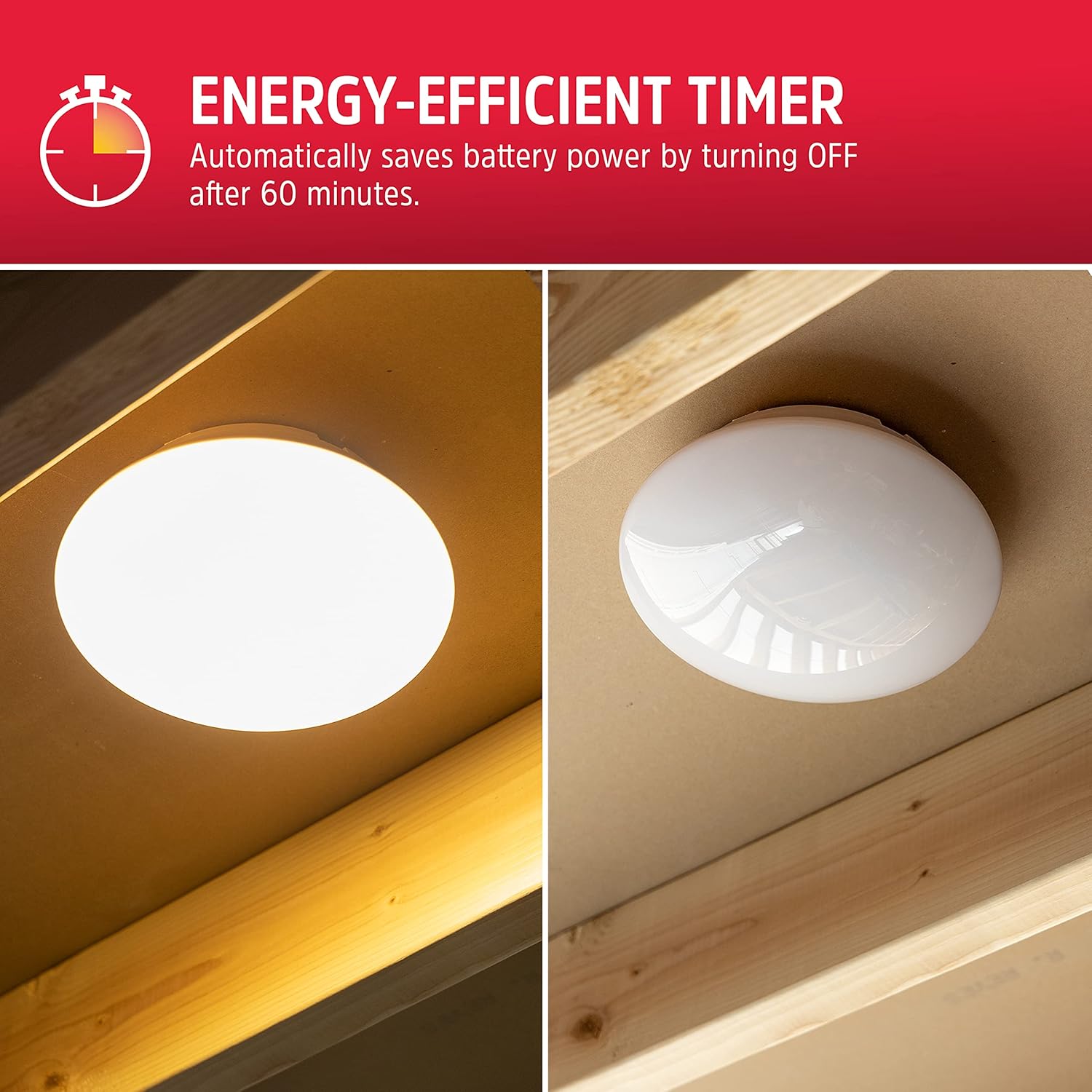
Image 5.2: Demonstration of the 60-minute automatic shut-off timer.
5.3. Wireless Range
The wireless wall switch can control the ceiling light from a distance of up to 50 feet (approximately 15 meters). Obstructions such as walls or large metal objects may reduce the effective range.
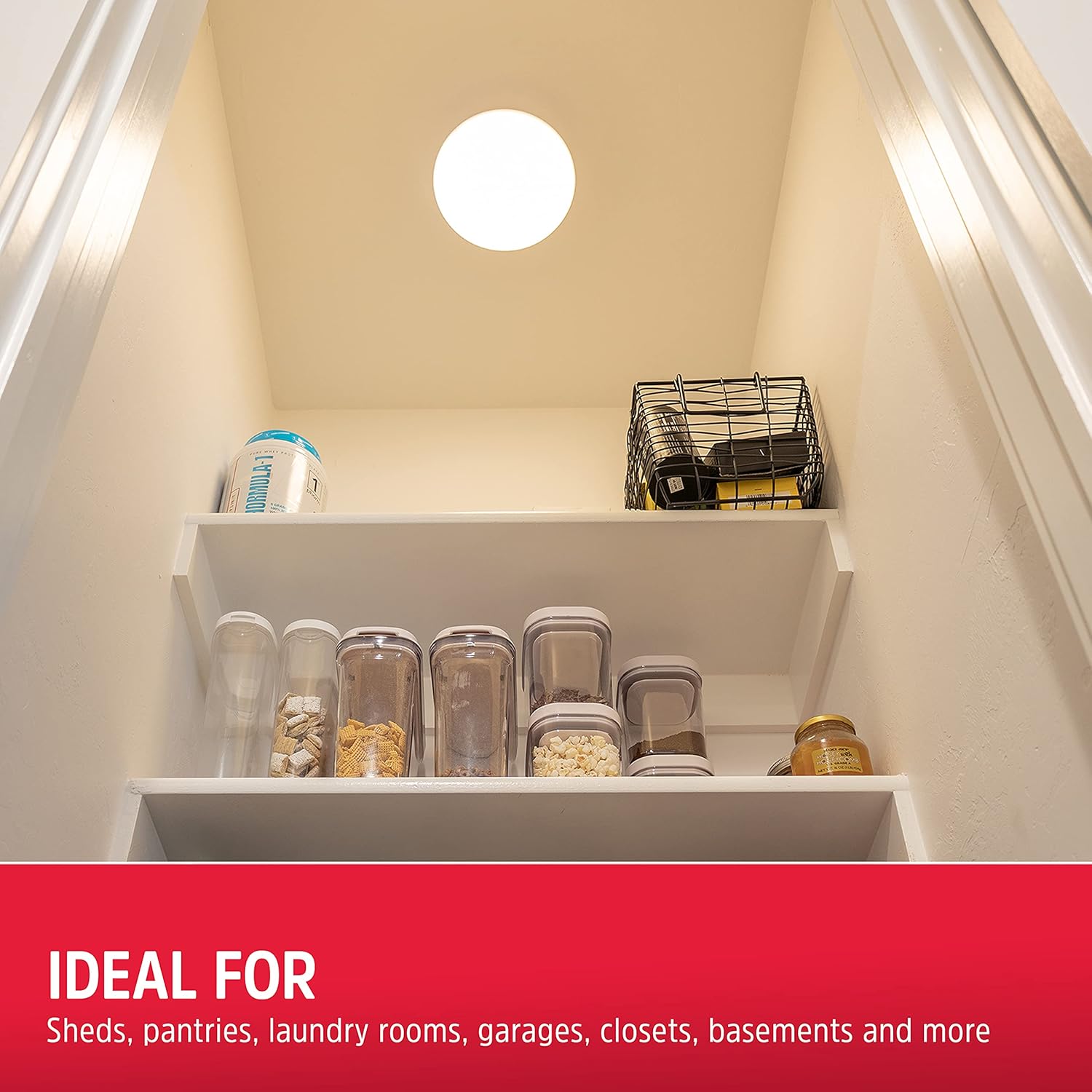
Image 5.3: The ceiling light providing illumination in a pantry.
6. Maintenance
6.1. Battery Replacement
For the Ceiling Light: When the light begins to dim or fails to turn on, replace the 4 D batteries. Twist the light unit counterclockwise to remove it from the base, replace the batteries, and then twist it clockwise to re-secure.
For the Wireless Wall Switch: If the switch stops responding, replace the A23 battery inside the switch. Refer to the switch's internal markings for battery compartment access.
6.2. Cleaning
To clean the light fixture and wall switch, wipe them with a soft, dry cloth. Do not use abrasive cleaners, solvents, or spray liquids directly onto the product.
7. Troubleshooting
- Light does not turn on:
- Check if the 4 D batteries in the ceiling light are correctly installed and not depleted. Replace if necessary.
- Ensure the A23 battery in the wireless wall switch is functional. Replace if necessary.
- Verify the wall switch is within the 50-foot operating range of the ceiling light.
- Light flickers or dims:
- This typically indicates low battery power. Replace the 4 D batteries in the ceiling light.
- Wireless switch not responding:
- Replace the A23 battery in the wireless wall switch.
- Ensure there are no significant obstructions between the switch and the light fixture.
- Short battery life:
- The 60-minute auto-off feature helps conserve battery life. Frequent use or leaving the light on for extended periods (bypassing the auto-off) will deplete batteries faster.
- Ensure you are using fresh, high-quality D batteries.
8. Specifications
| Brand | Energizer |
| Model Number | 58823-T1 |
| Brightness | 300 Lumens |
| Power Source | Battery Powered (4 D batteries for light, 1 A23 battery for switch) |
| Voltage | 6 Volts |
| Product Dimensions | 3.6"L x 8.5"W x 9.2"H (Light Fixture) |
| Material | Plastic |
| Control Method | Remote (Wireless Wall Switch) |
| Light Source Type | LED |
| Indoor/Outdoor Usage | Indoor |
| Special Feature | Energy Efficient, 60-minute Auto-off Timer |
| Included Components | Ceiling light, wall switch remote, mounting hardware |
| UPC | 030878588232 |

Image 8.1: Product dimensions and battery requirements.
9. Warranty and Support
This Energizer product is covered by a 90-day warranty from the date of purchase. This warranty covers manufacturing defects under normal use.
For technical support, warranty claims, or further assistance, please refer to the contact information provided on the product packaging or visit the official Energizer website.


