
DEKCO DEKCO Video Doorbell Camera
DEKCO Video Doorbell Camera User Manual
Model: DEKCO 2K Wireless Video Doorbell
Introduction
This user manual provides detailed instructions for the installation, operation, and maintenance of your DEKCO Video Doorbell Camera. Please read this manual thoroughly before using the product to ensure proper function and safety. Keep this manual for future reference.
The DEKCO Video Doorbell Camera is a wireless, battery-powered smart doorbell designed to enhance your home security. It features 2K video resolution, motion detection, two-way audio communication, and flexible storage options.
Product Overview
Familiarize yourself with the components of your DEKCO Video Doorbell system.

Image: The DEKCO Video Doorbell (left) and its accompanying wireless chime unit (right). The doorbell is a sleek, dark grey rectangular device with a camera lens at the top, a speaker grille, and a circular doorbell button with a bell icon. The chime unit is a compact black box with a perforated front.
Package Contents:
- DEKCO Video Doorbell Camera
- Wireless Chime Unit
- Mounting Bracket
- Mounting Screws and Anchors
- USB Charging Cable
- User Manual (this document)
- Quick Start Guide
Key Features
- 180-Day Battery Life: Built-in 10000mAh rechargeable battery provides extended operation on a single charge.
- 5MP HD Video: Captures clear and detailed 2K resolution video with a 4:3 aspect ratio.
- Easy Setup: Simple DIY installation with step-by-step guidance via the Cloudage app.
- Instant Notifications: Receive push notifications when the doorbell is pressed or motion is detected.
- Two-Way Audio: Communicate with visitors in real-time.
- Local & Cloud Storage: Securely store captured moments with advanced encryption on a micro SD card (not included) or in the cloud (free 7-day trial).
- IP65 Weatherproof: Designed to withstand various weather conditions.
- Motion Detection: Adjustable sensitivity to detect movement up to 15 feet.
Setup and Installation
1. Charging the Doorbell
Before first use, fully charge the doorbell using the provided USB cable. The built-in 10000mAh battery can last up to 180 days on a single charge, depending on usage.

Image: An internal diagram of the DEKCO Video Doorbell highlighting its large 10000mAh battery, indicating a long battery life of 3-6 months or 180 days from one charge.
2. Downloading the App
Download the "Cloudage" app from your smartphone's app store (iOS or Android). Create an account and log in.
3. Pairing the Doorbell
- Open the Cloudage app and tap "Add Device" or the "+" icon.
- Follow the on-screen instructions to connect the doorbell to your 2.4GHz Wi-Fi network. (Note: 5GHz Wi-Fi is not supported).
- Ensure your doorbell is in pairing mode (refer to the quick start guide for specific indicator lights).
4. Mounting the Doorbell
Choose a suitable location near your front door. Mount the doorbell camera on the door or adjacent wall using the provided mounting bracket, screws, and anchors. Ensure the camera has a clear view of your entrance.
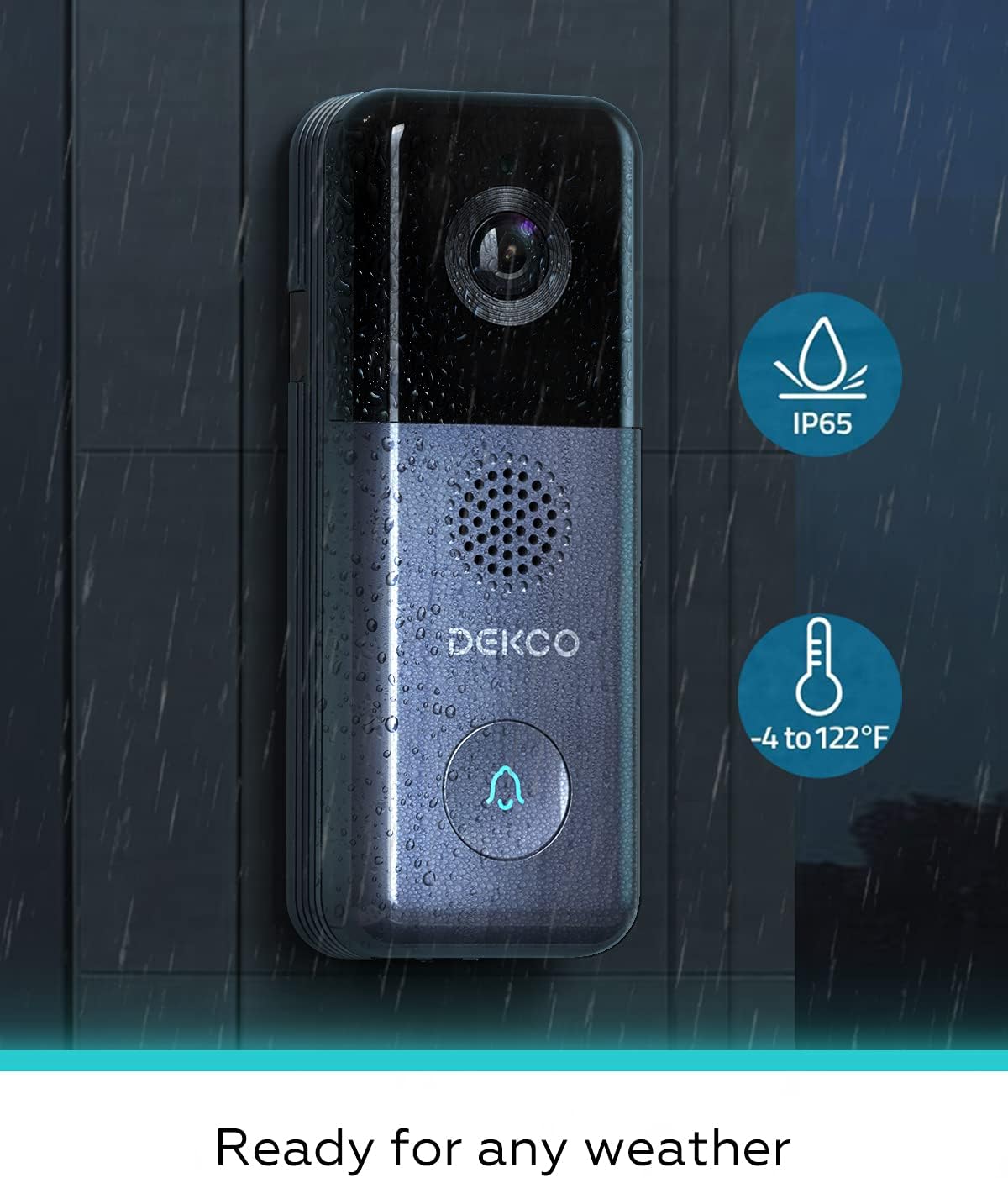
Image: The DEKCO Video Doorbell mounted on a light brown wooden door, positioned next to the door handle. This illustrates a typical installation scenario.
Operation
Live View and Two-Way Audio
From the Cloudage app, you can access a live feed from your doorbell camera at any time. Tap the microphone icon to initiate two-way audio communication with visitors.

Image: A smartphone displaying an incoming call from the doorbell, showing a delivery person at the door. This demonstrates the real-time communication feature.

Image: A woman interacting with the doorbell via her smartphone, showing a live feed of a child at the door and text bubbles indicating a two-way audio conversation.
Motion Detection and Notifications
The doorbell features a motion detector that can alert you when someone approaches your property. You will receive instant push notifications on your smartphone. Sensitivity can be adjusted within the app settings.

Image: An illustration depicting a person walking towards a house, with colored zones (2, 6, 10, 15 feet) indicating the motion detection range of the doorbell. A smartphone notification for "Cloudage Alert Message" is also shown.
Video Recording and Storage
The doorbell records video when motion is detected or the button is pressed. Recordings can be stored locally on a micro SD card (up to 128GB, not included) or via cloud storage (free 7-day trial, then subscription may apply).

Image: A smartphone screen displaying options for Micro SD Card storage (8G-128G) and Cloud Storage (Free 7-day trial), with various video thumbnails below, indicating recorded events.
Night Vision
The doorbell is equipped with night vision capabilities to provide clear video monitoring even in low-light conditions.
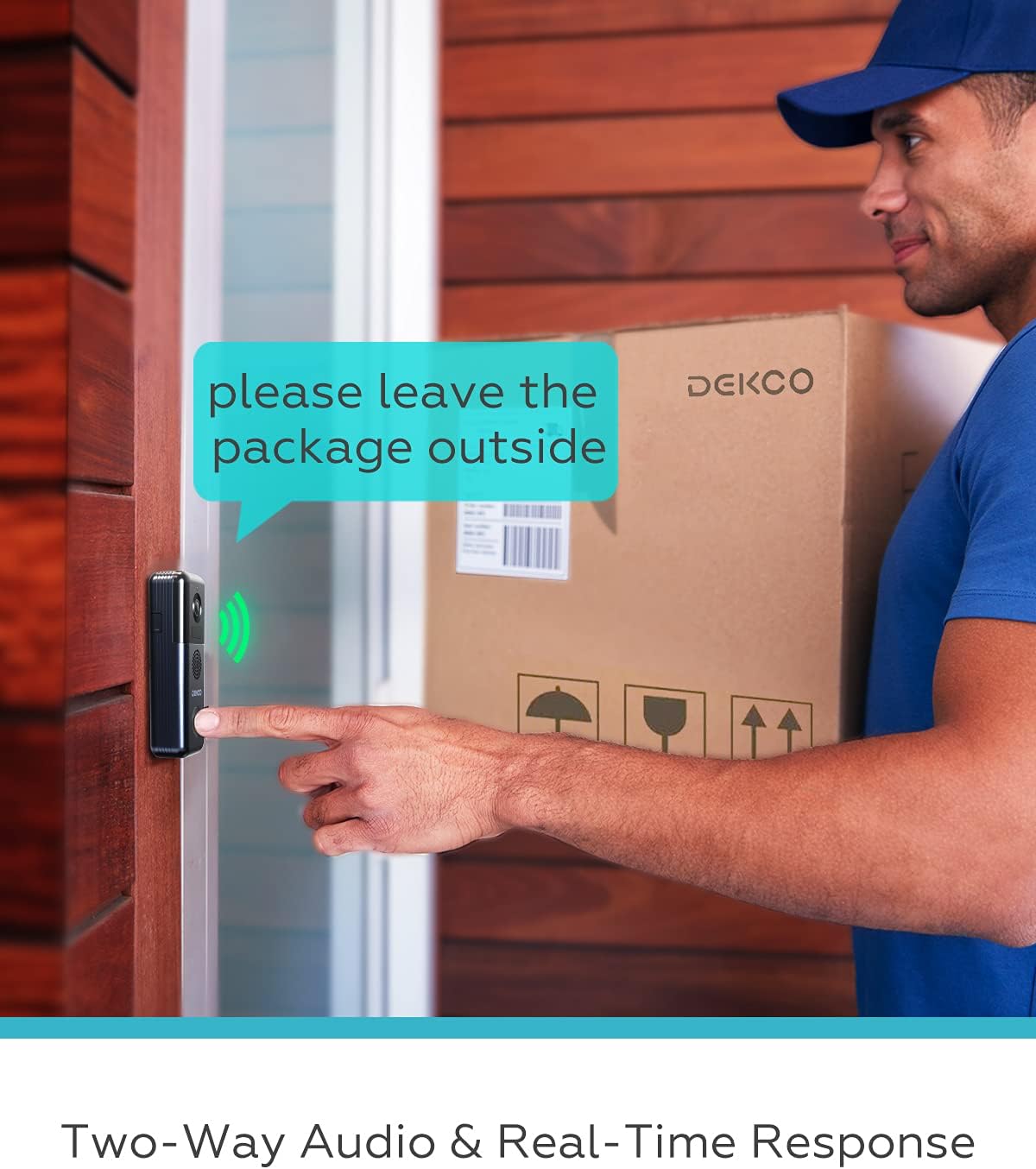
Image: A split image illustrating the doorbell's functionality during day and night. The left side shows a bright daytime scene, while the right side shows a darker, night-time scene, emphasizing 24/7 protection.
Maintenance
Battery Charging
Recharge the doorbell battery when the app indicates low power. A full charge can provide up to 180 days of operation. Use the provided USB cable for charging.
Cleaning
Wipe the camera lens and doorbell surface with a soft, damp cloth as needed to ensure clear video quality and proper function. Avoid using harsh chemicals or abrasive materials.
Weather Protection
The doorbell has an IP65 weatherproof rating, making it resistant to dust and water splashes. However, avoid submerging the device in water.

Image: The DEKCO Video Doorbell shown in a rainy environment, with icons indicating its IP65 weatherproof rating and operating temperature range of -4 to 122°F, signifying its readiness for various weather conditions.
Troubleshooting
| Problem | Possible Cause | Solution |
|---|---|---|
| Doorbell not connecting to Wi-Fi | Incorrect Wi-Fi band; weak signal; incorrect password. | Ensure you are connecting to a 2.4GHz Wi-Fi network. Move the doorbell closer to your router. Double-check your Wi-Fi password. |
| Motion detection is too sensitive/not sensitive enough | Sensitivity settings are not optimized for your environment. | Adjust the motion detection sensitivity levels within the Cloudage app settings. Consider setting specific notification schedules. |
| SD card not recognized or recording | SD card not inserted correctly; incompatible card; card needs formatting. | Ensure the micro SD card is inserted correctly. Use a compatible card (Class 10 or higher, up to 128GB). Format the SD card through the app settings. Try a different SD card if issues persist. |
| Battery not holding charge for long | Frequent motion events; cold weather; aging battery. | Reduce motion detection sensitivity or frequency of recordings. Ensure the doorbell is fully charged. Battery performance may decrease in extreme cold. |
| No push notifications | App permissions; notification settings; network issues. | Check your phone's app permissions for Cloudage (notifications enabled). Verify notification settings within the Cloudage app. Ensure your phone has a stable internet connection. |
Specifications
| Feature | Detail |
|---|---|
| Brand | DEKCO |
| Model | DEKCO 2K Wireless Video Doorbell |
| Connectivity Technology | Wireless (Wi-Fi 2.4GHz) |
| Power Source | Battery Powered |
| Battery Capacity | 10000 mAh |
| Video Capture Resolution | 2K, 720p (Effective Still Resolution: 5 MP) |
| Special Feature | Motion Sensor, Two-Way Audio, Night Vision |
| Storage Options | Micro SD Card (up to 128GB, not included), Cloud Storage |
| International Protection Rating | IP65 |
| Item Weight | 1.42 pounds |
| Package Dimensions | 6.54 x 6.46 x 2.36 inches |
| Date First Available | July 27, 2021 |
Warranty and Support
For warranty information and technical support, please refer to the official DEKCO website or contact their customer service directly. Contact details are typically found on the product packaging or the manufacturer's official website.
For further assistance, you may also visit the DEKCO Store on Amazon.
Ask a question about this manual
Ask about setup, troubleshooting, compatibility, parts, safety, or missing instructions. Manuals+ will review the question and use this page’s manual context to help answer it.