Introduction
This manual provides detailed instructions for the installation, operation, and maintenance of your Start-X Remote Starter Kit. This kit is designed for specific Chevrolet Tahoe, Yukon, and Suburban models from 2007 to 2014 with key ignition systems. Please read all instructions carefully before beginning installation to ensure proper function and safety.
Product Overview
What's in the Box
- Start-X Remote Start Module
- Vehicle Connection T-Harness
- Pry Tool
- Zip Ties
- Installation Guide (Printed)

This image displays the complete contents of the Start-X Remote Starter Kit, including the main remote start module, the vehicle-specific wiring harness, a pry tool for trim removal, and zip ties for securing wiring.
Vehicle Compatibility Requirements
- Automatic Transmission
- Key Ignition Only (Not compatible with push-button start)
- Gasoline Fuel Type Only
- Compatible with Chevrolet Tahoe, Yukon, Suburban (2007-2014)

This graphic outlines the necessary vehicle specifications for compatibility: automatic transmission, traditional key ignition (not push-button start), and gasoline-powered engines.
Setup and Installation
The Start-X Remote Starter Kit features a plug-and-play design, minimizing the need for wire cutting. For a visual guide, please refer to the installation video below. Always ensure the vehicle's battery is disconnected before starting the installation process.
Installation Steps Overview
- Carefully remove the necessary trim panels around the steering column to access the ignition and OBD-II ports.
- Connect the provided T-Harness to the vehicle's wiring. These connections are designed to match existing ports.
- Program the remote start module according to the specific instructions provided in your printed guide. This typically involves a sequence of key turns and button presses.
- Secure the module and all wiring using the included zip ties, ensuring no wires interfere with moving parts or pedals.
- Reinstall all trim panels.
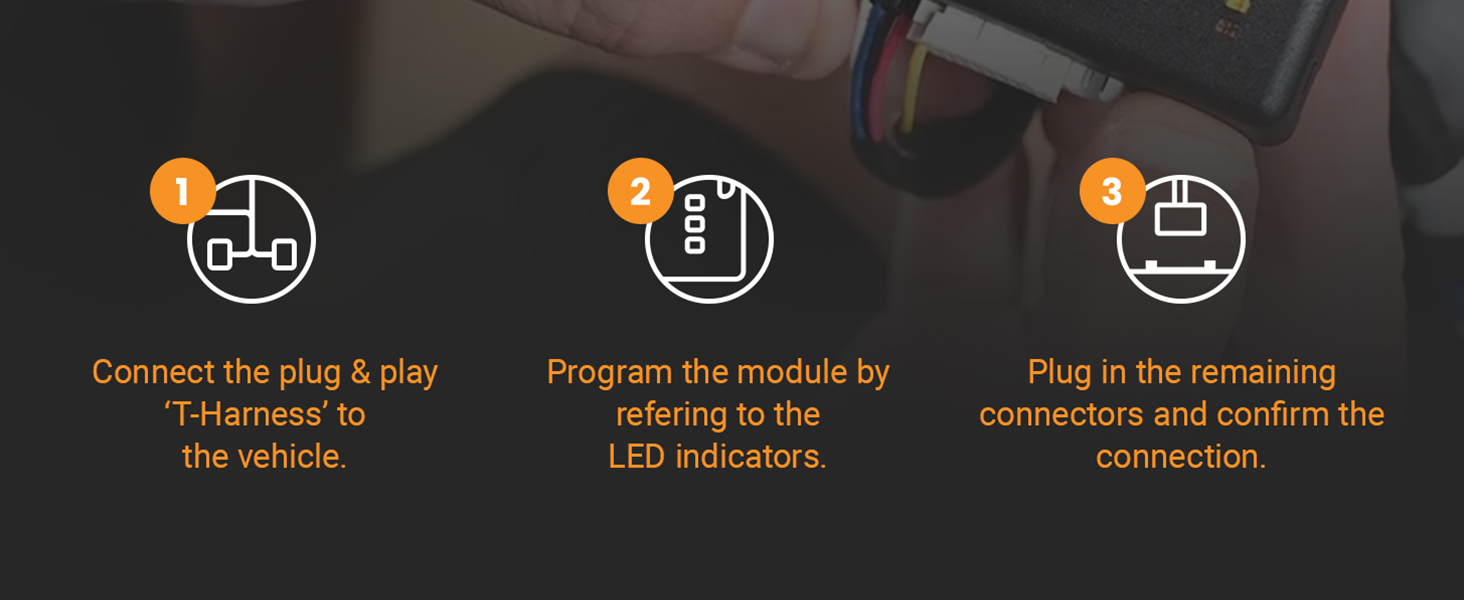
A visual guide illustrating the three primary steps for installation: connecting the T-Harness to the vehicle, programming the module using LED indicators, and securing all remaining connections.
Installation Video Guide
This official Start-X video provides a detailed walkthrough of the remote starter installation process for compatible GM/Chevrolet vehicles. It covers steps for accessing wiring, connecting the T-harness, and securing the module. For specific programming details, please refer to your included printed instructions.
Operating Instructions
The Start-X Remote Starter Kit integrates with your vehicle's existing factory key fob. No additional remote is required.
To Remote Start Your Vehicle:
- Ensure your vehicle is locked.
- Press the Lock button on your factory key fob three (3) times within 3 seconds.
- The vehicle's parking lights will flash, and the engine will start.
To Remote Stop Your Vehicle:
- Press the Lock button on your factory key fob three (3) times within 3 seconds while the engine is running via remote start.
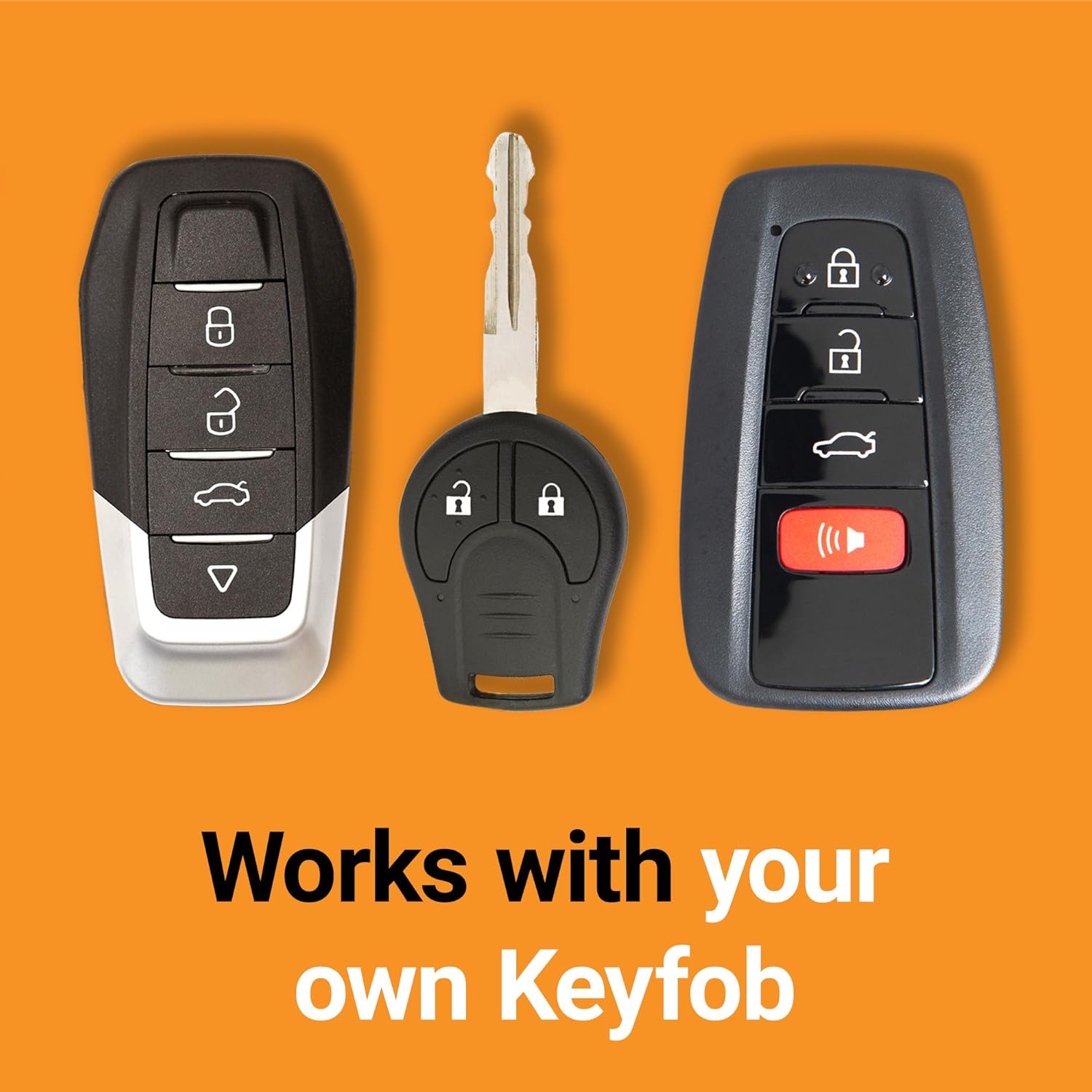
This image shows different styles of factory key fobs, confirming that the Start-X remote starter integrates with your existing vehicle remote, eliminating the need for an additional device.
Maintenance
The Start-X Remote Starter Kit is designed for long-term reliability and requires minimal maintenance. Periodically check the wiring connections to ensure they remain secure and free from damage. Keep the module dry and protected from extreme temperatures or moisture. No user-serviceable parts are inside the module.
Troubleshooting Common Issues
- Vehicle Does Not Remote Start:
Ensure the vehicle doors are closed and locked. Verify that the remote start module was programmed correctly. Check all harness connections for proper seating. If issues persist, consult the detailed troubleshooting section in your printed installation guide. - Remote Start Shuts Off Prematurely:
This can occur if a door is opened, the brake pedal is pressed, or the key is inserted into the ignition without turning it to the 'ON' position. Ensure these actions are avoided until you are ready to drive. - Range Issues:
The remote start range is dependent on your factory key fob's range. Obstructions, weather conditions, and battery life of the key fob can affect performance.
For more complex issues, refer to the comprehensive troubleshooting section in your included printed instructions or contact Start-X customer support.
Product Specifications
| Feature | Detail |
|---|---|
| Manufacturer | Start-X |
| Brand | Start-X |
| Item Weight | 10.8 ounces |
| Package Dimensions | 8 x 4 x 2.2 inches |
| Manufacturer Part Number | GM4-TYS |
| ASIN | B0973MNLFN |
| Date First Available | June 11, 2021 |
Warranty and Support Information
For warranty details and technical support, please refer to the contact information provided in your product packaging or visit the official Start-X website. Additional protection plans may be available for purchase to extend coverage beyond the standard warranty period.
- 2-Year Protection Plan (Available for purchase)
- 3-Year Protection Plan (Available for purchase)


