
Introduction
Thank you for choosing the MEDION MD 10319 Tower Fan. This manual provides essential information for the safe and efficient operation of your new fan. Please read these instructions carefully before use and keep them for future reference.
Important Safety Instructions
Always follow basic safety precautions when using electrical appliances to reduce the risk of fire, electric shock, and injury to persons.
- Ensure the power supply voltage matches the rating label on the fan.
- Do not operate the fan with a damaged cord or plug. If the cord is damaged, it must be replaced by the manufacturer, its service agent, or similarly qualified persons to avoid a hazard.
- Keep the fan away from water or other liquids. Do not immerse the fan in water.
- Do not insert fingers or foreign objects into the grille while the fan is operating.
- Unplug the fan from the power outlet when not in use, when moving it from one location to another, and before cleaning.
- This appliance is not intended for use by persons (including children) with reduced physical, sensory or mental capabilities, or lack of experience and knowledge, unless they have been given supervision or instruction concerning use of the appliance by a person responsible for their safety.
- Children should be supervised to ensure that they do not play with the appliance.
- Place the fan on a stable, flat surface to prevent it from tipping over.
Package Contents
Please check the package for the following components:
- MEDION MD 10319 Tower Fan
- Base (two halves)
- Securing Nut
- 4 Mounting Screws for Base
- Remote Control (with 2 x AAA batteries)
- Instruction Manual
Assembly and Setup
Follow these steps to assemble your tower fan:
- Carefully remove all components from the packaging.
- Assemble the two halves of the base by interlocking them.
- Align the assembled base with the bottom of the fan unit. Ensure the power cord passes through the designated slot in the base.
- Secure the base to the fan unit using the 4 mounting screws provided.
- Tighten the securing nut from underneath the base to firmly attach it to the fan body.
- Insert the 2 AAA batteries into the remote control, observing polarity.
- Place the fan on a firm, level surface.
- Plug the power cord into a suitable electrical outlet (220V).
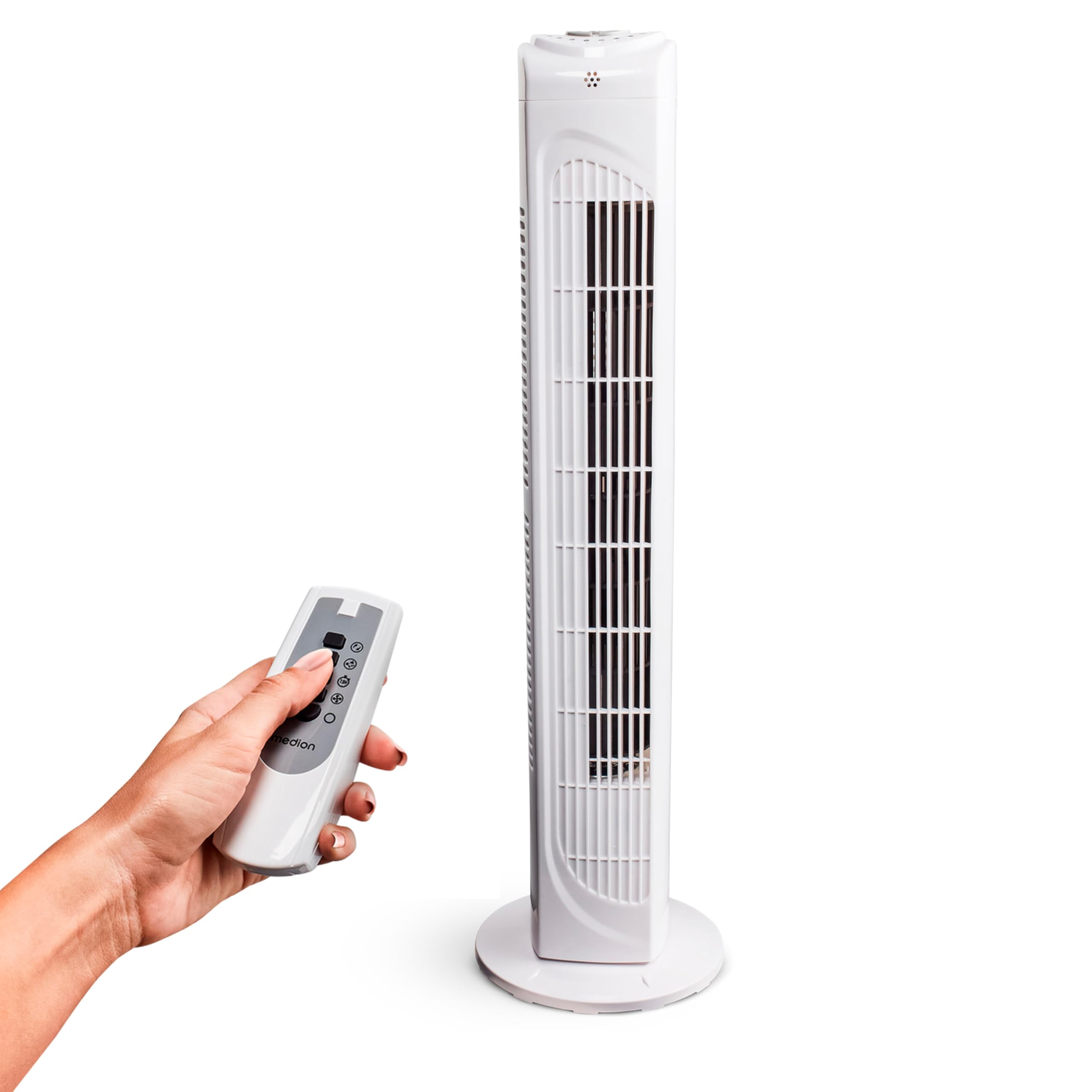
Image: The MEDION MD 10319 Tower Fan, fully assembled with its base, ready for use.

Image: A hand demonstrating the integrated carrying handle on top of the fan for easy portability.
Product Overview
Control Panel
The control panel is located on the top of the fan unit. It features buttons for power, speed, oscillation, and timer functions.

Image: Detailed view of the fan's top control panel, showing buttons for power, speed settings (3 levels), timer, and oscillation.
Remote Control
The included remote control allows you to operate all fan functions from a distance.
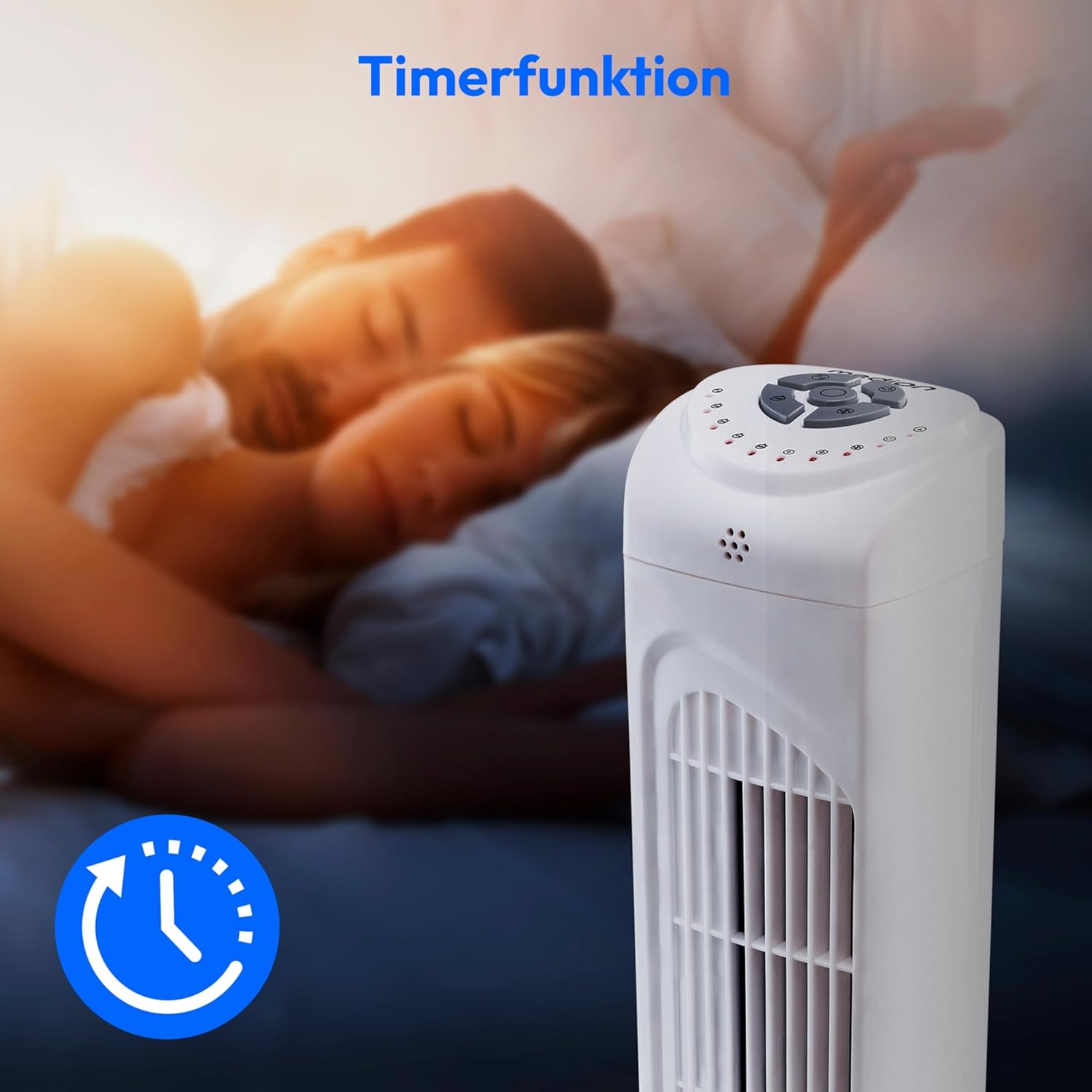
Image: A hand holding the remote control, which features buttons for power, speed, oscillation, and timer, mirroring the main control panel.
Operating Instructions
Power On/Off
- Press the POWER button on the control panel or remote control to turn the fan ON.
- Press the POWER button again to turn the fan OFF.
Adjusting Fan Speed
The fan has 3 speed settings: Low, Medium, and High.
- Press the SPEED button repeatedly to cycle through the speed settings.
- The current speed level will be indicated by LED lights on the control panel.
Oscillation Function
The oscillation function allows the fan to rotate horizontally, distributing air over a wider area.
- Press the OSC button on the control panel or remote control to activate oscillation. The fan will rotate approximately 60 degrees.
- Press the OSC button again to stop oscillation. The fan will stop in its current position.

Image: The tower fan oscillating, indicated by blue arrows showing a 60-degree rotation for wider air distribution.
Timer Function
The timer function allows you to set the fan to automatically turn off after a specified period, up to 7.5 hours.
- Press the TIMER button repeatedly to set the desired operating time (e.g., 0.5h, 1h, 2h, 4h, up to 7.5h).
- The selected timer duration will be indicated by LED lights on the control panel.
- To cancel the timer, cycle through the settings until no timer LEDs are illuminated, or turn the fan off.

Image: The fan with a timer icon, illustrating its use for setting automatic shut-off, ideal for use during sleep.
Maintenance
Regular cleaning will help maintain the performance and extend the lifespan of your fan.
- Always unplug the fan from the power outlet before cleaning.
- Use a soft, damp cloth to wipe the exterior surfaces of the fan. Do not use abrasive cleaners or solvents.
- Use a vacuum cleaner with a brush attachment to gently remove dust from the air intake and outlet grilles.
- Do not allow water to drip into the interior of the fan.
- Store the fan in a cool, dry place when not in use for extended periods.
Troubleshooting
If you encounter any issues with your MEDION MD 10319 Tower Fan, please refer to the following common problems and solutions:
| Problem | Possible Cause | Solution |
|---|---|---|
| Fan does not turn on. | No power supply. Power button not pressed. | Check if the power cord is securely plugged into a working outlet. Press the POWER button on the fan or remote. |
| Remote control is not working. | Batteries are dead or incorrectly inserted. Obstruction between remote and fan. | Replace batteries (2 x AAA) and ensure correct polarity. Remove any objects blocking the signal path. Ensure you are within range. |
| Fan is making unusual noise. | Fan is not on a level surface. Obstruction in the fan grille. | Place the fan on a stable, flat surface. Unplug the fan and carefully check for any foreign objects in the grilles. |
| Oscillation function is not working. | Oscillation button not activated. | Press the OSC button on the control panel or remote control. |
Specifications
| Feature | Detail |
|---|---|
| Brand | MEDION |
| Model Name | MD 10319 |
| Type | Tower Fan / Floor Fan |
| Color | White |
| Power Source | Corded Electric |
| Wattage | 45 W |
| Voltage | 220 Volts |
| Number of Speeds | 3 |
| Special Features | Oscillating, Timer Function |
| Oscillation Angle | 60° |
| Timer Function | Up to 7.5 hours |
| Control Method | Remote, On-unit buttons |
| Noise Level | 50 Decibels |
| Product Dimensions (D x W x H) | 28 cm x 28 cm x 79 cm |
| Item Weight | 2.5 Kilograms |
| Material | Plastic |
| Main Power Connector Type | CEE 7/7 (Schuko) |

Image: The MEDION MD 10319 Tower Fan with its height (79 cm) and base width (28 cm) clearly indicated.
Warranty and Support
Your MEDION MD 10319 Tower Fan comes with a manufacturer's warranty. Please refer to the warranty card included in your package for detailed terms and conditions, including the warranty period and coverage.
For technical support, service, or spare parts, please contact MEDION customer service. Contact information can typically be found on the MEDION official website or in the warranty documentation.


