
ThermoPro TP357
ThermoPro TP357 Bluetooth Hygrometer User Manual
Model: TP357
1. Introduction
The ThermoPro TP357 is a compact Bluetooth hygrometer and thermometer designed to accurately monitor indoor temperature and humidity levels. With its smart app connectivity, you can receive real-time data, set alerts, and track historical trends, ensuring a comfortable and healthy environment for your home, baby room, office, or other sensitive areas.

The ThermoPro TP357 device shown alongside its companion mobile application. The app displays real-time temperature and humidity readings, along with historical data graphs and comfort level indicators.
2. Package Contents
- 1 x ThermoPro TP357 Bluetooth Hygrometer
- 1 x AAA Battery (pre-installed or included)
- 1 x User Manual
3. Product Features
- High Accuracy: Temperature accurate to ±0.5°C and humidity to ±2%RH.
- Fast Refresh Rate: Readings updated every 10 seconds for real-time monitoring.
- Extended Bluetooth Range: Up to 80m (260ft) remote range in open areas.
- Smart App Connectivity: Monitor data, set alerts, and view historical graphs via the ThermoPro Sensor app.
- Comfort Indicators: Face icons (DRY/COMFORT/WET) provide an easy visual of air conditions.
- Real-time Alerts: Receive phone notifications if temperature or humidity levels fall outside preset ranges.
- Data Storage: Up to 1 year of free data storage with graphical representation.
- Compact Design: Small and portable with versatile placement options (tabletop, hanging, magnetic).

The ThermoPro TP357 is engineered for high accuracy and a fast refresh rate, ensuring precise and up-to-date temperature and humidity readings for reliable environmental monitoring.

This banner image introduces the ThermoPro Mini Bluetooth Thermo-hygrometer, emphasizing its core functionalities including a comfort indicator, smart app connectivity, alert notifications, and data storage capabilities.
4. Setup
4.1 Battery Installation
- Locate the battery compartment on the back of the TP357 device.
- Open the battery cover.
- Insert one AAA battery, ensuring the correct polarity (+/-).
- Close the battery cover securely. The device display should turn on.
4.2 App Download and Installation
Download the "ThermoPro Sensor" app from the App Store (iOS) or Google Play Store (Android). Search for "ThermoPro Sensor".
4.3 Device Pairing
- Ensure Bluetooth is enabled on your smartphone or tablet.
- Open the ThermoPro Sensor app.
- The app will automatically search for and connect to your TP357 device. If multiple devices are present, select your TP357 from the list.
- Once connected, the device's current temperature and humidity readings will appear in the app.
5. Operating Instructions
5.1 Reading Temperature and Humidity
The TP357 device displays current temperature and humidity on its LCD screen. The ThermoPro Sensor app provides real-time readings, historical data graphs, and comfort level indicators.
5.2 Understanding Comfort Indicators
The device and app display a face icon to indicate comfort levels:
- 😟 Dry: Humidity < 30%
- 🙂 Comfort: Humidity 30% ~ 60%
- 😔 Wet: Humidity > 60%

The ThermoPro TP357 features intuitive face icons that indicate the current air conditions: Dry (<30% humidity), Comfort (30%~60% humidity), and Wet (>60% humidity). This visual cue helps users understand and adjust their environment for optimal comfort.
5.3 Setting Alerts
Within the ThermoPro Sensor app, you can set custom high and low temperature and humidity alert ranges. If the readings go outside these ranges, you will receive a notification on your phone.
- In the app, navigate to the settings for your TP357 device.
- Locate the Temperature Alarm and Humidity Alarm sections.
- Adjust the maximum (Max) and minimum (Min) values for both temperature and humidity as desired.
- Ensure notifications are enabled for the ThermoPro Sensor app in your phone's system settings.

The ThermoPro app allows users to set custom temperature and humidity ranges. If readings fall outside these parameters, the app sends instant notifications to your phone, enabling prompt action to maintain desired environmental conditions, ideal for sensitive areas like a baby's room.
5.4 Data Recording and Export
The app automatically records temperature and humidity data for up to one year. You can view this data in graphical format (24 hours, 1 week, 1 year) and export it for further analysis.

The ThermoPro app provides comprehensive data logging, allowing users to view and analyze temperature and humidity trends over a period of up to one year through detailed graphs. This is particularly useful for environments like greenhouses.
6. Placement and Mounting
The ThermoPro TP357 offers multiple placement options:
- Tabletop: Use the integrated kickstand to place it on any flat surface.
- Hanging Mount: Utilize the hanging hole on the back to mount it on a hook or nail.
- Strong Magnet: The device features a strong magnet for attachment to metallic surfaces like refrigerators.

This image demonstrates the extensive 80-meter (260ft) Bluetooth range of the ThermoPro TP357, allowing monitoring from different locations within a home. The device can be placed in a bedroom, living room, or kitchen, with data accessible on a smartphone.
7. Specifications
| Parameter | Value |
|---|---|
| Model Number | TP357 |
| Temperature Accuracy | ±0.5°C |
| Humidity Accuracy | ±2%RH |
| Refresh Rate | 10 seconds |
| Bluetooth Range | Up to 80m (260ft) unobstructed |
| Power Source | 1 x AAA Battery |
| Product Dimensions | 5.55 x 5.54 x 1.75 cm |
| Weight | 55 g |
8. Troubleshooting
8.1 Device Not Connecting to App
- Ensure Bluetooth is enabled on your smartphone.
- Make sure the TP357 device is within the Bluetooth range (80m/260ft unobstructed).
- Check if the battery is properly installed and has sufficient power. Replace if necessary.
- Close and reopen the ThermoPro Sensor app.
- Restart your smartphone.
8.2 Inaccurate Readings
- Ensure the device is not placed near heat sources (e.g., direct sunlight, heating vents) or extreme cold sources.
- Avoid placing the device in areas with high airflow or drafts, which can affect readings.
- Allow the device to stabilize for at least 30 minutes after placement in a new environment.
8.3 Short Battery Life
- Ensure you are using a fresh, high-quality AAA alkaline battery.
- Extreme temperatures can affect battery performance.
9. Maintenance
- Clean the device with a soft, damp cloth. Do not use abrasive cleaners or immerse in water.
- Store the device in a dry place when not in use.
- Remove the battery if the device will not be used for an extended period to prevent leakage.
10. Warranty and Support
ThermoPro provides a 3-year warranty for the TP357 Bluetooth Hygrometer from the date of purchase. This warranty covers defects in materials and workmanship under normal use.
For technical support, warranty claims, or any questions regarding your ThermoPro product, please contact ThermoPro Customer Service. ThermoPro offers Lifetime Support with US-based customer service.
You can find contact information and more resources on the official ThermoPro website: www.thermopro.com

ThermoPro offers exceptional value through lifetime customer support, a best-in-class 3-year warranty, and a large community of over 20 million satisfied users worldwide.
11. Recycling Information
This product and its accessories (including batteries) should not be disposed of with household waste. Please dispose of them at designated collection points for the recycling of electrical and electronic equipment. Proper disposal helps conserve natural resources and protects human health and the environment.
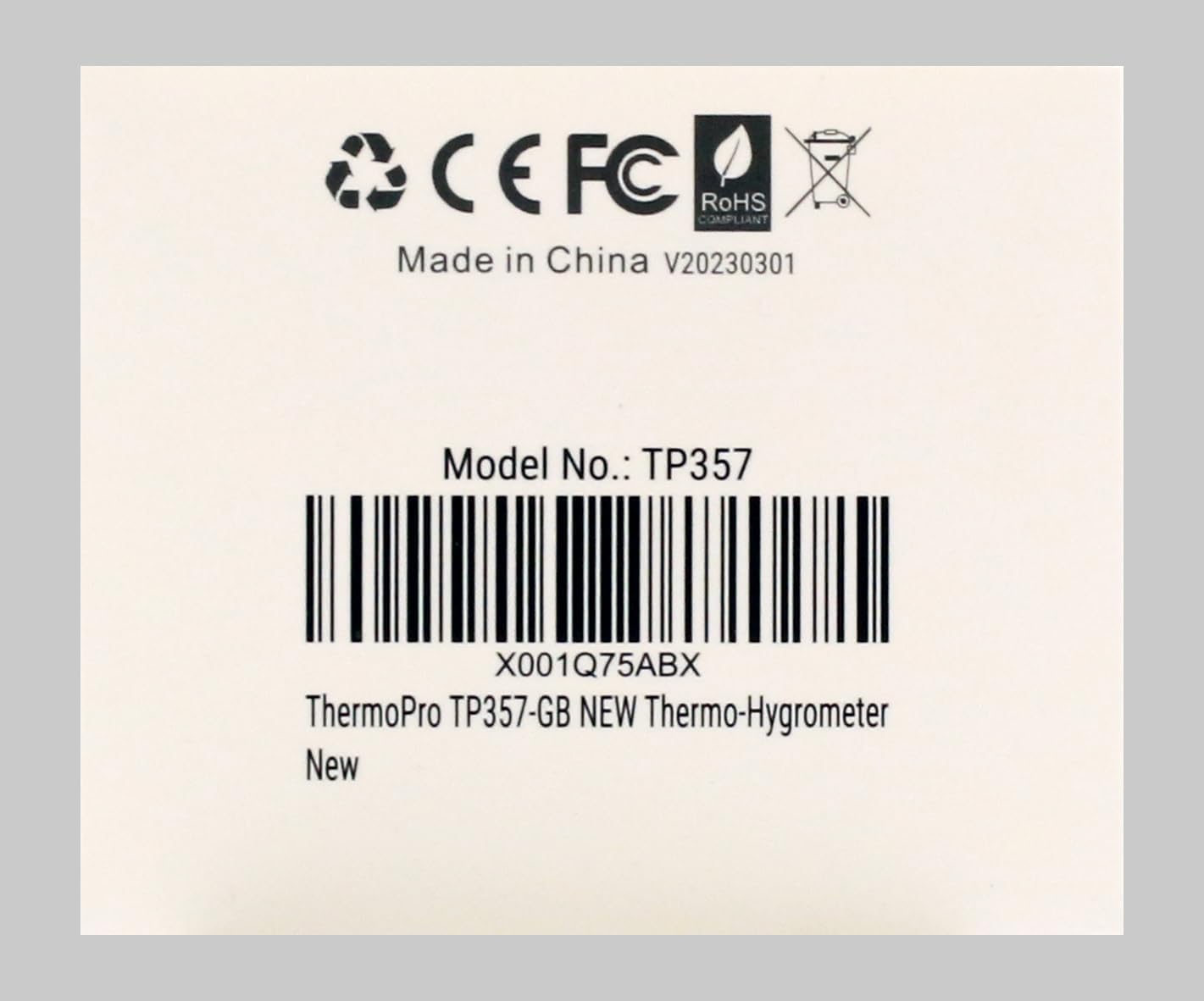
This image shows the rear view of the ThermoPro TP357, clearly indicating its model number TP357 and a unique product identifier X001Q75ABX. It also displays regulatory compliance marks such as CE, FCC, and RoHS, confirming adherence to international standards.
Related documentsTP357


Ask a question about this manual
Ask about setup, troubleshooting, compatibility, parts, safety, or missing instructions. Manuals+ will review the question and use this page’s manual context to help answer it.