
1. Introduction
Thank you for choosing the Bell+Howell Triburst LED Light. This product is designed to provide ultra-bright, multi-directional illumination for various indoor spaces such as garages, attics, basements, and more. Featuring motion sensor technology and energy-efficient LED bulbs, the Triburst offers a convenient and powerful lighting solution. Please read this manual thoroughly before installation and use to ensure proper operation and safety.
2. Safety Information
- Always turn off power to the light fixture at the circuit breaker before installing, removing, or servicing the light.
- Do not install this device with a dimmer switch.
- This product is intended for indoor use only. Do not expose to water or moisture.
- Ensure the light socket is compatible with E26/E27 bulb bases.
- Do not look directly into the LED lights when illuminated, as this may cause eye strain or damage.
- Keep out of reach of children.
- If the product is damaged, do not attempt to repair it. Contact customer support for assistance.
3. Package Contents
The Bell+Howell Triburst LED Light package includes:
- 1 x Bell+Howell Triburst LED Light
- 1 x Remote Control
4. Setup & Installation
The Triburst LED Light is designed for easy installation into standard light sockets. Follow these steps:
- Step 1: Prepare the Socket
Ensure the power to the light fixture is turned off at the circuit breaker. Locate a standard E26 or E27 lightbulb socket. - Step 2: Screw in the Light
Carefully screw the Triburst LED Light into the socket, turning clockwise until it is securely fastened. Do not overtighten.

This image illustrates the simple two-step installation process. First, align the light with the socket, then twist clockwise until secure.
- Step 3: Adjust the Panels
Once installed, you can manually adjust the three hinged LED panels to direct the light. Tilt each panel to focus illumination on your desired area.

The image shows how to manually adjust the three hinged LED panels to direct light precisely where needed, allowing for customized illumination.
5. Operation
The Bell+Howell Triburst LED Light features motion sensor technology for automatic operation and can also be controlled via a wall switch or the included remote control.
Motion Sensor Functionality
The integrated motion sensor automatically activates the light upon detecting movement within its range. The light will remain on as long as motion is detected. Approximately 30 seconds after no further motion is detected, the light will automatically turn off.
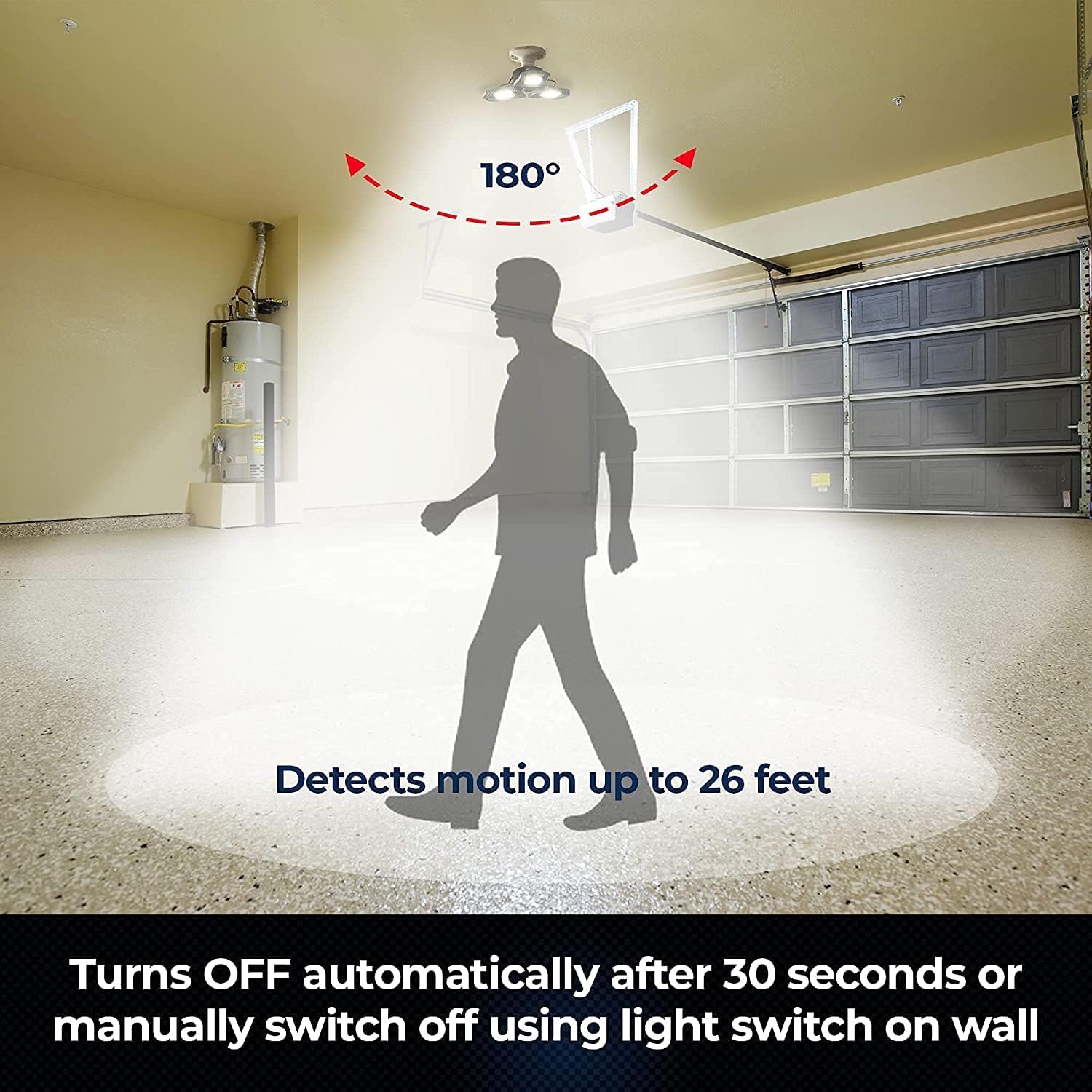
This image demonstrates the motion sensor feature, showing the light activating as a person enters the garage, providing illumination up to 26 feet.
Manual Operation
You can also turn the light on or off using the existing wall switch connected to the socket. The remote control provides additional convenience for controlling the light.
6. Key Features
- High Brightness Illumination: Equipped with 3 panels containing 144 high-intensity LED bulbs, this light delivers 4000 Lumens of cool white light (6500 Kelvin).
- Adjustable Light Panels: The hinged panels allow for directional lighting, enabling users to focus illumination on specific areas.
- Motion Sensor Technology: Integrated motion sensing technology automatically activates the light upon detecting movement. The light will turn off approximately 30 seconds after no further motion is detected within its sensor range.
- Energy Efficient: This LED light is designed for energy efficiency, consuming less electricity than traditional bulbs while providing significant brightness.
- Durable Construction: Constructed from industrial-grade aluminum, the design offers durability and simplifies maintenance compared to traditional glass lighting.
- Long Lifespan: The LED bulbs have an estimated lifespan of up to 50,000 hours.
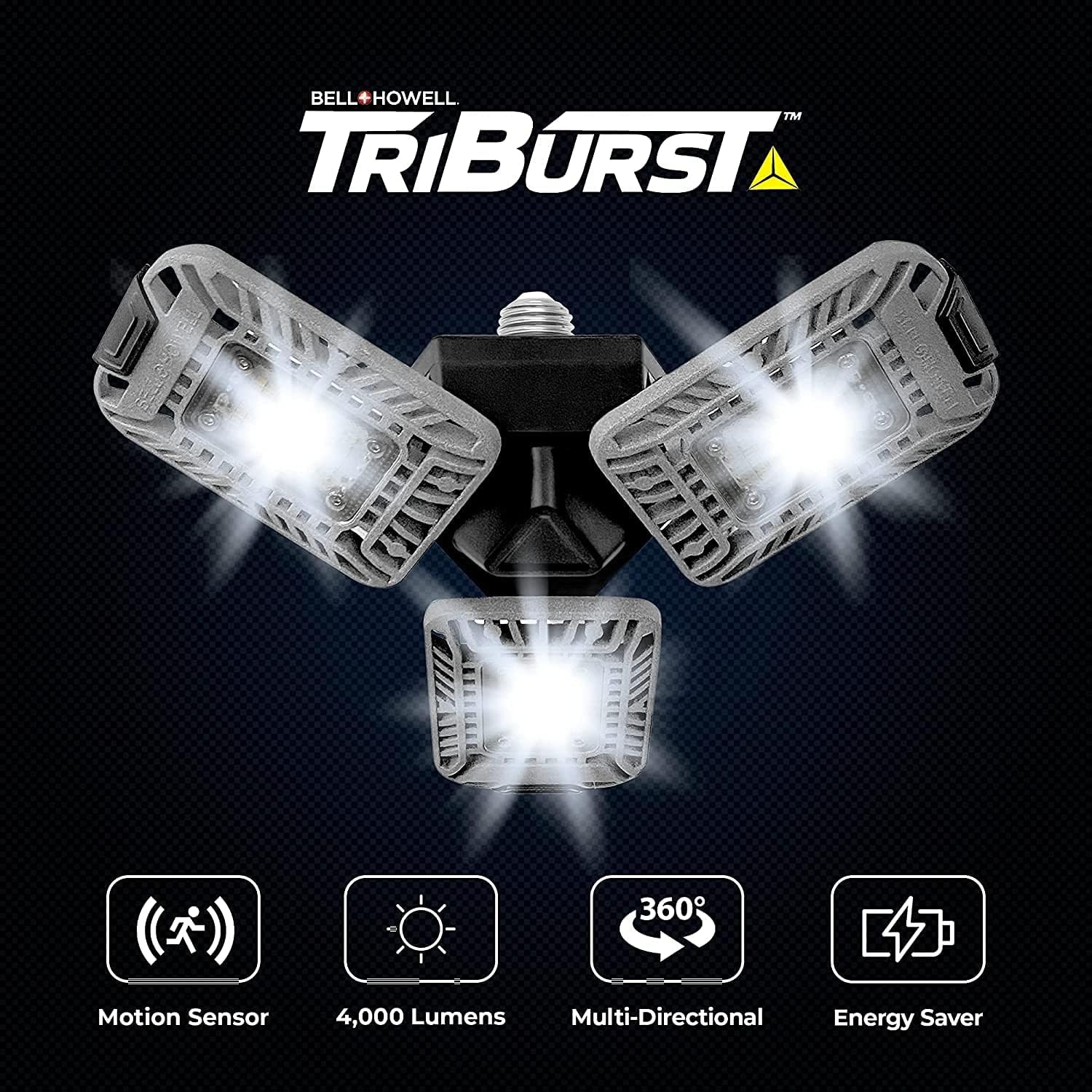
This image highlights the main features of the light through visual icons, including its motion sensing capability, 4000 Lumen output, multi-directional panels, and energy-saving design.

This diagram provides the physical dimensions of the Triburst LED light, indicating its length, width, and depth for installation planning.
7. Maintenance
The Bell+Howell Triburst LED Light requires minimal maintenance.
- Cleaning: To clean the light, ensure the power is off at the circuit breaker. Use a soft, dry cloth to wipe away dust and debris. Avoid using abrasive cleaners or solvents.
- Panel Durability: The industrial-grade aluminum construction is designed for durability and is less fragile than glass, making cleaning simple.
8. Troubleshooting
If you encounter issues with your Triburst LED Light, please refer to the following common solutions:
| Problem | Possible Cause | Solution |
|---|---|---|
| Light does not turn on. | No power to the socket. Light not screwed in properly. Motion sensor not detecting movement. | Check circuit breaker and wall switch. Ensure the light is securely screwed into the socket. Move within the sensor's range (up to 26 feet). |
| Light turns off too quickly. | No continuous motion detected. | Ensure continuous movement within the sensor's range. The light is designed to turn off 30 seconds after the last detected motion. |
| Light is not bright enough. | Panels are not adjusted correctly. | Adjust the hinged panels to direct light to the desired areas for optimal illumination. |
If the problem persists after attempting these solutions, please contact customer support.
9. Specifications
| Feature | Detail |
|---|---|
| Brand | Bell+Howell |
| Model Number | 8338 |
| Light Source Type | LED |
| Brightness | 4000 Lumens |
| Light Color | Cool White (6500 Kelvin) |
| Wattage | 45 Watts |
| Bulb Base | E27 (compatible with E26) |
| Number of Light Sources | 144 LED Bulbs |
| Average Life | 50,000 Hours |
| Material | Alloy Steel, Aluminum |
| Product Dimensions | 3.11"D x 4"W x 11"H |
| Special Feature | Energy Efficient, Motion Sensor |
| Indoor/Outdoor Usage | Indoor |
| Power Source | Corded Electric |
| Control Method | Remote |
10. Product Video
This video provides a visual guide to the Bell+Howell Triburst LED Light, showcasing its easy installation, adjustable panels, motion sensor functionality, and bright illumination in various settings like garages, attics, and basements.
11. Warranty & Support
For warranty information or technical support, please refer to the contact details provided with your purchase or visit the official Bell+Howell website. Keep your proof of purchase for any warranty claims.