Introduction
This manual provides detailed instructions for the 2021 Apple 12.9-inch iPad Pro (Wi-Fi, 128GB) in Space Gray. It covers initial setup, operational guidance, maintenance tips, troubleshooting common issues, and a comprehensive list of product specifications. The iPad Pro features the powerful Apple M1 chip, a brilliant 12.9-inch Liquid Retina XDR display, advanced camera systems, and robust connectivity options.
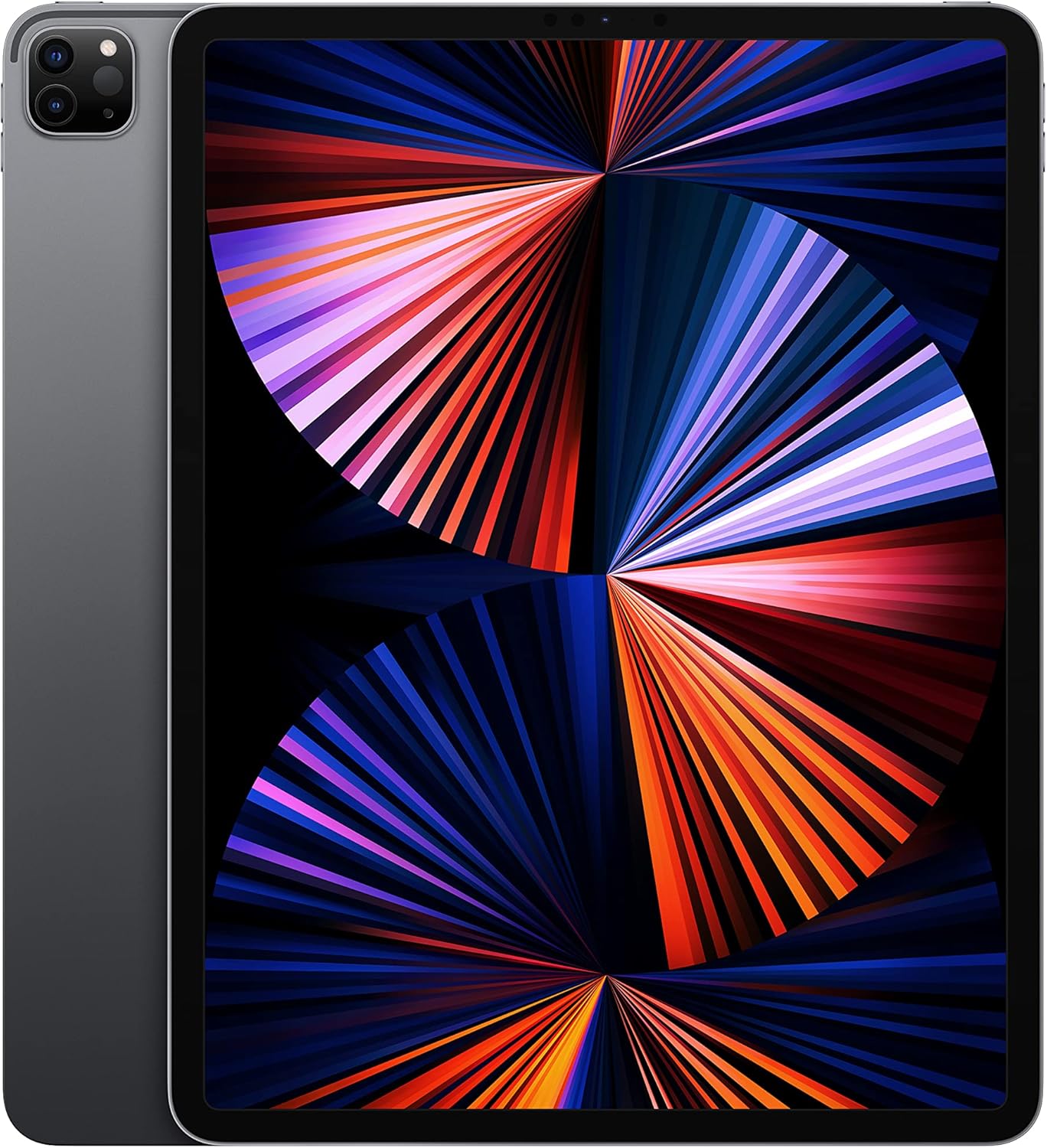
Image: Front view of the 12.9-inch iPad Pro in Space Gray, showcasing its large Liquid Retina XDR display.
What's in the Box
Upon unboxing your 2021 Apple 12.9-inch iPad Pro, verify that all standard components are present:
- iPad Pro (12.9-inch, Wi-Fi, 128GB, Space Gray)
- USB-C Charge Cable (1 meter)
- 18W USB-C Power Adapter

Image: The standard contents included with the iPad Pro: the device itself, a USB-C charging cable, and a USB-C power adapter.
Setup
1. Initial Power On
Press and hold the top button until the Apple logo appears. Follow the on-screen instructions to select your language and region.
2. Connect to Wi-Fi
Select your Wi-Fi network from the list and enter the password if prompted. A stable internet connection is required for activation.
3. Data & Privacy
Review the Data & Privacy information. This explains how Apple handles your personal data.
4. Face ID Setup
Set up Face ID for secure authentication and Apple Pay. Follow the on-screen prompts to register your face.
5. Create a Passcode
Create a six-digit passcode to protect your device. This is used as a fallback for Face ID and for certain security functions.
6. Transfer Apps & Data
You can choose to restore from an iCloud backup, restore from a Mac or PC, transfer directly from another iPad, or set up as a new iPad.
7. Apple ID
Sign in with your Apple ID. If you don't have one, you can create one during this step. Your Apple ID is essential for downloading apps, using iCloud, and other Apple services.
8. Software Updates
Ensure your iPad Pro is running the latest iPadOS version. Navigate to Settings > General > Software Update to check for and install any available updates.
Operating Instructions
Display and Interaction
The 12.9-inch Liquid Retina XDR display features ProMotion technology for adaptive refresh rates up to 120Hz, True Tone for ambient light color adjustment, and P3 wide color for vibrant visuals. Interaction is primarily via multi-touch gestures. For detailed gesture controls, refer to the iPadOS user guide available on Apple's support website.
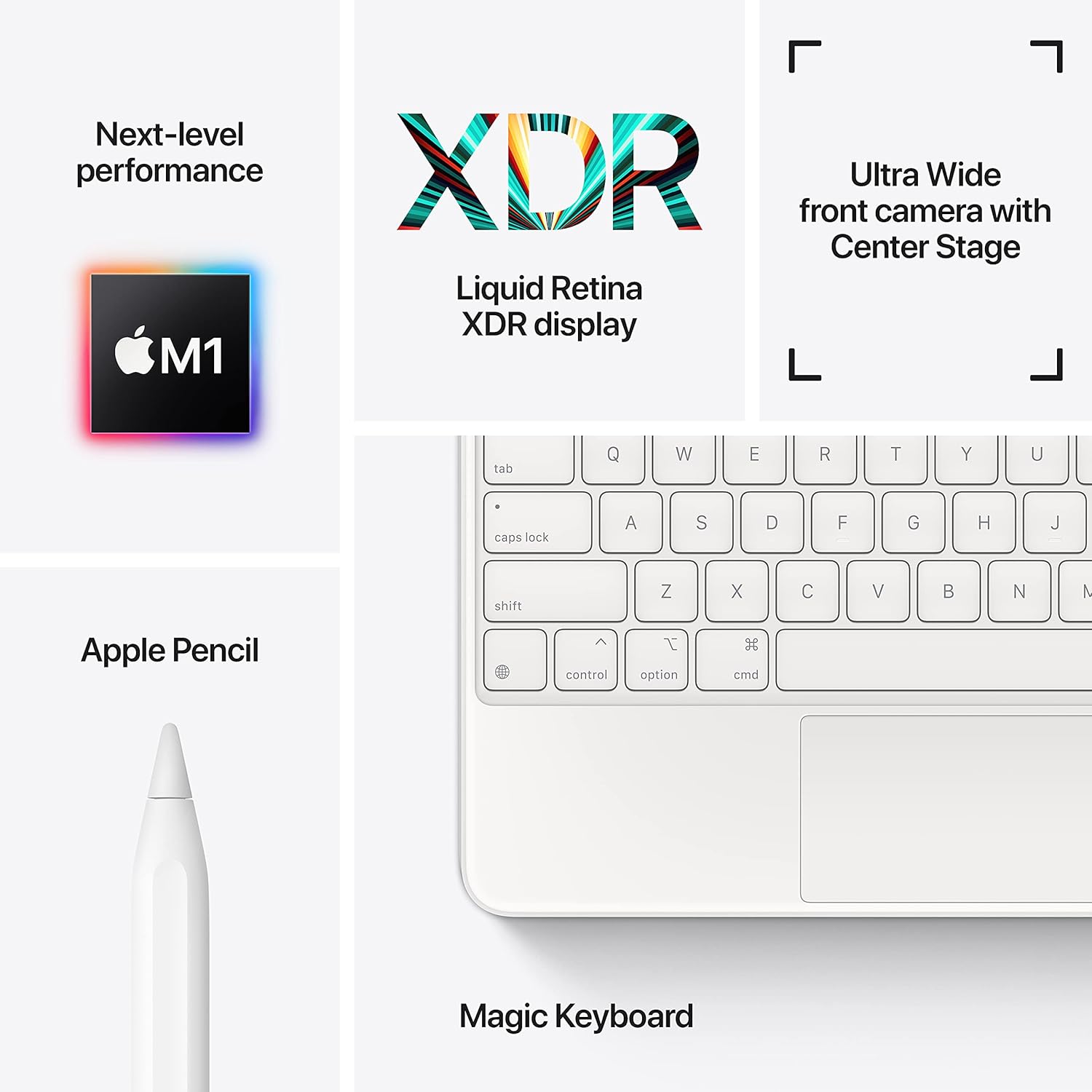
Image: A visual representation of the iPad Pro's core technologies, including the M1 chip, XDR display, and camera capabilities.
Performance
Powered by the Apple M1 chip, the iPad Pro delivers exceptional performance for demanding tasks, including professional video editing, graphic design, and augmented reality applications. The 8-core CPU, 8-core GPU, and 16-core Neural Engine ensure smooth multitasking and efficient processing.
Camera System
The iPad Pro features a sophisticated camera system:
- Rear Cameras: 12MP Wide camera and 10MP Ultra Wide camera with Smart HDR and a LiDAR Scanner for immersive AR experiences. Supports 4K video recording at 24 fps, 30 fps, or 60 fps.
- Front Camera: 12MP Ultra Wide TrueDepth front camera with Center Stage, Portrait mode, Portrait Lighting, and Smart HDR 3. Center Stage automatically keeps you in the frame during video calls.
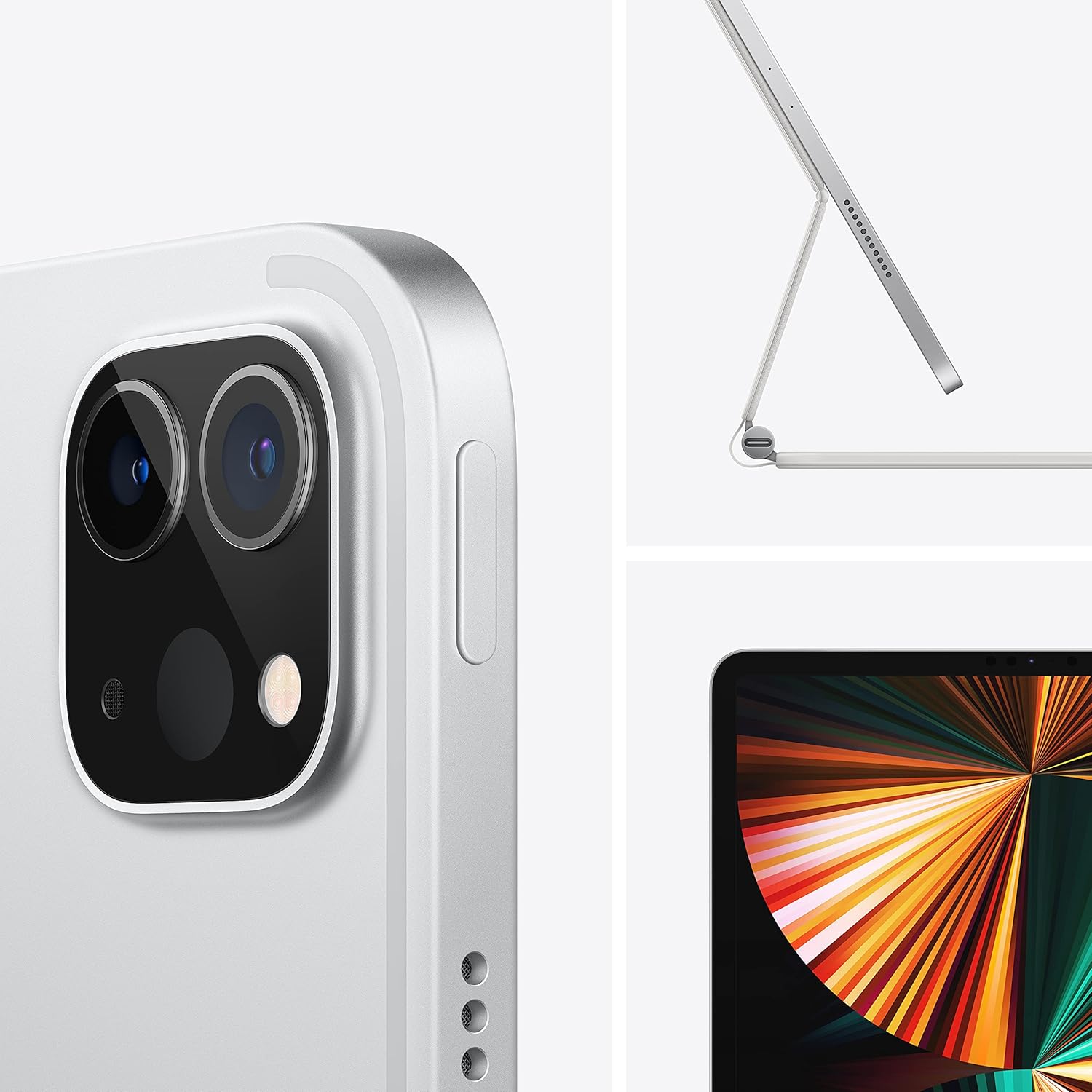
Image: A detailed view of the iPad Pro's advanced rear camera module and an illustration of the device paired with the Magic Keyboard.
Connectivity
The Wi-Fi model supports ultrafast Wi-Fi for seamless internet browsing, streaming, and downloads. The USB-C port provides versatile connectivity for charging, data transfer, and connecting to external displays and docks, supporting Thunderbolt/USB 4 for high-bandwidth accessories.
Battery Life
The iPad Pro is designed for all-day battery life, offering up to 10 hours of web surfing on Wi-Fi, video watching, or music listening. Actual battery life varies based on usage and configuration.
Accessories
The iPad Pro supports a range of accessories to enhance productivity and creativity:
- Apple Pencil (2nd generation): For precise drawing, note-taking, and marking up documents.
- Magic Keyboard: Provides a comfortable typing experience with a trackpad and backlit keys, attaching magnetically to the iPad Pro.
- Smart Keyboard Folio: Offers a full-size keyboard in a slim, lightweight design.

Image: A user engaging with the iPad Pro, demonstrating its use with the Magic Keyboard and Apple Pencil for productivity tasks.
Maintenance
Cleaning
To clean your iPad Pro, use a soft, lint-free cloth. Avoid abrasive materials, aerosols, solvents, or ammonia-based cleaners. For the screen, a slightly dampened cloth is acceptable. Disconnect all cables and power off the device before cleaning.
Software Updates
Regularly update iPadOS to ensure optimal performance, security, and access to the latest features. Updates can be found in Settings > General > Software Update.
Battery Care
To maximize battery lifespan, avoid exposing your iPad Pro to extreme temperatures. For long-term storage, charge the device to about 50% and power it off. Periodically charge it to 50% if stored for extended periods.
Storage Management
Monitor your storage usage in Settings > General > iPad Storage. Delete unnecessary apps, photos, and videos, or offload data to iCloud or external storage to maintain performance.
Troubleshooting
Device Not Responding
If your iPad Pro is unresponsive, perform a force restart: Press and quickly release the Volume Up button, press and quickly release the Volume Down button, then press and hold the Top button until the Apple logo appears.
Wi-Fi Connectivity Issues
- Ensure Wi-Fi is enabled in Settings > Wi-Fi.
- Restart your Wi-Fi router.
- Forget the network (Settings > Wi-Fi > [Network Name] > Forget This Network) and reconnect.
- Reset Network Settings (Settings > General > Transfer or Reset iPad > Reset > Reset Network Settings).
Battery Draining Quickly
- Check battery usage in Settings > Battery to identify power-consuming apps.
- Reduce screen brightness.
- Disable Background App Refresh for non-essential apps.
- Ensure iPadOS is up to date.
Apps Crashing or Freezing
- Force quit the app and reopen it.
- Check for app updates in the App Store.
- Restart your iPad Pro.
- If the issue persists, delete and reinstall the app.
Specifications
| Feature | Detail |
|---|---|
| Model Name | iPad Pro |
| Item Model Number | MHNF3LL/A |
| Display | 12.9-inch Liquid Retina XDR display with ProMotion technology and True Tone |
| Display Resolution Maximum | 2732-by-2048-pixel resolution at 264 pixels per inch (ppi) |
| Chip | Apple M1 chip (8-core CPU, 8-core GPU, 16-core Neural Engine) |
| Memory Storage Capacity | 128 GB |
| Rear Camera | 12MP Wide and 10MP Ultra Wide cameras with Smart HDR and LiDAR Scanner, 4K video |
| Front Camera | 12MP Ultra Wide TrueDepth front camera with Portrait mode, Portrait Lighting, and Smart HDR 3 |
| Battery Life | Up to 10 hours (Wi-Fi web surfing, video, music) |
| Connector | USB-C (Thunderbolt/USB 4 support) |
| Product Dimensions | 11.04 x 8.46 x 0.25 inches (280.6 x 214.9 x 6.4 mm) |
| Item Weight | 1.5 pounds (682 grams) Wi-Fi model |
| Date First Available | April 30, 2021 |
| Manufacturer | Apple |
Warranty and Support
Your Apple iPad Pro is covered by a limited warranty provided by Apple. For specific warranty terms and conditions, please refer to the documentation included with your product or visit the official Apple website. Apple also offers various support resources, including online knowledge bases, community forums, and direct technical support.
For further assistance, visit the official Apple Support page: support.apple.com/ipad


