
Introduction
Thank you for choosing the LENRUE Bluetooth Speaker. This portable wireless speaker delivers loud stereo sound with rich bass and offers up to 12 hours of playtime. Featuring advanced Bluetooth 5.0 technology and a built-in microphone, it is designed for a superior audio experience and convenient hands-free communication. This manual provides essential information for setting up, operating, and maintaining your speaker.
Package Contents
Please check the box for the following items:
- LENRUE Bluetooth Speaker (Model: yun-dong-199)
- USB Charging Cable
- Auxiliary Audio Cable
- User Manual
Product Overview
The LENRUE Bluetooth Speaker is designed for portability and high-quality audio. It features:
- Superior Sound Quality: Dual high-performance drivers and enhanced bass for clear, powerful audio.
- Extended Playtime: Up to 12 hours of continuous music playback on a single charge.
- Advanced Connectivity: Bluetooth 5.0 for stable, fast wireless connections. Supports USB, Micro SD card (up to 32GB), and AUX input.
- Built-in Microphone: Enables hands-free calling with clear stereo sound.
- Portable Design: Lightweight (0.66 lb) and compact, making it ideal for travel and outdoor use.

Image: The LENRUE Bluetooth Speaker, showcasing its compact and sleek design in blue.
Setup
1. Charging the Speaker
Before first use, fully charge the speaker. Connect the provided USB charging cable to the speaker's charging port and to a USB power source (e.g., computer, wall adapter). The charging indicator light will show the charging status (refer to LED indicator section for details). A full charge typically takes 2-3 hours.

Image: Rear view of the speaker highlighting the USB, TF card, DC 9V charging, Reset pinhole, and AUX input ports.
2. Powering On/Off
- To Power On: Press and hold the Power/Mode button (often marked 'M' or with a power icon) until you hear an audible prompt or see the LED indicator light up.
- To Power Off: Press and hold the Power/Mode button again until you hear an audible prompt or the LED indicator turns off.
3. Bluetooth Pairing
- Ensure the speaker is powered on and in Bluetooth pairing mode (the LED indicator will usually flash blue).
- On your device (smartphone, tablet, etc.), enable Bluetooth and search for available devices.
- Select "LENRUE Speaker" (or similar name) from the list.
- Once paired, the speaker will emit an audible confirmation, and the LED indicator will turn solid blue.

Image: The LENRUE speaker positioned on a desk, wirelessly connected to a laptop, tablet, and smartphone, illustrating its versatile Bluetooth 5.0 connectivity.
4. Connecting via AUX, USB, or Micro SD Card
- AUX Input: Connect one end of the provided auxiliary audio cable to the speaker's AUX port and the other end to your audio device's headphone jack. The speaker will automatically switch to AUX mode.
- USB Playback: Insert a USB drive containing audio files into the USB port. The speaker will automatically detect and play music from the drive.
- Micro SD Card Playback: Insert a Micro SD card (up to 32GB) with audio files into the TF card slot. The speaker will automatically detect and play music from the card.
Operating Instructions
Button Functions
The speaker features intuitive controls on its top panel:

Image: Top view of the LENRUE speaker, displaying the control buttons for power, mode, volume, and track navigation.
- Power/Mode Button (M):
- Press and hold to power on/off.
- Short press to switch between input modes (Bluetooth, AUX, USB, Micro SD).
- Play/Pause Button:
- Short press to play or pause music.
- Short press to answer/end a phone call.
- Press and hold to reject an incoming call.
- Volume Down / Previous Track Button (-):
- Short press to decrease volume.
- Press and hold to go to the previous track.
- Volume Up / Next Track Button (+):
- Short press to increase volume.
- Press and hold to go to the next track.
True Wireless Stereo (TWS) Connection
For an enhanced stereo experience, you can connect two LENRUE Bluetooth Speakers together:
- Ensure both speakers are powered off.
- Power on both speakers. They will automatically enter Bluetooth pairing mode.
- On one speaker, double-press the Power/Mode button. It will search for another speaker to pair with.
- Once connected, you will hear an audible confirmation, and both speakers will play in stereo.
- Now, connect your device to one of the speakers via Bluetooth as described in the "Bluetooth Pairing" section.
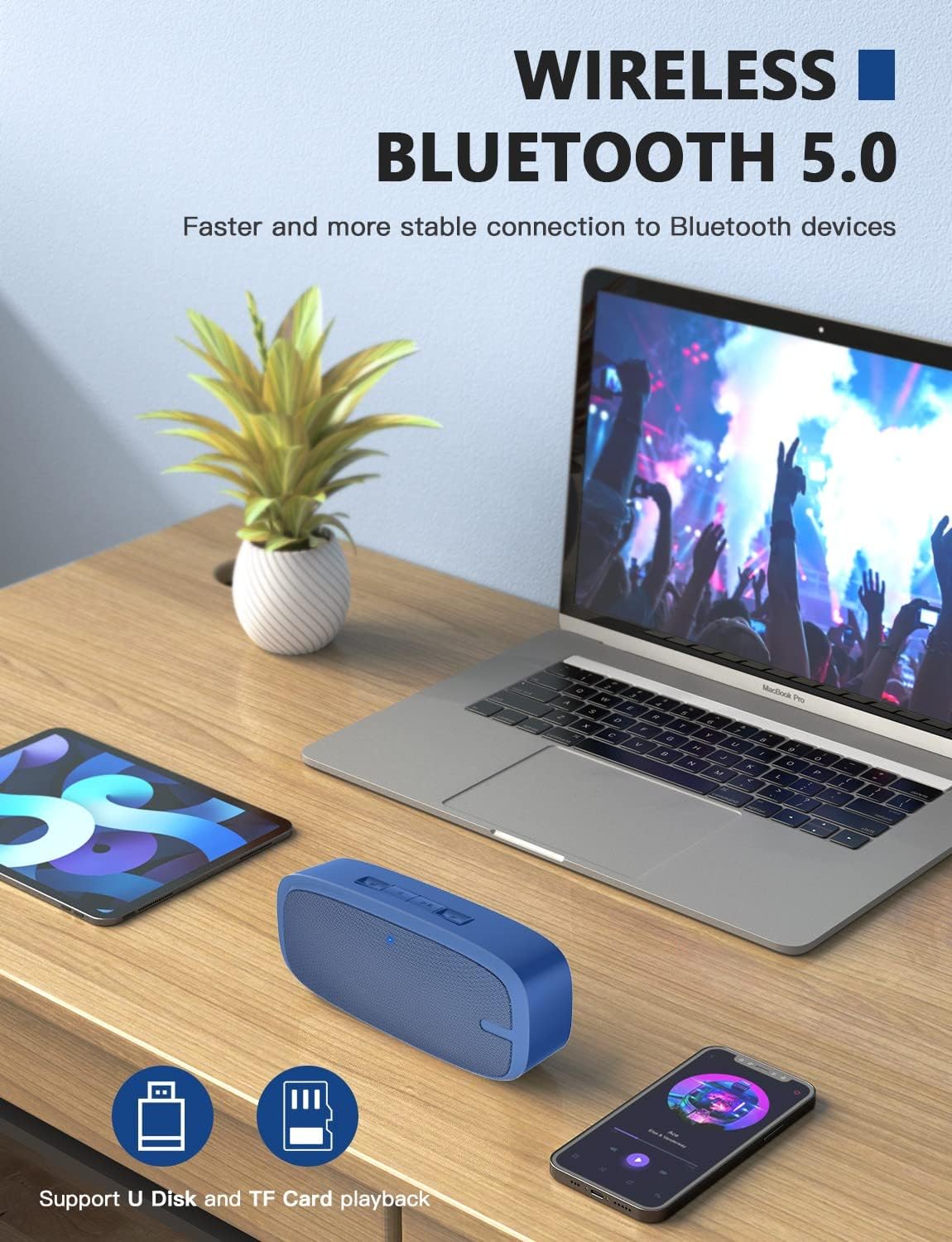
Image: Two LENRUE Bluetooth Speakers shown side-by-side, illustrating the True Wireless Stereo (TWS) connection capability for a wider soundstage.
Maintenance
- Cleaning: Use a soft, dry cloth to clean the speaker's surface. Do not use harsh chemicals or abrasive cleaners.
- Storage: Store the speaker in a cool, dry place away from direct sunlight and extreme temperatures.
- Battery Care: To prolong battery life, avoid fully discharging the speaker frequently. Charge it regularly, even if not in use for extended periods.
- Water Resistance: This speaker is NOT waterproof. Avoid exposure to water or excessive moisture.
Troubleshooting
| Problem | Possible Cause | Solution |
|---|---|---|
| Speaker does not power on. | Low battery. | Charge the speaker fully using the provided USB cable. |
| Cannot pair via Bluetooth. | Speaker not in pairing mode; device Bluetooth off; too far from device. | Ensure speaker is in pairing mode (flashing blue LED). Turn Bluetooth on your device. Move speaker closer to device (within 10 meters). Forget previous pairings on your device and try again. |
| No sound. | Volume too low; incorrect input mode; device not playing. | Increase speaker and device volume. Check if the correct input mode (Bluetooth, AUX, USB, TF) is selected. Ensure your device is playing audio. |
| Poor sound quality. | Low battery; interference; device too far. | Charge the speaker. Move away from other wireless devices. Move speaker closer to your device. |
| Micro SD card or USB drive not recognized. | Incorrect file format; card/drive not inserted correctly; unsupported capacity. | Ensure audio files are in a supported format (e.g., MP3). Reinsert the card/drive. Ensure Micro SD card is 32GB or less. |
Specifications
| Feature | Detail |
|---|---|
| Brand | LENRUE |
| Model Number | yun-dong-199 |
| Connectivity Technology | Bluetooth 5.0, Auxiliary, USB |
| Audio Output Mode | Stereo |
| Speaker Maximum Output Power | 3 Watts |
| Battery Average Life | 12 Hours |
| Bluetooth Range | 10 Meters (33 Feet) |
| Item Weight | 0.47 Kilograms (0.66 lb) |
| Microphone | Built-in (1 microphone) |
| Supported Media | USB, Micro SD Card (up to 32GB), AUX |
| Control Method | Touch buttons |
| Is Waterproof | FALSE |
Warranty and Support
The LENRUE Bluetooth Speaker comes with a limited warranty. For detailed warranty information, please refer to the product packaging or contact LENRUE customer support.
If you encounter any issues or have questions about your speaker, please contact our customer support team:
- Online Support: Visit the official LENRUE website for FAQs and support resources.
- Email: Refer to your product packaging for customer service email address.


