
1. Introduction
This manual provides instructions for the proper use and maintenance of your NUTRI FIT EB9233 Ultra-Wide Digital Bathroom Scale. This scale is designed to provide accurate body weight measurements for individuals up to 400 pounds (180 kg). Please read this manual thoroughly before use to ensure safe and effective operation.
2. Safety Information
- Always place the scale on a hard, flat surface. Using it on carpet or uneven surfaces may affect accuracy.
- The scale surface is made of tempered glass. It can be slippery when wet. Ensure the surface is dry before stepping on.
- Do not jump on the scale or drop heavy objects on it, as this may damage the glass or internal components.
- Keep the scale away from extreme temperatures and humidity.
- This scale is for personal use only and not intended for medical diagnosis or treatment.
- If the unit displays 'Lo', replace the batteries promptly.
- If the unit displays 'O-Ld', the maximum weight capacity has been exceeded.
3. Package Contents
- NUTRI FIT EB9233 Digital Bathroom Scale
- 2 x AAA Batteries (pre-installed or included separately)
- Instruction Manual
4. Product Features
- Extra-Wide Platform: Provides a comfortable and stable weighing surface.
- High Capacity: Supports weights up to 400 lbs (180 kg).
- High Accuracy: Measures with an accuracy of +/- 0.1 lb (50g).
- Tempered Glass Surface: Durable 6mm thick tempered glass with rounded corners for safety.
- Backlit LCD Display: Large, easy-to-read 3.25-inch LCD with backlight for clear visibility.
- Step-on Technology: Provides immediate weight readings upon stepping on the scale.
- 4 Precision G Sensors: Ensures consistent and accurate measurements.
- Automatic Functions: Features auto-power-off, auto-zero, and auto-calibration.
- Indicators: Includes low battery and overload indications.
- Unit Conversion: Easily switch between pounds (lb) and kilograms (kg).
- Anti-Skid Pads: Located on the bottom for stability and safety.

Image: Overview of the NUTRI FIT EB9233 Digital Bathroom Scale's key features, including weight capacity, display type, and sensor technology.

Image: Side profile of the scale, illustrating its slim design and the durable tempered glass surface.
5. Setup
5.1 Battery Installation
- Open the battery compartment cover on the back of the scale.
- Insert the 2 AAA batteries, ensuring correct polarity (+/-).
- Close the battery compartment cover.
5.2 Initial Calibration
For the first use or after moving the scale, it needs to be calibrated:
- Place the scale on a hard, flat surface.
- Step on the scale briefly, then step off. The display will show '0.0' or a reading, then turn off.
- The scale is now calibrated and ready for use.
5.3 Unit Selection
To switch between pounds (lb) and kilograms (kg):
- Locate the unit conversion button on the back of the scale, usually near the battery compartment.
- Press the button to toggle between 'lb' and 'kg'.

Image: Bottom view of the scale, highlighting the battery compartment and the unit conversion button.
6. Operating Instructions
6.1 Taking a Measurement
- Place the scale on a hard, flat surface.
- Step onto the scale with bare feet, standing still and centered.
- The scale will automatically turn on and display your weight.
- The reading will flash a few times and then lock.
- Step off the scale. It will automatically turn off after a few seconds.
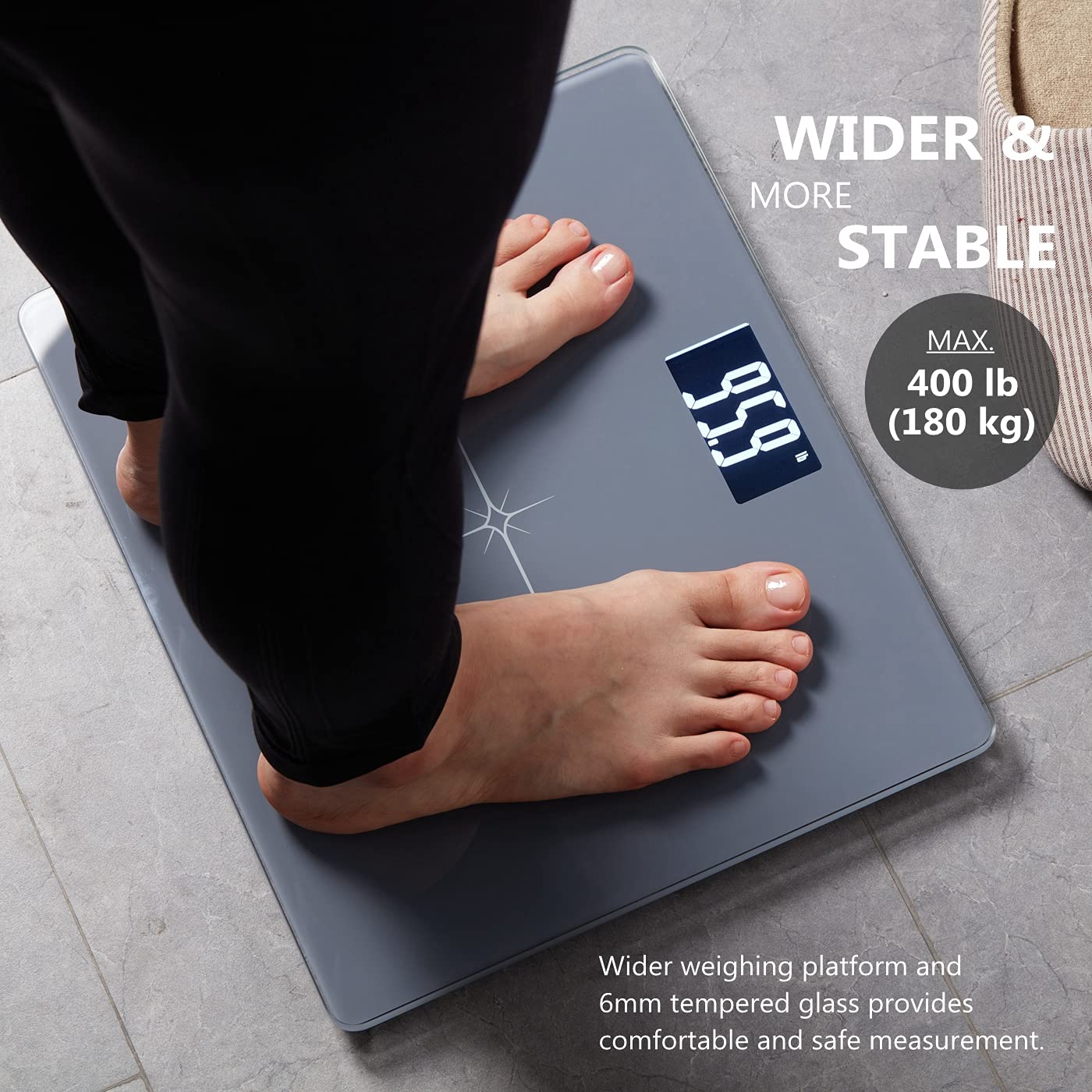
Image: A person standing on the scale, demonstrating the wide platform and digital display during a weight measurement.

Image: Close-up view of the scale's large, backlit LCD display, showing clear and easy-to-read numbers.
6.2 Tips for Accurate Measurement
- For consistent results, weigh yourself at the same time each day, preferably in the morning before breakfast or exercise.
- Ensure the scale is on a firm, level surface.
- Stand still and centered on the scale.
- Avoid weighing yourself immediately after heavy meals or intense exercise.
Video: Demonstrates the use of the NUTRI FIT Extra-Wide Digital Body Weight Bathroom Scale, including stepping on for measurement and highlighting its features.
7. Maintenance and Care
- Clean the scale with a damp cloth and mild detergent. Do not use abrasive cleaners or immerse the scale in water.
- Store the scale in a cool, dry place.
- If the scale will not be used for an extended period, remove the batteries to prevent leakage.
8. Troubleshooting
| Problem | Possible Cause | Solution |
|---|---|---|
| Display shows "Lo" | Low battery | Replace the 2 AAA batteries. |
| Display shows "O-Ld" | Overload (weight exceeds 400 lbs / 180 kg) | Step off the scale immediately to prevent damage. |
| Inaccurate readings | Scale not on a hard, flat surface; not calibrated; moved recently. | Ensure scale is on a hard, flat surface. Perform initial calibration (step on, then off). |
| No display | Batteries incorrectly installed or dead. | Check battery polarity or replace batteries. |
9. Specifications
| Feature | Specification |
|---|---|
| Model | EB9233 |
| Weight Capacity | 400 Pounds (180 kg) |
| Readout Accuracy | 0.1 Pounds (50g) |
| Display Type | Backlit LCD |
| Platform Material | 6mm Tempered Glass |
| Product Dimensions | 13.7 x 11.4 x 0.9 inches |
| Item Weight | 4.24 pounds |
| Power Source | 2 x AAA Batteries |
| Special Features | Step-on Technology, Auto-Off, Auto-Zero, Auto-Calibration, Low Battery/Overload Indication |
10. Warranty and Support
NUTRI FIT provides a standard warranty for this product. For detailed warranty information, technical support, or customer service inquiries, please refer to the contact information provided on the product packaging or visit the official NUTRI FIT website. Please retain your proof of purchase for warranty claims.