
Introduction
This manual provides essential instructions for the safe and effective use of your GUY-TECH AC Adapter. This adapter is designed as a compatible replacement power supply for Hyper Tough 4 Volt cordless screwdrivers and drill tools. Please read this manual thoroughly before use and retain it for future reference.
Product Overview
The GUY-TECH AC Adapter is a high-quality power supply designed to charge and power compatible 4 Volt cordless tools. It features a durable design and incorporates safety mechanisms to protect your devices.
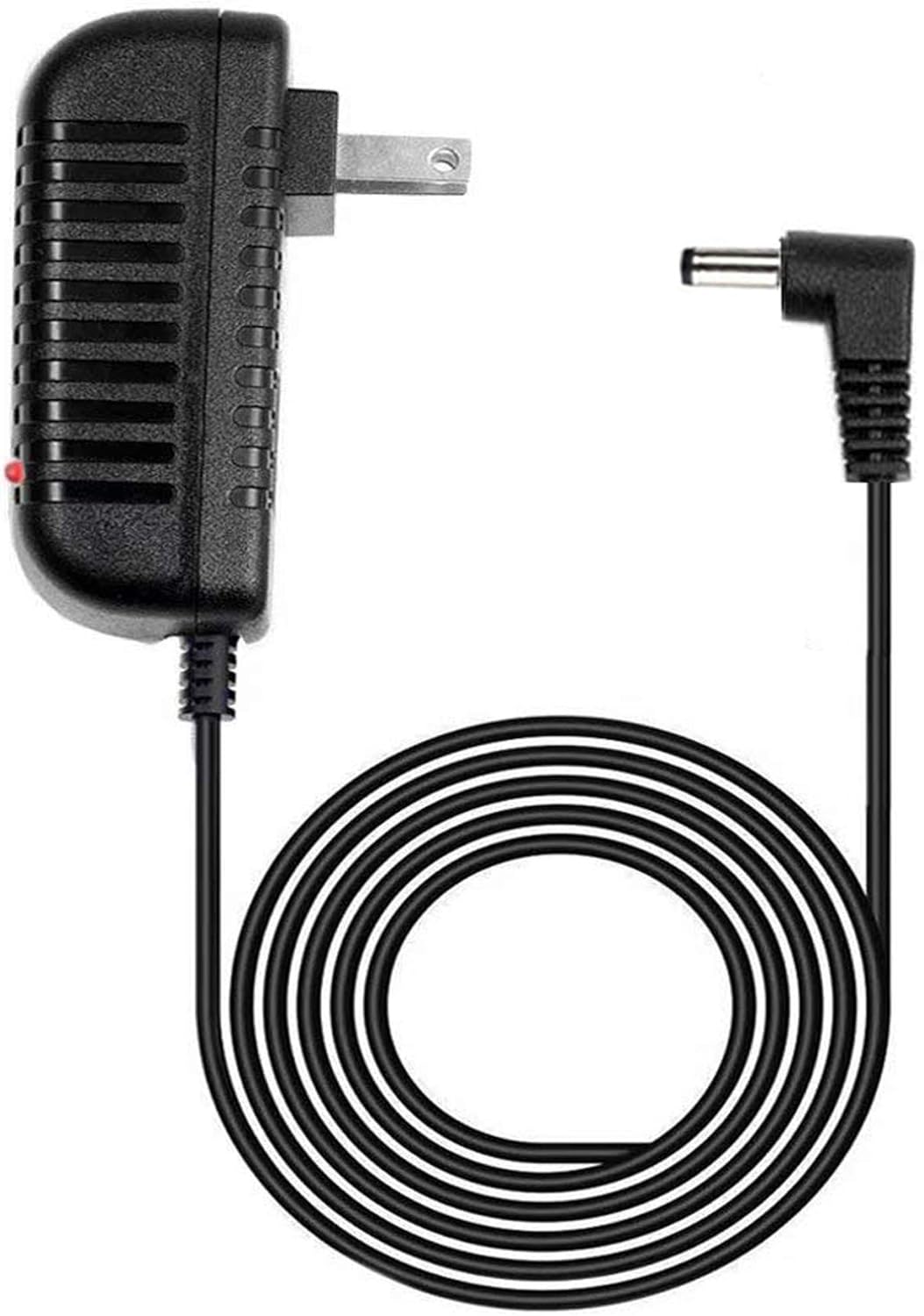
Image 1: The GUY-TECH AC Adapter, showing the main power brick with a standard US plug, the coiled power cord, and the barrel connector tip. A small red LED indicator is visible on the adapter body.
- Input Voltage: 100V - 240V worldwide compatibility.
- Output Voltage: 4 Volts DC, suitable for Hyper Tough 4V tools.
- Cable Length: Approximately 5 feet (1.5 meters) for convenient reach.
- LED Indicator: A built-in LED light indicates power status.
- Safety Features: Includes Over Voltage Output Protection, Over Current Output Protection, and Short Circuit Output Protection.

Image 2: A graphic highlighting two key features: "5 FEET" indicating the cable length, and "LED light" referring to the power indicator on the adapter.
Setup Instructions
- Verify Compatibility: Before connecting, ensure your Hyper Tough cordless tool requires a 4 Volt DC power supply and has a compatible barrel connector. Refer to your tool's original manual for specifications.
- Connect to Tool: Insert the barrel connector end of the AC adapter firmly into the charging port of your Hyper Tough 4 Volt cordless screwdriver or drill tool.
- Connect to Power Outlet: Plug the AC adapter into a standard 100V-240V wall outlet.
- Power Indicator: The LED indicator on the adapter will illuminate, signifying that power is being supplied.
Important: Do not force the connector. If it does not fit easily, verify compatibility to prevent damage to the adapter or your tool.
Operating Instructions
Once connected, the adapter will begin supplying power to your tool. For charging, ensure your tool's battery is properly inserted and its charging mechanism is engaged. The adapter is designed for continuous power supply within its specified voltage and current limits.
- Always use the adapter in a dry, well-ventilated area.
- Avoid covering the adapter during operation to prevent overheating.
- Disconnect the adapter from the power outlet when not in use for extended periods.
Maintenance
- Cleaning: Disconnect the adapter from both the power outlet and the tool before cleaning. Wipe the adapter with a soft, dry cloth. Do not use liquid cleaners or solvents.
- Storage: Store the adapter in a cool, dry place away from direct sunlight and moisture when not in use. Avoid tightly coiling the cable to prevent damage.
- Inspection: Periodically inspect the cable and connector for any signs of damage, such as fraying, cuts, or bent pins. If damage is observed, discontinue use immediately and replace the adapter.
Troubleshooting
| Problem | Possible Cause | Solution |
|---|---|---|
| Adapter LED does not light up. | No power from outlet, loose connection, or faulty adapter. | Check if the outlet is working. Ensure the adapter is fully plugged in. Try a different outlet. If the issue persists, the adapter may be faulty. |
| Tool is not charging/receiving power. | Incorrect voltage, incompatible connector, tool issue, or faulty adapter. | Verify the tool requires 4V DC. Ensure the barrel connector is fully inserted and compatible. Check the tool's battery and charging port. If the adapter LED is on but the tool isn't charging, the tool or its battery may be the issue. |
| Adapter feels excessively hot. | Overload, poor ventilation, or internal fault. | Disconnect immediately. Ensure the adapter is not covered and has adequate airflow. Do not use if it continues to overheat. |
Specifications
| Feature | Detail |
|---|---|
| Brand | GUY-TECH |
| Input Voltage | 100V - 240V AC |
| Output Voltage | 4 Volts DC |
| Connector Type | Barrel Connector |
| Cable Length | 5 Feet (approx. 1.5 meters) |
| Special Features | LED Indicator, Over Voltage Protection, Over Current Protection, Short Circuit Protection |
| Item Weight | 5 Ounces |
| ASIN | B0918BP3TW |
Warranty and Support
For warranty information or technical support, please contact the seller or manufacturer directly through the platform where the product was purchased. Please have your purchase details and product ASIN (B0918BP3TW) available when contacting support.

