
Transcend ESD270C
Transcend ESD270C 1TB Portable External SSD User Manual
Model: ESD270C (TS1TESD270C)
1. Introduction
This manual provides instructions for the Transcend ESD270C 1TB Portable External Solid State Drive. The ESD270C is a compact and lightweight storage solution designed for high-speed data transfer and broad compatibility across various devices and operating systems. It features a USB 3.1 Gen 2 interface with UASP support, offering read speeds up to 520 MB/s and write speeds up to 460 MB/s. The drive incorporates 3D NAND flash memory for reliable performance and includes both USB Type-C and Type-A cables for versatile connectivity.
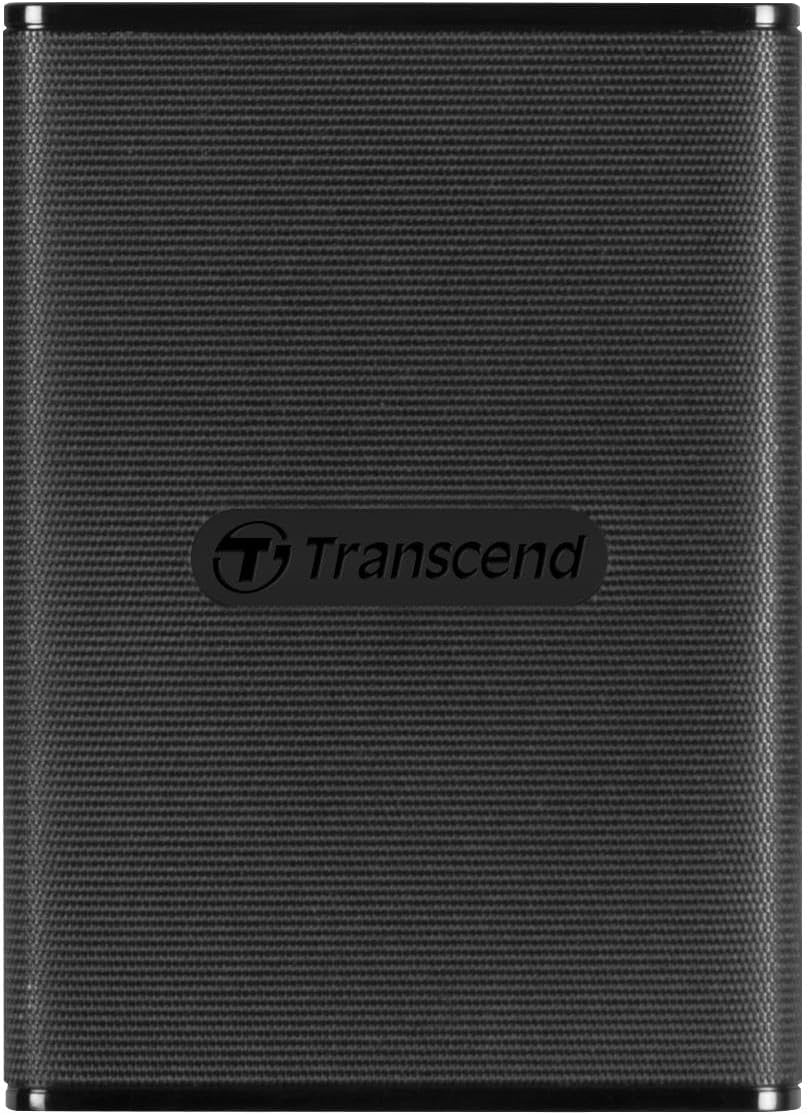
Image: The Transcend ESD270C Portable External SSD, a compact black device with the Transcend logo.
2. Package Contents
Verify that your package contains the following items:
- Transcend ESD270C Portable External SSD
- USB Type-A Cable
- USB Type-C Cable

Image: The Transcend ESD270C Portable SSD in its retail packaging, highlighting the 1TB capacity and USB 3.1 Type-C interface.
3. Setup and Initial Use
3.1 Connecting the SSD
- Identify the appropriate cable for your device: Use the USB Type-C to Type-C cable for devices with a USB Type-C port, or the USB Type-C to Type-A cable for devices with a standard USB Type-A port.
- Connect one end of the cable to the USB Type-C port on the Transcend ESD270C.
- Connect the other end of the cable to an available USB port on your computer, laptop, tablet, smartphone, or game console.

Image: Illustration showing the included USB Type-C to Type-A and USB Type-C to Type-C cables, demonstrating connectivity options.
3.2 Device Compatibility
The ESD270C is compatible with Windows, macOS, and Android operating systems. For mobile devices, ensure they support USB On-The-Go (OTG) functionality. Game consoles may have specific capacity requirements for external storage; verify compatibility before use.
3.3 Initial Formatting
The ESD270C comes pre-formatted with the exFAT file system, which offers broad compatibility. However, some mobile devices may require the FAT32 file system. If your device does not recognize the SSD or requires FAT32, you will need to reformat the drive to FAT32. Refer to your operating system's documentation for instructions on how to format an external drive.
4. Operation
4.1 Data Transfer
Once connected, the ESD270C will appear as an external storage device on your system. You can drag and drop files, copy and paste, or use your system's file management tools to transfer data to and from the SSD. The USB 3.1 Gen 2 interface, combined with UASP support, enables high-speed transfers up to 520 MB/s read and 460 MB/s write.
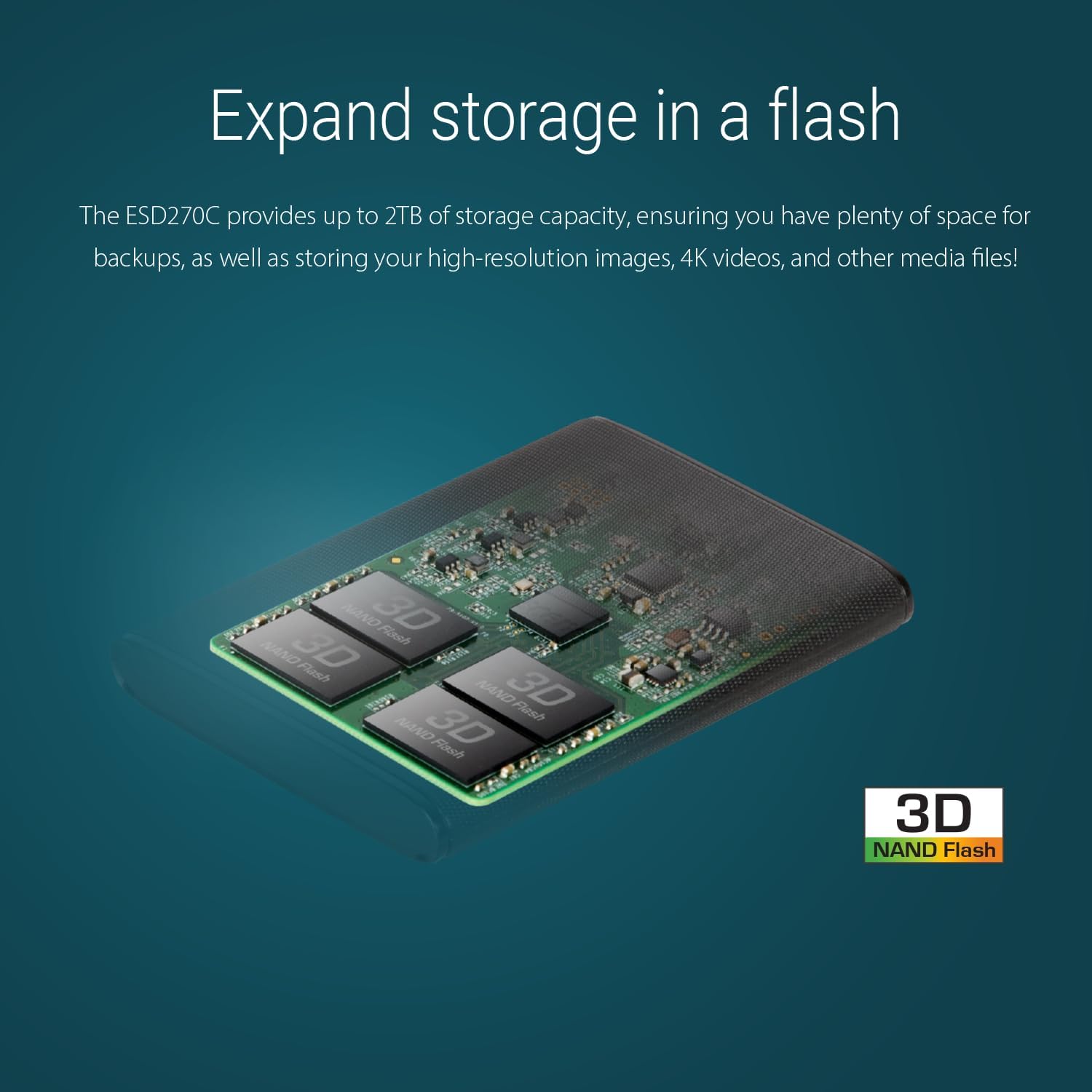
Image: The Transcend ESD270C Portable SSD next to a laptop, illustrating its fast data transfer capabilities of up to 520MB/s via USB 3.1 Gen 2.
4.2 Transcend Elite Software
The Transcend Elite software is an advanced data management package compatible with macOS, Windows OS, and Android. It offers several functions to enhance your experience with the ESD270C:
- Backup: Perform instant or scheduled backups of your data.
- Restore: Restore data from any point in your backup task list.
- Encryption: Protect files with powerful 256-bit AES encryption.
- Decryption: Decrypt previously encrypted files.
- Cloud Backup: Back up files to Google Drive or Dropbox.
- Disk Lock: Lock and unlock the entire portable SSD with a password.
Transcend Elite can be downloaded from Transcend's official website or Google Play.

Image: A screenshot of the Transcend Elite software interface on a laptop, demonstrating the disk lock and security features.

Image: Icons representing the value-added features of Transcend Elite software: Backup, Restore, Encryption, Decryption, Cloud Backup, and Disk Lock.
4.3 Data Security (AES Encryption)
The ESD270C supports 256-bit AES encryption, providing hardware-level data protection. This cryptographic algorithm, defined by NIST, ensures that encryption and decryption are processed independently of any operating system or program, making hardware-based AES highly secure.

Image: The Transcend ESD270C Portable SSD on a desk with a glowing lock icon, symbolizing its powerful 256-bit AES encryption capabilities.
5. Maintenance
- Safe Ejection: Always safely eject the SSD from your operating system before disconnecting it to prevent data corruption.
- Physical Care: While the ESD270C is designed to be durable, avoid excessive physical shock or dropping the device. Keep it away from extreme temperatures and moisture.
- Firmware Updates: Periodically check the Transcend official website for any available firmware updates for your ESD270C model. Firmware updates can improve performance and stability.
- Data Backup: Regularly back up important data stored on the SSD to another location to ensure data safety.
6. Troubleshooting
6.1 SSD Not Detected
- Ensure the USB cable is securely connected to both the SSD and your device.
- Try connecting the SSD to a different USB port on your device.
- Test with a different USB cable if available.
- Verify that your device's operating system is up to date.
- For mobile devices, confirm that USB OTG is supported and enabled.
6.2 Slow Transfer Speeds
- Ensure you are connected to a USB 3.1 Gen 2 (or at least USB 3.0/3.1 Gen 1) port on your device. Connecting to a USB 2.0 port will result in significantly lower speeds.
- Check if other applications or processes are heavily utilizing your system's resources or disk I/O.
- The actual speed may vary due to host hardware, software, usage, and storage capacity.
6.3 Formatting Issues
- If you encounter issues formatting the drive, ensure you have administrative privileges on your computer.
- Refer to your operating system's disk management tools for advanced formatting options.
- If a mobile device requires FAT32, ensure you format the drive to FAT32 using a computer before connecting it to the mobile device.
7. Specifications
| Feature | Detail |
|---|---|
| Model Number | TS1TESD270C |
| Capacity | 1 TB |
| Interface | USB 3.1 Gen 2 (USB Type-C) |
| Flash Type | 3D NAND flash memory |
| Read Speed | Up to 520 MB/s |
| Write Speed | Up to 460 MB/s |
| Dimensions (LxWxH) | 2.19 x 0.38 x 3.03 inches (55.6 x 9.6 x 77 mm) |
| Weight | 1.23 ounces (35g) |
| Operating Temperature | 0°C (32°F) to 70°C (158°F) |
| Operating Voltage | 5V |
| Certificates | CE, FCC, BSMI, KC, RCM, EAC |
8. Warranty and Support
Transcend products are backed by a limited warranty. For specific warranty terms and conditions applicable to your region and product, please refer to the official Transcend website. For technical support, driver downloads, and additional resources, visit the Transcend support page or contact their customer service directly.
Transcend Official Website: www.transcend-info.com
Related documentsESD270C


Ask a question about this manual
Ask about setup, troubleshooting, compatibility, parts, safety, or missing instructions. Manuals+ will review the question and use this page’s manual context to help answer it.