
Introduction
This manual provides instructions for the Westclox 20-inch Wall Clock, Model 33163. This analog wall clock features a classic design with a black dial and gold detailing, designed for indoor use. It operates on a single AA battery and is intended for wall mounting. Please read these instructions carefully before installation and use to ensure proper function and longevity of your clock.
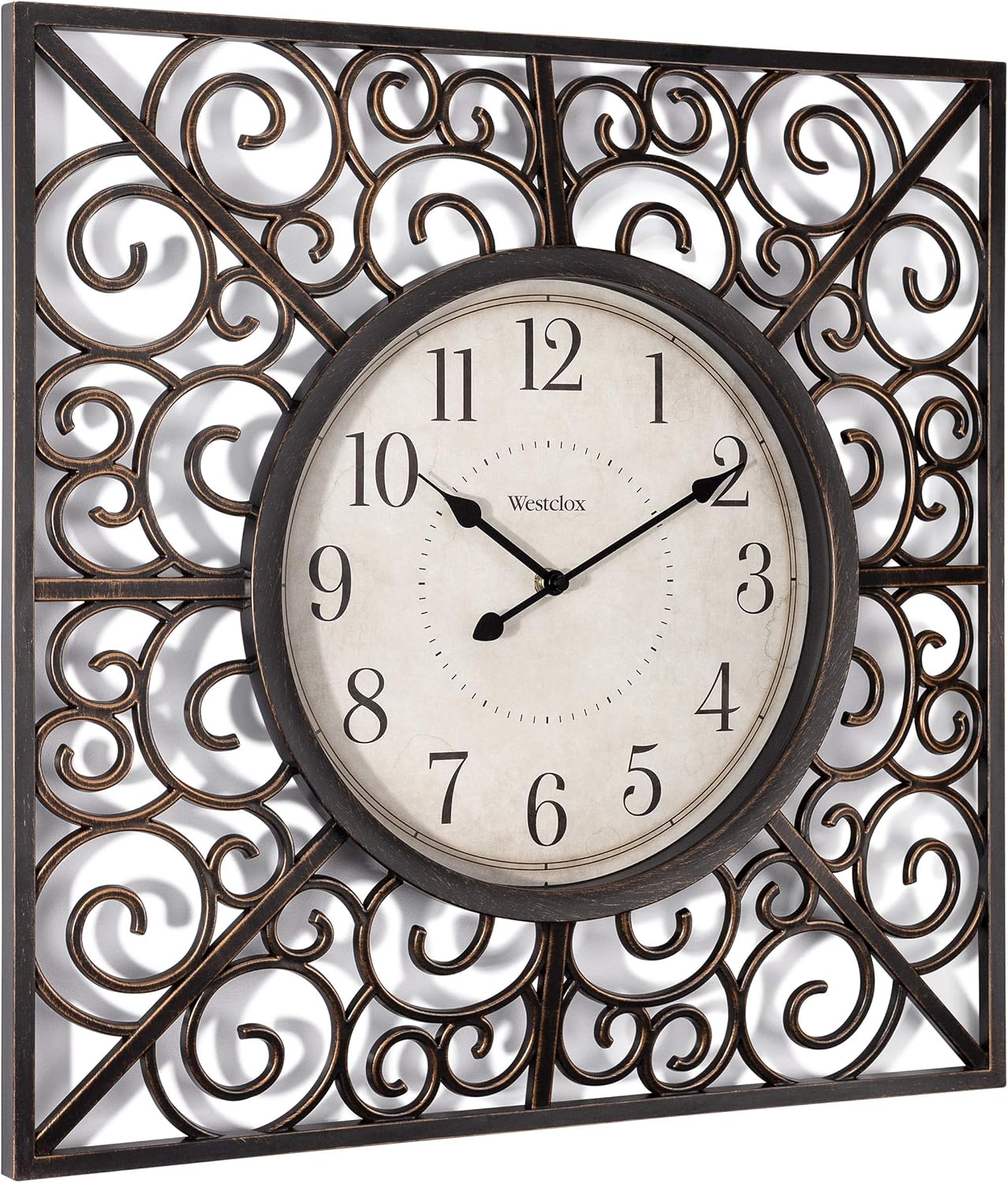
Figure 1: Front view of the Westclox 20-inch Wall Clock, showcasing its black dial and gold scrollwork.
Setup
- Unpacking: Carefully remove the clock from its packaging. Inspect for any damage. Retain packaging for future transport if needed.
-
Battery Installation:
- Locate the battery compartment on the back of the clock mechanism.
- Insert one (1) new AA battery, ensuring the positive (+) and negative (-) terminals align correctly with the markings in the compartment.
- Close the battery compartment cover.

Figure 2: Close-up of the clock face, indicating the central mechanism where battery compartment is located on the reverse side.
- Setting the Time: Turn the time setting knob, usually located on the back of the clock mechanism, in either direction until the hands display the correct time. Do not attempt to move the clock hands directly.
-
Mounting the Clock:
- Choose a suitable wall location for indoor use. Ensure the wall can support the clock's weight (approximately 2.1 pounds).
- Use an appropriate wall anchor and screw (not included) for secure mounting.
- Hang the clock using the integrated hanging slot on the back of the mechanism.

Figure 3: The clock measures 20 inches in width and 20 inches in height, providing a visual reference for mounting.
Operating Instructions
Once the battery is installed and the time is set, your Westclox wall clock will begin to keep time automatically. The quartz movement ensures accurate timekeeping. No further user interaction is required for daily operation.
Maintenance
- Cleaning: To clean the clock, gently wipe the surface with a soft, dry cloth. Do not use abrasive cleaners, solvents, or chemical sprays, as these may damage the finish or the clock mechanism.
- Battery Replacement: Replace the AA battery annually or when the clock hands begin to slow down or stop. Always use a fresh, high-quality AA battery. Remove depleted batteries promptly to prevent leakage and damage to the mechanism.
Troubleshooting
| Problem | Possible Cause | Solution |
|---|---|---|
| Clock is not running. | Depleted or incorrectly installed battery. | Replace the AA battery with a new one, ensuring correct polarity (+/-). |
| Clock runs too fast or too slow. | Weak battery or extreme temperature fluctuations. | Replace the battery. Ensure the clock is in a stable indoor environment. |
| Hands are stuck or not moving smoothly. | Hands are bent or obstructed. | Gently check if the hands are touching each other or the clock face. Carefully adjust if necessary. |
Specifications
- Brand: Westclox
- Model: 33163
- Color: Black and Gold
- Display Type: Analog
- Style: Classic
- Special Feature: Large Display
- Product Dimensions: 20 inches (Width) x 20 inches (Height)
- Power Source: 1 x AA Battery (not included)
- Indoor/Outdoor Usage: Indoor
- Material: Metal Frame
- Mounting Type: Wall Mount
- Item Weight: Approximately 2.1 Pounds
- Operation Mode: Mechanical (Quartz Movement)
Warranty and Support
This Westclox product comes with a limited warranty. For specific warranty details, please refer to the documentation included with your purchase or contact Westclox customer support.
For technical assistance, troubleshooting not covered in this manual, or warranty claims, please visit the official Westclox website or contact their customer service department. Contact information can typically be found on the product packaging or the brand's official website.
Product Videos
Video 1: Overview of the Westclox 20-inch Wall Clock design and features.
Video 2: Demonstration of the clock's aesthetic appeal in a home setting.

