
1. Introduction
This manual provides essential information for the safe and efficient operation of your Clair Hc Premium Air Purifier. Please read these instructions thoroughly before using the appliance and retain them for future reference.
The Clair Hc Air Purifier is designed to improve indoor air quality through a multi-stage filtration system, effectively removing airborne impurities.
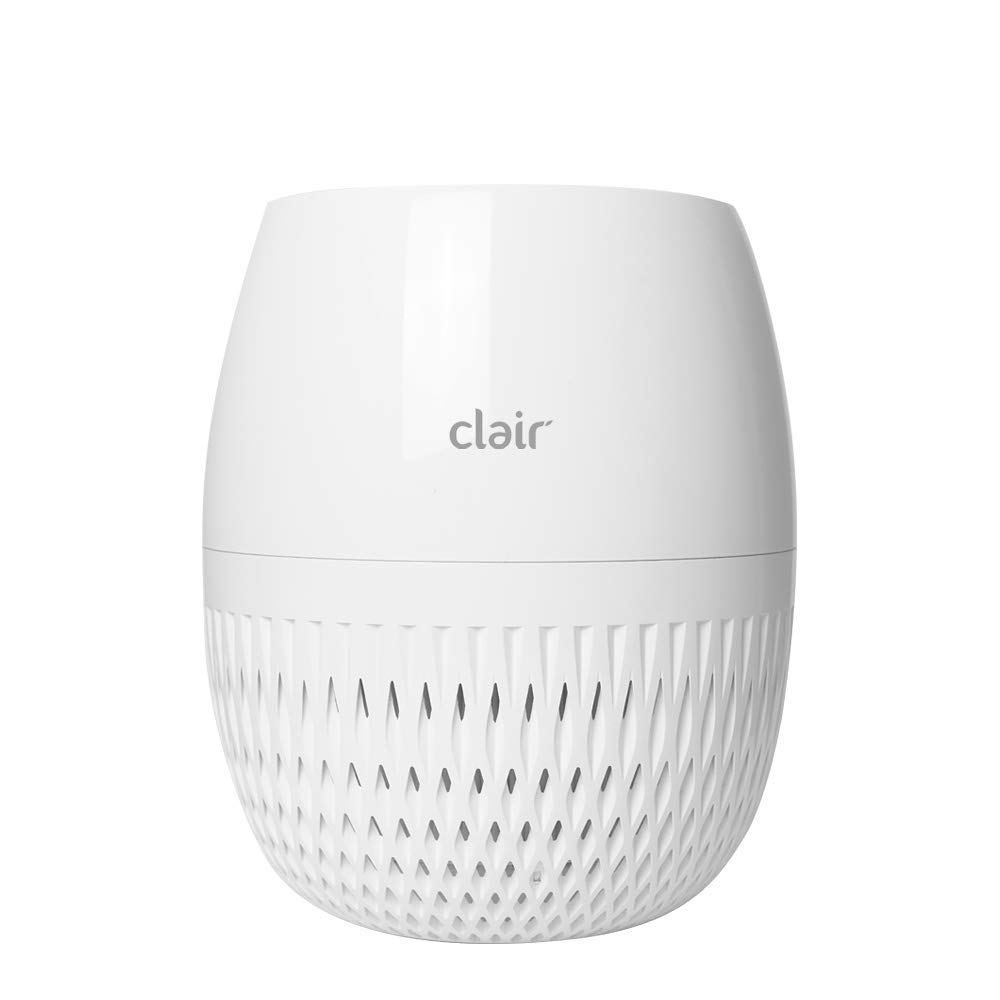
Figure 1: Clair Hc Premium Air Purifier, front view.
2. Safety Information
To reduce the risk of electric shock, fire, or injury, observe the following safety precautions:
- Ensure the power cord is not damaged and is properly plugged into a suitable electrical outlet.
- Do not operate the air purifier near water or in excessively humid environments.
- Keep the appliance out of reach of children and pets.
- Do not insert objects into the air inlets or outlets.
- Unplug the air purifier before cleaning or performing any maintenance.
- Do not block the air inlets or outlets during operation.
- Use only genuine Clair replacement filters.
3. Product Overview
The Clair Hc Air Purifier features an intelligent 3-stage filtration system designed to capture various airborne particles and odors. Key components include a powerful fan and motor for efficient air circulation, and a 360-degree open air outlet for comprehensive air distribution.
3.1 Filtration System
The air purifier utilizes a three-stage filtration process:
- Pre-filter: Captures larger particles such as dust, pet dander, and hair.
- CEPA Filter (True HEPA equivalent): Removes up to 99.8% of fine particles, including those as small as 0.1 µm, such as pollen, mold spores, and dust mites.
- Deodorizing Carbon Filter: Absorbs odors from cooking, pets, smoke, and volatile organic compounds (VOCs).

Figure 2: The multi-layer filter assembly for the Clair Hc Air Purifier, showing the pre-filter, CEPA filter, and deodorizing carbon filter.

Figure 3: Diagram illustrating the layered structure of the Clair Hc Air Purifier's filtration system.
4. Setup
4.1 Unpacking
- Carefully remove the air purifier from its packaging.
- Remove all protective plastic films or packaging materials from the unit and filters.
- Verify that all components are present: 1 x Air Purifier, 1 x Filter Assembly.
4.2 Filter Installation
The filters are typically pre-installed but may be wrapped in plastic for shipping. Ensure all plastic wrapping is removed before first use.
- Turn the air purifier upside down and twist the base cover counter-clockwise to unlock and remove it.
- Carefully remove the filter assembly. If wrapped, remove all plastic packaging from each filter layer.
- Reinsert the filter assembly into the unit, ensuring it is seated correctly.
- Replace the base cover and twist clockwise to lock it securely.

Figure 4: Close-up view of the pleated True HEPA filter component.
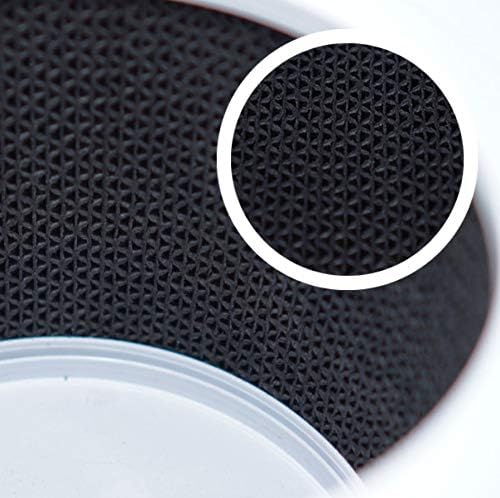
Figure 5: Close-up view of the activated carbon filter layer, showing its porous structure.
4.3 Placement
For optimal performance, place the air purifier on a flat, stable surface. Due to its 360-degree air outlet design, positioning it centrally in a room or away from walls and large furniture allows for efficient air distribution.

Figure 6: Clair Hc Air Purifier placed on a kitchen counter.
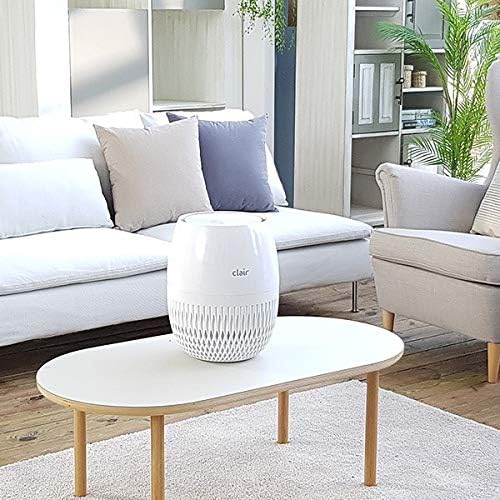
Figure 7: Clair Hc Air Purifier positioned on a coffee table in a living room setting.
5. Operating Instructions
The control panel is located on the top of the unit. It allows you to manage various functions of the air purifier.

Figure 8: Top view of the Clair Hc Air Purifier control panel, showing power, timer, auto, dim, and fan speed buttons.
5.1 Power On/Off
- Press the Power button (circle with vertical line) once to turn the unit on.
- Press the Power button again to turn the unit off.
5.2 Fan Speed Adjustment
- Press the Fan Speed button (fan icon) repeatedly to cycle through available fan speeds (e.g., Low, Medium, High).
5.3 Auto Mode
- Press the Auto button (A with square icon) to activate Auto Mode. In this mode, the air purifier automatically adjusts fan speed based on detected air quality.
5.4 Timer Function
- Press the Timer button (clock icon) repeatedly to set the operating time (e.g., 2 hours, 4 hours, 8 hours). The unit will automatically turn off after the selected duration.
5.5 Dimmer Function
- Press the Dim button (moon icon) to dim or turn off the display lights for undisturbed sleep.
5.6 Filter Reset
- After replacing the filter, press and hold the Reset (Filter) button (RESET text with filter icon) for a few seconds until the indicator light turns off, signaling the filter timer has been reset.
6. Maintenance
Regular maintenance ensures optimal performance and extends the lifespan of your air purifier.
6.1 Filter Replacement
The filter life depends on usage and air quality. Replace the filter when the filter indicator light illuminates or approximately every 6-12 months for typical use.
- Unplug the air purifier from the power outlet.
- Turn the unit upside down and remove the base cover.
- Remove the old filter assembly.
- Insert a new genuine Clair filter assembly, ensuring it is properly seated.
- Replace and lock the base cover.
- Plug in the unit and reset the filter indicator by pressing and holding the Reset (Filter) button.
6.2 Cleaning the Unit
- Wipe the exterior of the air purifier with a soft, dry cloth.
- Do not use abrasive cleaners, waxes, or solvents.
- Periodically clean the air inlet and outlet grilles with a soft brush or vacuum cleaner attachment to remove dust buildup.
7. Troubleshooting
If you encounter issues with your Clair Hc Air Purifier, refer to the following table for common problems and solutions.
| Problem | Possible Cause | Solution |
|---|---|---|
| Unit does not turn on | No power supply Power cord not properly connected | Check if the unit is plugged in Ensure the power outlet is functional |
| Poor air purification | Filters are dirty or clogged Protective plastic not removed from filters Room size exceeds purifier capacity | Replace filters Ensure all plastic wrapping is removed from filters Use the purifier in an appropriately sized room |
| Unusual noise | Foreign object inside unit Filter not installed correctly | Unplug and check for obstructions Reinstall the filter assembly |
| Filter indicator light remains on after replacement | Filter timer not reset | Press and hold the Reset (Filter) button until the light turns off |
8. Specifications
| Feature | Specification |
|---|---|
| Brand | Clair |
| Model | Hc |
| Product Dimensions | 28D x 33W x 28H cm |
| Item Weight | 4.2 kg |
| Power Source | Corded Electric |
| Wattage | 30 watts |
| Filter Type | Pre-Filter, CEPA Filter, Deodorizing Carbon Filter |
| Particle Retention Size | 0.1 Micron |
| Controller Type | Remote Control (if applicable, otherwise control panel) |
| Colour | White |
9. Warranty and Support
For warranty information or technical support, please refer to the warranty card included with your product or visit the official Clair website. Do not attempt to repair the unit yourself, as this may void the warranty.


