
sofirn SP35-6500K
Sofirn SP35 2000 Lumen EDC Flashlight User Manual
Model: SP35-6500K | Brand: Sofirn
Introduction
The Sofirn SP35 is a high-performance, versatile EDC (Everyday Carry) flashlight designed for various outdoor activities, emergency situations, and general illumination needs. It features a powerful SST40 LED, USB-C rechargeable battery, and multiple brightness modes, making it a reliable tool for camping, hiking, hunting, fishing, and more.

Image: The Sofirn SP35 flashlight, showcasing its compact design and side switch.
What's in the Box
- 1 x Sofirn SP35 Flashlight
- 1 x 21700 Lithium Ion Battery (inserted)
- 1 x USB-C Charging Cable
- 1 x User Manual
Setup
Initial Use: Battery Preparation
Before first use, the insulating paper must be removed from the battery compartment. Follow these steps:
- Unscrew the tail cap of the flashlight.
- Remove the insulating paper located between the battery and the spring.
- Screw the tail cap back on securely.

Image: Diagram showing how to unscrew the tail cap and remove the insulation paper from the battery.
Charging the Battery
The Sofirn SP35 features a convenient USB-C charging port. To charge the flashlight:
- Connect the provided USB-C cable to the flashlight's charging port.
- Connect the other end of the cable to a 5V/2A USB power adapter (not included).
- The switch LED will flash red during charging and turn steady green when charging is complete. A full charge takes approximately 3 hours.

Image: Close-up of the Sofirn SP35 showing the USB-C charging port.
Operating Instructions
Basic Operation
- Turn On/Off: Single click the side switch to turn the flashlight on or off.
- Change Brightness Modes: When the flashlight is on, press and hold the side switch to cycle through Eco, Low, Medium, and High modes. Release the switch to select the desired mode.
- Turbo Mode: Double-click the side switch from any mode (on or off) to activate Turbo mode (2000 lumens). Double-click again to return to the previous mode.
- Strobe Mode: Triple-click the side switch from any mode (on or off) to activate Strobe mode. Triple-click again to cycle through SOS and Beacon modes. Single click to return to the previous mode.
- Lockout Function: From OFF, four quick clicks will activate the lockout function. The main LED will flash once to confirm. To unlock, four quick clicks again.

Image: Illustration demonstrating the different brightness levels (Low, Medium, High, Turbo) of the Sofirn SP35 flashlight.
Advanced Temperature Regulation (ATR)
The SP35 incorporates ATR technology, which automatically adjusts the brightness level when the driver temperature reaches 55°C (131°F) to prevent overheating. This ensures stable performance and extends the lifespan of the flashlight. Once the temperature decreases, the brightness will automatically increase again.
Power Indicator
The LED indicator on the side switch provides real-time battery status:
- Solid Green: Battery is between 50% and 100% charged.
- Solid Red: Battery is between 25% and 49% charged.
- Flashing Red: Battery is below 25% charged and needs recharging.
Maintenance
- Clean the threads and O-rings regularly with a clean cloth. Lubricate them with silicone grease to maintain water resistance.
- If the flashlight is not used for an extended period, remove the battery to prevent leakage.
- Store the flashlight in a cool, dry place away from direct sunlight and extreme temperatures.
- Avoid dropping the flashlight or subjecting it to strong impacts, as this may damage internal components.
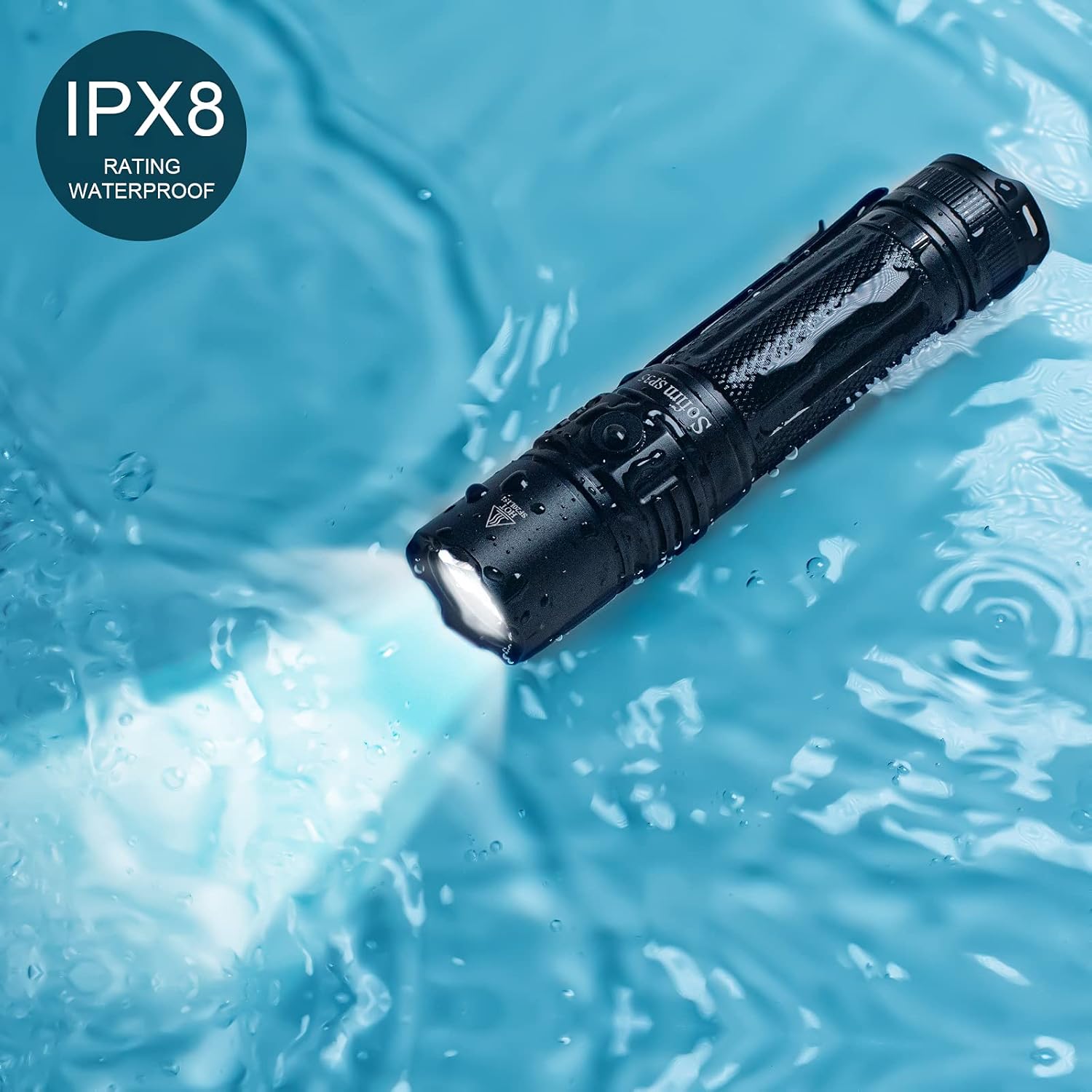
Image: The Sofirn SP35 flashlight submerged in water, demonstrating its IPX8 water resistance rating.
Troubleshooting
| Problem | Possible Cause | Solution |
|---|---|---|
| Flashlight does not turn on | Battery not inserted correctly or insulating paper not removed. | Ensure battery is inserted with positive (+) end towards the head. Remove insulating paper if present. |
| Flashlight flickers or turns off unexpectedly | Low battery, loose tail cap, or dirty contacts. | Recharge the battery. Tighten the tail cap. Clean battery contacts and threads. |
| Cannot change brightness modes | Flashlight is in lockout mode. | Triple-click the side switch to exit lockout mode. |
| Flashlight gets hot quickly | Operating in Turbo mode for extended periods. | This is normal due to ATR (Advanced Temperature Regulation). The flashlight will reduce brightness to prevent damage. Reduce brightness manually if desired. |
Specifications
| Feature | Detail |
|---|---|
| Model | SP35-6500K |
| Light Source | SST40 LED |
| Max Brightness | 2000 Lumens |
| Max Beam Distance | 332 meters (1089 feet) |
| Power Source | 1 x 21700 Lithium Ion Battery (included) |
| Charging Port | USB-C |
| Charging Time | Approx. 3 hours (with 2A adapter) |
| Max Runtime | 7 hours (on Medium mode, 400LM) |
| Water Resistance | IPX8 (Submersible up to 2 meters for 30 minutes) |
| Material | Aerospace-grade Aluminum Alloy |
| Dimensions | 5.04"D x 1.1"W x 1.1"H |
| Weight | 220 Grams (7.8 ounces) |
Warranty & Support
Sofirn provides a 1-year warranty for the SP35 flashlight from the date of purchase. This warranty covers manufacturing defects and workmanship. It does not cover damage caused by misuse, unauthorized modification, or normal wear and tear.
For technical support, warranty claims, or any inquiries, please contact Sofirn customer service through their official website or the platform where you purchased the product. Please have your purchase receipt and product model number ready.
For more information, visit the official Sofirn Store on Amazon.
Related documentsSP35-6500K


Ask a question about this manual
Ask about setup, troubleshooting, compatibility, parts, safety, or missing instructions. Manuals+ will review the question and use this page’s manual context to help answer it.