
1. Introduction
Thank you for choosing the Sunbeam Loftec Wi-Fi Connected Electric Heated Blanket. This manual provides essential information for the safe and efficient use of your new heated blanket. Please read all instructions carefully before use and retain this manual for future reference.
This electric heated blanket offers customizable warmth with 10 heat settings, a 10-hour auto-off feature, and convenient control options via a wired controller, a dedicated smartphone app, or voice assistants. Its soft Loftec fabric ensures comfort.
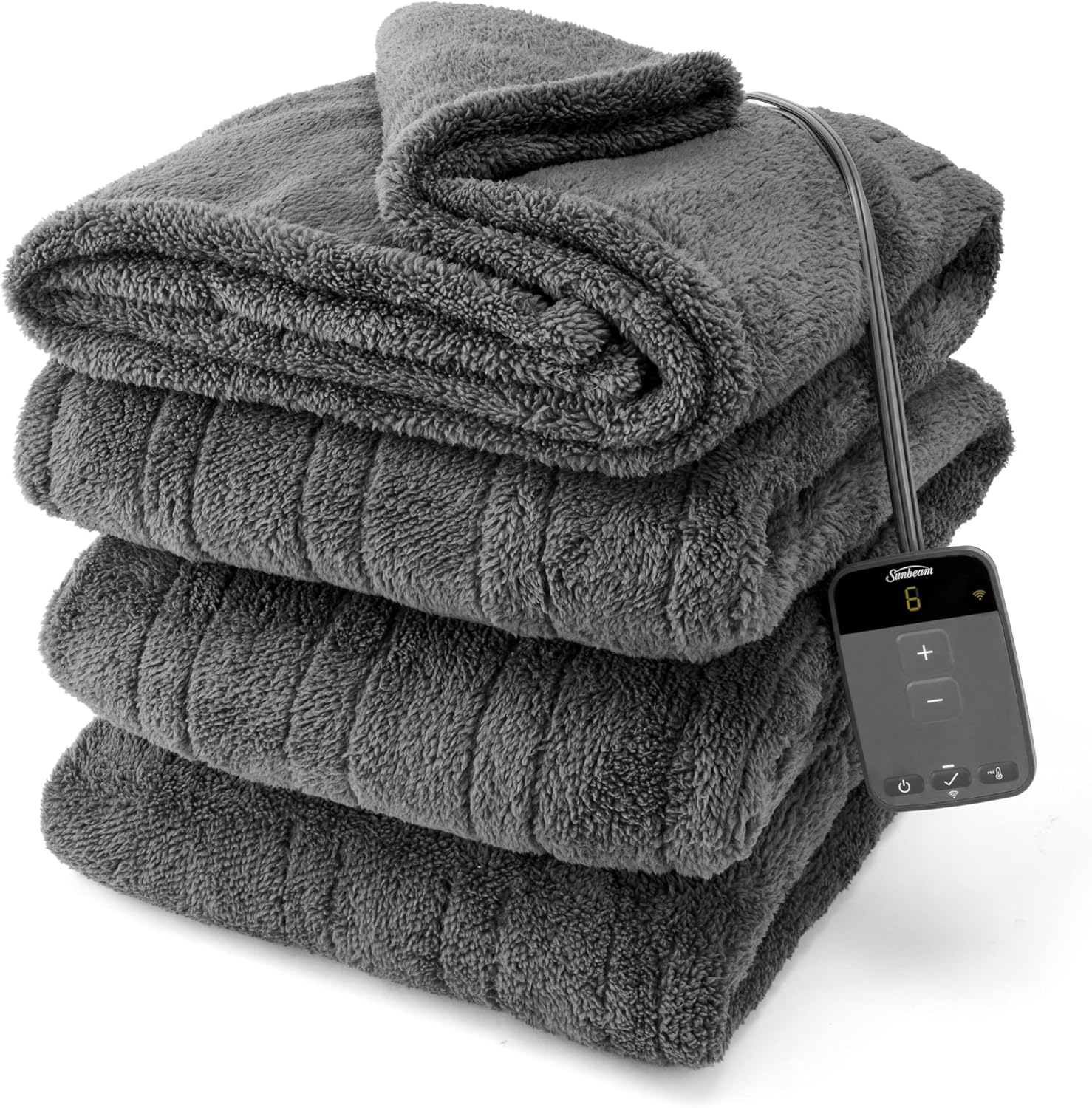
This image displays the Sunbeam Loftec Wi-Fi Connected Electric Heated Blanket in Night Fog Grey, neatly folded, with its digital controller visible. The blanket features a soft, plush texture.

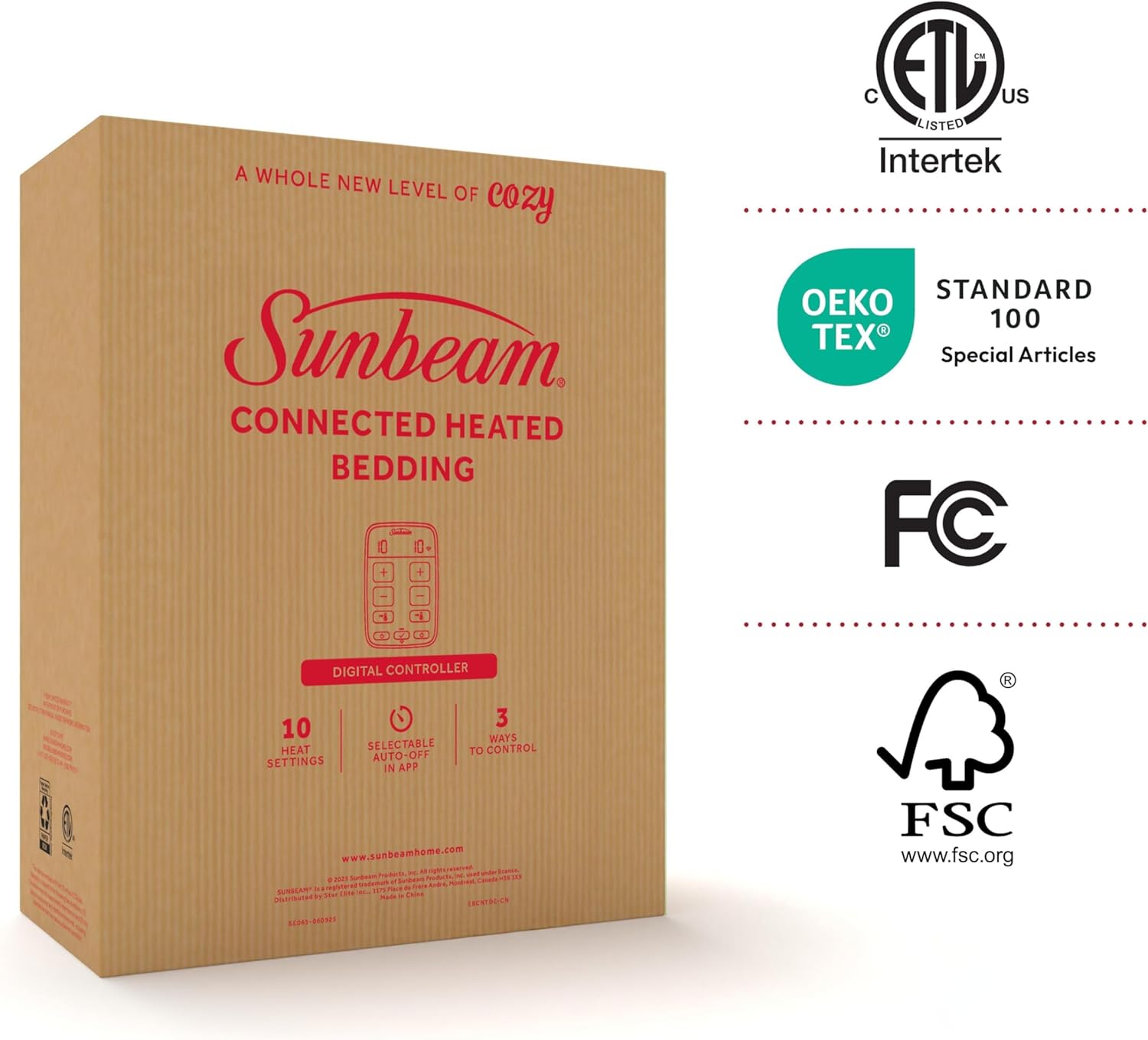
A close-up shot of the blanket's thick and soft Loftec fabric, showcasing its plush texture. The image also includes the OEKO-TEX Standard 100 certification logo, indicating textile safety.
2. Important Safety Instructions
When using electrical appliances, basic precautions should always be followed to reduce the risk of fire, electric shock, and injury to persons, including the following:
- Read all instructions before using this heated blanket.
- Do not use with an infant, child, incapacitated person, or anyone insensitive to heat.
- Do not use with a person who cannot operate the controls properly.
- Do not use with a damaged cord or plug. If the cord or plug is damaged, do not attempt to repair it yourself. Contact customer support.
- Do not use this heated blanket if it appears damaged in any way.
- Do not use pins or other metallic objects with this blanket. They may damage the wiring.
- Do not use the blanket folded, bunched, or crumpled. This can cause overheating.
- Do not dry clean this product. Dry cleaning solvents may damage the insulation of the heating element.
- Do not immerse the controller in water or other liquids.
- Always unplug the blanket from the electrical outlet when not in use or before cleaning.
- Ensure the blanket is connected to a 120V AC electrical outlet only.
- This product is for household use only.
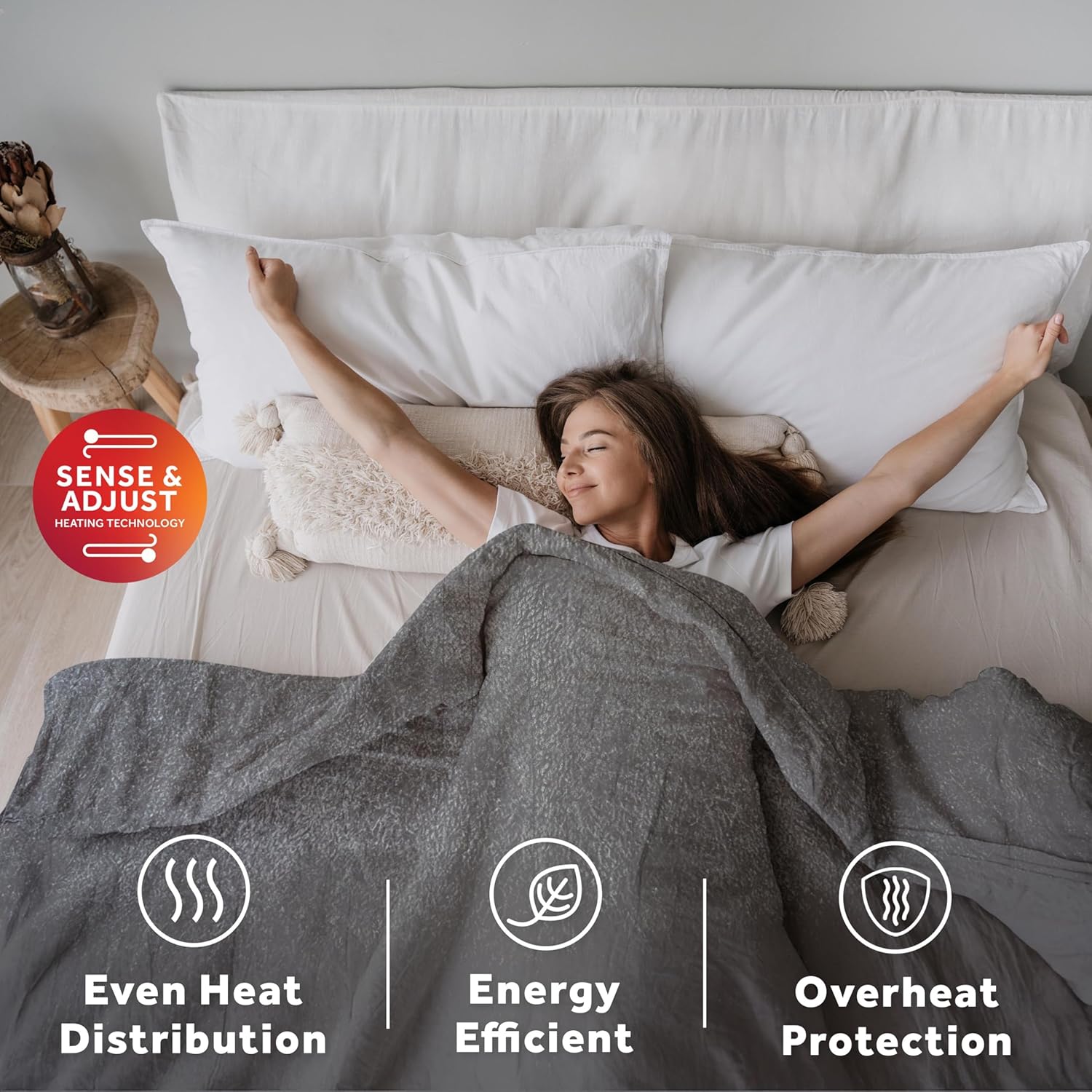
A person is shown sleeping peacefully under the heated blanket, accompanied by icons that highlight key features: even heat distribution, energy efficiency, and overheat protection, all powered by 'Sense & Adjust' heating technology.
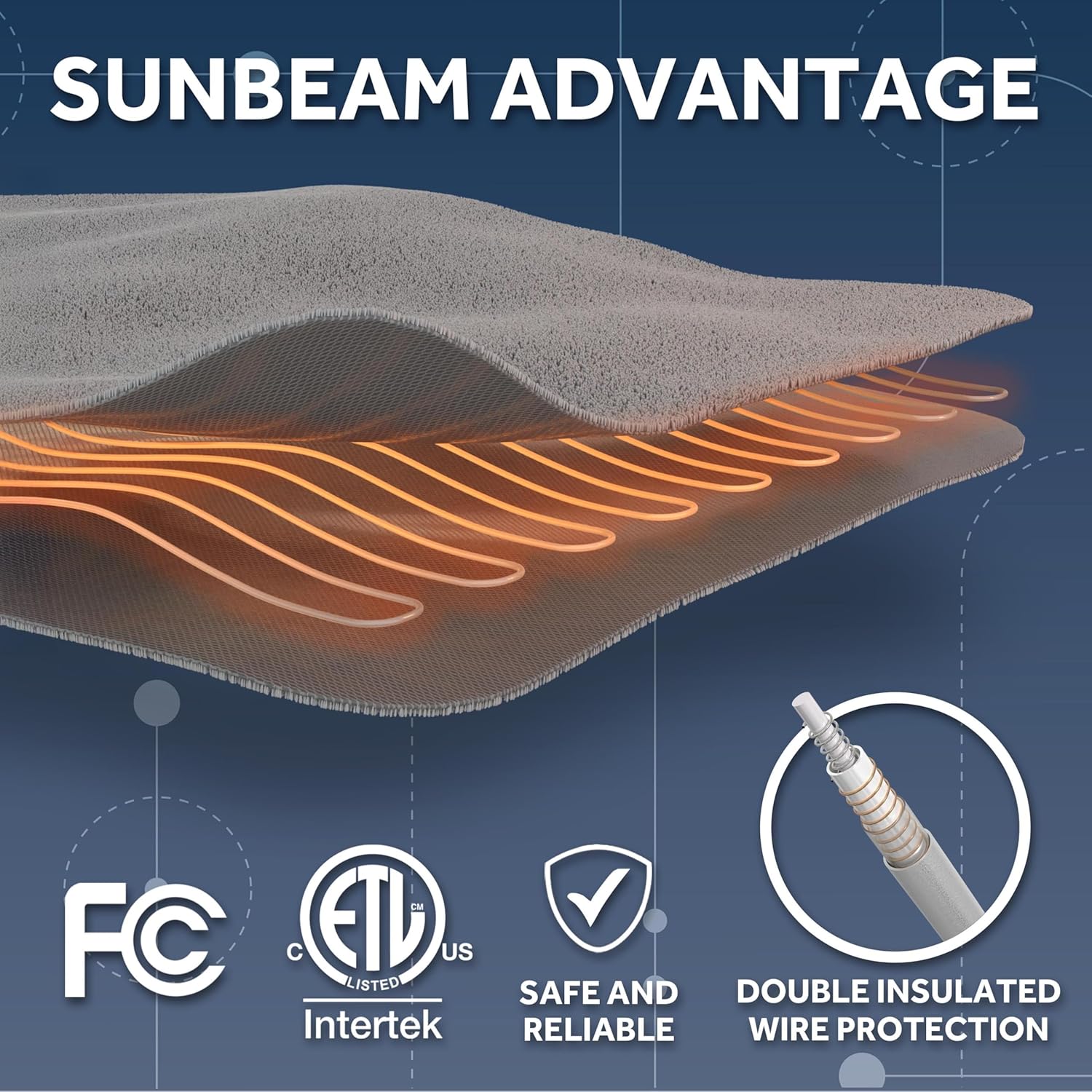
This diagram illustrates the advanced wire technology within the Sunbeam heated blanket, featuring double insulated wire protection for safety and reliability. It also displays various certifications including FC, ETL, and Intertek.
3. Package Contents
Verify that all items are present in the package:
- Sunbeam Loftec Wi-Fi Connected Electric Heated Blanket
- Wired Digital Controller
4. Setup Guide
4.1 Unpacking
Carefully remove the heated blanket and its components from the packaging. Unfold the blanket and lay it flat on your bed, ensuring there are no wrinkles or folds that could cause uneven heating.
4.2 Connecting the Controller
Locate the connector on the blanket. Align the wired digital controller's plug with the blanket's connector and push firmly until it clicks into place. Ensure a secure connection.
4.3 Power Connection
Plug the power cord of the controller into a standard 120V AC electrical wall outlet. Avoid using extension cords or power strips.
4.4 Wi-Fi and App Setup
To utilize the smart features of your blanket, download the Sunbeam app from your smartphone's app store. Follow the in-app instructions to pair your blanket with your home Wi-Fi network. This process typically involves creating an account, selecting your device, and following prompts to connect. Once connected, you can integrate the blanket with voice assistants like Google Home or Amazon Alexa for hands-free control.

This image provides a close-up view of the digital controller for the Sunbeam heated blanket, alongside a smartphone displaying the control app. It emphasizes the three control methods: the physical controller, the mobile app, and voice assistants like Google Home and Alexa.
5. Operating Your Heated Blanket
5.1 Using the Wired Digital Controller
- Power On/Off: Press the power button to turn the blanket on or off.
- Adjust Heat Settings: Use the '+' and '-' buttons to cycle through the 10 available heat settings. The current setting will be displayed on the controller.
- Auto-Off Feature: The blanket is equipped with a 10-hour auto-off feature for safety and energy conservation. It will automatically turn off after 10 hours of continuous use.
5.2 Using the Sunbeam App
Once connected to Wi-Fi, the Sunbeam app provides enhanced control:
- Remote Control: Adjust heat settings and power the blanket on/off from anywhere using your smartphone.
- Preheat Function: Use the preheat option to warm your bed before you get in.
- Scheduling: Set custom schedules for the blanket to turn on and off at specific times and temperatures.

A user is shown interacting with the Sunbeam app on a smartphone to control the heated blanket, which is spread out on a bed. This illustrates the Wi-Fi connectivity feature.
5.3 Voice Control
If integrated with a voice assistant (e.g., Alexa, Google Assistant), you can use voice commands to control your blanket. Refer to your voice assistant's specific instructions for compatible commands, such as "Alexa, turn on the heated blanket" or "Hey Google, set the heated blanket to level 7."
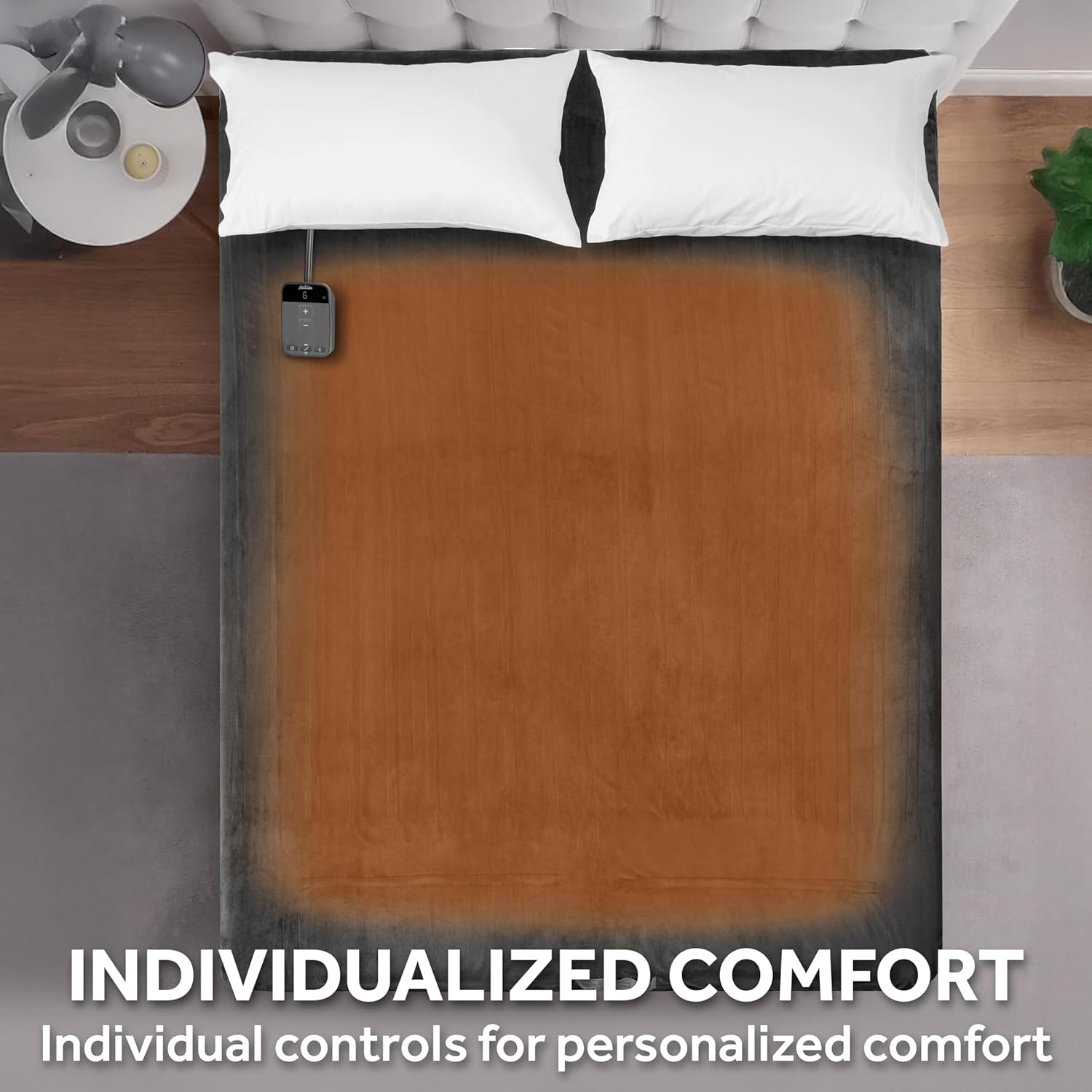
An aerial view of a bed covered by the heated blanket, visually representing how different sections of the blanket can provide individualized heating comfort.
6. Care and Maintenance
Proper care ensures the longevity and safe operation of your heated blanket.
6.1 Washing Instructions
- Always detach the wired digital controller from the blanket before washing.
- Machine wash in cold water on a gentle cycle.
- Do not bleach.
6.2 Drying Instructions
- Tumble dry on low heat or hang dry.
- Ensure the blanket is completely dry before reconnecting the controller and using it.
- Do not iron.
- Do not dry clean.
This image demonstrates the easy care instructions for the blanket, showing a washing machine and a hand disconnecting the controller, signifying that the blanket is machine washable once the controller is removed.
7. Troubleshooting
If you encounter issues with your heated blanket, refer to the following common solutions:
7.1 Blanket Not Heating
- Check Power: Ensure the power cord is securely plugged into a working electrical outlet.
- Controller Connection: Verify that the controller is firmly connected to the blanket. Unplug and re-plug if necessary.
- Reset: Unplug the blanket from the wall outlet for a few minutes, then plug it back in.
- Blanket Position: Ensure the blanket is not folded, bunched, or crumpled, as this can trigger safety features.
7.2 Wi-Fi Connection Issues
- Router Check: Ensure your Wi-Fi router is on and functioning correctly.
- App Status: Check the Sunbeam app for any error messages or connection status indicators.
- Re-pair Device: If the connection is lost, try re-pairing the blanket with the app by following the setup instructions in Section 4.4.
7.3 Error Codes
If the digital controller displays an error code, unplug the blanket from the wall outlet for 5 minutes, then plug it back in. If the error persists, contact customer support.
8. Product Specifications
| Model Number | 32810041 |
| Size | Full (84" x 72") |
| Material | 100% Polyester Loftec Fabric |
| Color | Night Fog Grey |
| Heat Settings | 10 |
| Auto-Off Timer | 10-Hour Selectable |
| Control Methods | Wi-Fi App, Voice Assistant (Alexa, Google Home), Wired Digital Controller |
| Care Instructions | Machine Washable, Hang Dry |
| Certifications | ETL Certified, OEKO-TEX Standard 100 |

A visual guide presenting the available sizes for the Sunbeam heated blanket, including Twin, Full, Queen, and King, along with their corresponding dimensions to help users choose the correct fit.
9. Warranty and Support
9.1 Warranty Information
This Sunbeam Loftec Wi-Fi Connected Electric Heated Blanket is covered by a 5-Year Limited Warranty provided by the manufacturer. Please retain your proof of purchase for warranty claims. The warranty covers defects in materials and workmanship under normal household use.
9.2 Customer Support
For technical assistance, warranty claims, or any questions regarding your product, please visit the official Sunbeam website or contact their customer service department. Contact details can typically be found on the product packaging or the official Sunbeam website.


