
1. Introduction
The JBL Tune 660NC headphones deliver JBL Pure Bass Sound with Active Noise Cancelling technology. Designed for comfort and portability, these wireless headphones offer extended battery life and convenient controls for music and calls. This manual provides essential information for setting up, operating, and maintaining your JBL Tune 660NC headphones.
2. What's in the Box
- 1 x Tune 660NC Headphones
- 1 x Type-C to Type-A Charging Cable
- 1 x Audio Cable
- 1 x Quick Start Guide / Safety Sheet
- 1 x Warranty / Warning
3. Product Overview
The JBL Tune 660NC headphones feature a lightweight, foldable design with comfortable on-ear earcups. Key controls are located on the earcup for easy access.

Figure 3.1: JBL Tune 660NC Headphones (Blue)
The earcups are clearly marked with 'L' for left and 'R' for right to ensure correct wearing for optimal sound experience.

Figure 3.2: Left and Right Earcup Markings
The headphones are designed to be foldable, allowing for compact storage and easy transport.
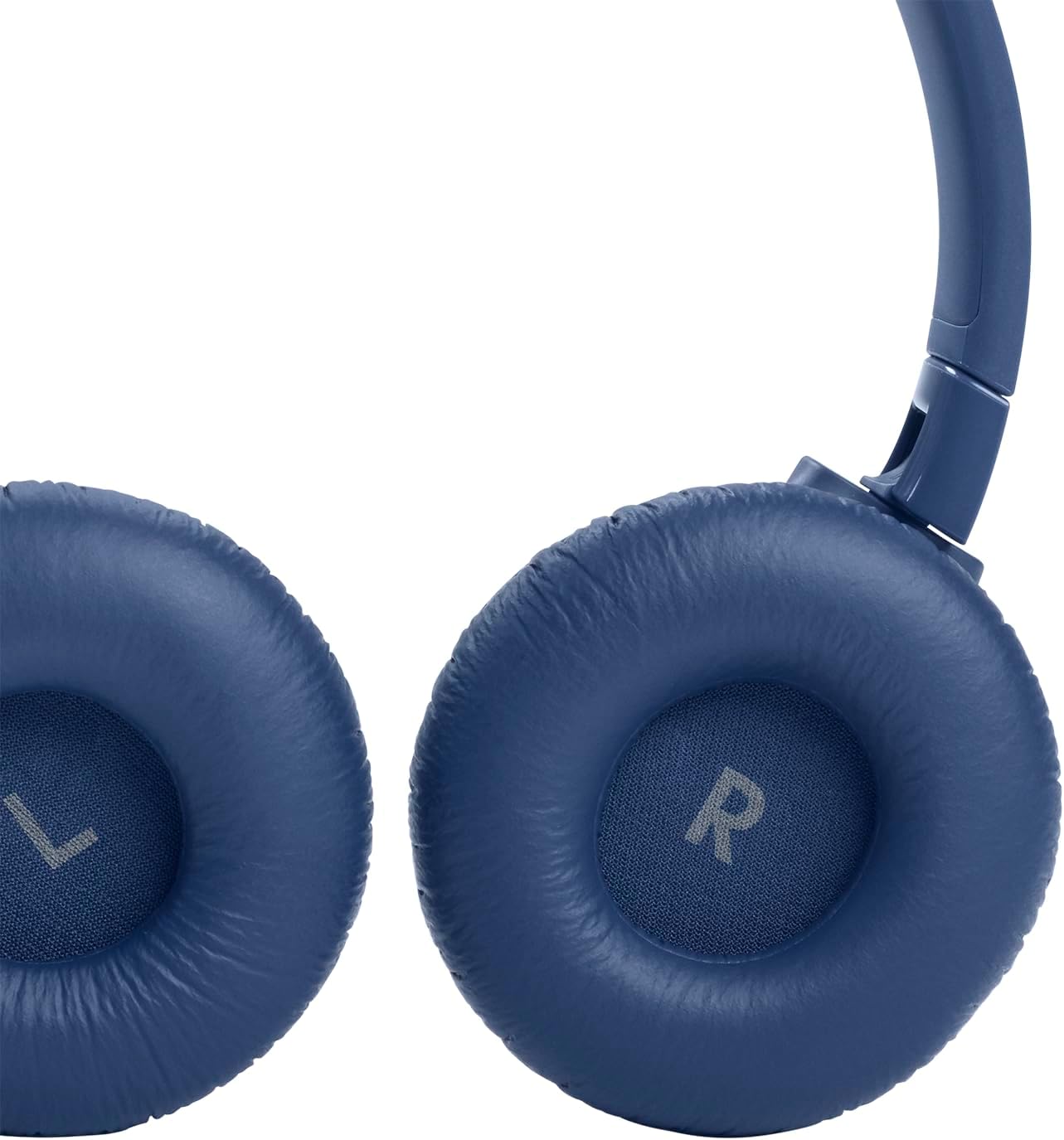
Figure 3.3: Foldable Design for Portability
The controls for power, volume, track navigation, and Active Noise Cancelling are integrated into the earcup for convenient operation.

Figure 3.4: Earcup Controls and Ports
4. Setup
4.1 Charging the Headphones
Use the provided Type-C to Type-A charging cable to charge your headphones. A 5-minute charge provides approximately 2 hours of playback. A full charge offers up to 44 hours with Active Noise Cancelling (ANC) on, or up to 55 hours with Bluetooth only.

Figure 4.1: Battery Life and Quick Charge Feature
4.2 Bluetooth Pairing
The JBL Tune 660NC headphones support Bluetooth 5.0 for wireless streaming. To pair with your device, ensure the headphones are powered on and in pairing mode. Refer to your device's Bluetooth settings to connect. Android devices can utilize Fast Pair for quick connection.
5. Operating Instructions
5.1 Active Noise Cancelling (ANC)
Activate Active Noise Cancelling to minimize ambient noise and immerse yourself in your audio. This feature is particularly useful in noisy environments.

Figure 5.1: Active Noise Cancelling in Use
5.2 JBL Pure Bass Sound
Experience the signature JBL Pure Bass Sound, engineered to deliver deep and powerful bass for an enhanced listening experience.

Figure 5.2: Enjoying JBL Pure Bass Sound
5.3 Hands-free Calls and Voice Assistant
Manage calls and control your audio directly from the earcup buttons. The integrated microphone ensures clear communication. You can also access your device's voice assistant using the earcup button.
5.4 Wired Mode
If the battery is depleted or for a wired connection, use the provided audio cable to continue listening.
6. Maintenance
To ensure the longevity of your JBL Tune 660NC headphones, follow these maintenance guidelines:
- Clean the earcups and headband with a soft, dry cloth.
- Avoid exposing the headphones to extreme temperatures or humidity.
- Store the headphones in a safe place, preferably folded, when not in use to prevent damage.
- Do not attempt to disassemble or repair the headphones yourself. Contact authorized service personnel for assistance.
7. Troubleshooting
If you encounter issues with your headphones, refer to the following common troubleshooting steps:
- No Power: Ensure the headphones are fully charged.
- No Sound: Check Bluetooth connection, volume levels on both headphones and device, and ensure the audio cable is properly connected if in wired mode.
- Pairing Issues: Turn off and on Bluetooth on your device, then re-attempt pairing. Ensure headphones are in pairing mode.
- Poor Sound Quality: Move closer to your Bluetooth device to avoid interference. Ensure no physical obstructions are blocking the signal.
8. Specifications
| Model Name | JBL TUNE 660NC |
| Noise Control | Active Noise Cancellation |
| Connectivity Technology | Bluetooth 5.0 |
| Headphones Jack | 3.5 mm Jack, USB-C |
| Battery Life | Up to 55 Hours (BT only), Up to 44 Hours (ANC on) |
| Charging Time | 5 minutes for 2 hours playback |
| Item Weight | 166 Grams (5.9 ounces) |
| Special Features | Foldable, Lightweight, Microphone Included, Noise Cancellation |
| Water Resistance Level | Not Water Resistant |
9. Official Product Videos
Below are official product videos from the seller demonstrating features and usage of the JBL Tune 660NC headphones.
9.1 Good Headphones for the Whole Family
This video provides a general overview of the JBL Tune 660NC headphones, highlighting their suitability for various users and comfort features.
9.2 Review JBL Wireless Headphones
A detailed review of the JBL Tune 660NC wireless headphones, covering aspects such as sound quality, comfort, and overall user experience.
10. Warranty and Support
Your JBL Tune 660NC headphones come with a Warranty / Warning document included in the box. Please refer to this document for detailed warranty information and terms of service. For further support or inquiries, please visit the official JBL website or contact their customer service.
For more information, visit the JBL Store.


