
Introduction
This instruction manual provides essential information for the proper use, setup, and maintenance of your Citizen Women's Eco-Drive Calendrier Moon Phase Watch, model FD0000-52N. Please read this manual thoroughly to ensure optimal performance and longevity of your timepiece.
Product Overview
The Citizen Eco-Drive Calendrier watch is a sophisticated timepiece featuring a perpetual calendar, moon phase indicator, and Eco-Drive technology, which powers the watch using any light source. This model (FD0000-52N) showcases a stainless steel case and bracelet with a purple mother-of-pearl dial accented with diamonds.

Image Description: A close-up front view of the Citizen Women's Eco-Drive Calendrier Moon Phase Watch. The watch features a round silver-tone stainless steel case and bracelet. The dial is a vibrant purple mother-of-pearl with diamond accents marking some hour positions. Three sub-dials display the day of the week, month, and moon phase. The main hands are luminous, and a date ring is visible around the outer edge of the dial.
Key Features
- Eco-Drive Technology: Powered by any light, eliminating the need for battery replacement.
- Moon Phase Display: Tracks the lunar cycle.
- Perpetual Calendar: Displays Month, Day, and Date automatically, adjusting for different month lengths and leap years.
- Diamond Accents: Adds elegance to the dial.
- Mother-of-Pearl Dial: Unique iridescent quality, ensuring no two dials are exactly alike.
- Stainless Steel Construction: Durable case and bracelet.
Setup Instructions
Before initial use, ensure your watch is fully charged. Due to the complexity of the perpetual calendar and moon phase functions, detailed setting instructions are best found on the official Citizen website or through the My Citizen app. General steps are outlined below.
1. Initial Charging
Place the watch under a bright light source (natural sunlight is ideal) for several hours. The watch will begin operating once sufficient charge is accumulated. Avoid extreme heat.
2. Setting the Time
- Pull the crown out to the second click position.
- Rotate the crown to set the hour and minute hands. Ensure AM/PM is correctly set if your watch has a 24-hour indicator or if setting the date.
- Push the crown back to the normal position.
3. Setting Date, Day, Month, and Moon Phase
These functions are typically adjusted using the crown in the first click position or via recessed pushers on the watch case. Refer to the specific movement guide for model FD0000-52N on the Citizen website for precise instructions, as incorrect adjustment can damage the movement.
Note: For comprehensive, model-specific setting instructions, including detailed diagrams for adjusting the perpetual calendar and moon phase, please visit the official Citizen Watch website or download the My Citizen app. Search for model FD0000-52N.
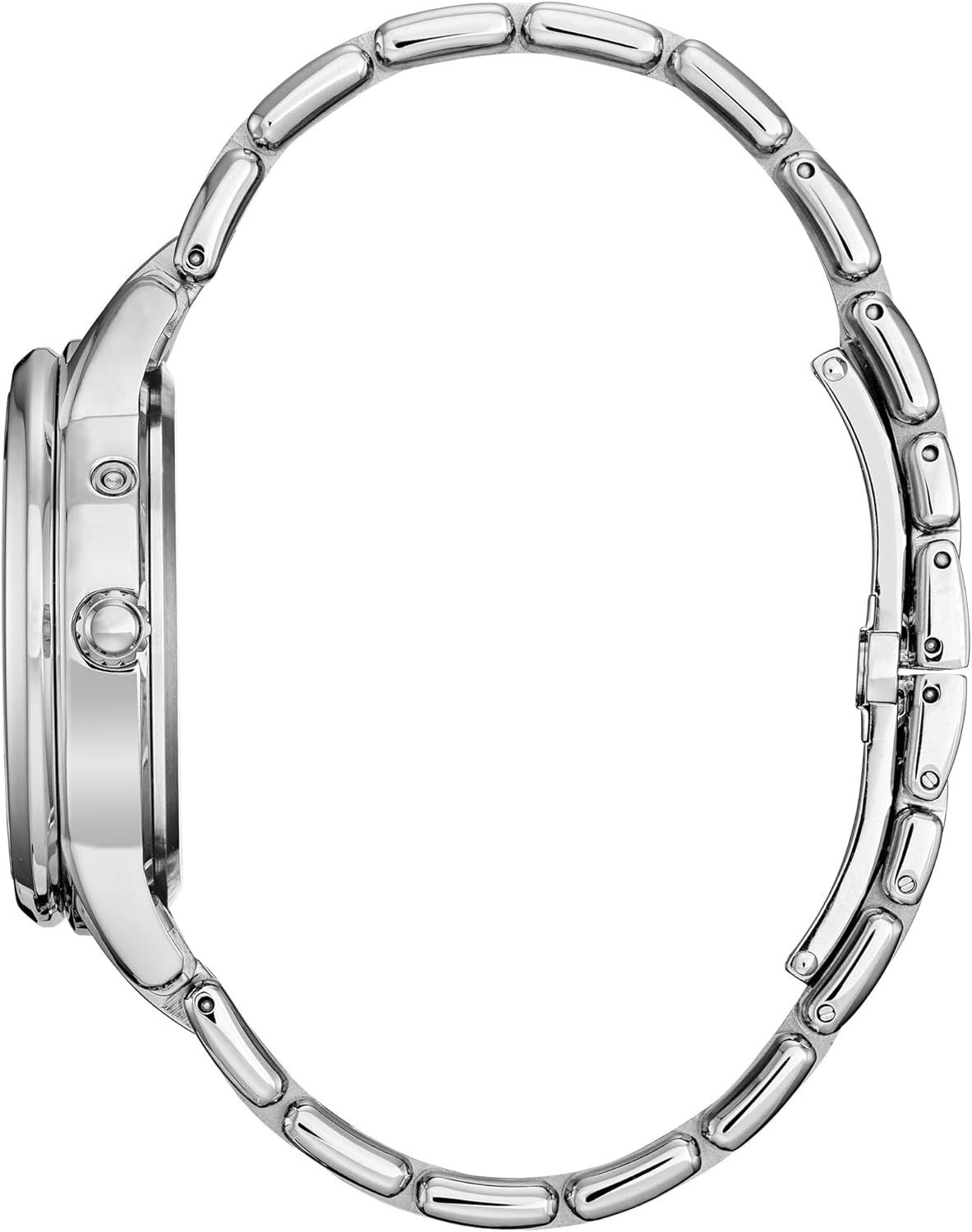
Image Description: A side profile view of the Citizen Women's Eco-Drive Calendrier Moon Phase Watch. The image highlights the watch's slim case design and the textured crown on the right side, used for setting the time and other functions. The stainless steel bracelet is also visible, showing its link construction.
Operating Your Eco-Drive Watch
Your Eco-Drive watch is designed to run continuously with proper exposure to light. No winding or battery replacement is necessary under normal conditions.
Light Exposure
- Wear your watch regularly to expose it to light.
- When not wearing, store it in a location where it can receive light, such as near a window, but avoid direct, intense sunlight for prolonged periods to prevent overheating.
- Avoid storing the watch in dark places for extended periods, as this can deplete the power reserve.
Maintenance
Cleaning
Wipe the watch case and bracelet periodically with a soft, dry cloth to remove dirt and perspiration. For water-resistant models, a slightly damp cloth can be used, followed by drying. Avoid using chemical cleaners.
Water Resistance
This watch is designed with a certain level of water resistance. Refer to the markings on the case back for specific depth ratings. Avoid operating the crown or pushers when the watch is wet to prevent water intrusion.
Storage
When storing the watch for extended periods, ensure it is exposed to light periodically to maintain its charge. If the watch stops due to lack of light, simply expose it to light to restart it.
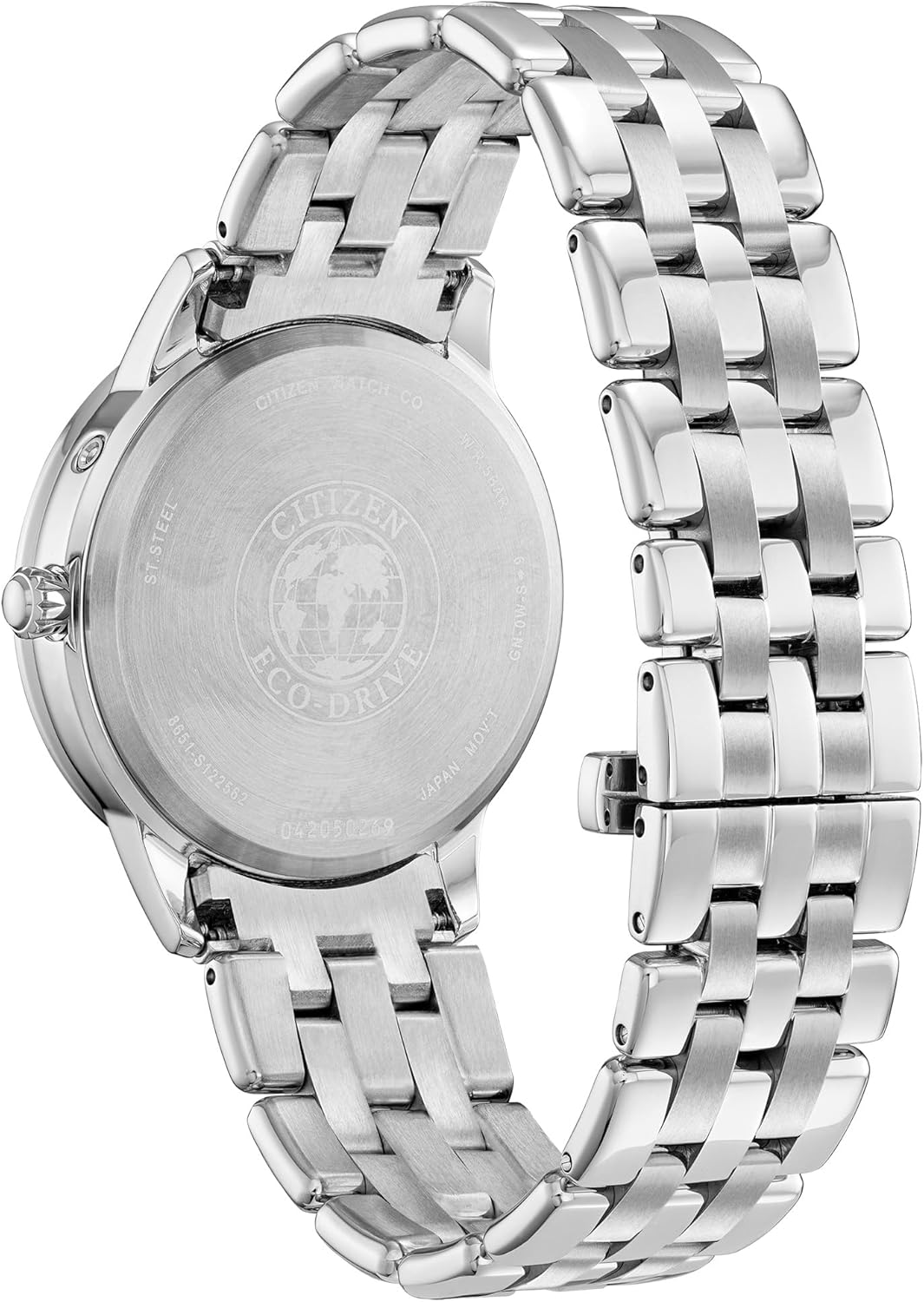
Image Description: A close-up view of the stainless steel case back of the Citizen Women's Eco-Drive Calendrier Moon Phase Watch. Engravings include 'CITIZEN WATCH CO', 'ST. STEEL', 'ECO-DRIVE', 'JAPAN MOV'T', and the model number 'FD0000-52N', along with other serial numbers and water resistance information.
Troubleshooting
- Watch has stopped: This is typically due to insufficient light exposure. Place the watch under a bright light source for several hours to recharge.
- Time/Date is incorrect: Refer to the 'Setup Instructions' section and the official Citizen website for detailed setting procedures. Ensure the watch has adequate charge before attempting to set.
- Hands are not moving smoothly: If the watch has been fully charged and the hands are still erratic, it may require servicing. Contact Citizen customer support.
Specifications
| Feature | Detail |
|---|---|
| Model Number | FD0000-52N |
| Movement | Eco-Drive (Solar Powered) |
| Case Material | Stainless Steel |
| Band Material | Stainless Steel |
| Dial Color | Purple Mother-of-Pearl |
| Special Features | Moon Phase, Month, Day, Date, Diamond Accents |
| Item Weight | 3.81 ounces |
| Batteries | 1 Lithium Metal battery required (included, for memory/backup) |
Warranty and Support
Citizen watches typically come with a 5-year limited warranty, covering manufacturing defects. For specific warranty terms, service requests, or to find an authorized service center, please visit the official Citizen Watch website.
Official Citizen Website: www.citizenwatch.com
My Citizen App: Available for download on app stores for additional resources and support.


