
1. Introduction
This manual provides detailed instructions for the safe installation, operation, and maintenance of your Hinkley Collier 54-inch Indoor Smart Ceiling Fan. Please read all instructions carefully before beginning installation and retain this manual for future reference.
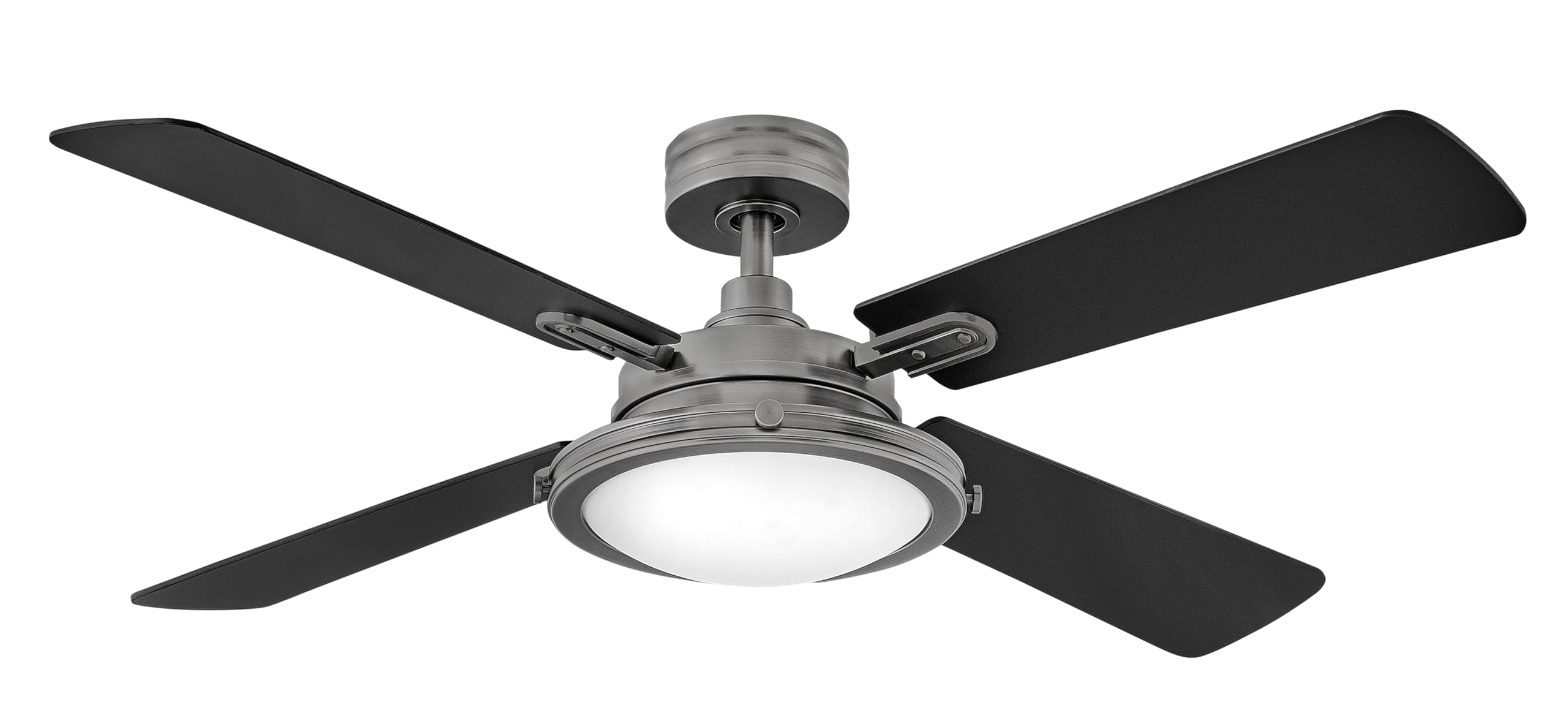
Image 1.1: Hinkley Collier 54-inch Smart Ceiling Fan in Pewter finish, featuring four reversible wooden blades and an integrated LED light, installed in a bedroom.
2. Safety Information
To reduce the risk of electrical shock, fire, or personal injury, always follow these basic safety precautions:
- Ensure the power is turned off at the circuit breaker or fuse box before installation or servicing.
- All electrical connections must be in accordance with local codes, ordinances, and the National Electric Code. If you are unfamiliar with electrical wiring, consult a qualified electrician.
- The fan must be mounted to a structurally sound ceiling outlet box capable of supporting a minimum of 35 lbs (15.9 kg).
- Do not bend the blade holders during installation, balancing, or cleaning.
- Keep hands, tools, and other objects clear of the fan blades when the fan is operating.
- This fan is designed for indoor use only.
3. Package Contents
Verify that all components listed below are included in your package:
- Ceiling Fan Motor Housing
- Fan Blades (4)
- Down Rod (1) 6-inch
- Mounting Bracket
- Canopy
- Integrated LED Light Kit
- HIRO Remote Control
- Installation Instructions
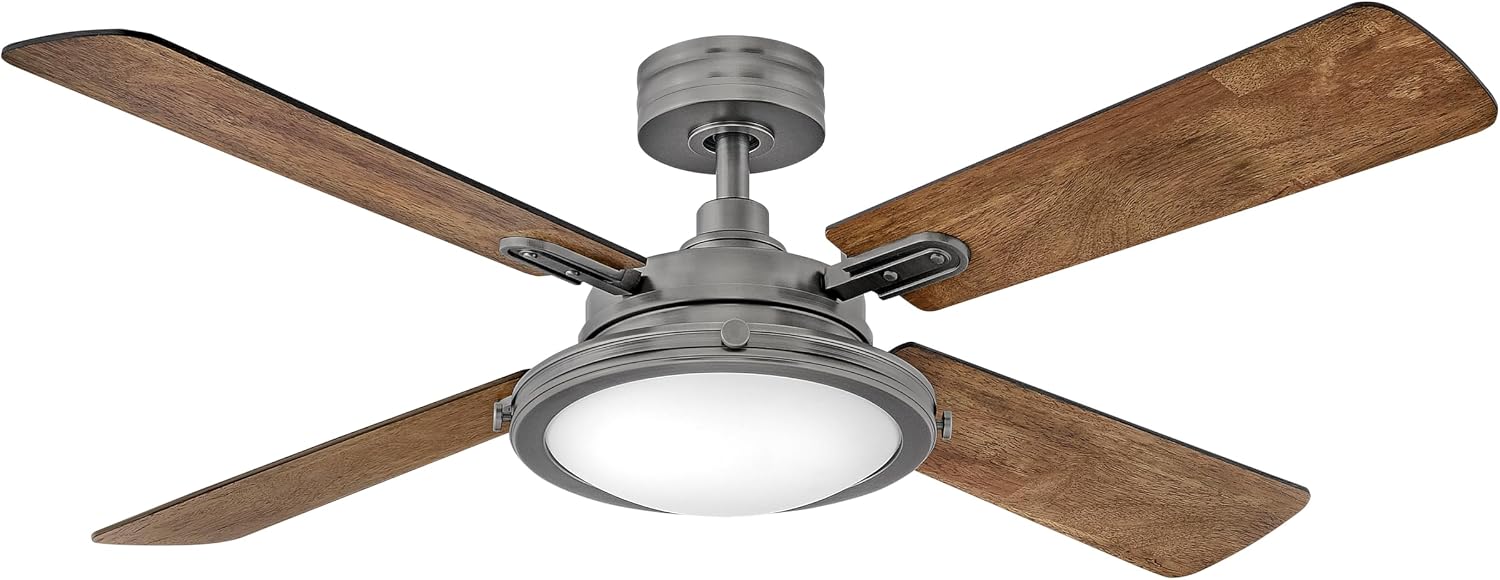
Image 3.1: Visual representation of the included accessories and key features such as the integrated LED, HIRO control, reversible blades, and downrod.
4. Features
The Hinkley Collier Smart Ceiling Fan offers a blend of style and functionality:
- Retro Touches, Reversible Blades: Pewter-finished cast knobs, hinges, and stems complement the two-sided wood blades (Matte Black / Birch) that extend from above the etched opal glass light kit.
- HIRO Smart Fan Controls Included: Control fan speed, lighting, and power via the HIRO remote or the free downloadable app. HIRO integrates with smart home assistants like Google Home and Alexa.
- Energy-Efficient Integrated LED: Features an integrated LED light source behind a classic Etched Opal glass lens.
- 6-Speed Reversing DC Motor: A quiet, energy-efficient motor with multiple speeds and reverse function, allowing quick changes between summer (forward, downward airflow) and winter (reverse, upward airflow) modes.

Image 4.1: Detailed view of the fan's central housing and blade connection points.

Image 4.2: Benefits of the energy-efficient DC motor, emphasizing its eco-friendliness and quiet operation.

Image 4.3: Advantages of the integrated LED lighting, including energy efficiency and extended lifespan.
5. Setup & Installation
Installation of the Hinkley Collier ceiling fan requires basic electrical knowledge. Refer to the included detailed installation instructions for step-by-step guidance. Ensure all power is disconnected before proceeding.
5.1 Dimensions

Image 5.1: Dimensional drawing of the ceiling fan, providing measurements for planning installation space.
5.2 General Installation Overview
The installation process typically involves mounting the bracket to the ceiling, assembling the fan motor and blades, wiring the electrical connections, and attaching the light kit. Always ensure secure connections and proper grounding.
Video 5.2: A general overview video demonstrating the features and design of Hinkley fans, which may include aspects relevant to installation and operation.
6. Operating Instructions
Your Hinkley Collier Smart Ceiling Fan can be operated using the included HIRO remote control, a downloadable app, or integrated smart home assistants.
6.1 HIRO Remote Control
The HIRO remote allows you to control fan speed, light on/off, light dimming, and fan direction (forward/reverse).

Image 6.1: The HIRO remote control, showing buttons for fan and light functions.

Image 6.2: Detailed diagram of the HIRO remote control buttons and their corresponding functions.
6.2 Smart Home Integration
The HIRO system is compatible with popular smart home assistants such as Google Home, Amazon Alexa, and Siri. Follow the instructions provided with the HIRO app to connect your fan to your preferred smart home ecosystem for voice control and advanced scheduling.
7. Maintenance
Regular maintenance ensures optimal performance and longevity of your ceiling fan.
- Cleaning: Use a soft, damp cloth to clean the fan. Do not use abrasive cleaners or solvents that may damage the finish or blades.
- Blade Care: Periodically check the blade screws for tightness. Loose blades can cause wobbling and noise.
- Light Kit: The integrated LED light source is designed for long life and does not require bulb replacement. If the light malfunctions, contact customer support.
8. Troubleshooting
If you experience issues with your fan, refer to the following common problems and solutions:
| Problem | Possible Cause | Solution |
|---|---|---|
| Fan does not start | No power to the fan; Loose wiring; Remote control battery low. | Check circuit breaker/fuse; Verify all wire connections; Replace remote battery. |
| Fan wobbles | Loose blade screws; Unbalanced blades; Loose mounting bracket. | Tighten all blade screws; Use a balancing kit (not included); Ensure mounting bracket is secure. |
| Light does not work | No power to the light; Loose wire connection in light kit. | Check power supply; Verify light kit wiring. |
| Remote control not working | Low battery; Remote not paired with fan. | Replace battery; Refer to remote pairing instructions in the full manual. |
9. Specifications
| Specification | Detail |
|---|---|
| Brand | Hinkley |
| Model Name | Collier 54" LED Smart Fan |
| Model Number | 903254FPW-LID |
| Color | Pewter |
| Product Dimensions | 54"D x 54"W x 15.5"H |
| Item Weight | 18 Pounds |
| Electric Fan Design | Ceiling Fan |
| Power Source | Corded Electric |
| Room Type | Bedroom, Dining Room, Kitchen, Living Room |
| Special Feature | Dimmable, Hardwired, Integrated |
| Mounting Type | Ceiling Mount |
| Controller Type | Amazon Alexa, Google Assistant, Siri |
| Number of Speeds | 6 |
| Wattage | 24 watts |
| Number of Blades | 4 |
| Air Flow Capacity | 3617 Cubic Feet Per Minute |
| Voltage | 120 Volts |
| Indoor Outdoor Usage | Indoor |
| Control Method | App, Remote, Voice |
| Light Type | LED |
| Material | Alloy Steel |
| Blade Material | Wood |
| Specification Met | UL |
| UPC | 640665019216 |
10. Warranty & Support
This Hinkley Collier 54-inch Indoor Smart Ceiling Fan is covered by a 1-year manufacturer's warranty. For warranty claims, technical support, or replacement parts, please contact Hinkley customer service directly. Refer to the contact information provided in the original product packaging or on the official Hinkley website.
