
Altec Lansing IMW270
Altec Lansing Baby Boom XL IMW270 Portable Bluetooth Speaker
User Instruction Manual
Introduction
The Altec Lansing Baby Boom XL IMW270 is a compact and durable portable Bluetooth speaker designed for on-the-go audio. This speaker delivers clear sound with deep bass, making it suitable for various environments, including outdoor activities. Its robust construction ensures it is waterproof, snowproof, and floats, providing reliability in diverse conditions. With a long-lasting rechargeable battery and easy Bluetooth connectivity, the Baby Boom XL offers a convenient audio solution.
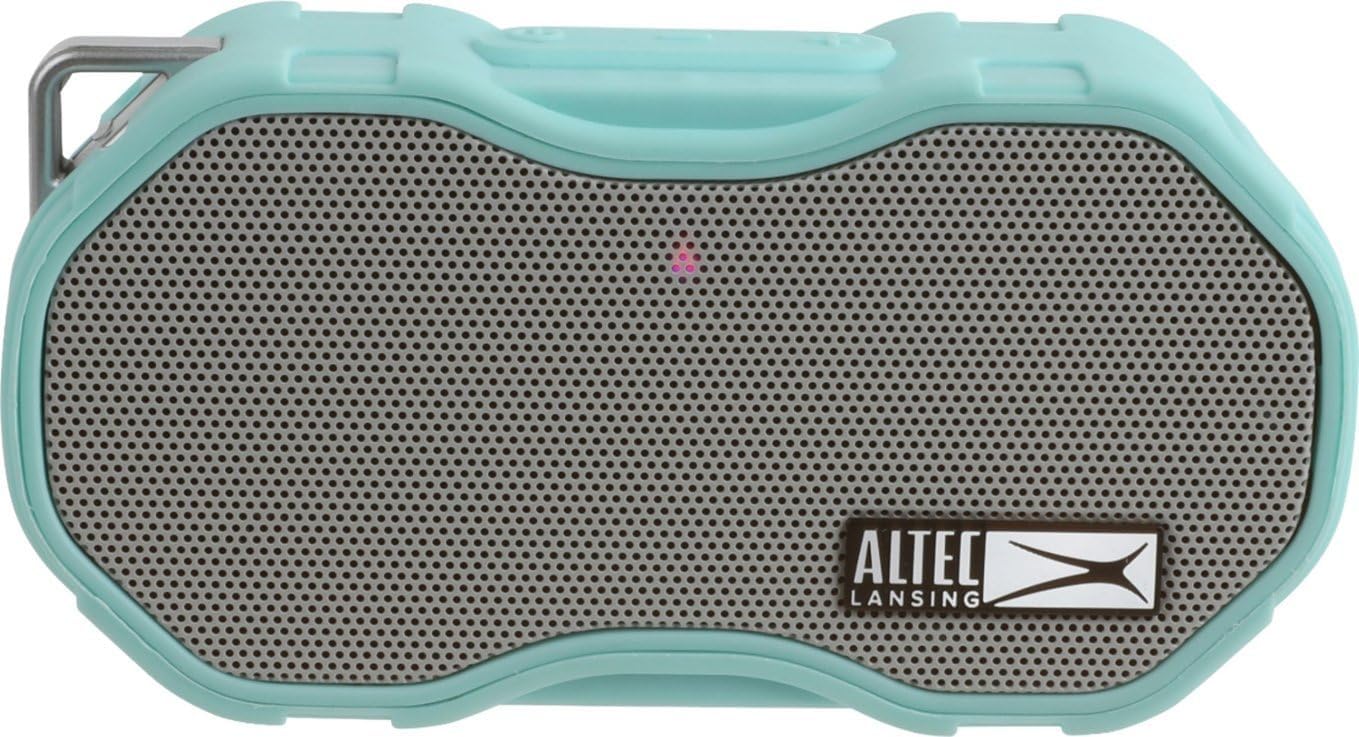
Front view of the Altec Lansing Baby Boom XL IMW270 Portable Bluetooth Speaker in mint green.
Safety Information
Please read all safety instructions before using this product. Failure to follow these instructions may result in electric shock, fire, or other hazards.
- Do not attempt to disassemble or modify the speaker.
- Keep the speaker away from extreme temperatures, direct sunlight, and heat sources.
- Ensure the charging port cover is securely closed when not charging to maintain water resistance.
- Use only the specified charging cable and power adapter.
- Avoid dropping the speaker from excessive heights, although it is designed to be durable.
- Do not expose the speaker to corrosive liquids.
Package Contents
Verify that all items are present in your package:
- Altec Lansing Baby Boom XL IMW270 Portable Bluetooth Speaker
- USB Charging Cable
- Quick Start Guide (not included in this manual)
Product Overview
Familiarize yourself with the speaker's components and controls.
Front View

The front features the main speaker grille and the Altec Lansing branding.
Top Controls

The top panel includes the Power button and Volume +/- buttons. These buttons also control track skipping when held down.
Rear View and Charging Port

The rear of the speaker features a textured surface for grip. The charging port is located on the underside, protected by a rubber cap.

An integrated carabiner clip is present for easy attachment to bags or other items.
Setup
Charging the Speaker
Before first use, fully charge your Baby Boom XL speaker. A full charge provides up to 6 hours of playback time.
- Locate the charging port on the underside of the speaker. It is protected by a rubber cap.
- Gently pull back the rubber cap to expose the USB charging port.
- Connect the small end of the provided USB charging cable to the speaker's charging port.
- Connect the larger end of the USB cable to a USB power source (e.g., computer USB port, wall adapter, power bank).
- The LED indicator light will illuminate during charging and turn off when fully charged.
- Once charging is complete, securely close the rubber cap to maintain water resistance.
Pairing with a Bluetooth Device
Follow these steps to connect your speaker to a Bluetooth-enabled device:
- Ensure the speaker is charged.
- Press and hold the Power button on the top of the speaker until you hear an audible prompt or see the LED indicator light flash, indicating it's in pairing mode.
- On your Bluetooth device (smartphone, tablet, laptop), go to the Bluetooth settings.
- Search for available devices. The speaker will appear as "Baby Boom XL".
- Select "Baby Boom XL" from the list to initiate pairing.
- Once successfully paired, you will hear a confirmation tone, and the LED indicator light will change (e.g., solid blue).
- The speaker has a Bluetooth range of up to 100 feet.
Operating Instructions
Power On/Off
- To turn ON: Press and hold the Power button.
- To turn OFF: Press and hold the Power button again.
Volume Control
- To increase volume: Press the '+' button.
- To decrease volume: Press the '-' button.
Music Playback
- To play/pause: Control playback directly from your connected Bluetooth device.
- To skip to the next track: Press and hold the '+' button.
- To go to the previous track: Press and hold the '-' button.
Waterproof and Durability Features
The Baby Boom XL is designed for outdoor use and is rated as waterproof and snowproof. It also floats when dropped in water and is built to withstand impacts.
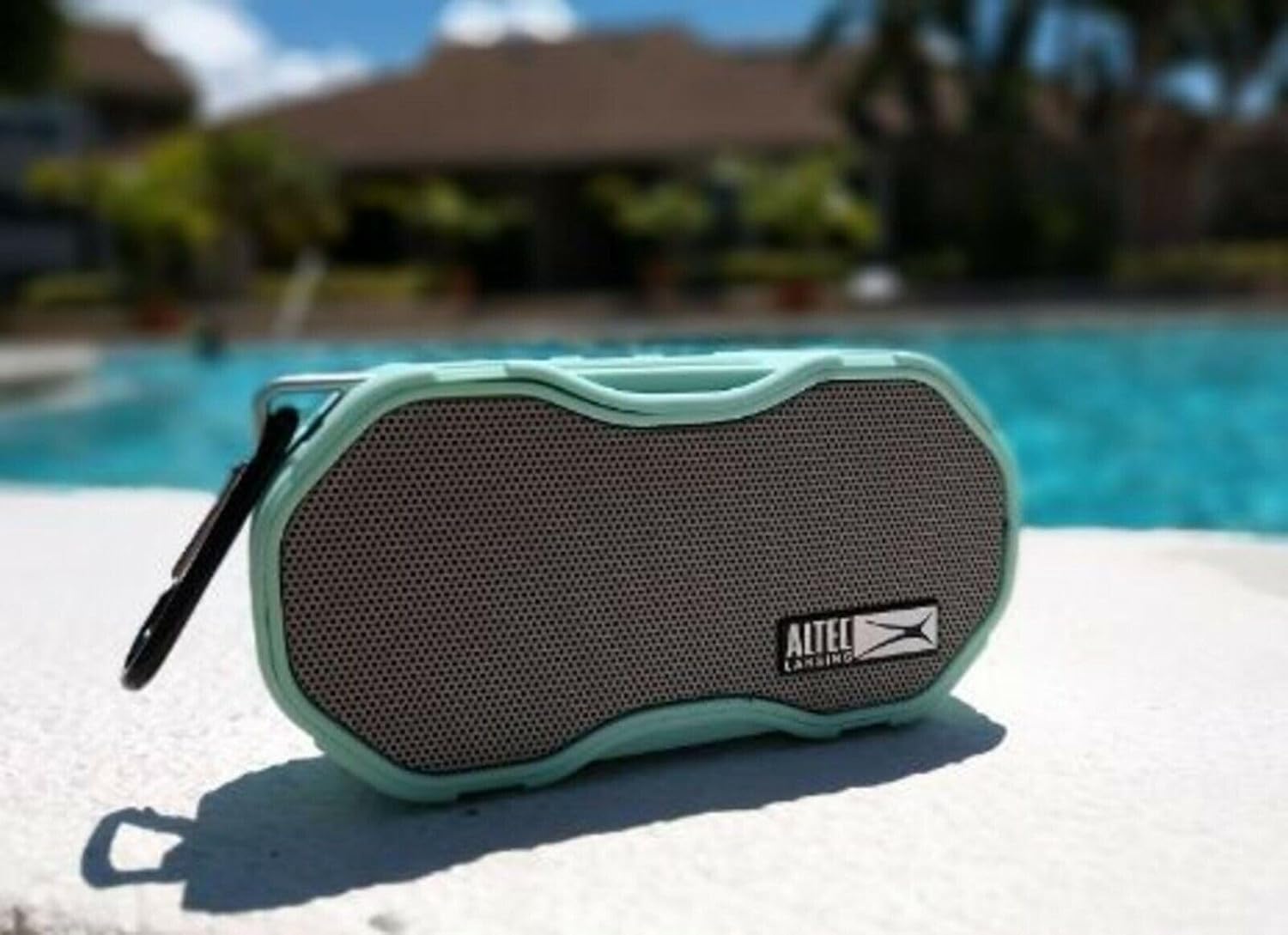
The speaker's waterproof design makes it ideal for poolside use.

Its compact size and durable build allow for easy portability and attachment to gear.
Maintenance
- Cleaning: Use a soft, damp cloth to clean the speaker's exterior. Do not use harsh chemicals or abrasive cleaners.
- Storage: Store the speaker in a cool, dry place when not in use. Avoid prolonged exposure to direct sunlight or extreme temperatures.
- Charging Port: Always ensure the rubber cap covering the charging port is sealed tightly when the speaker is not charging to prevent water ingress.
Troubleshooting
| Problem | Possible Cause | Solution |
|---|---|---|
| Speaker does not turn on. | Low battery. | Charge the speaker fully. |
| Cannot pair with Bluetooth device. | Speaker not in pairing mode; device too far; Bluetooth off on device. | Ensure speaker is in pairing mode. Move device closer. Turn on Bluetooth on your device. Forget and re-pair the device. |
| No sound or low volume. | Volume too low on speaker or device; speaker not connected. | Increase volume on both speaker and connected device. Ensure speaker is properly paired. |
| Sound distortion. | Device too far from speaker; interference. | Move device closer to the speaker. Avoid obstacles between speaker and device. |
Specifications
| Feature | Detail |
|---|---|
| Model Name | Baby Boom XL IMW270 |
| Brand | Altec Lansing |
| Speaker Type | Outdoor, Portable Bluetooth Speaker |
| Connectivity Technology | Bluetooth, USB |
| Wireless Communication Technology | Bluetooth |
| Bluetooth Range | Up to 100 Feet |
| Battery Life | Up to 6 Hours |
| Waterproof Rating | True (Waterproof, Snowproof, Floats) |
| Control Method | Touch (Buttons) |
| Color | Mint |
| Item Weight | 8.8 ounces |
| Manufacturer | Sakar International, Inc. |
| UPC | 649661713456 |
Warranty and Support
The Altec Lansing Baby Boom XL IMW270 comes with a Limited Warranty. For specific warranty terms and conditions, please refer to the documentation included with your purchase or visit the official Altec Lansing website.
For technical support, troubleshooting assistance, or warranty claims, please contact Altec Lansing customer service. Contact information can typically be found on the manufacturer's website or in your product packaging.
As this product is listed as "Renewed," please also refer to the Amazon Renewed Guarantee for details regarding replacement or refund eligibility for pre-owned, refurbished products purchased through Amazon.
Related documentsIMW270


Ask a question about this manual
Ask about setup, troubleshooting, compatibility, parts, safety, or missing instructions. Manuals+ will review the question and use this page’s manual context to help answer it.