
1. Introduction
Thank you for choosing the DORTALA Foldable Floor Chair. This manual provides essential information for the safe and effective use, setup, and maintenance of your new chair. Please read it thoroughly before use and retain it for future reference.

Image 1.1: DORTALA Foldable Floor Chair in use.
2. Safety Information
Please observe the following safety guidelines to prevent injury or damage to the product:
- Ensure the chair is set up on a stable, level surface.
- The maximum weight capacity for this chair is 310 lbs (140 kg). Do not exceed this limit.
- Avoid standing on the chair or using it as a step stool.
- Keep fingers and hands clear of adjustment mechanisms when changing chair positions to prevent pinching.
- Do not expose the chair to excessive moisture or direct sunlight for prolonged periods.
- Keep away from open flames or heat sources.
3. Setup and Assembly
The DORTALA Foldable Floor Chair requires no assembly. It arrives pre-assembled and ready for use.
3.1 Unfolding the Chair
- Carefully remove the chair from its packaging.
- Place the folded chair on a flat, stable surface.
- Gently pull the backrest upwards until it locks into your desired upright position. The chair features a multi-position adjustment mechanism.
- Adjust the headrest to your preferred angle (see Section 4.2).
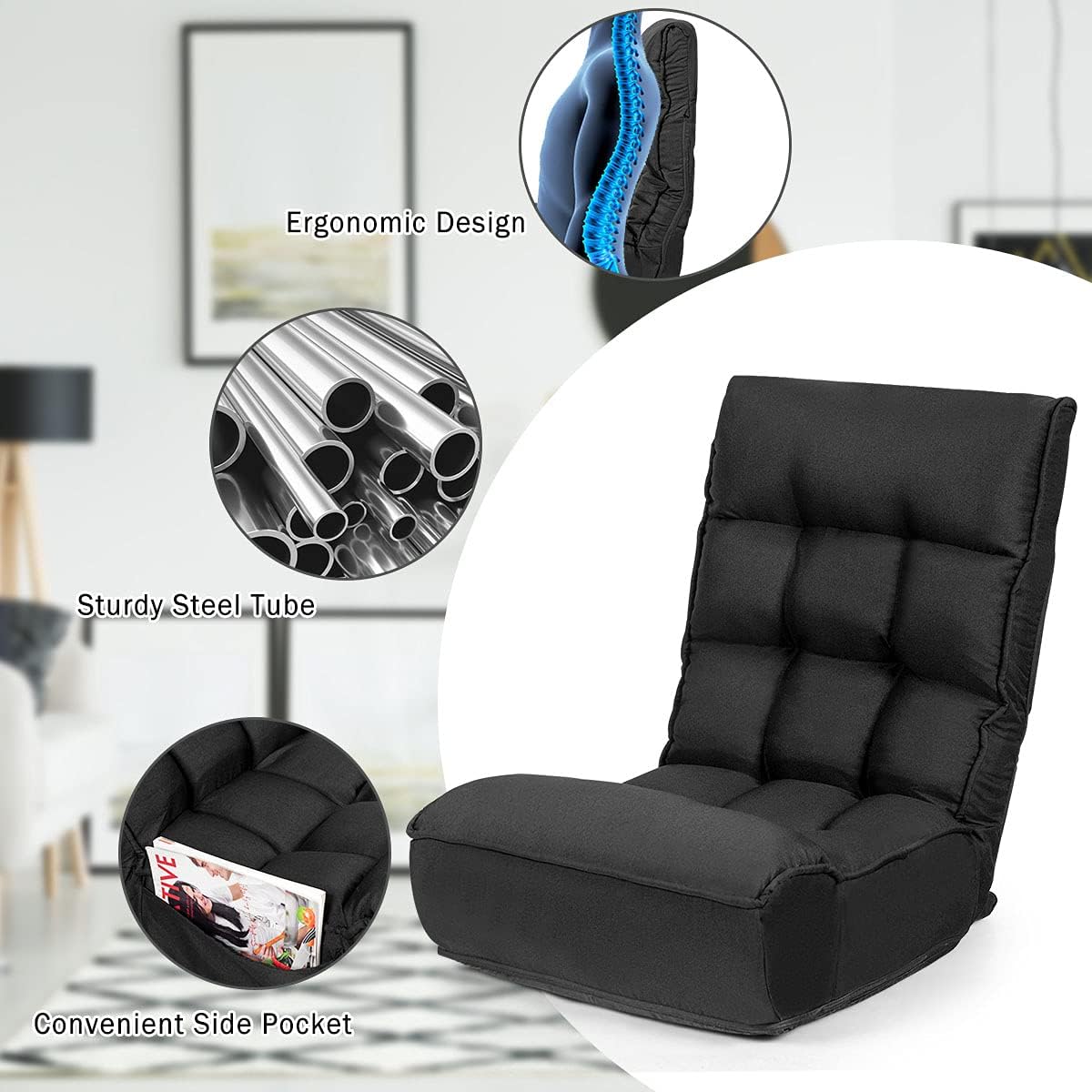
Image 3.1: Adjustable Head and Backrest positions.
4. Operating Instructions
4.1 Adjusting the Backrest
The backrest can be adjusted to 4 different positions. To adjust:
- Push the backrest forward until it clicks into a fully upright position.
- Slowly recline the backrest backward. It will click and lock into each of the 4 available positions.
- Select the position that offers the most comfort and support for your activity (e.g., reading, gaming, watching TV, napping).
4.2 Adjusting the Headrest
The headrest offers 5 different angles for optimal head and neck support. To adjust:
- Simply push or pull the headrest to your desired angle. It will click into place at each of the 5 positions.
4.3 Folding for Storage
To fold the chair for compact storage:
- Ensure the headrest is in its lowest, most reclined position.
- Push the backrest fully forward until it releases from the upright lock.
- Fold the backrest completely flat against the seat.
- The chair can now be stored in a closet or under a bed.

Image 4.1: Chair in unfolded and folded states for storage.
4.4 Side Pocket
The chair is equipped with a convenient side pocket for storing small items such as books, mobile phones, or remote controls.
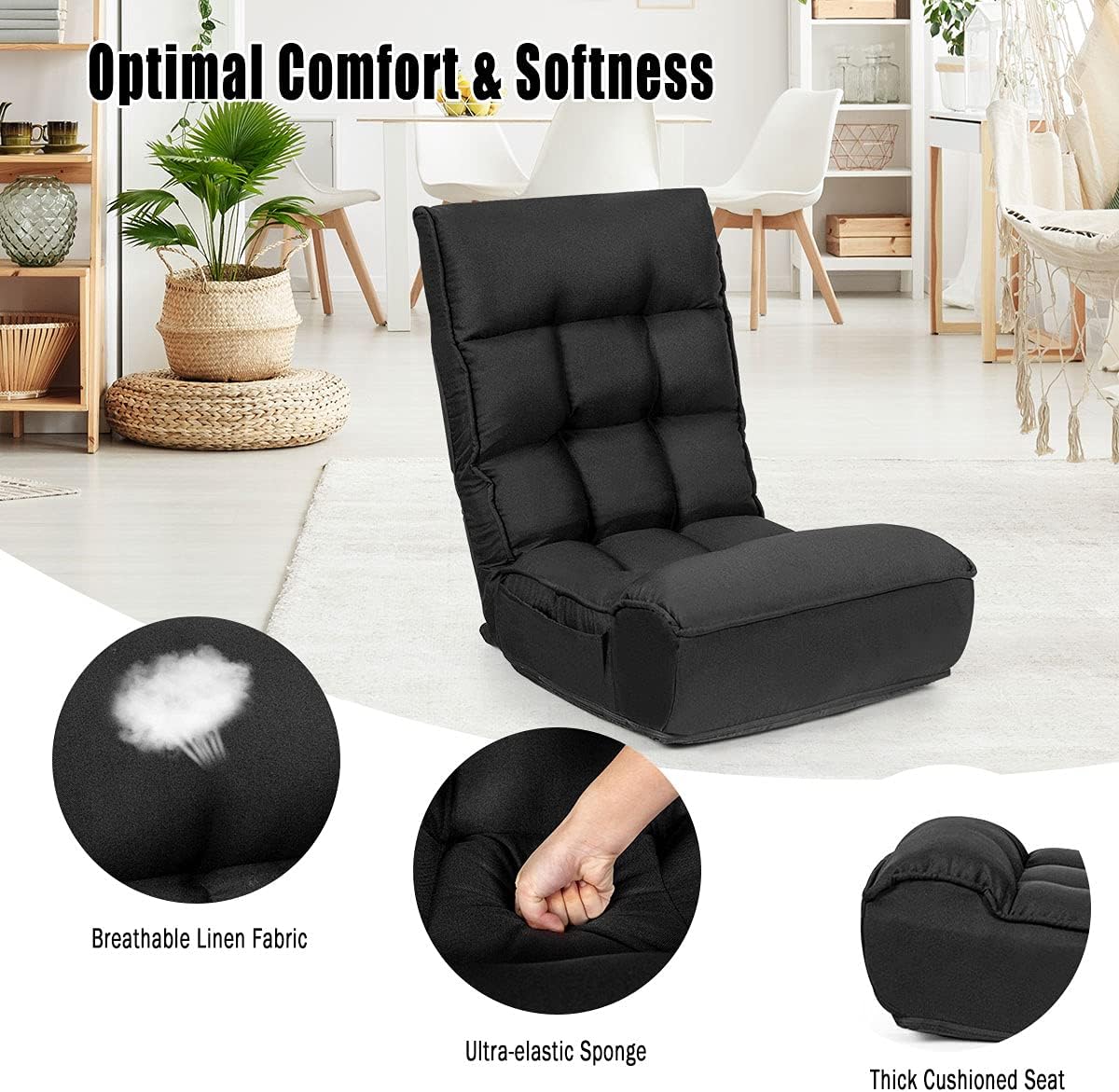
Image 4.2: Features including the side pocket.
5. Maintenance
To ensure the longevity and appearance of your DORTALA Foldable Floor Chair:
- Cleaning: Wipe clean with a damp cloth. Avoid harsh chemicals or abrasive cleaners, as these may damage the fabric.
- Spills: Blot spills immediately with a clean, dry cloth.
- Inspection: Periodically check the adjustment mechanisms and frame for any signs of wear or damage.
- Storage: When not in use for extended periods, store the chair in a cool, dry place, preferably folded to protect the fabric and mechanisms.
6. Troubleshooting
If you encounter any issues with your DORTALA Foldable Floor Chair, please refer to the following common solutions:
- Chair not staying in position: Ensure the backrest is pushed fully forward to reset the mechanism before reclining to your desired position. Each position should click firmly into place. If it still does not hold, inspect the internal mechanism for any obstructions or damage.
- Difficulty folding: Make sure the headrest is fully reclined before attempting to fold the backrest flat. Push the backrest fully forward to release the locking mechanism before folding.
- Unusual noises during adjustment: This may indicate a need for lubrication of the internal mechanism. If noises persist or worsen, discontinue use and contact customer support.
7. Specifications
Detailed specifications for the DORTALA Foldable Floor Chair:
| Feature | Detail |
|---|---|
| Brand | DORTALA |
| Model Number | DO-HW66375-CA |
| Color | Black |
| Product Dimensions (Unfolded) | 23.5"D x 44"W x 31"H |
| Product Dimensions (Folded) | 23.5"D x 27.5"W x 14"H |
| Seat Depth | 21.5 inches |
| Item Weight | 16.5 pounds |
| Maximum Weight Recommendation | 310 Pounds (140 kg) |
| Back Style | Solid Back |
| Special Features | Adjustable, Foldable |
| Reclining Position Count | 4 |
| Headrest Adjustment | 5 Angles |
| Fill Material | Memory Foam |
| Outer Material | Breathable Linen Fabric |
| Frame Material | Alloy Steel |
| Recommended Uses | Gaming, Reading, Relaxing |

Image 7.1: Visual representation of product specifications.
8. Warranty and Support
8.1 Warranty Information
For detailed warranty information regarding your DORTALA Foldable Floor Chair, please refer to the retailer's website where the product was purchased or contact DORTALA customer service directly. Warranty terms and conditions may vary.
8.2 Customer Support
If you have any questions, require assistance with setup, operation, or maintenance, or need to report a defect, please contact DORTALA customer service. Contact information can typically be found on the product packaging or the official DORTALA website.